
The Draw tool can be selected from the toolbar (Whiteboard tools: Overview)
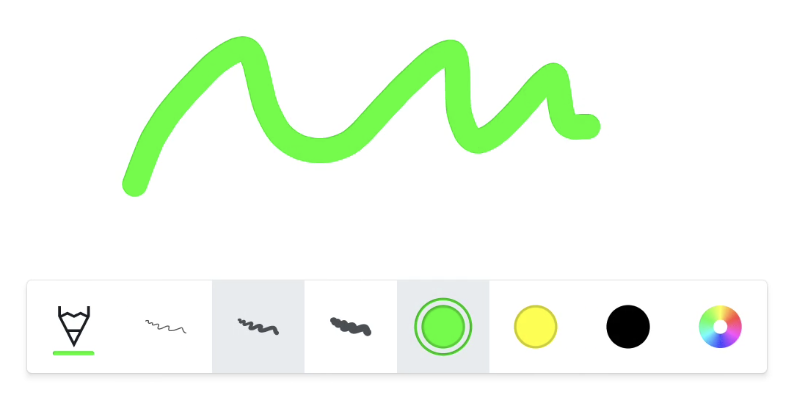
Pencil
The Pencil tool is fully opaque.
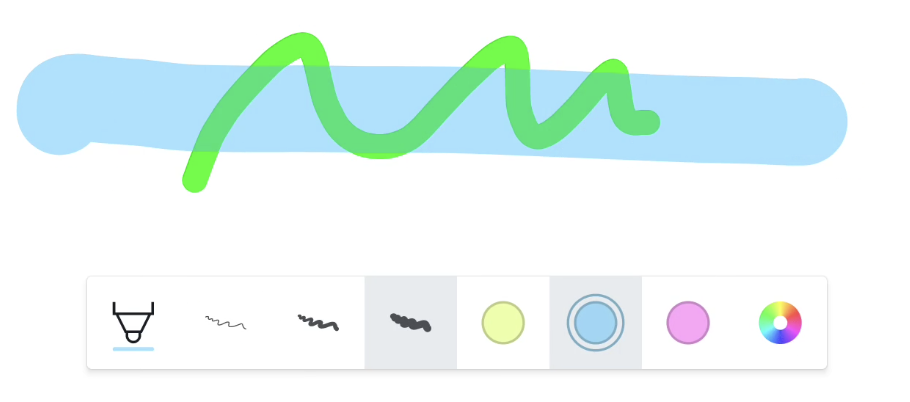
Marker
The Marker tool is slightly transparent and has a brighter color palette. Once you select any of the tools, you can use them to write on the canvas with your finger, or a similarly sized pen.
(Physical) Pen tool menu
Some i3TOUCH displays come with one or more physical pens. If you have one, you will see the number of pens in i3WHITEBOARD as a separate tool menu. Each pen size will have its own icon, with the color indicator visible. This way you’ll always have a good overview of the colors you’re drawing with.
If you draw straight away with the pens, you will see that the active pen is highlighted and its' Features menu appears.
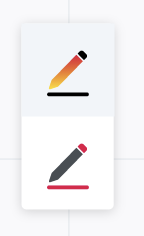
You can also select the icons and change the features in the Features menu before drawing. The Pen tool does not allow you to draw shapes or text. However, if you select the Shape tool, you can easily draw shapes with your finger while using the pens for drawing. Each in their own color!
If you set pen & finger preference to Single Mode, you won’t see the Pen tool. In Single Mode, there’s no differentiation between pen and finger touch events.
The i3TOUCH X2 comes with 4 pens, but one behaves identically to the finger. Therefore, the Pen tool menu will only display 3 pen icons that you can customize.
Eraser tool
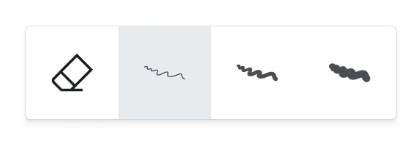
The Eraser allows you to erase specific sections from the canvas.
Select the size you want to erase within the Features menu.
Gestures
Depending on your Whiteboard settings you can use these gestures:
-
Write → Writing automatically starts when writing with the physical pen
-
Large eraser → place 4 fingers from one hand on the board
-
Palm eraser → place the palm of your hand as a fist on the board
-
Select, move or resize an object → Finger tap or pinch on objectsan
-
Pan/zoom the canvas → Finger tap or pinch on whiteboard canvas
Palm erase is supported only on the following displays:
-
i3TOUCH EX
-
i3TOUCH PX (only on updated models with palm rejection settings disabled)
-
i3TOUCH X-ONE
-
i3TOUCH E-ONE
-
i3TOUCH X2
-
i3TOUCH ULTRA