Download as PDF
CTOUCHlaserairplus_HowtoinstallappexertnalstoragedeviceV170630.pdf
Instructions
-
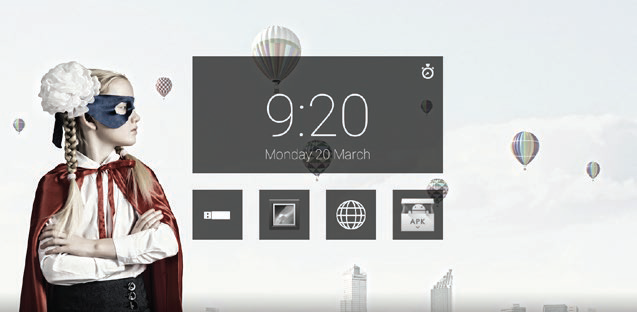
Touch the application list.
-
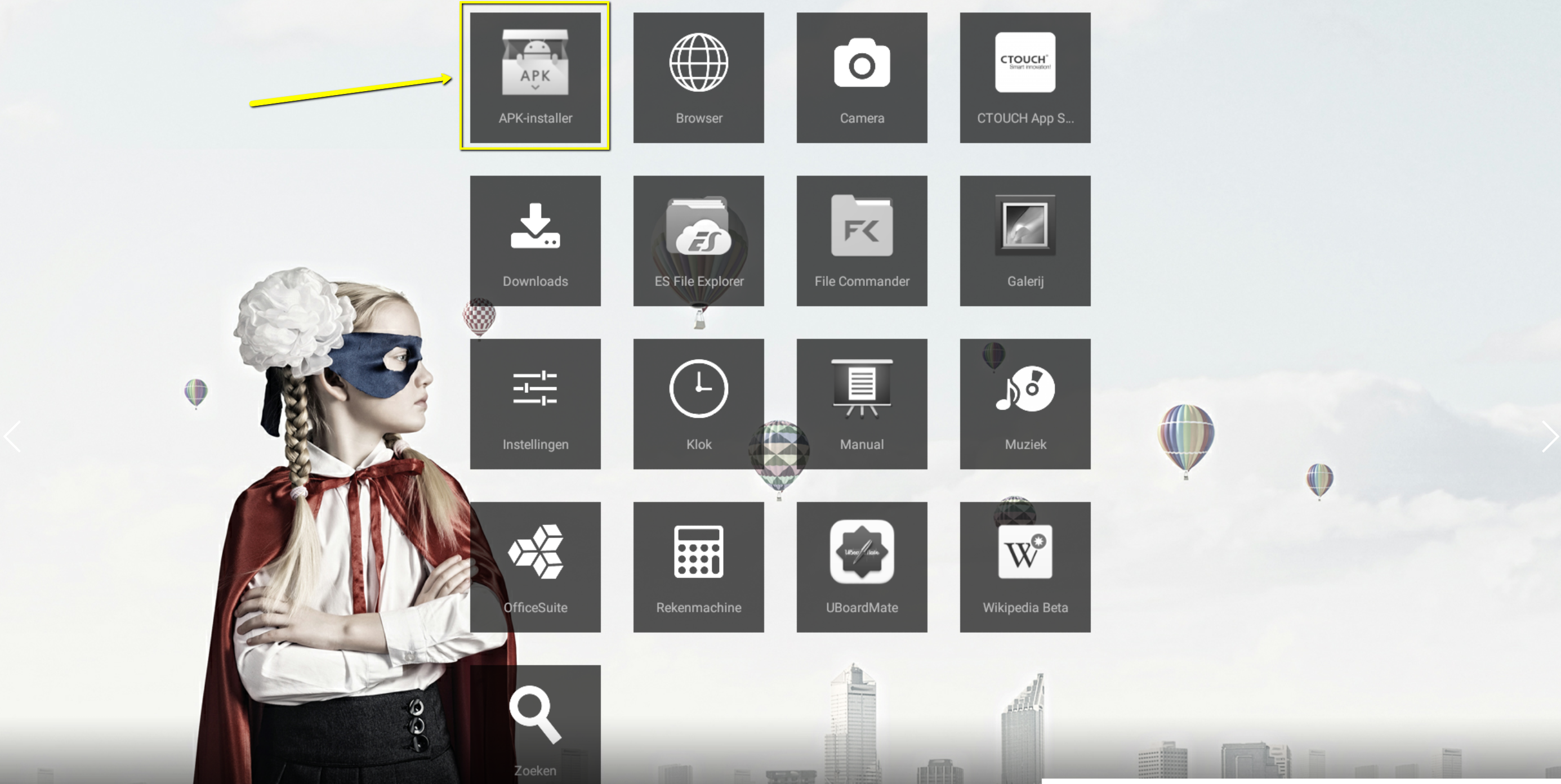
APK installer is placed in the list of installed apps by default.
-
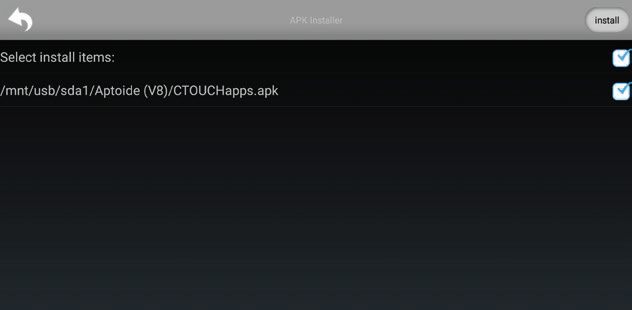
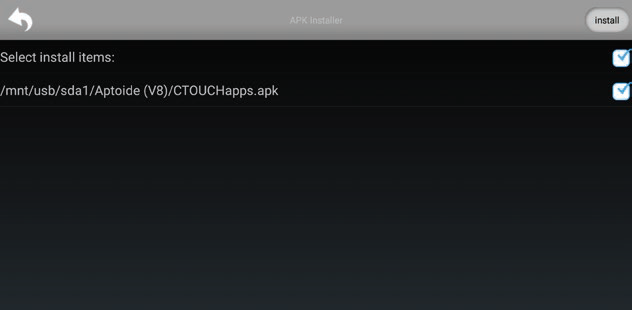
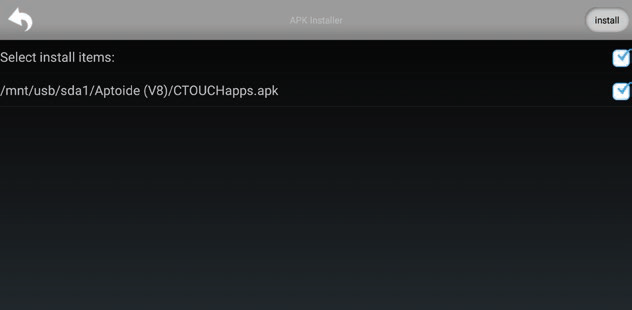
Select the file(s) you want to update.
-
Touch ‘install’.
-
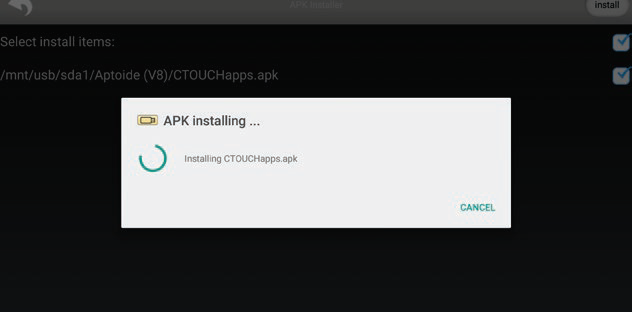
The app(s) will be installed.
-
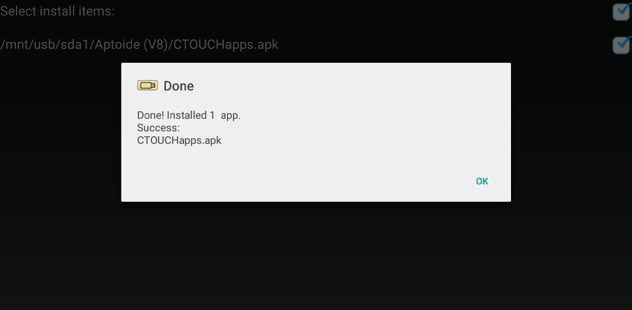
After the installation is finished, touch ‘OK’.
-
Touch the return-button to go back to the Android home screen.