
Follow the instructions below.
Use the touch test tool:
20211222.IRTestApp.MinGW_32.V10111-V0003.zip
-
Connect a Windows10/11 computer with USB and HDMI to the i3TOUCH to avoid the message below.
-
Run test software “IRTouchTestApp.exe” to enter into testing interface.
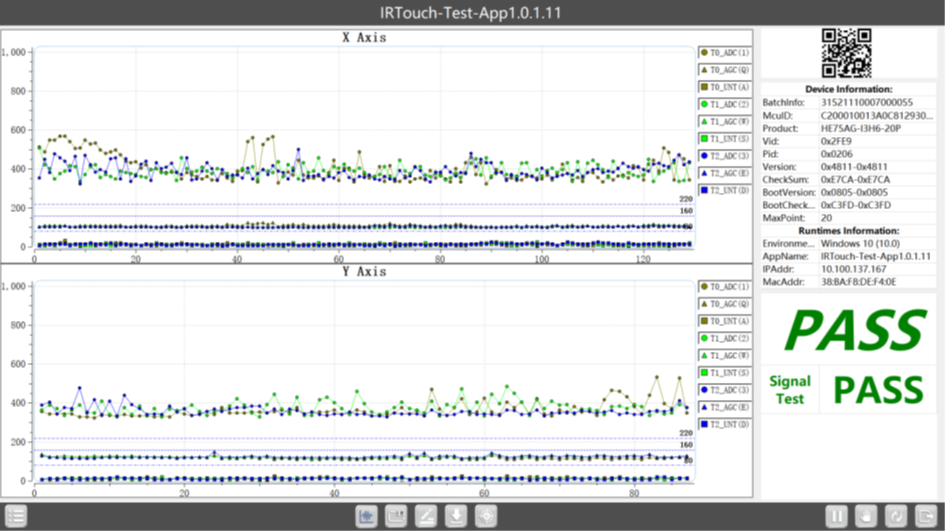
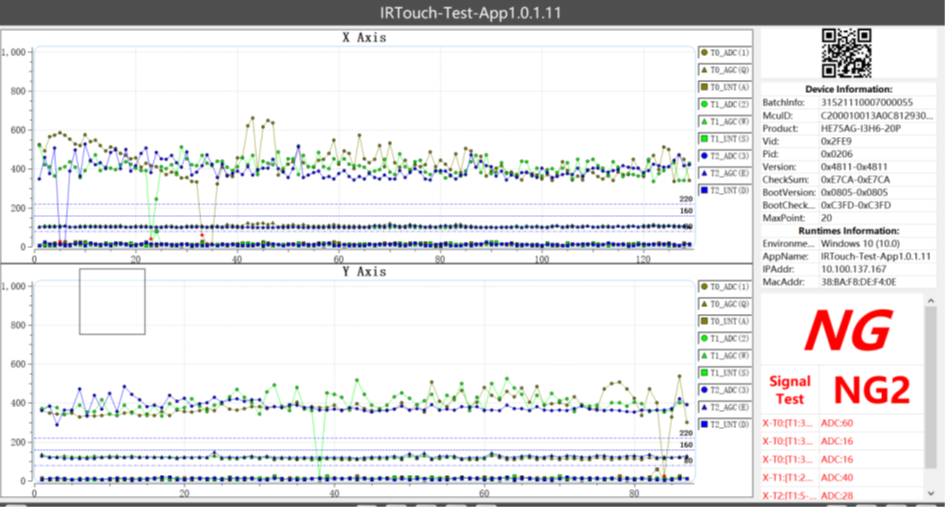
The result will be ‘PASS’ or ‘NG’. If it showed NG, please capture the NG page and provide it with Files in Data Folder.
-
Here you can have 2 different results
-
Please take a picture or a video of the result and send it to us.
-
Should you get result NG please click on the following below

-
Please film this and send it so us
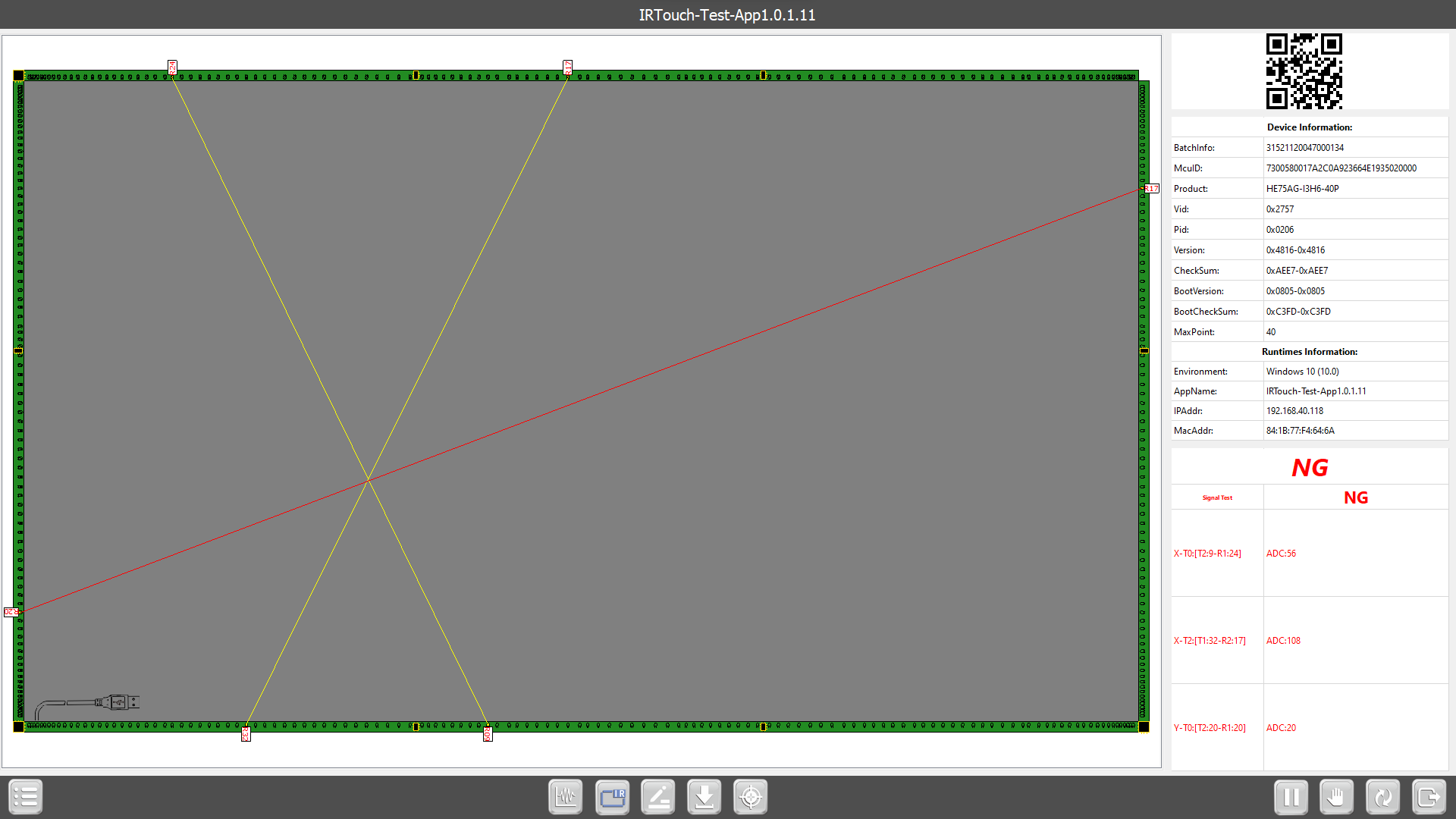
!!! Please do not touch the display during this test !!!