Breadcrumbs

I3TOUCH X-One How to see the software version of an app

\uD83D\uDCD8 Instructions

  1. Go to “Android Settings” and select “Apps & notifications”
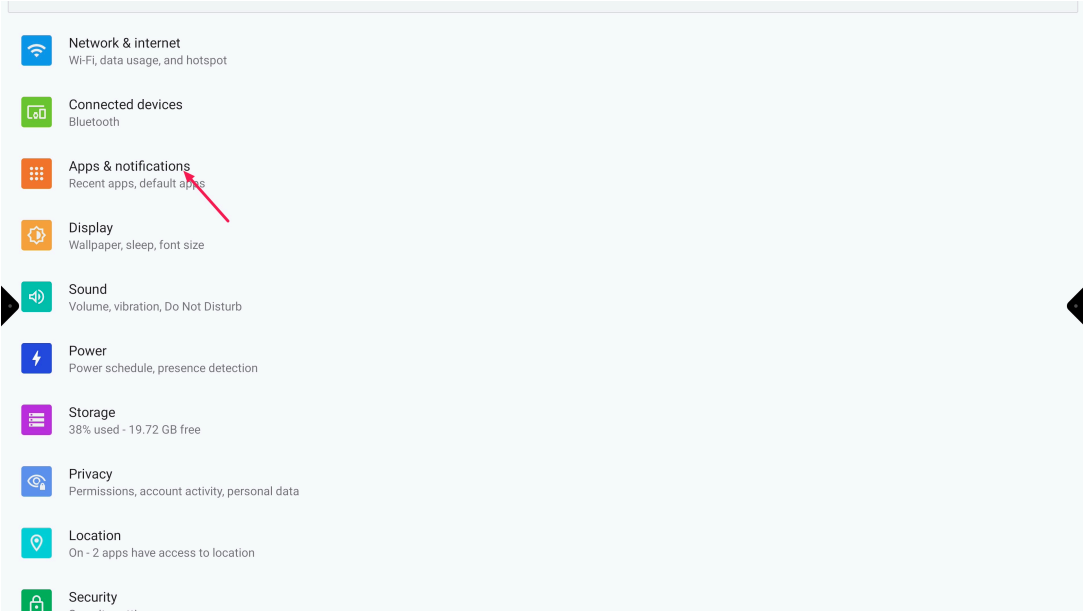
    image-20231213-123703.png
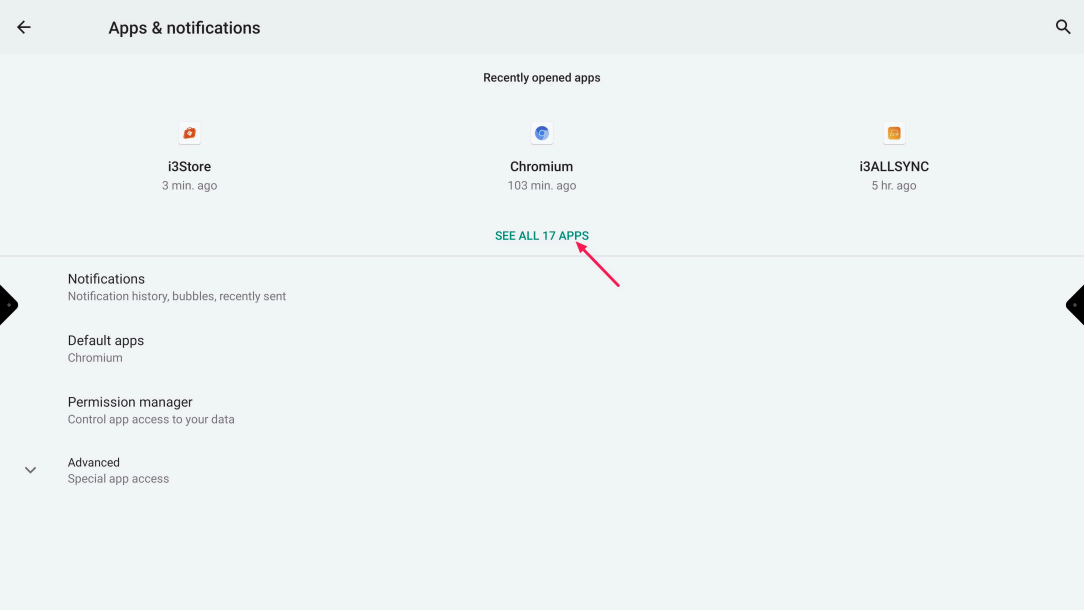
  2. Select “See all xx apps”

    image-20231213-123834.png
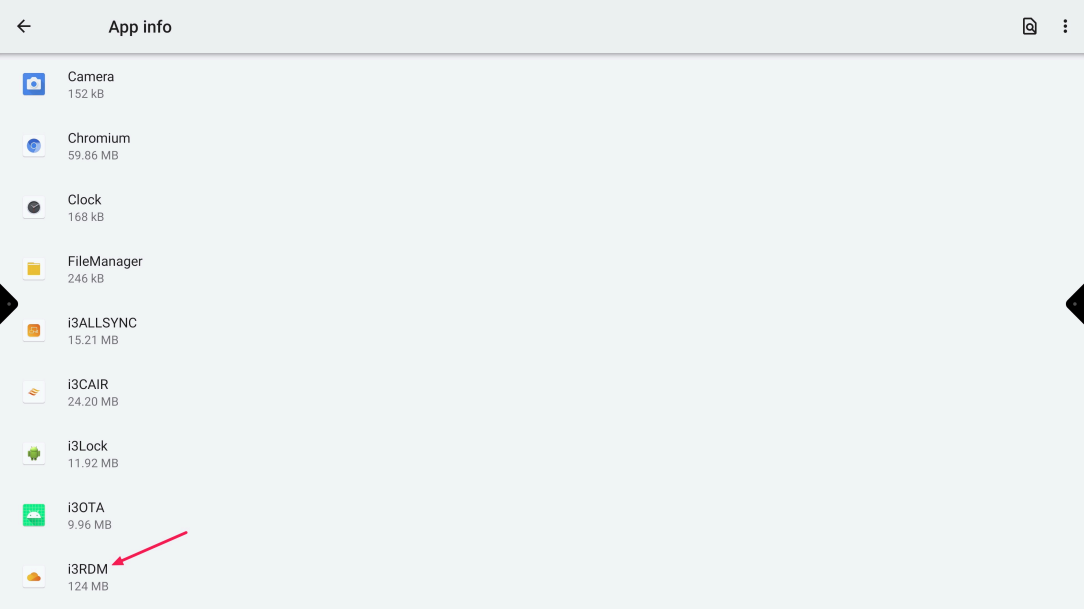
  3. Select the “requested app”

    image-20231213-124007.png
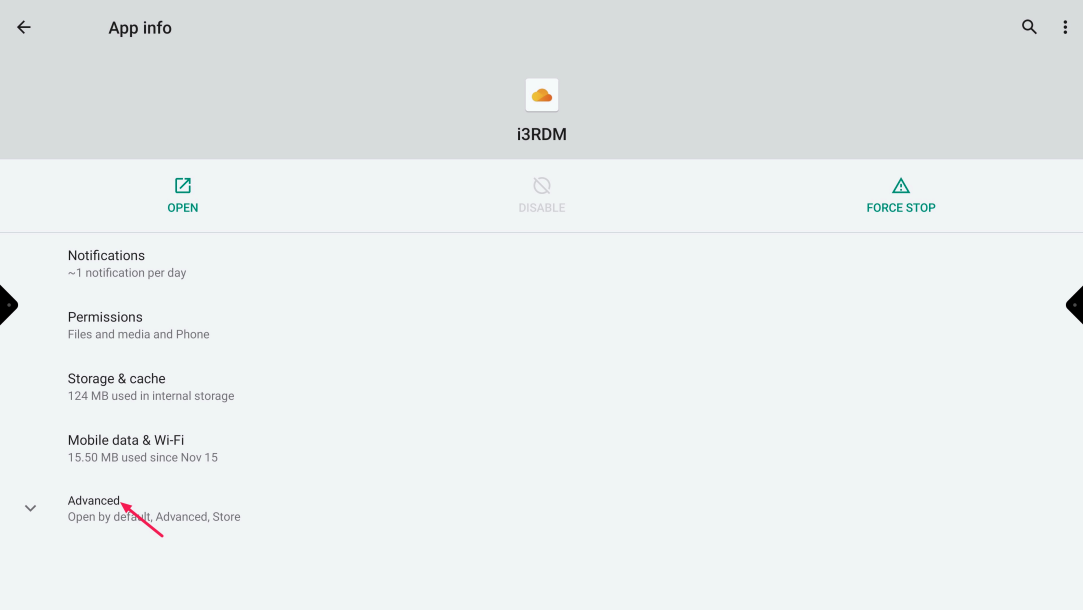
  4. Select “Advanced”

    image-20231213-123957.png
  5. The software version can be found at the bottom of the page
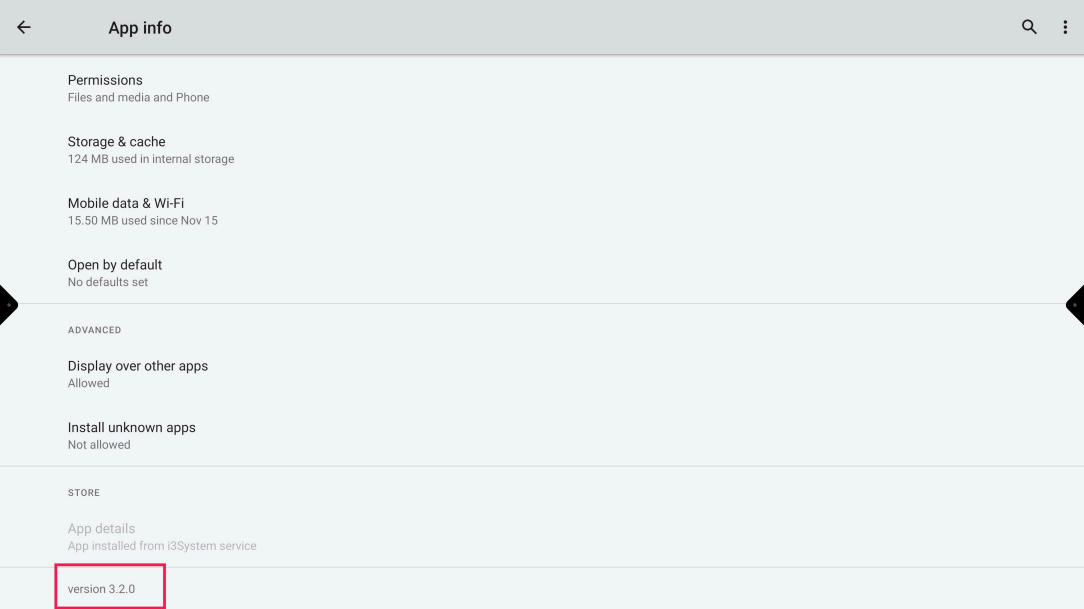
    image-20231213-123943.png