The Google EDLA environment is a standard mobile Android operating system, originally designed by Google for mobile devices. This presents some usability issues when using this solution for video conferencing. The issues occur in both MS Teams and in Google Meet.
Problem: when starting the conference it appears that the sound and microphone are not working. However, this is a matter of changing some settings and there is a solution to fix this:
In Google Meet:
-
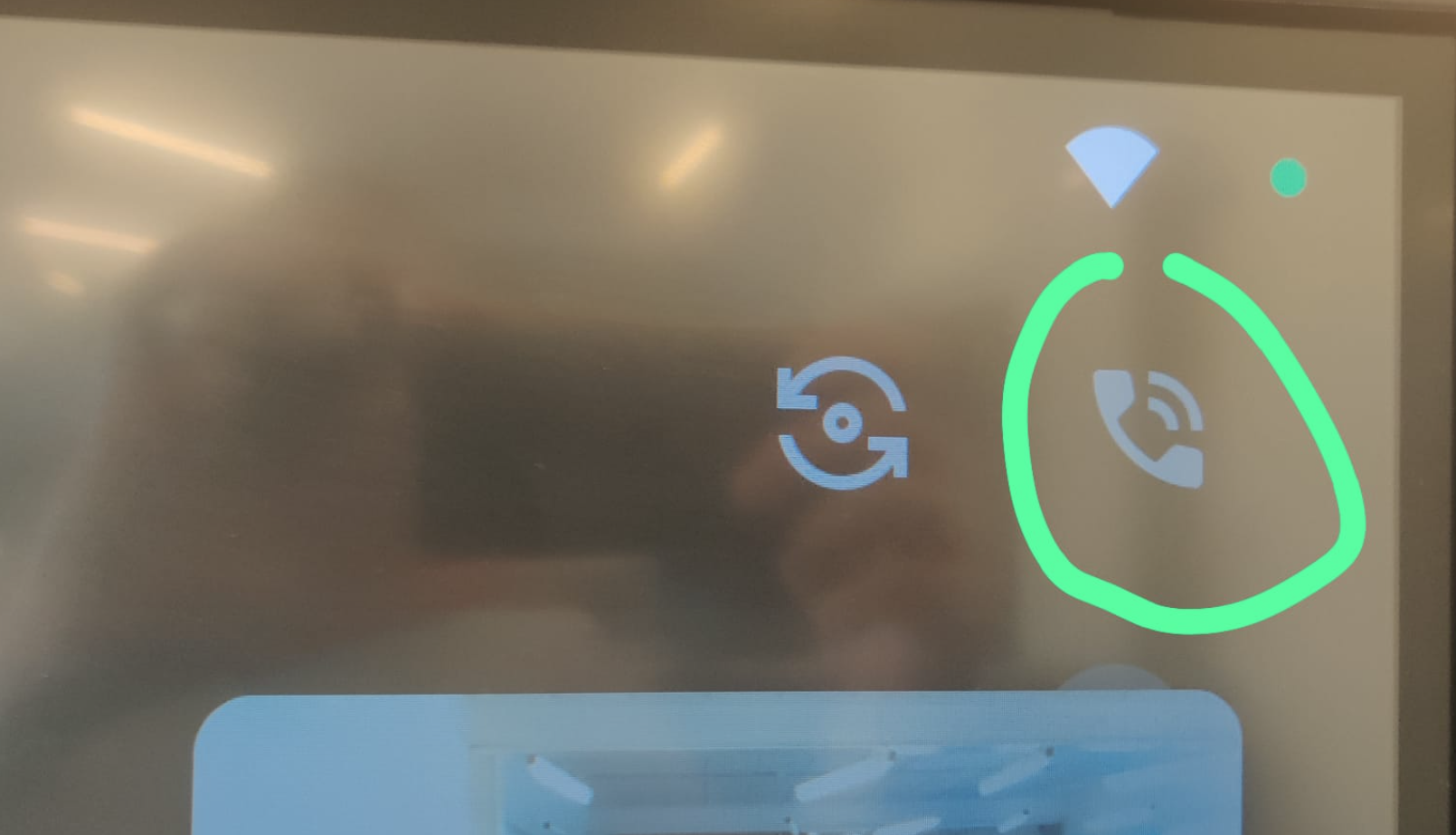
Click on the ‘phone’ icon:
-
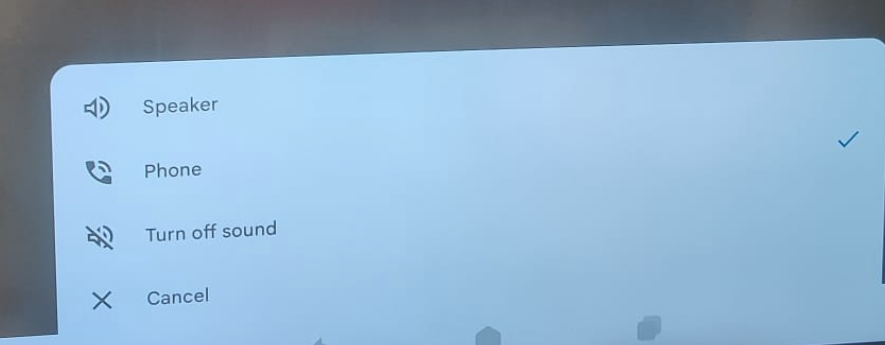
The following menu will appear. Set it to the ‘phone’ option.
In Microsoft Teams
The solution is similar in MS Teams;
-
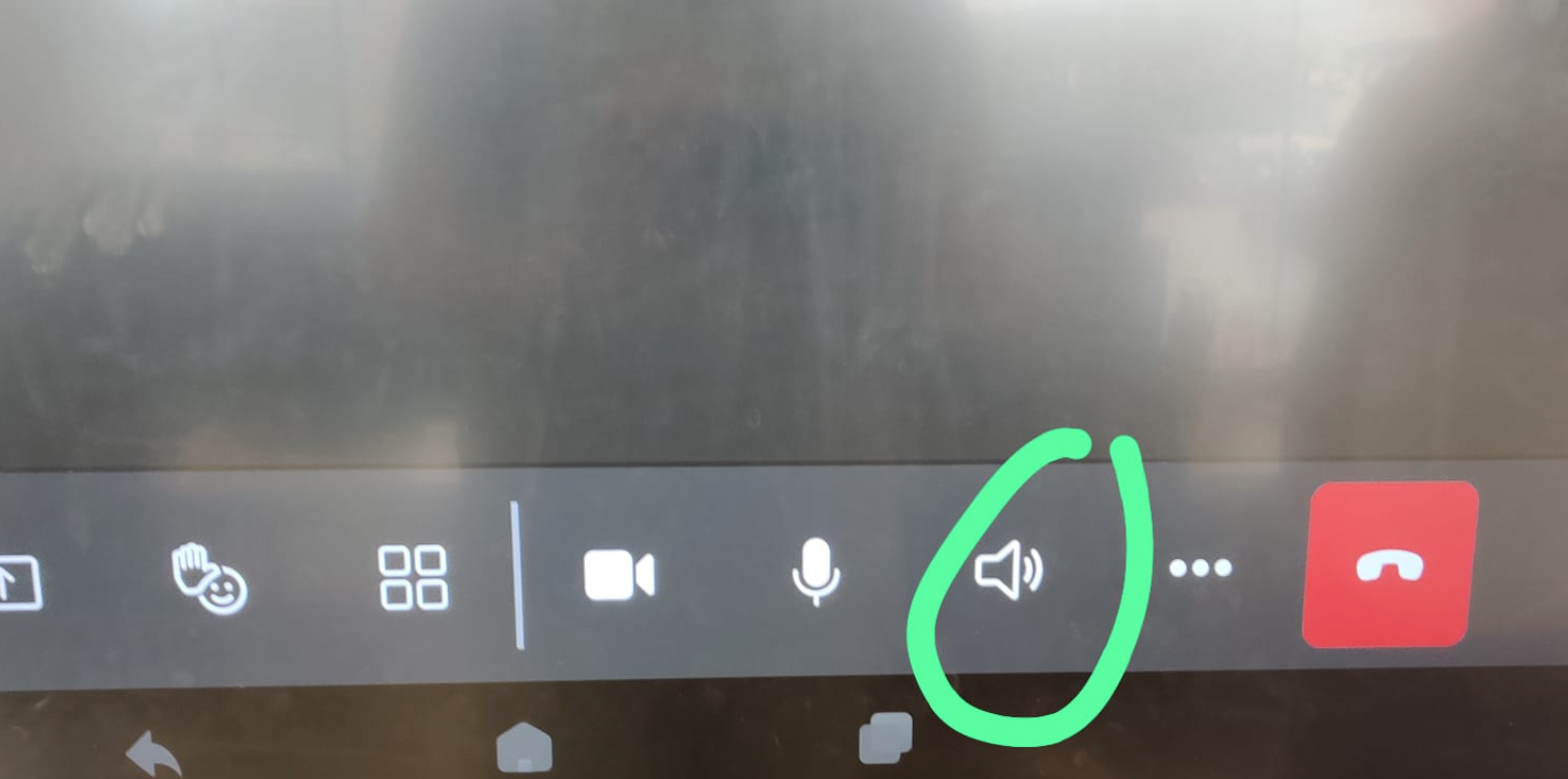
Hit the ‘speaker’ icon:
-
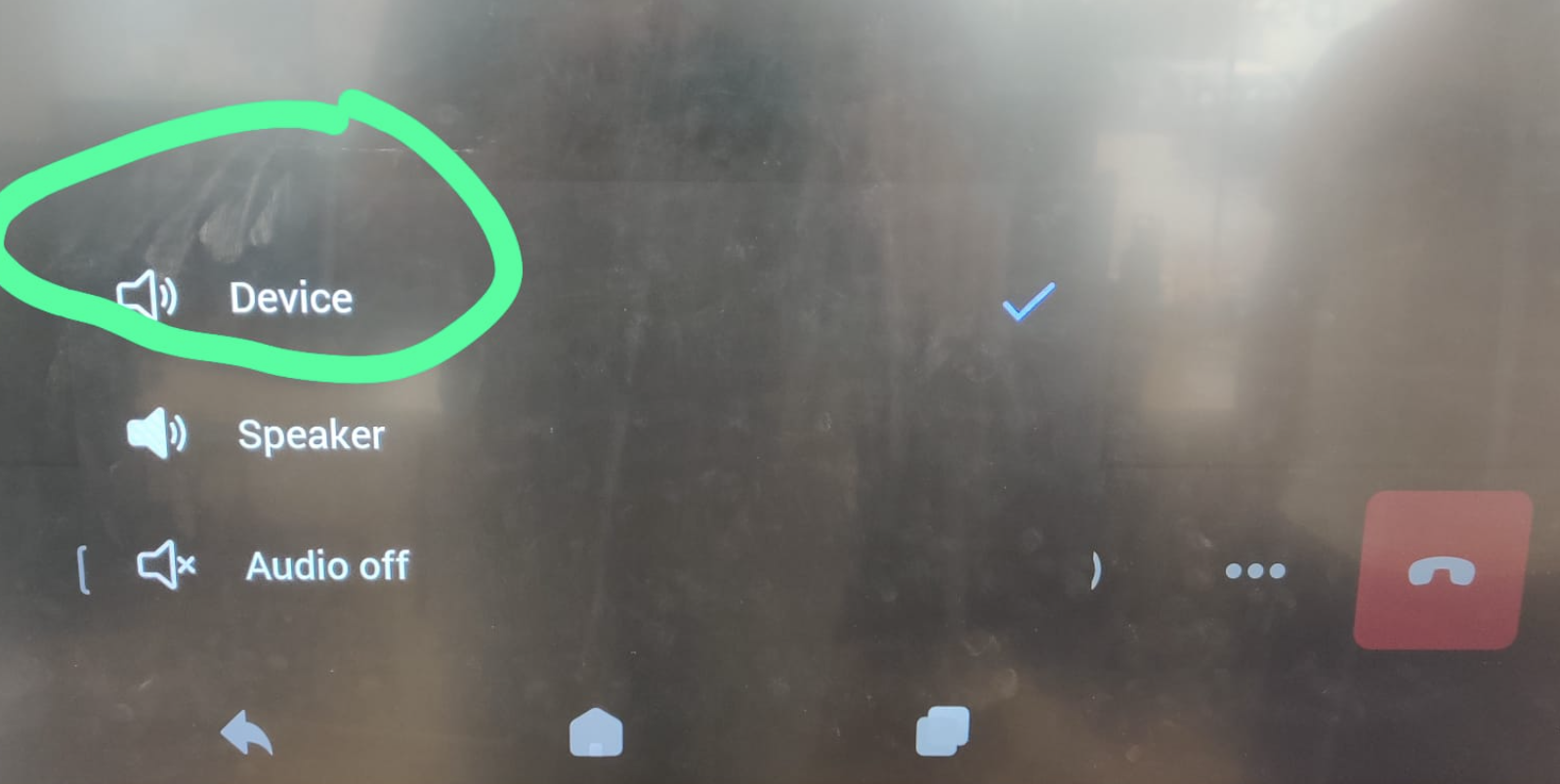
Select ‘Device’ in the bottom menu as shown here: