A new version of this article exists here:
1.
Surf to the website https://cortex.i3-connect.com/ and look for start your free trial.

2.
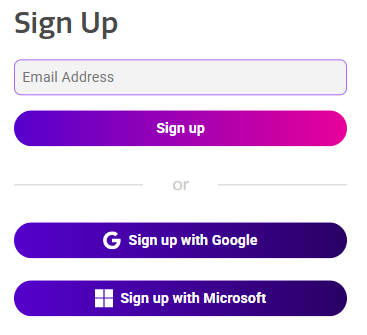
Continue by filling the email address that you want to register and click on Sign up (or choose to sign up with Google/Microsoft).
3.
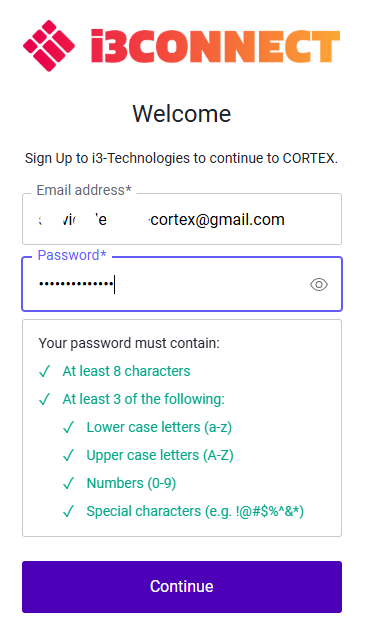
Make sure that the password matches all the requirements and Continue.
4.
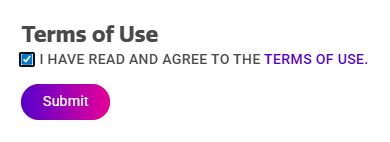
Agree with the Terms of Use and Submit.
5.
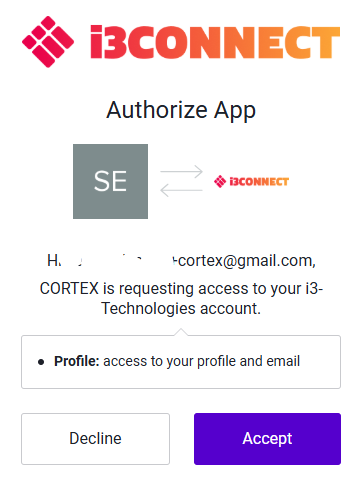
Choose to Accept.
6.
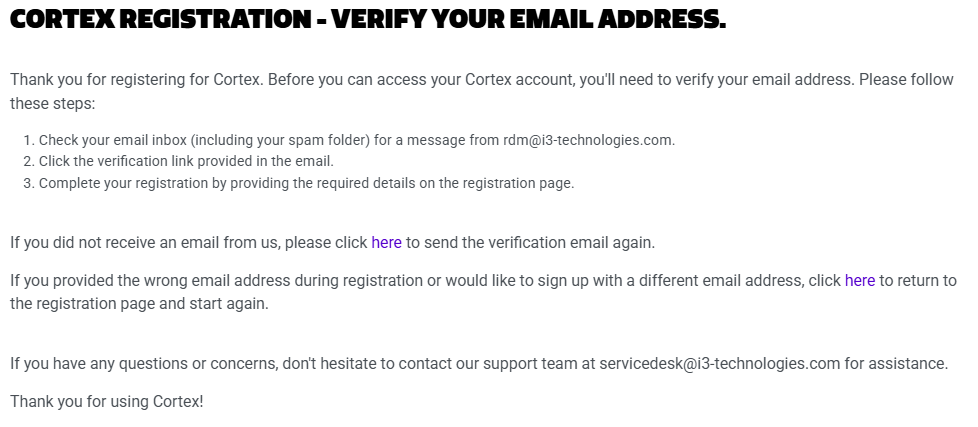
You will receive a verification email in the mailbox from the address you want to register.
7.
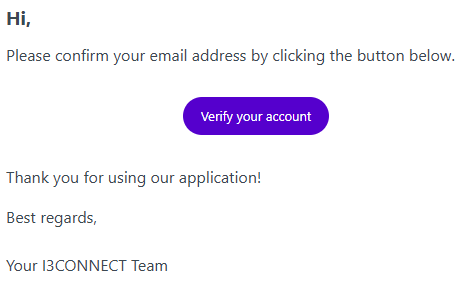
Verify you account in the verification email.
8.
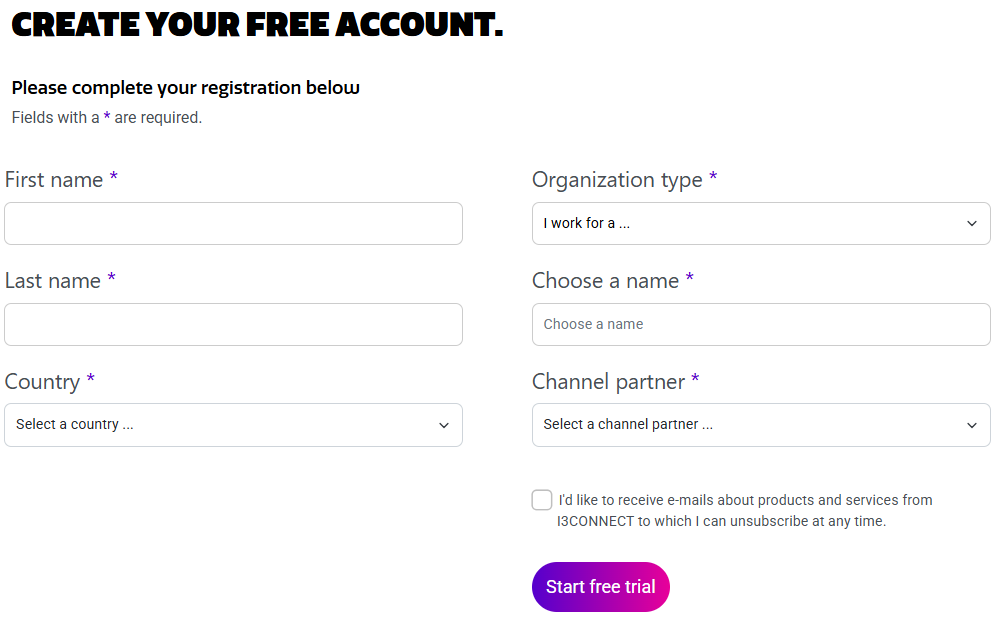
The link will bring you to a form where you can complete the registration and Start free trial.
9.
Finalize the process by Continue to Cortex.