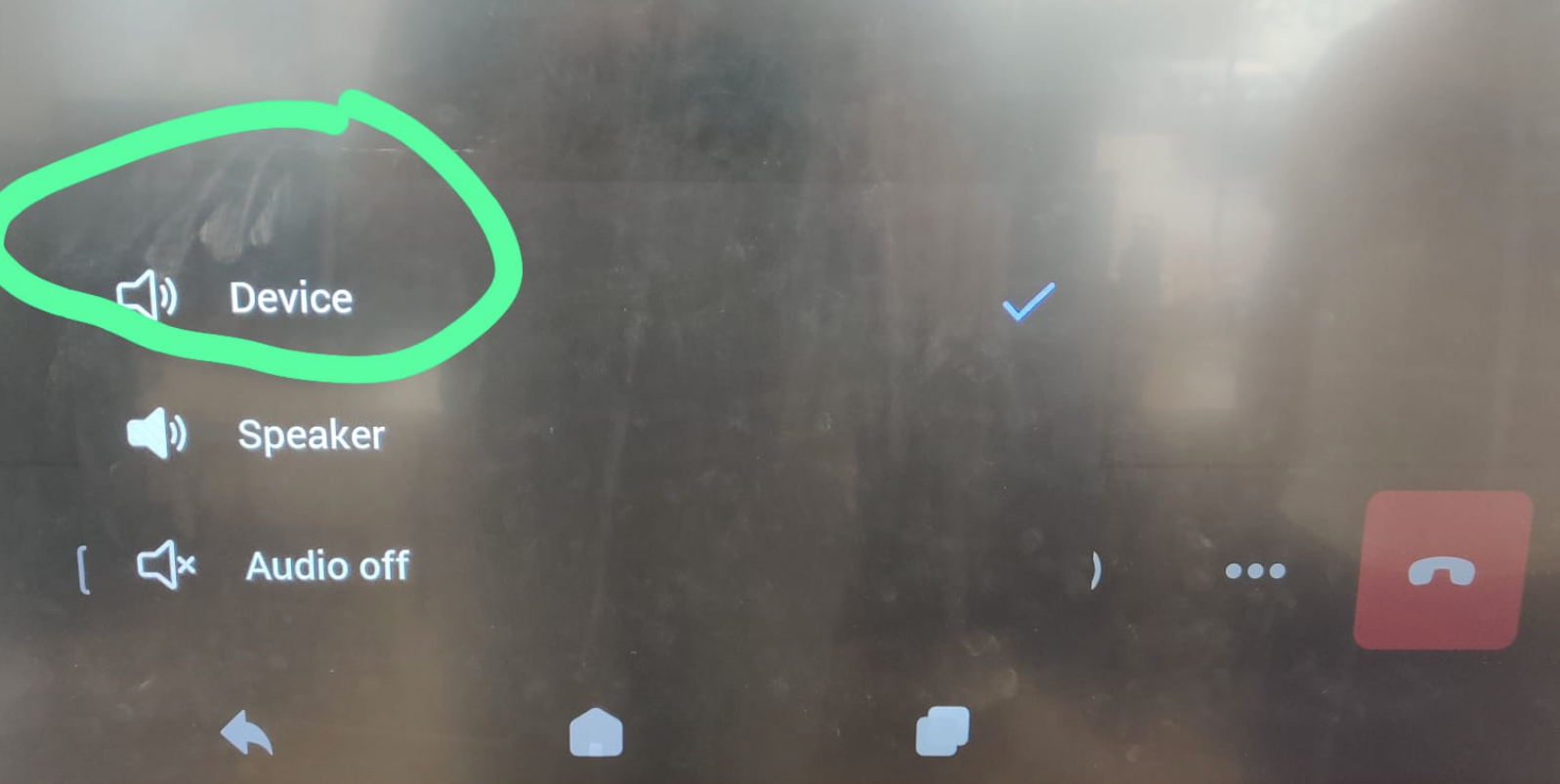
Because the i3OPS EDLA uses a mobile Android OS, the sound settings are not set correctly when you start a conference on the EDLA OPS, but by adjusting the sound setting it is possible to have a conference.
📘 Google Meet
-
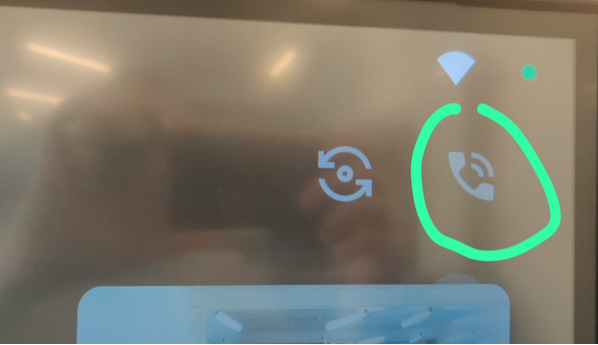
Click on the “Phone” icon
-
Change the option to “Phone”

📘 MS Teams
-
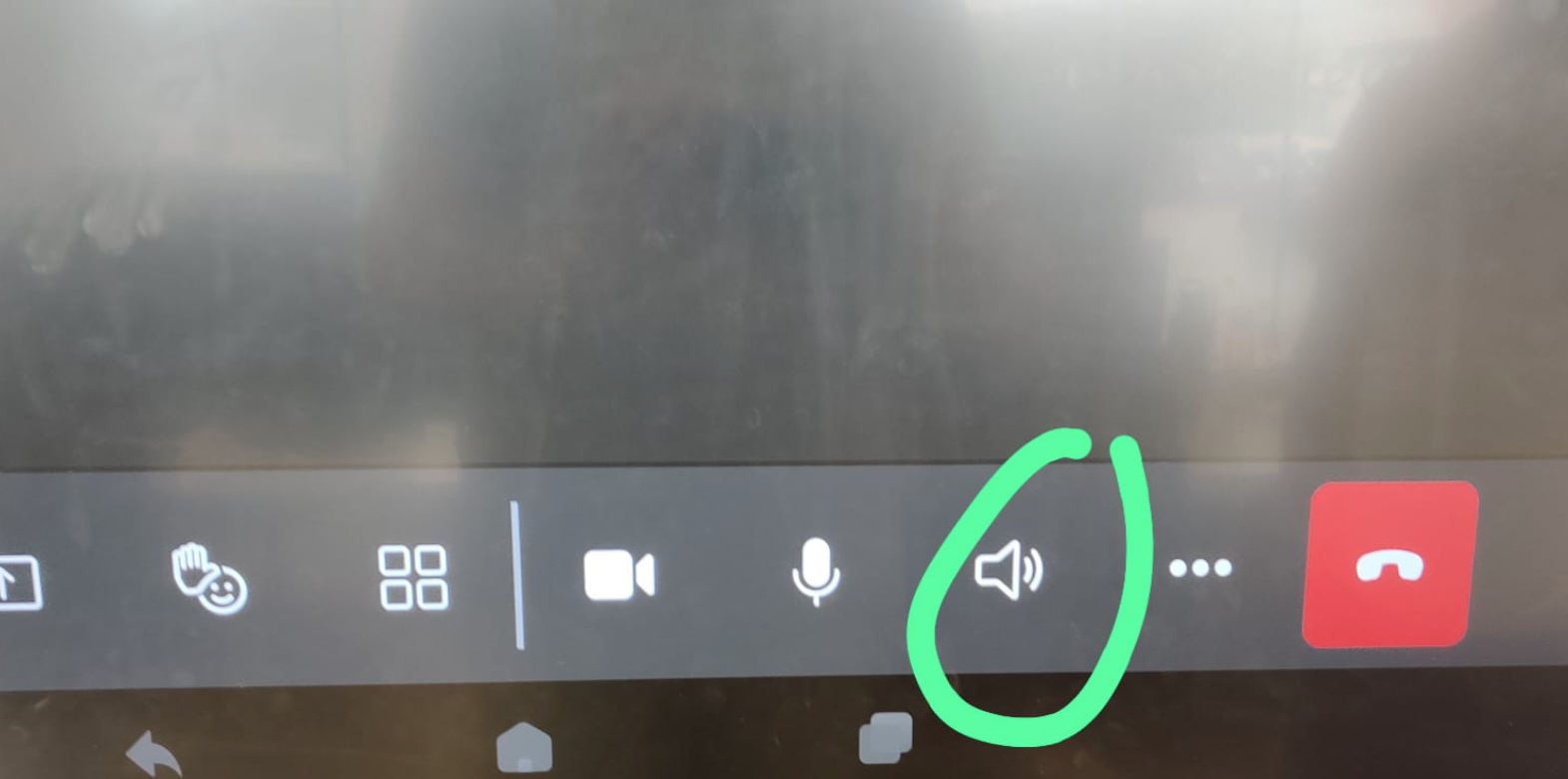
Click on the “Phone” icon
-
Change the option to “Device”