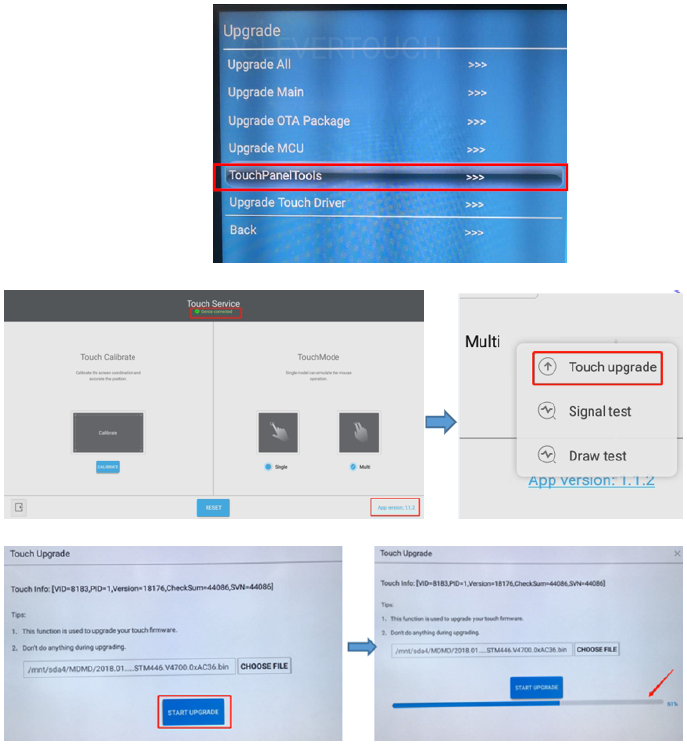
When having calibration issues or general issues with the touchfunction on i3TOUCH EX devices.
TOUCH SIGNAL TEST
-
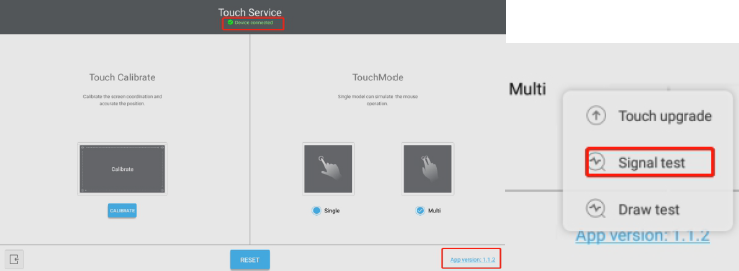
Open the built-in touch service tool in Android. Input 1 3 7 9 by remote, Debug Menu->Upgrade-> TouchPanelTools, press “Enter”, long press the “App version”
-
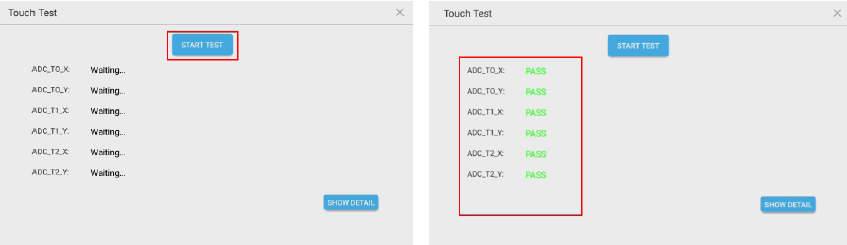
Selecting “Signal test” , pressing “start test”
-
All items should be showing “PASS”, if there are any “NG” massage, please try to upgrade TV main firmware and touch frame firmware, then check or replace the IR touch frame.
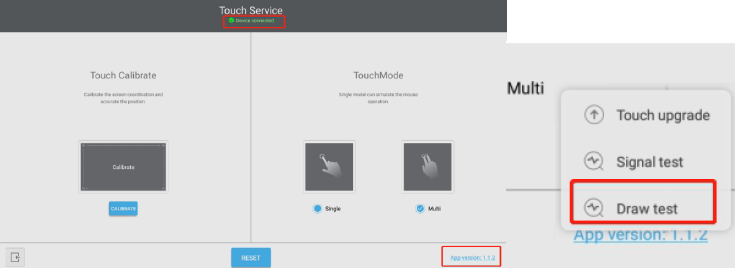
DRAW TEST
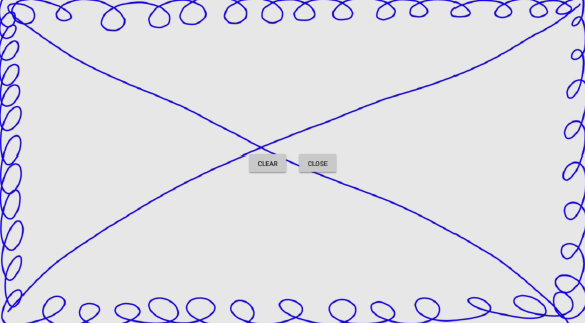
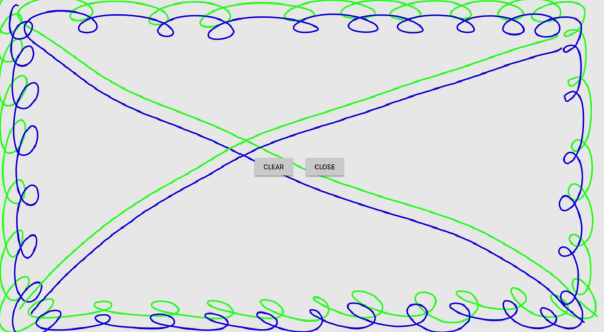
In the process of drawing the line, there is no continuous stroke, broken line, jumping line. The lines are smooth, no fold lines and bends appear.
TOUCH FRAME FIRMWARE UPGRADE
-
Copy the firmware (.bin file) in USB disk and insert it to the TV main board USB port
-
Open the “TouchPanelTools” in Debug Menu(input 1 3 7 9)
-
Long pressing the “APP version”
-
Select the “Touch upgrade” to do firmware upgrade
-
reboot the IFP