📘 Instructions
-
Place the desired picture on a USB flash drive (preferably a 16:9 picture)
-
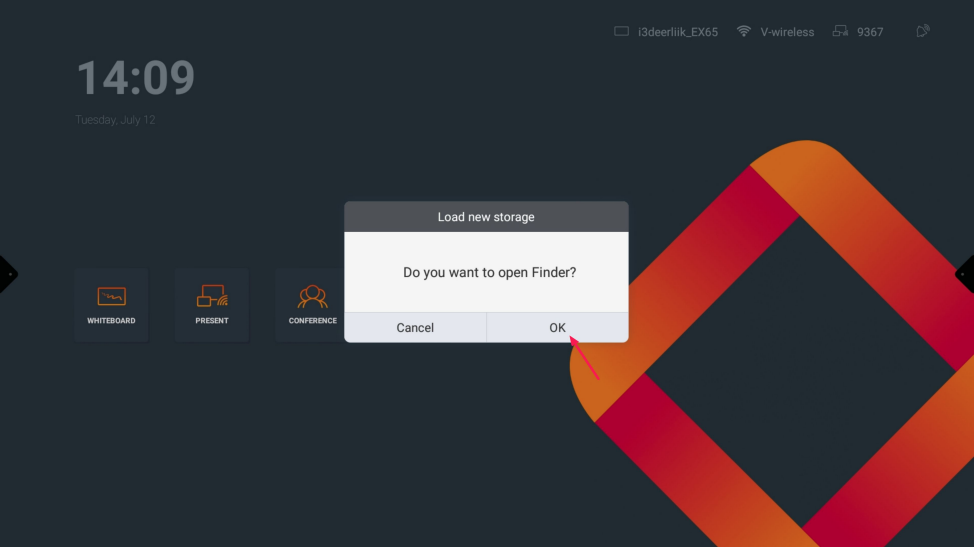
Plug the USB stick into the display and open finder app
-
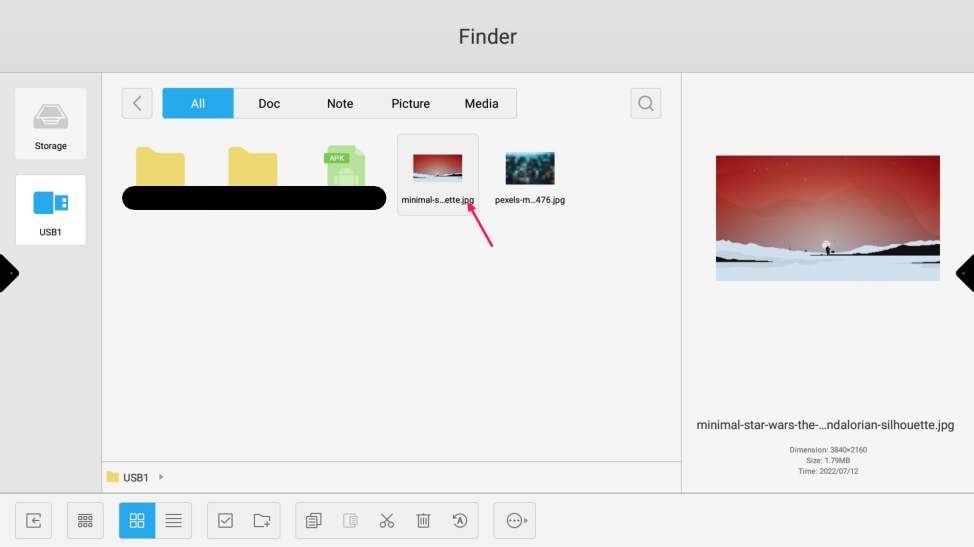
Double-tap on the picture to open it
-
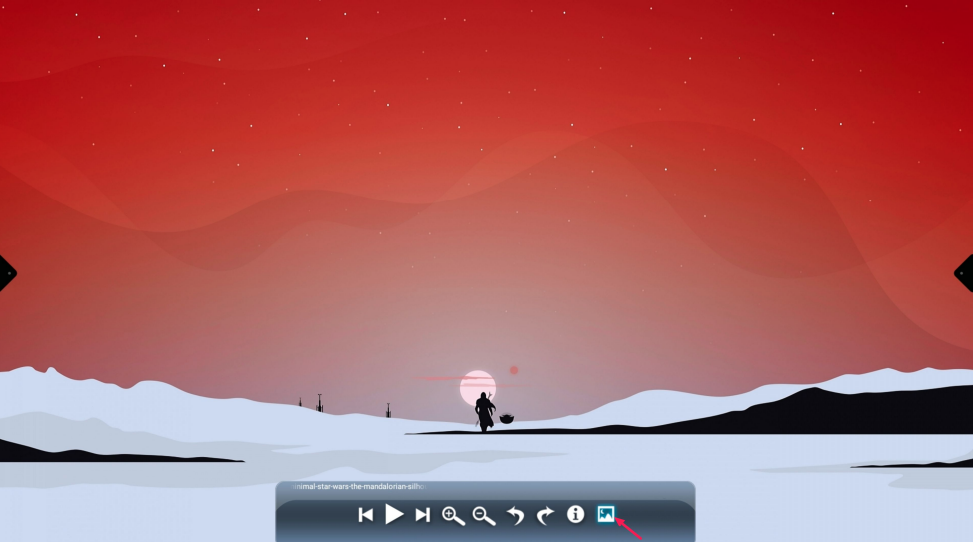
Push the picture icon
-
Press OK to change the wallpaper
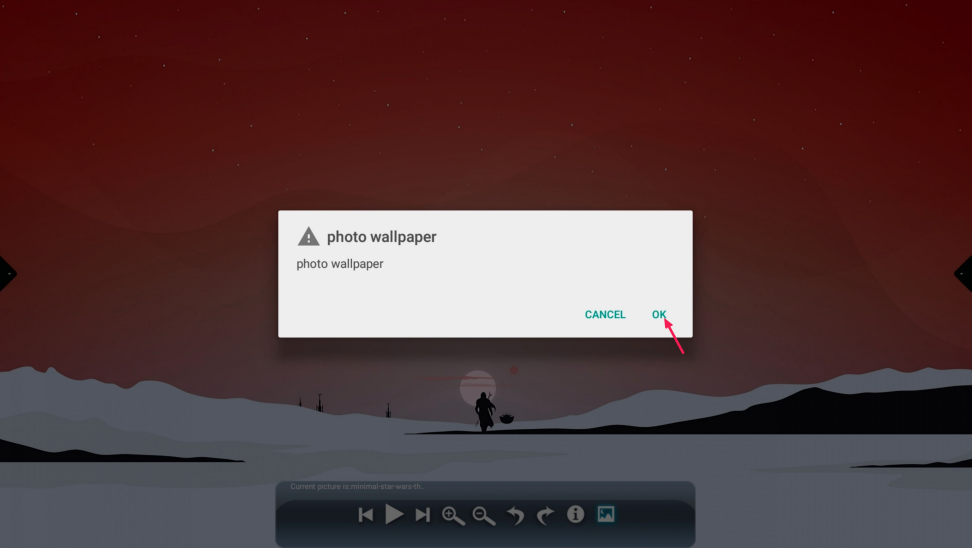
-
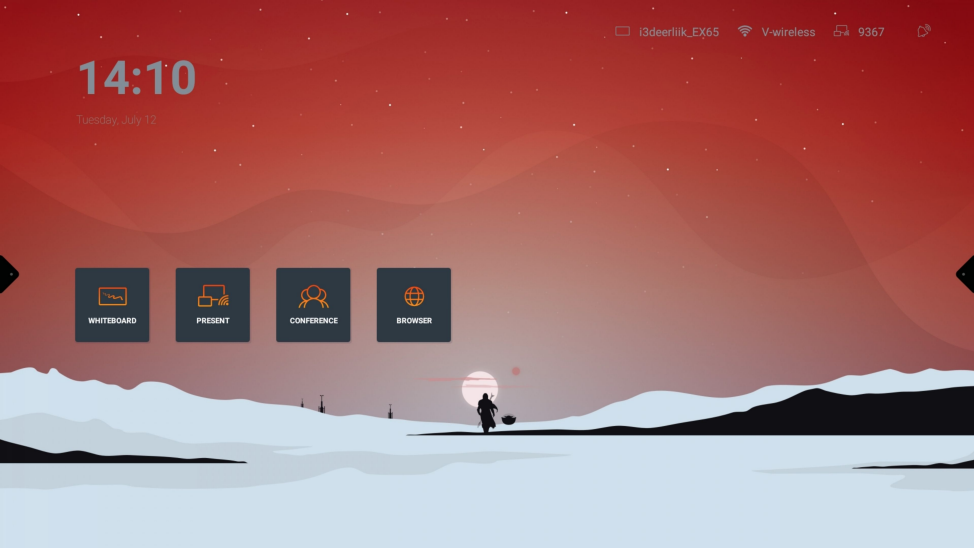
Enjoy your custom wallpaper