
If you like a specific source to be selected when you turn on your display, please follow the next steps:
Instructions
-
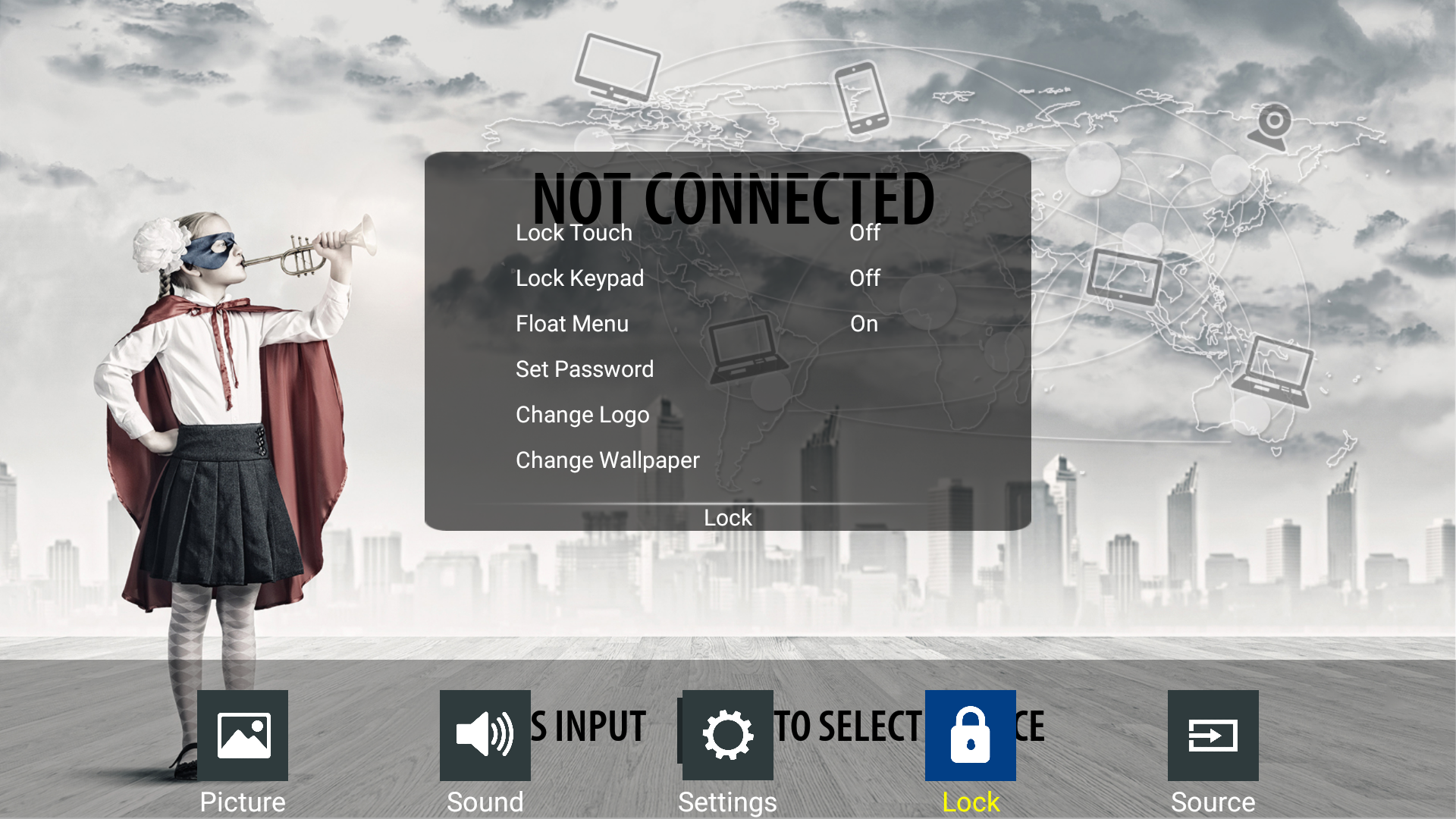
Press the [menu] button on your remote control and navigate to the lock menu, then press [OK]
-
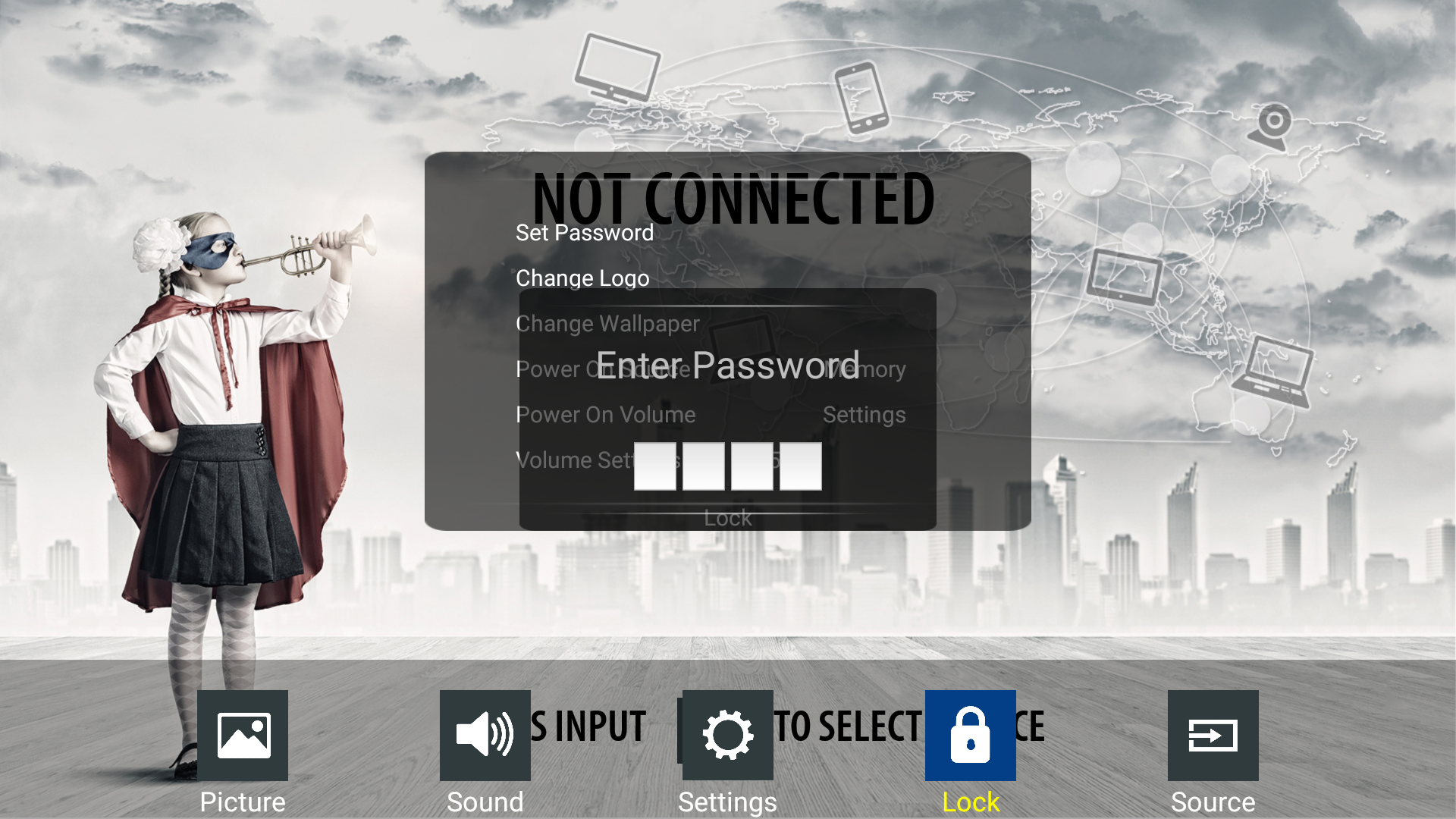
To enter the [Lock menu] a PIN code is needed. The default code is 0000
-
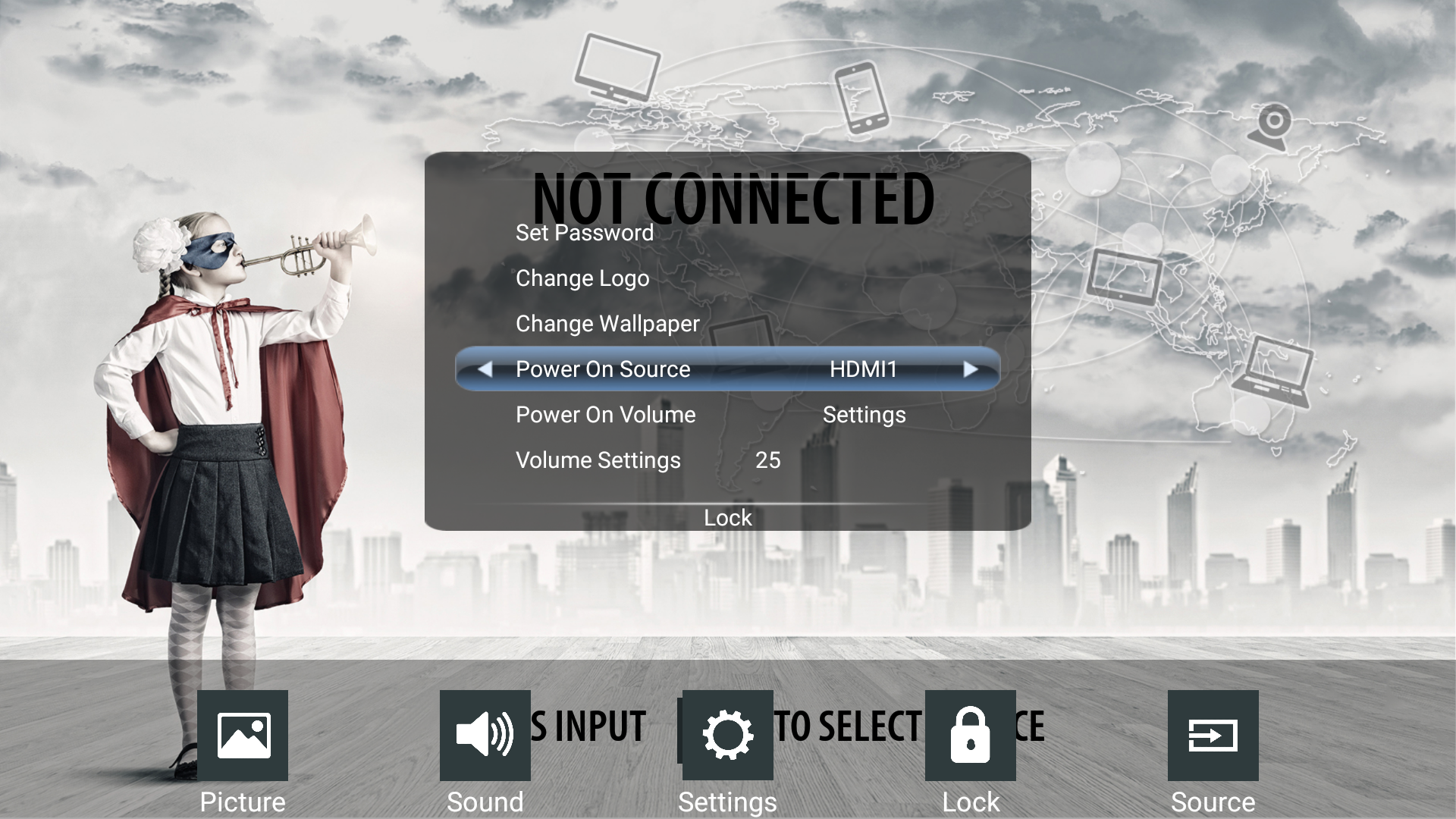
Now you can change the source with the arrow keys on your remote control <> or by swiping on the display
-
Next time you power on the screen it will go directly to the selected source