Download as PDF
CTOUCHlaserairplus_HowtochangeyourfavoriteappsV170630.pdf
Instructions
-
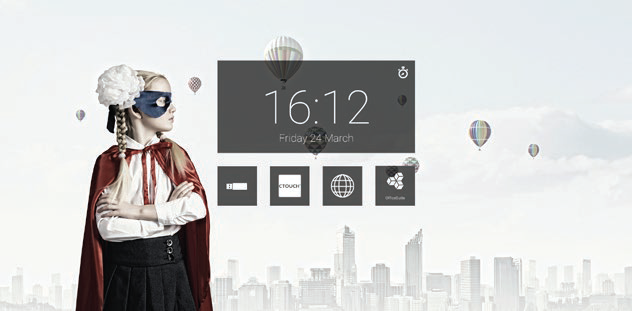
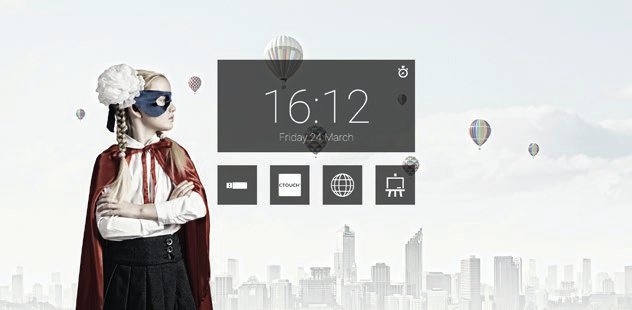
Touch the icon you want to change and hold it for 4 seconds.
-
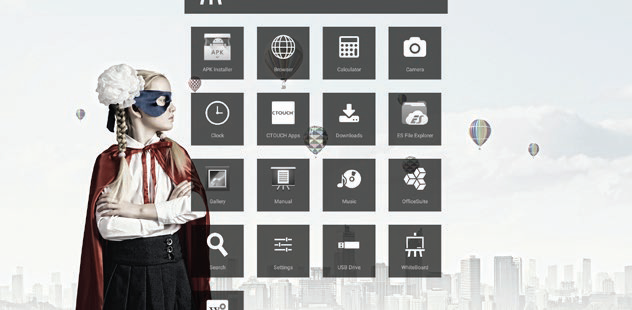
The list with installed apps will pop-up.
-
Select the app you want to set as your favourite app.
-
The icon has now been changed to your favourite app.