Download as PDF
CTOUCHlaserairplus_HowtosetupthescreensaverV170630.pdf
Instructions
-
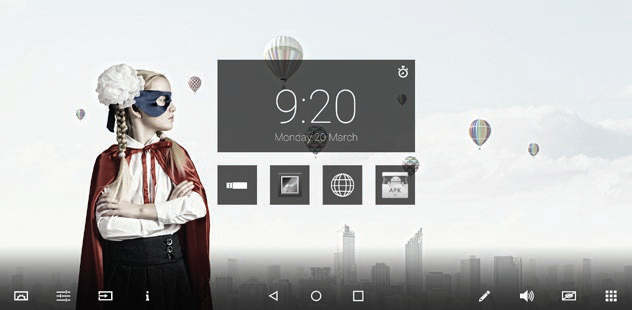
Touch the (Android) Setting menu.
-
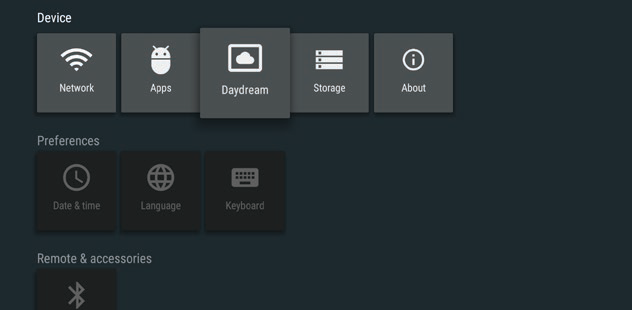
Touch ‘Daydream’; the screensaver app.
-
Touch ‘Daydream’.
-
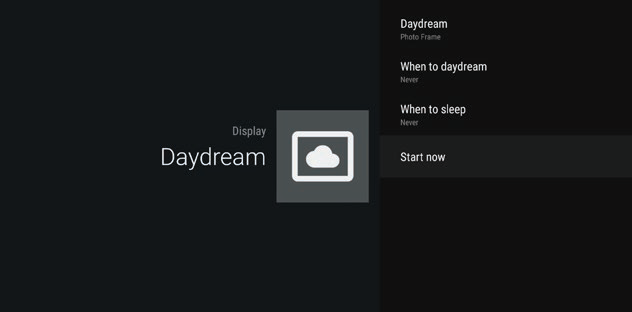
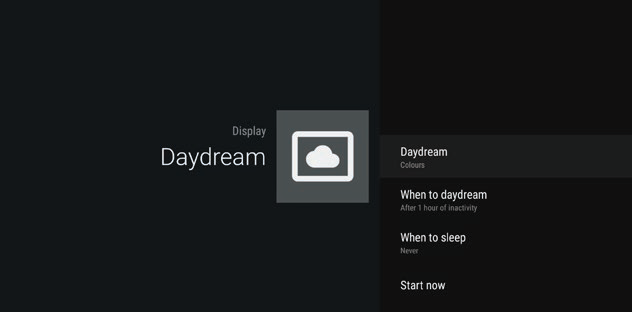
Select the content you want to display.
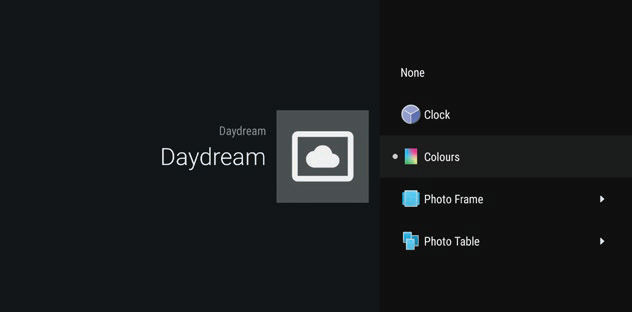
-
Touch ‘When to sleep’ to set the amount of time you would like to pass before the screensaver is initiated.
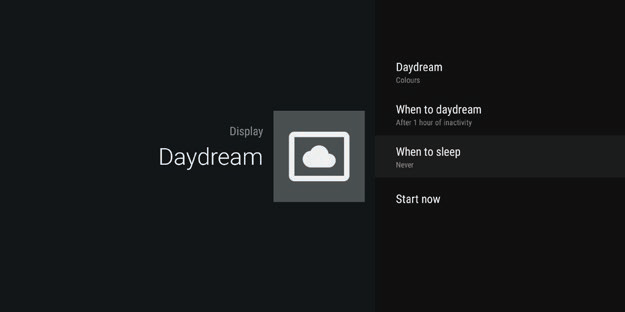
-
Select the amount of time before ‘Daydream’ needs to start.

-
Select the amount of time before the screens goes to stand-by mode.
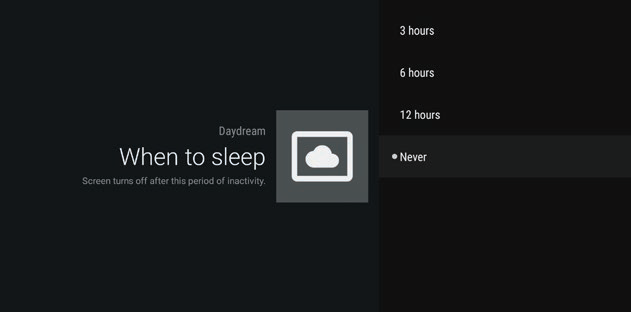
-
Touch ‘Start now’ or go back by pressing the going back button in the floating bar or on the remote control.