
Instructions
-
Enter the Android settings page and choose [Network]
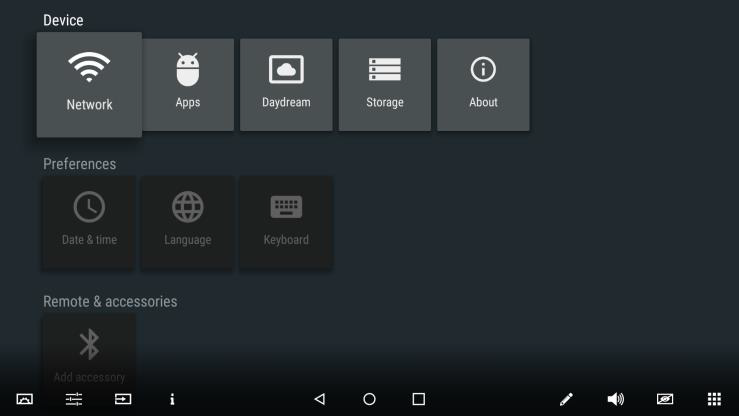
-
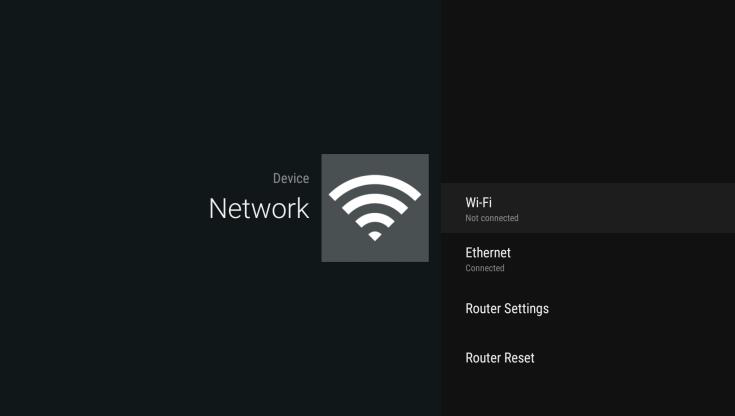
Be sure the WiFi is turned off
-
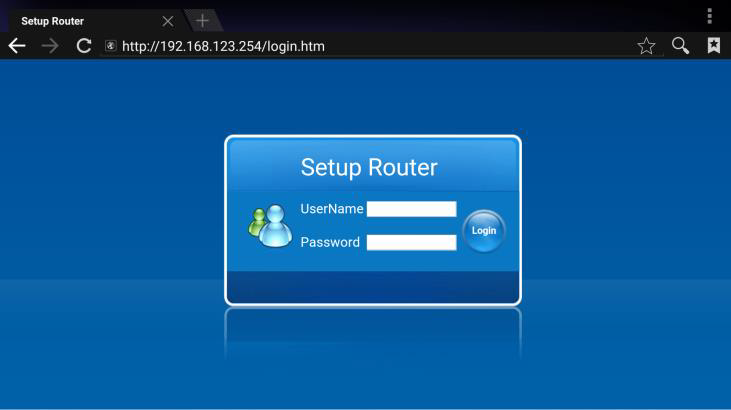
Enter [Router Settings] Username is: Admin, no Password required.
-
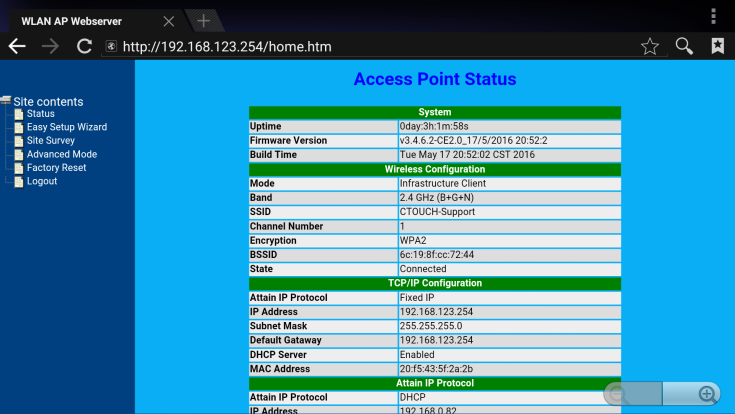
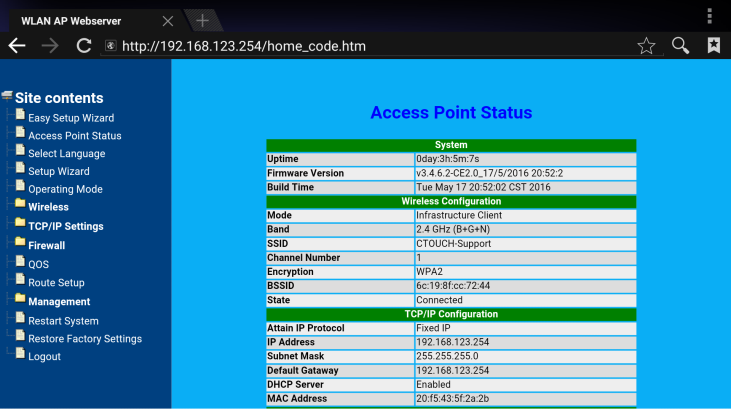
Unfold [Advanced Mode]
-
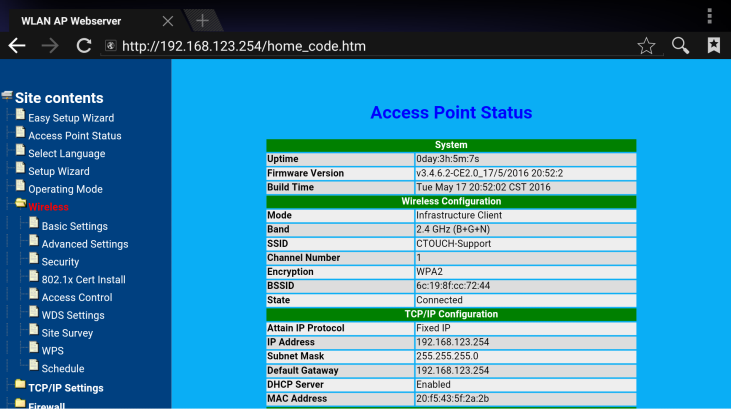
Unfold [Wireless]
-
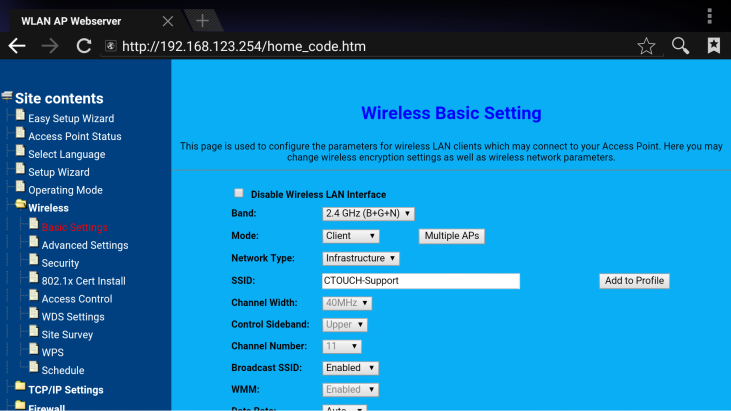
Enter [Basic Settings]
-
Here you can toggle [Broadcast SSID] to Disabled
-
Then scroll down, Apply and Reboot the router