
Download as PDF
CTOUCHlaserairplus_HowtodeleteappsV170630.pdf
Instructions
-
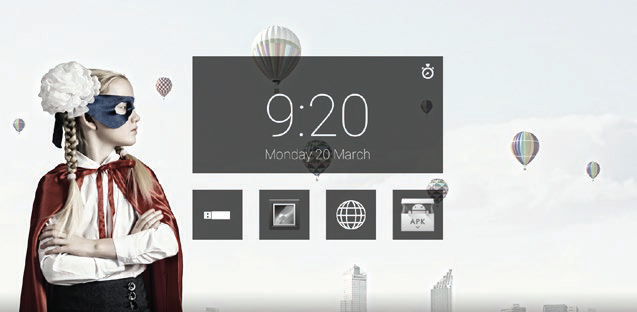
Go to the (Android) Setting menu.
-
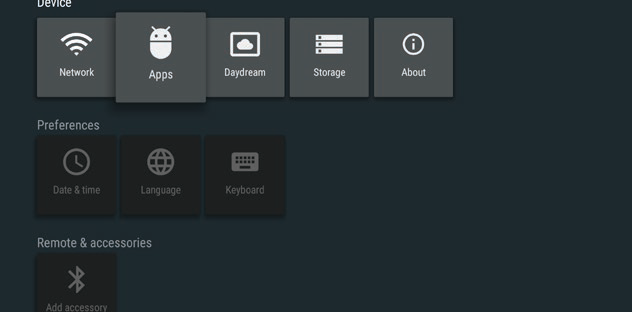
Touch ‘Apps’.
-
Touch the app you want to delete.
Note: Only user installed apps can be deleted.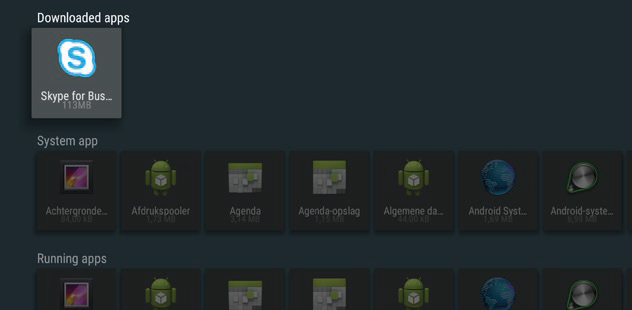
-
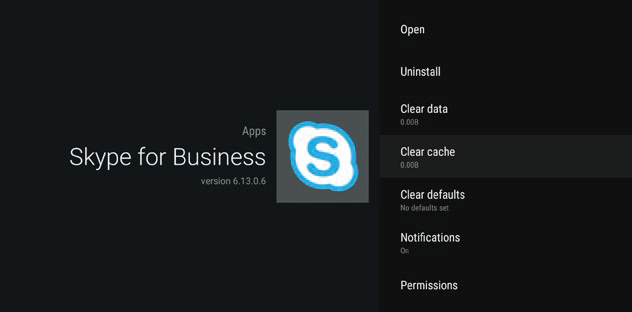
Touch ‘uninstall’.
-
Touch ‘ok’.
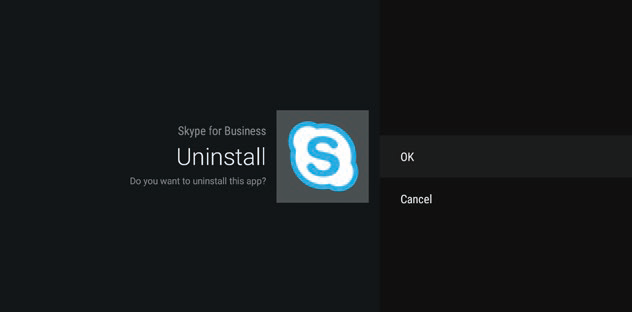
-
Touch ‘ok’.
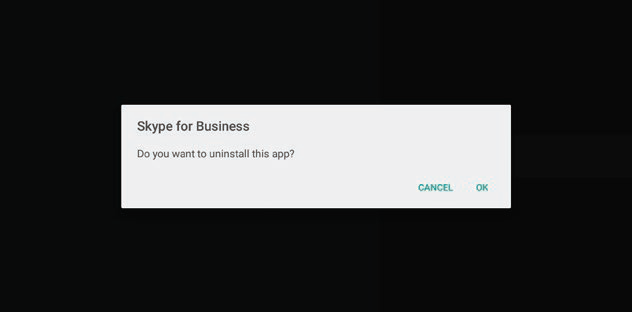
-
The app is deleted.