
Default our screens will power on with the volume set to 25%. If you like to change this, please follow the next steps to adjust this.
Instructions
-
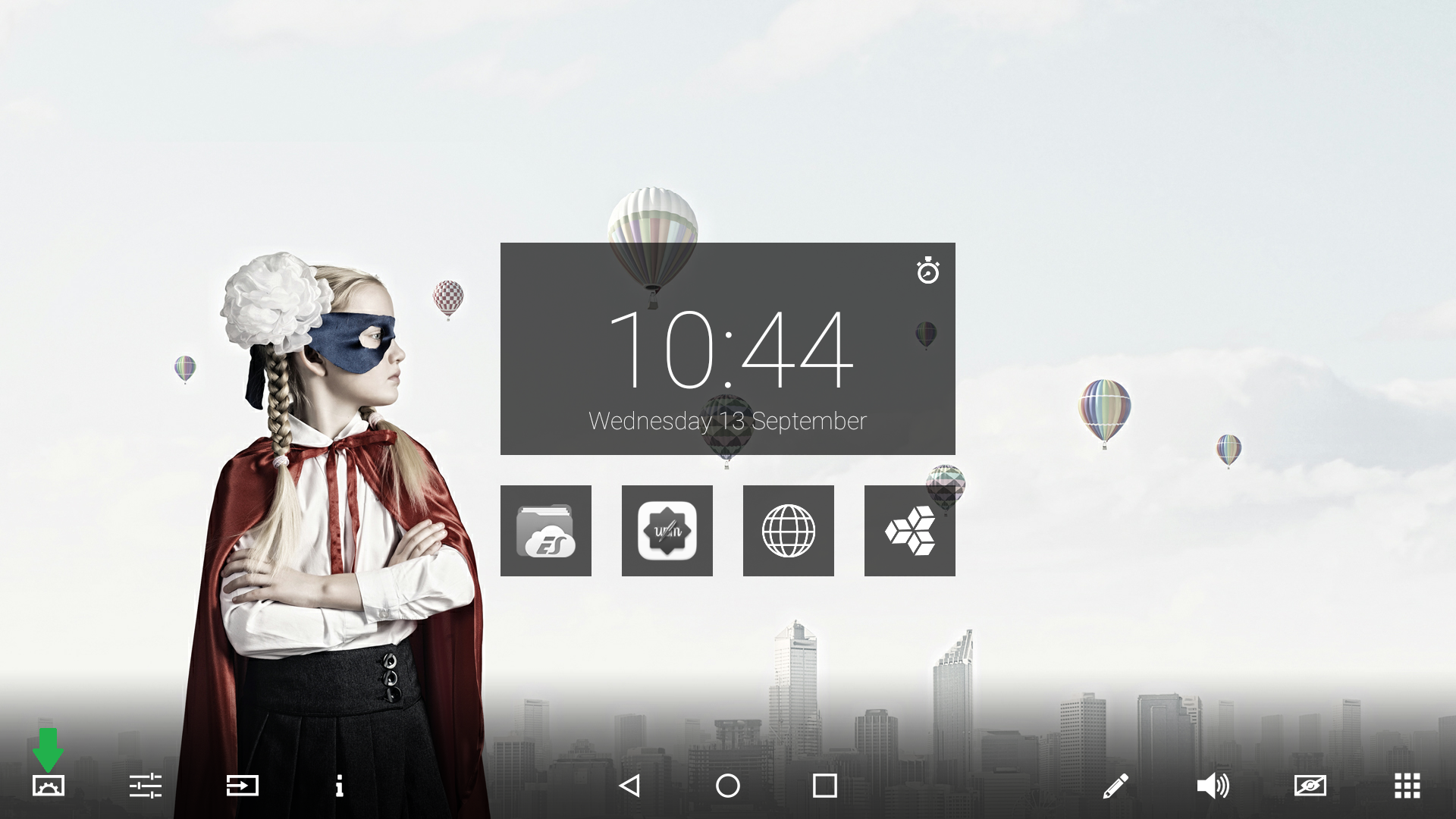
Press the center button on the display and choose the screen settings on the left of the float menu.
-
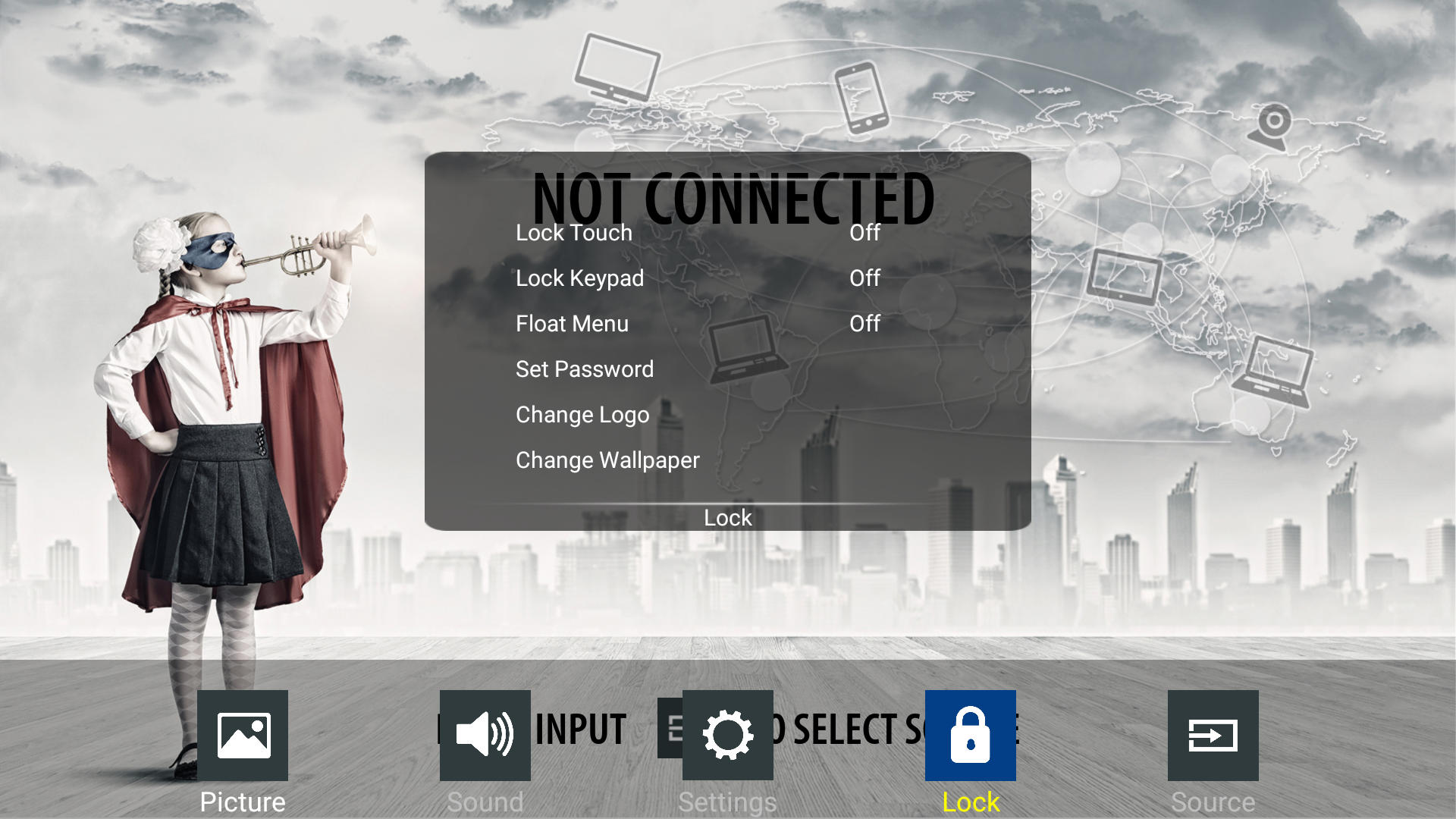
Navigate to, or touch the [Lock] button.
-
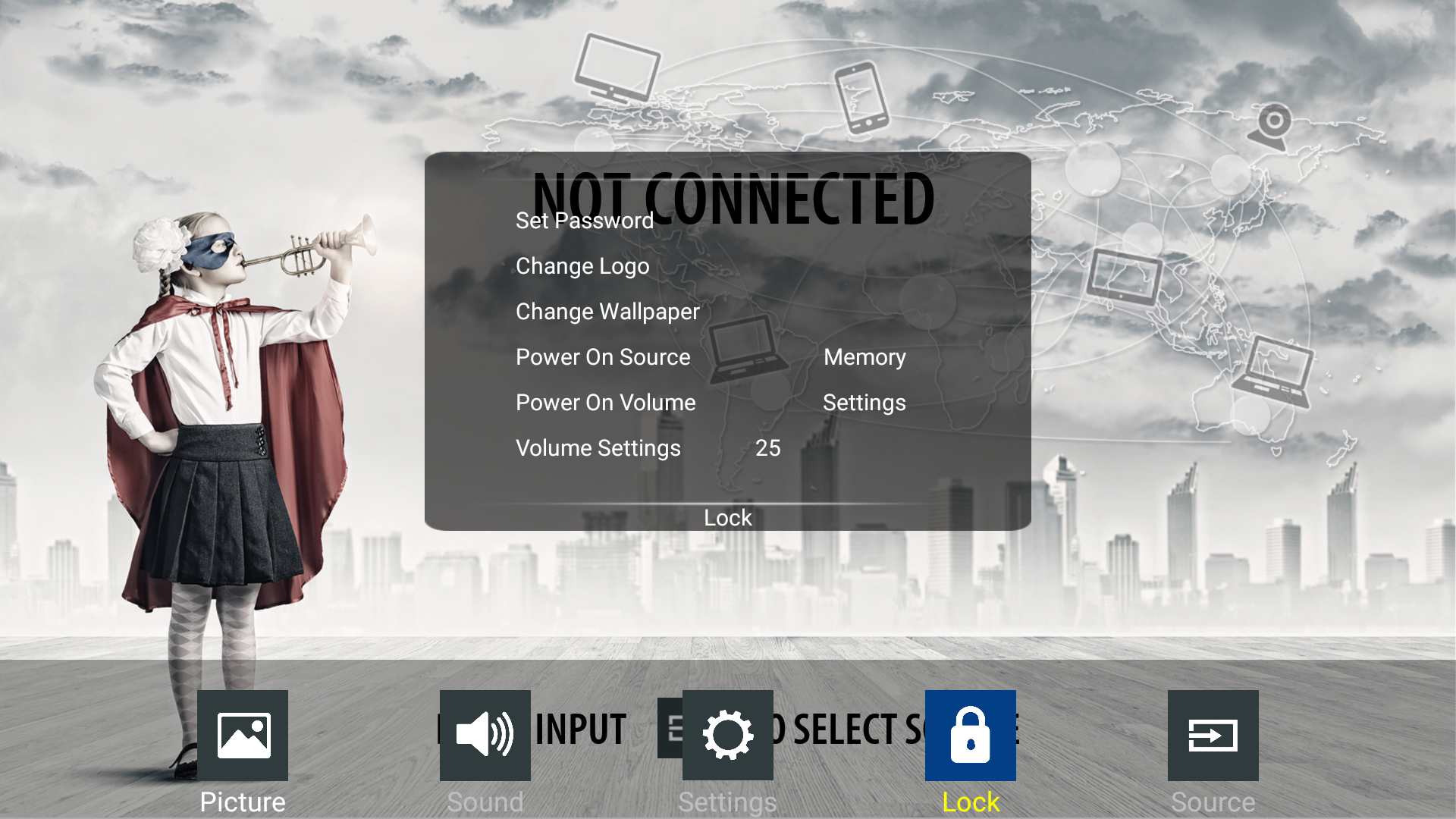
Scroll down until the Volume Settings are displayed.
-
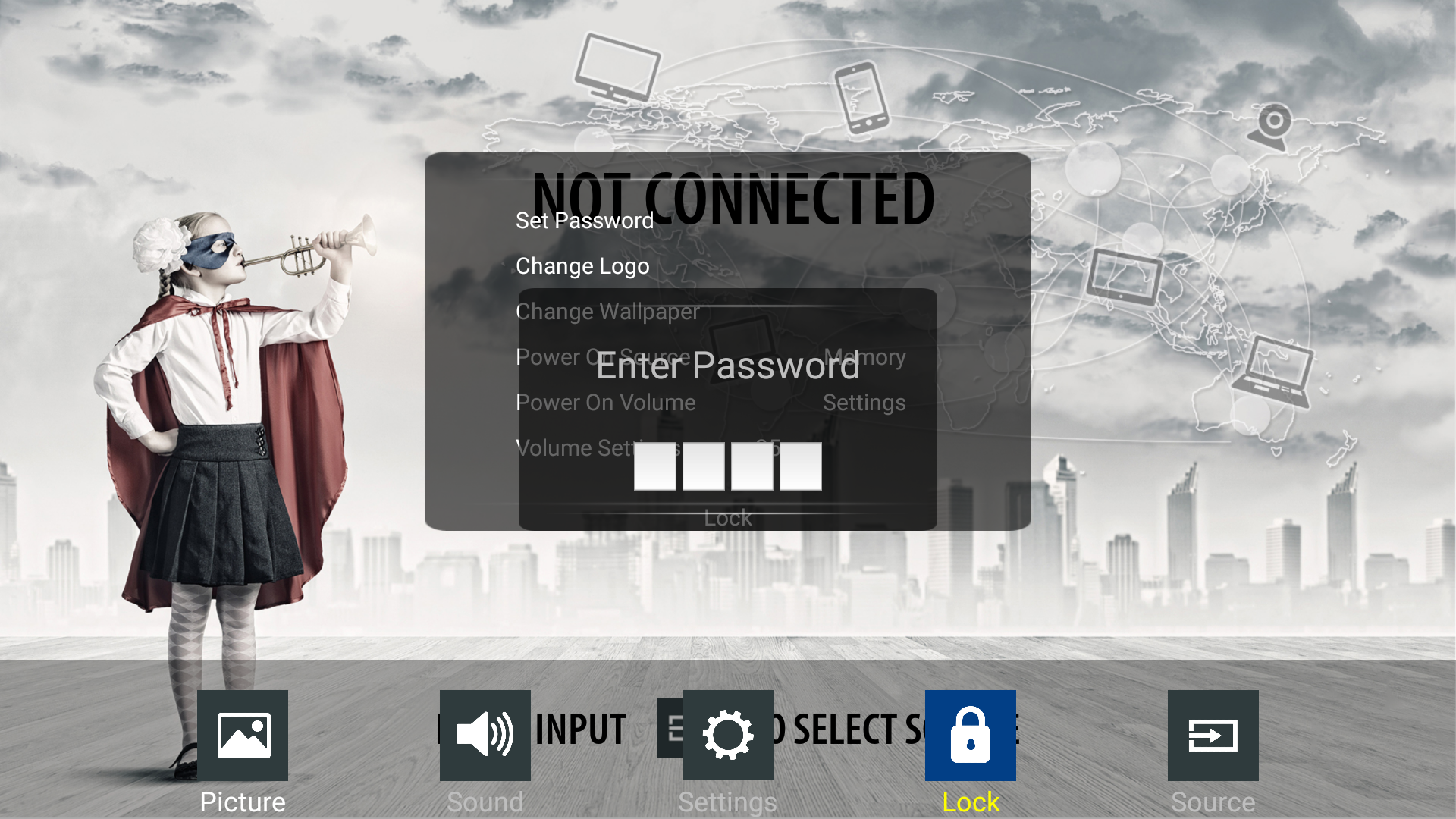
After selecting the Volume settings you will be prompted for a password (default 0000 if not changed).
-
Now you are able to change the volume to the desired setting.
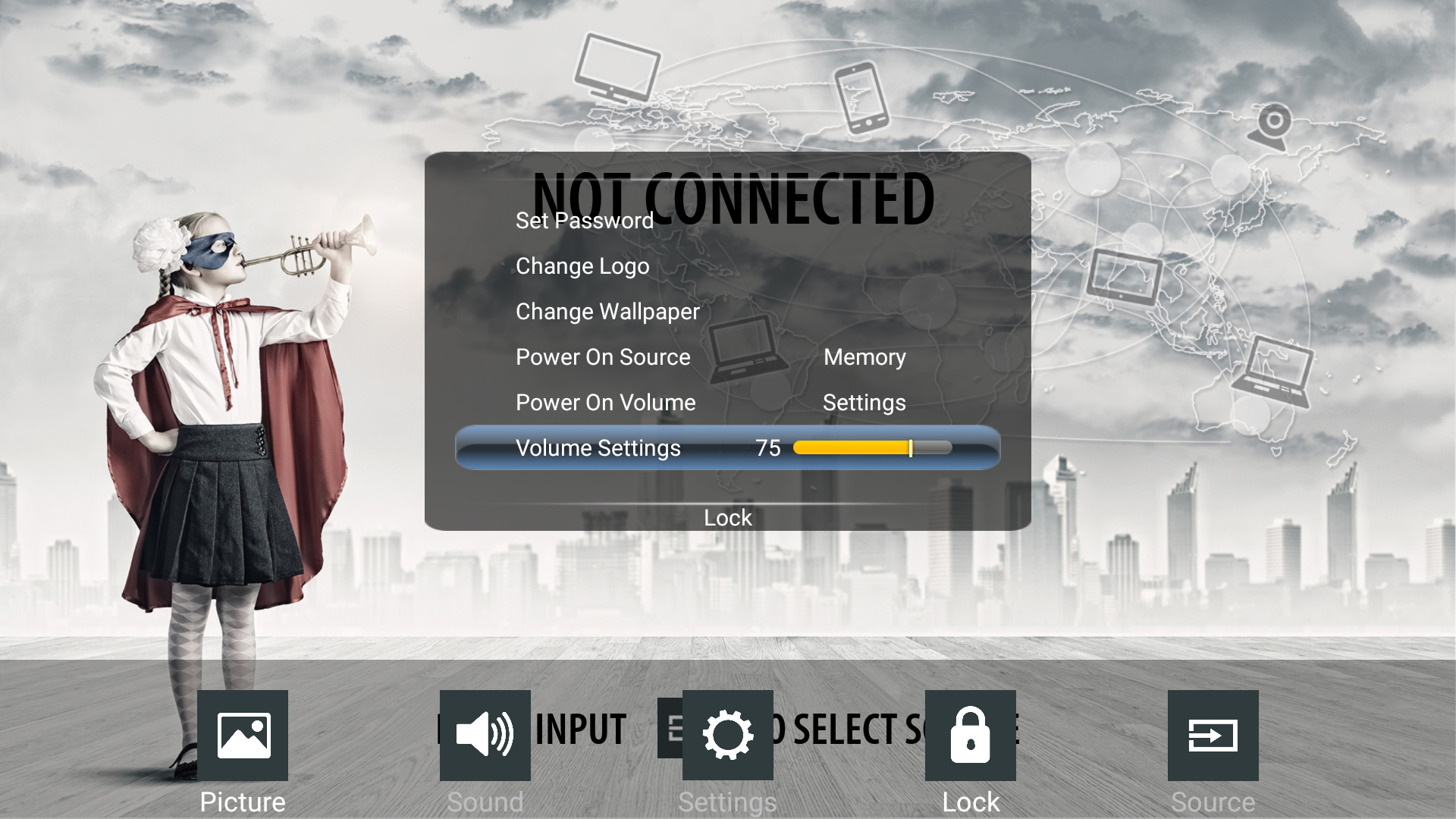
-
You can exit the lock menu by pressing the home or back button.