Breadcrumbs

Change the keyboard layout / language on Laser Air Plus +

Instructions

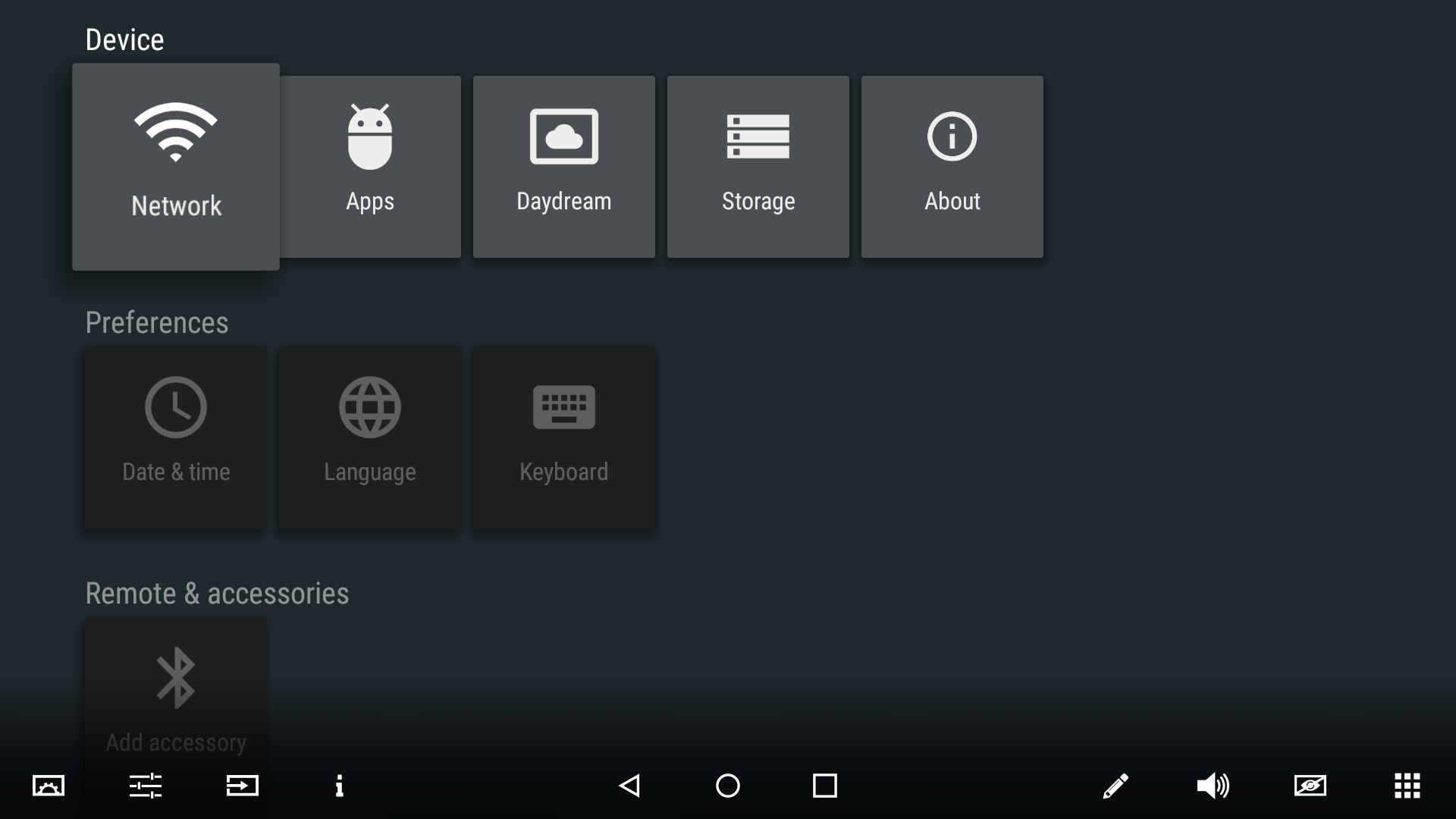
  1. Open the Android settings (2nd icon from the left in the floating bar).
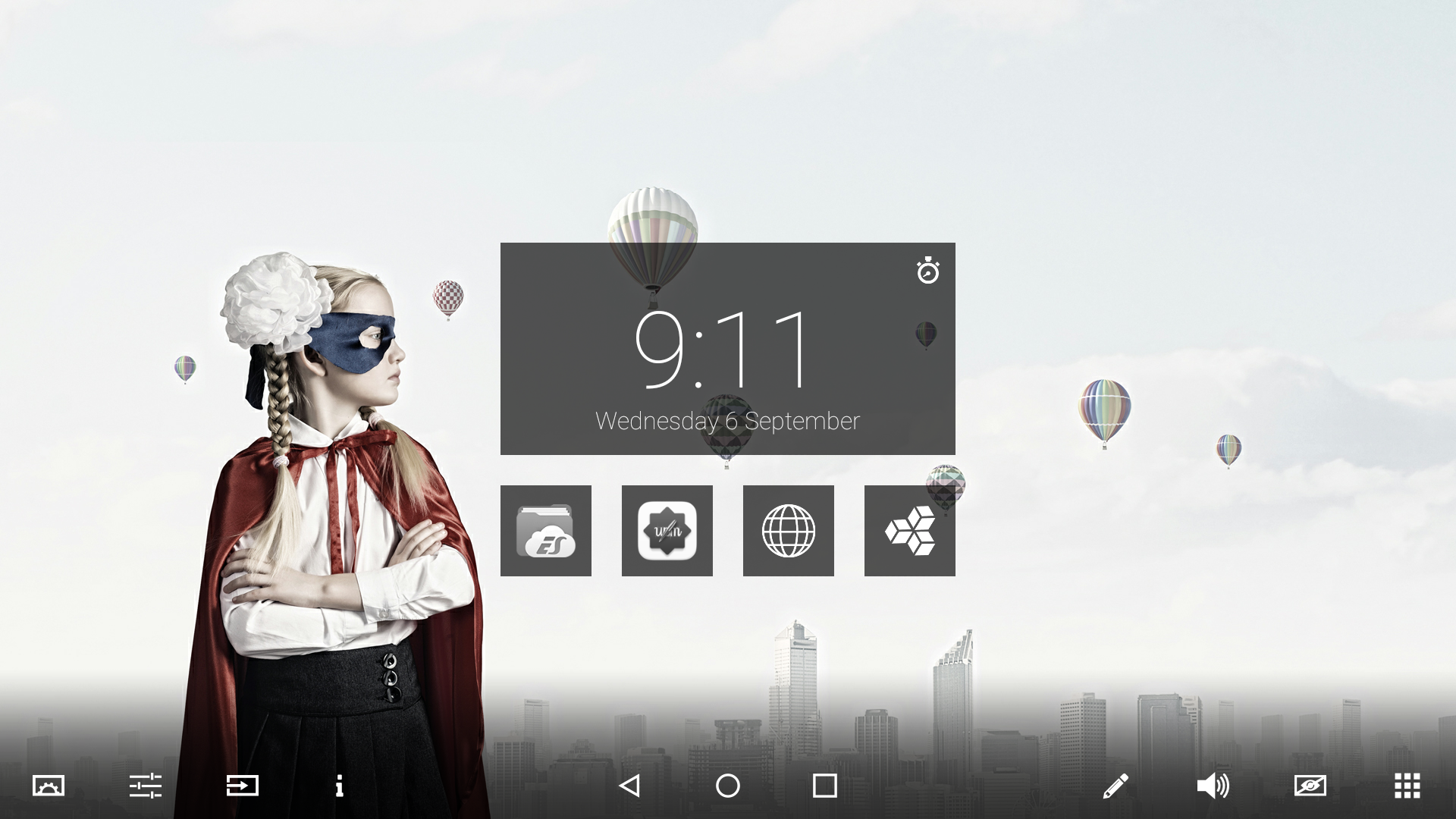
    image-20251218-093313.png


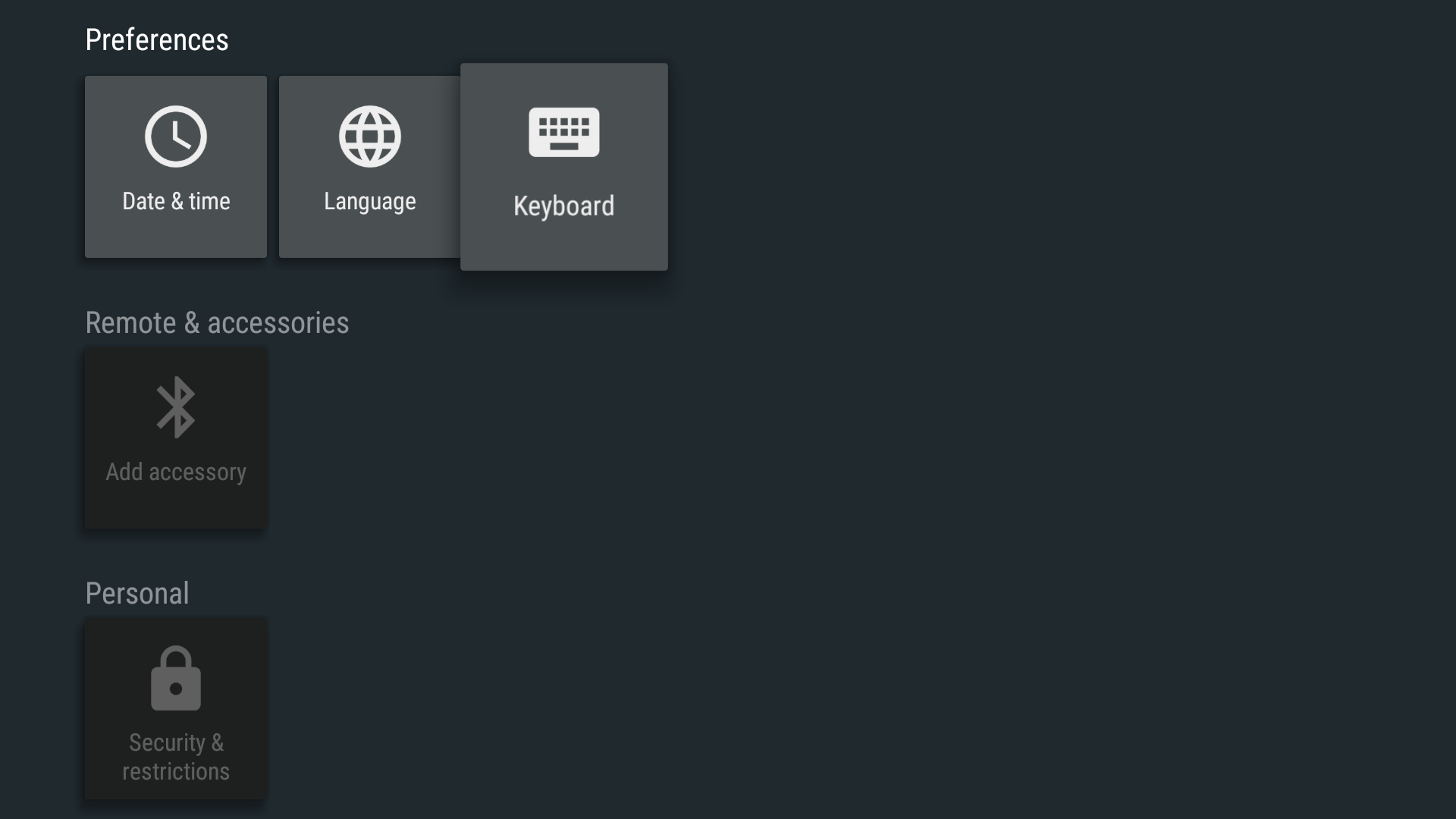
    image-20251218-093324.png


  2. Select Keyboard.

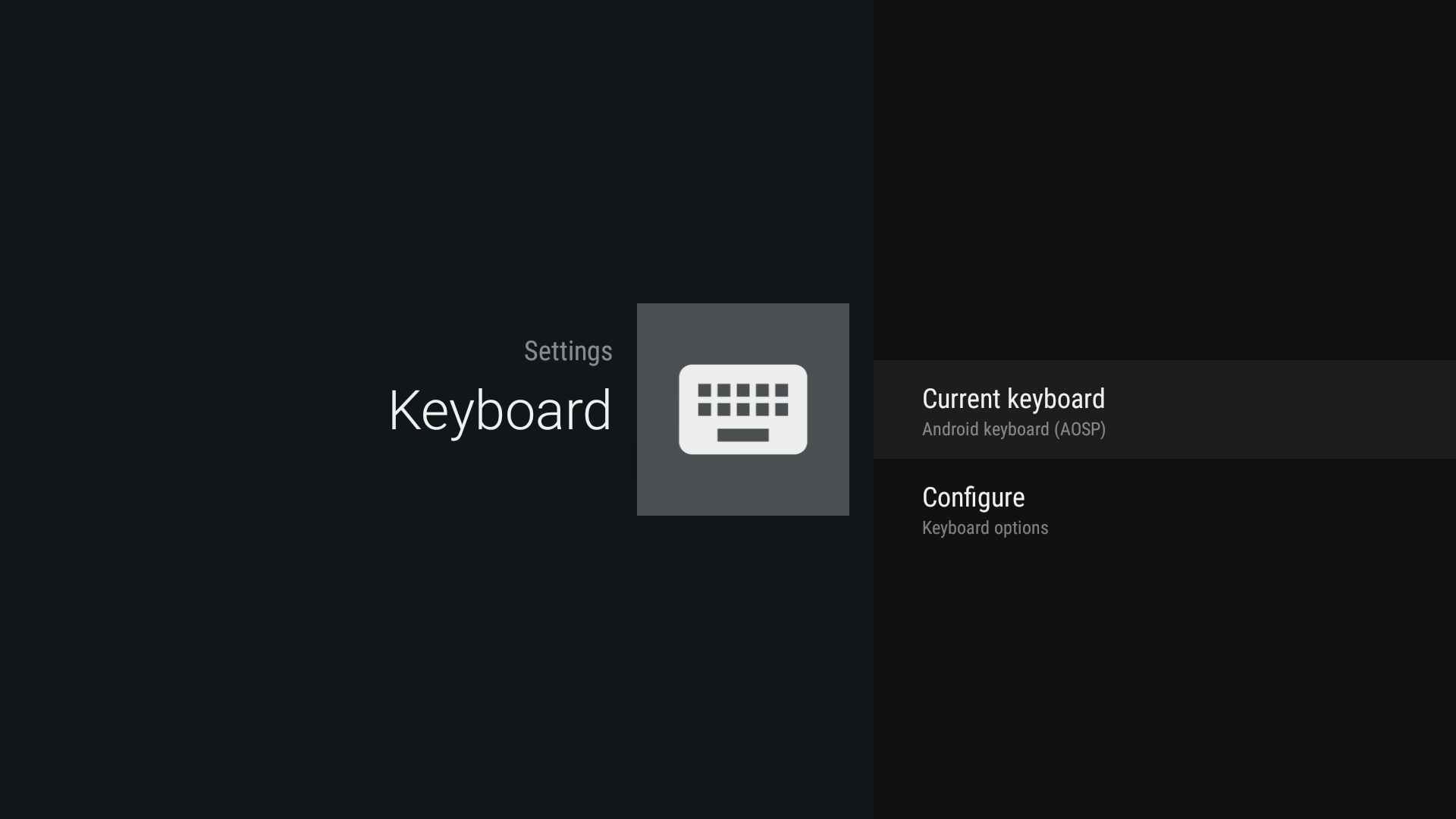
    image-20251218-093342.png
  3. Select Configure.

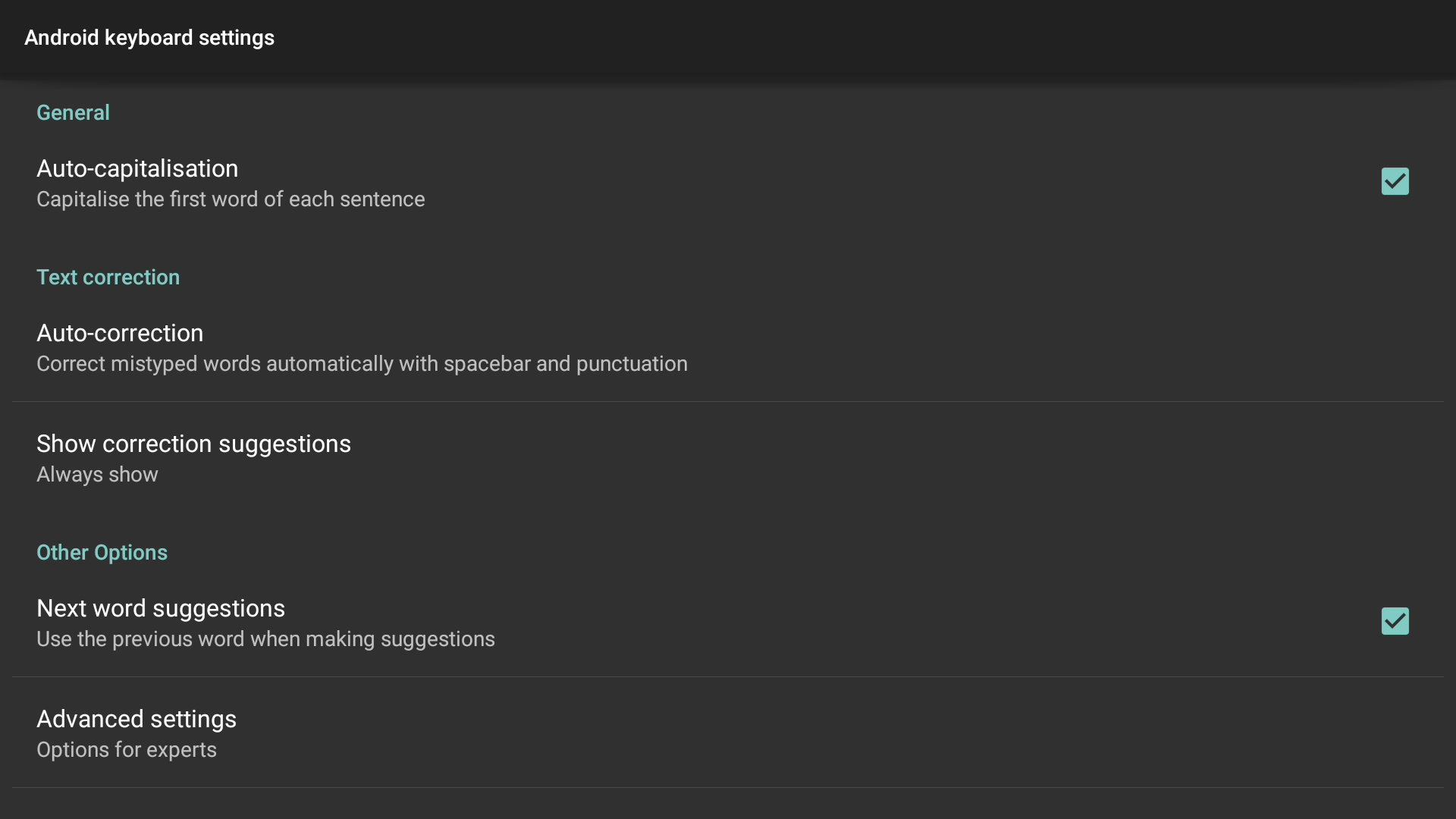
    image-20251218-093347.png
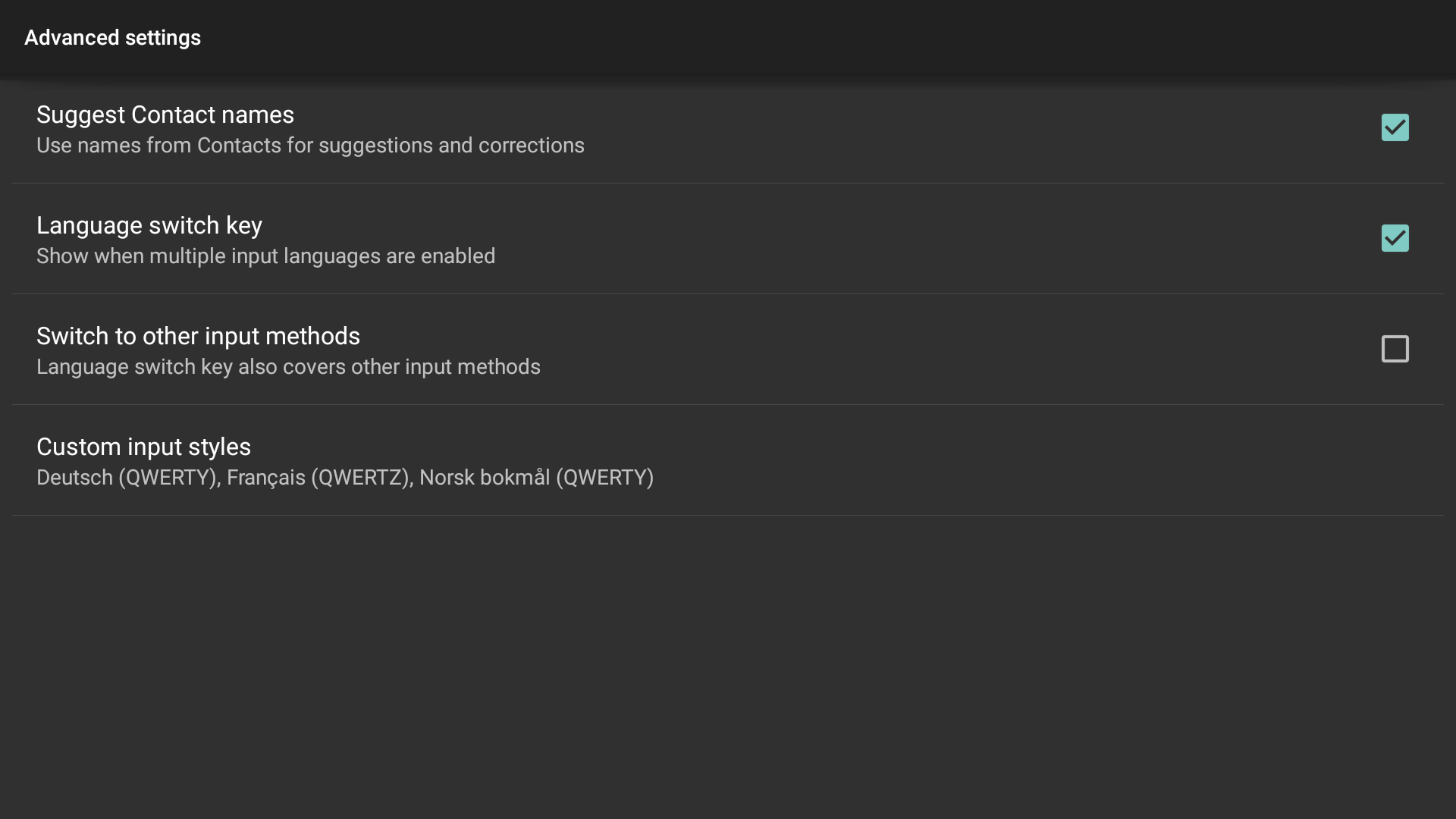
  4. Select Advanced settings.

    image-20251218-093352.png
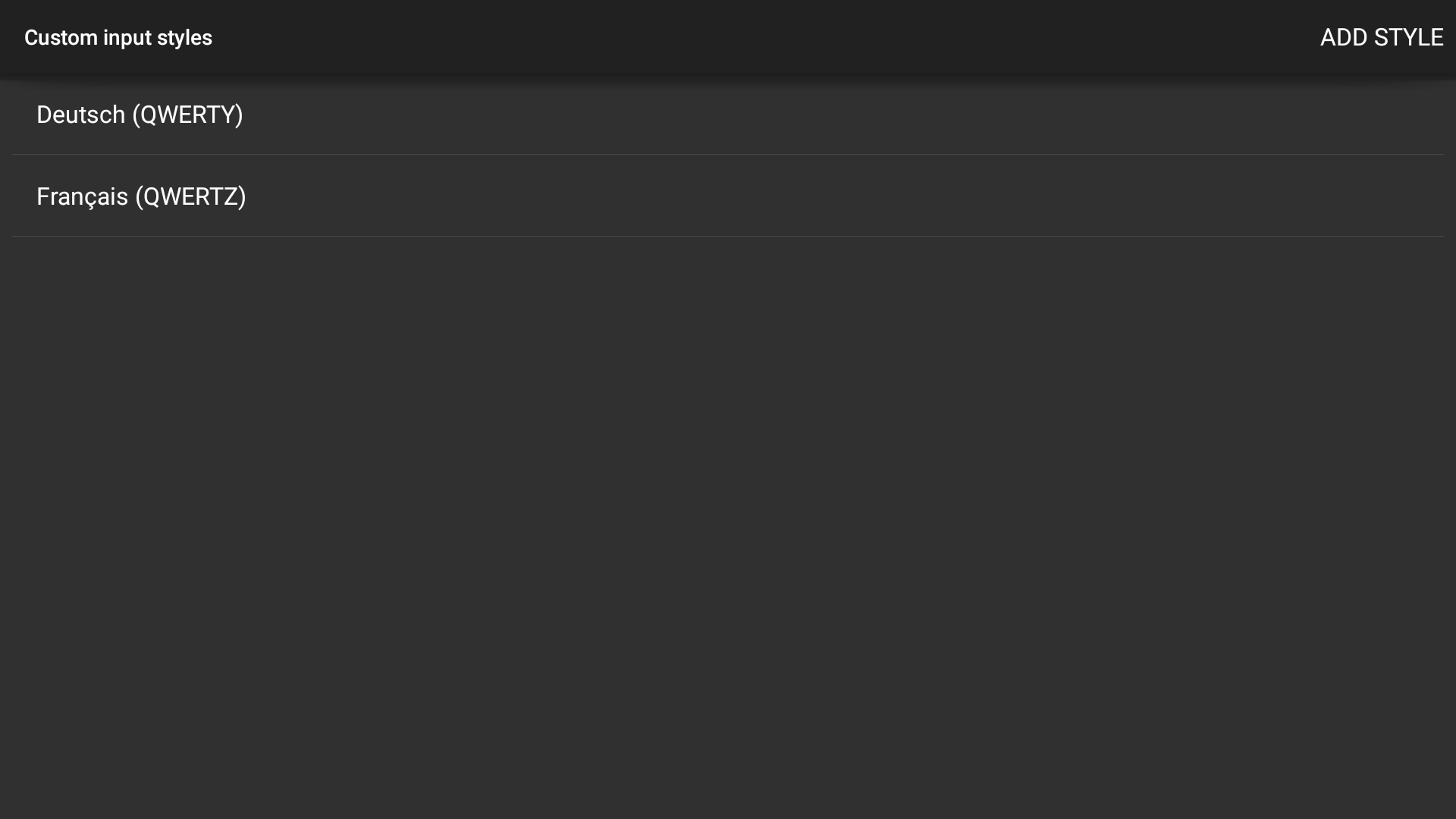
  5. Select Custom input styles.

    image-20251218-093359.png


    image-20251218-093408.png
  6. Add Style and select the required language and layout.
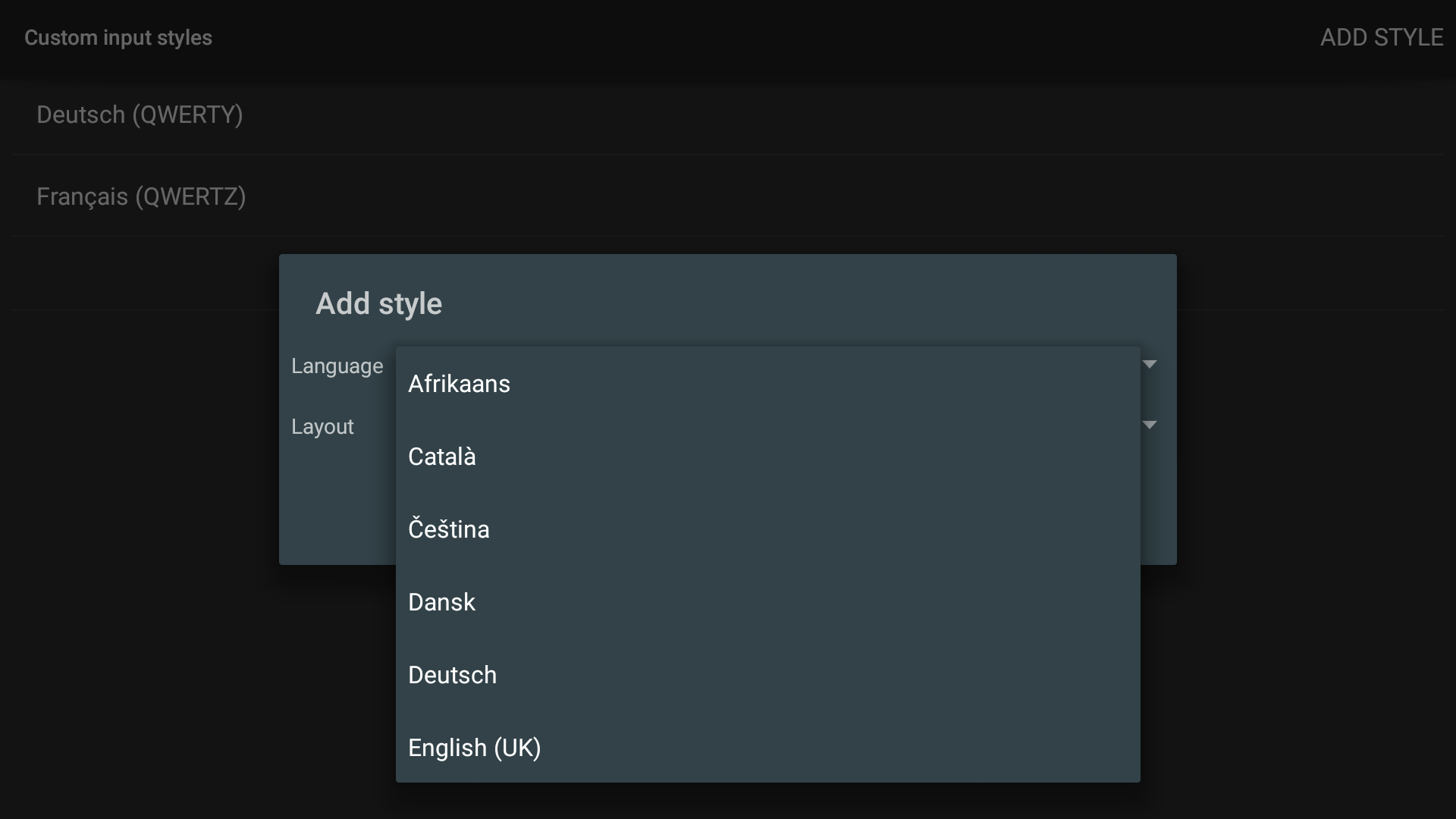
    image-20251218-093418.png
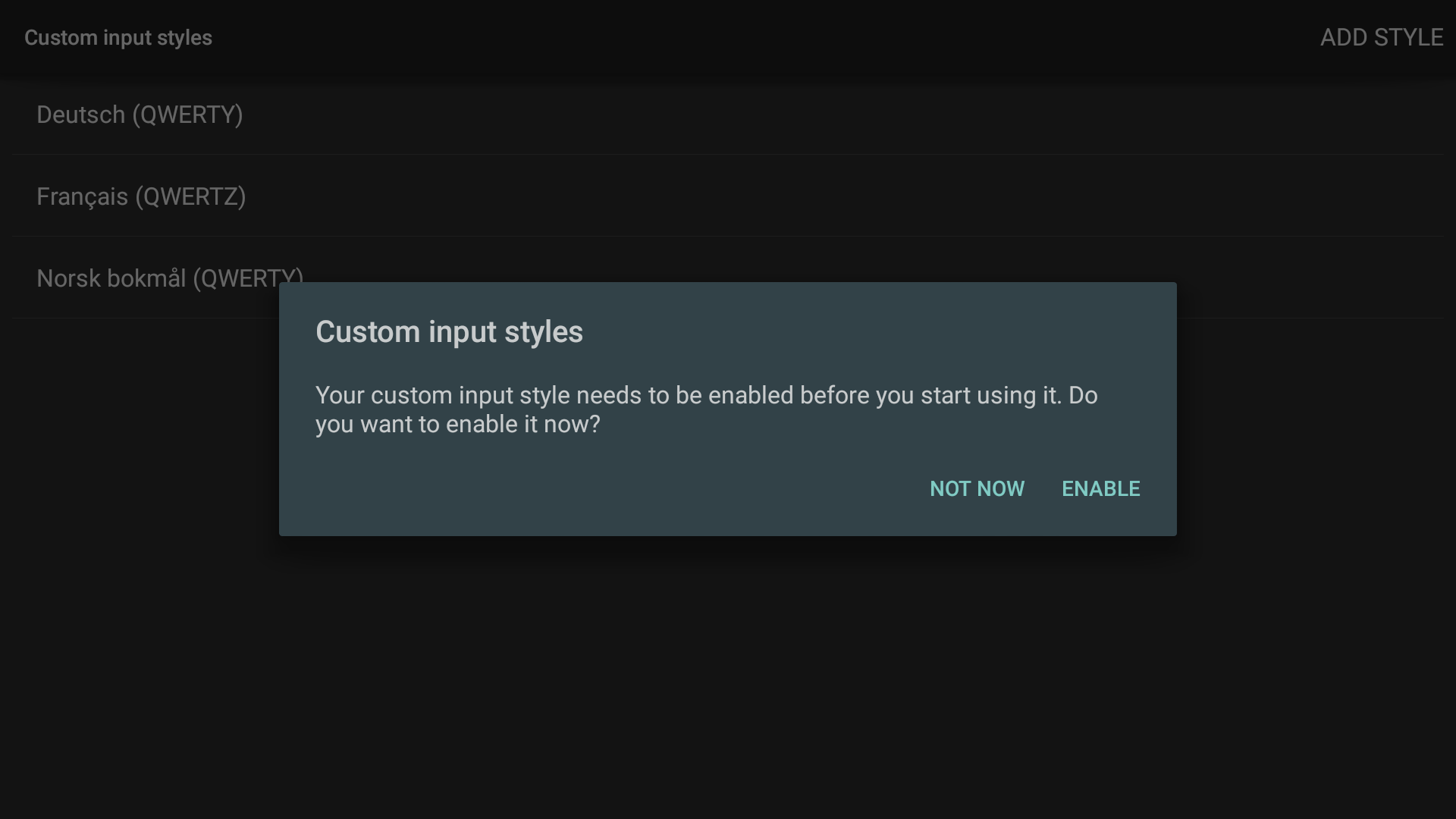
  7. Enable Custom input styles.

    image-20251218-093424.png
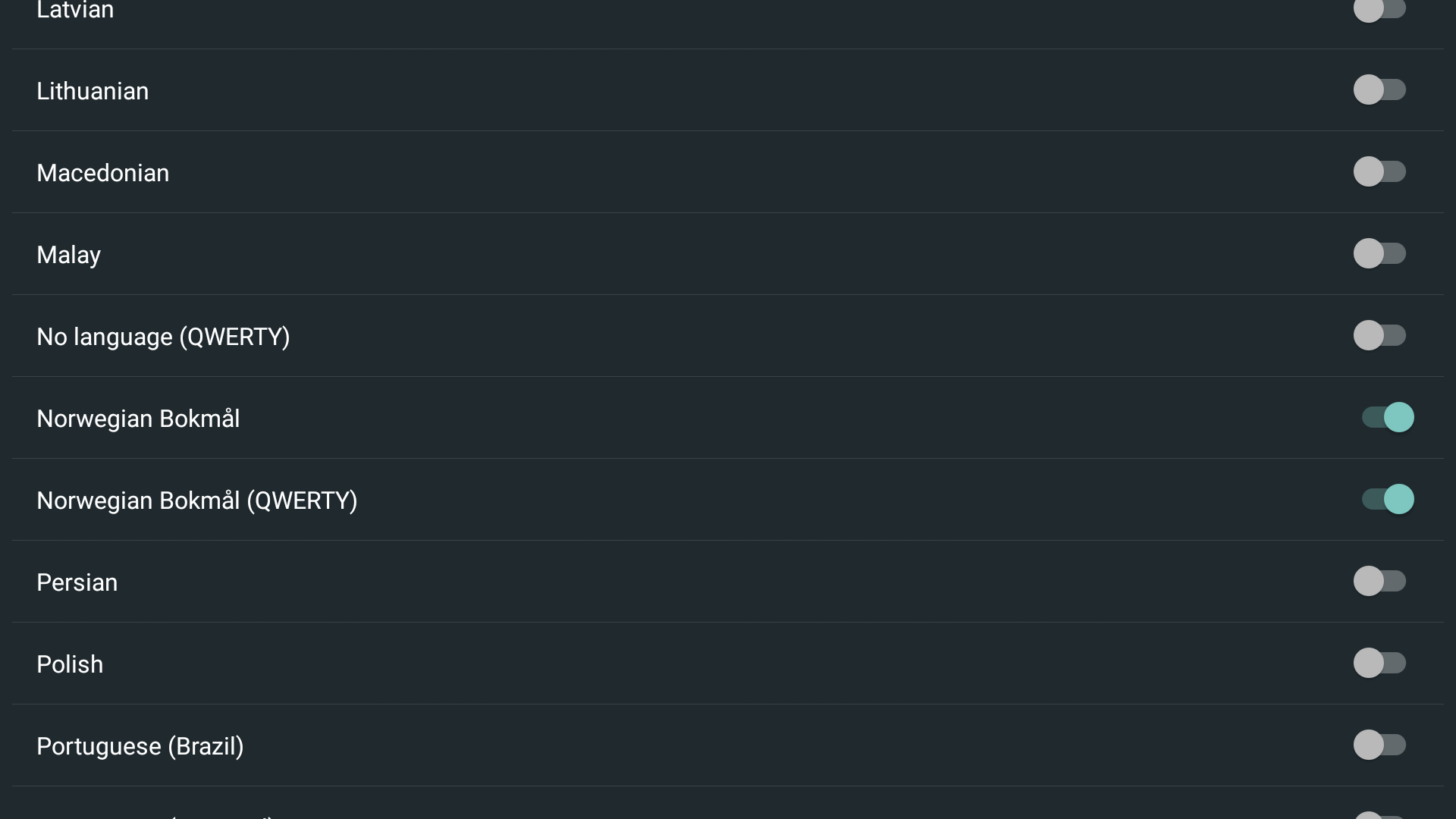
  8. Disable system language and select the right active input methods.
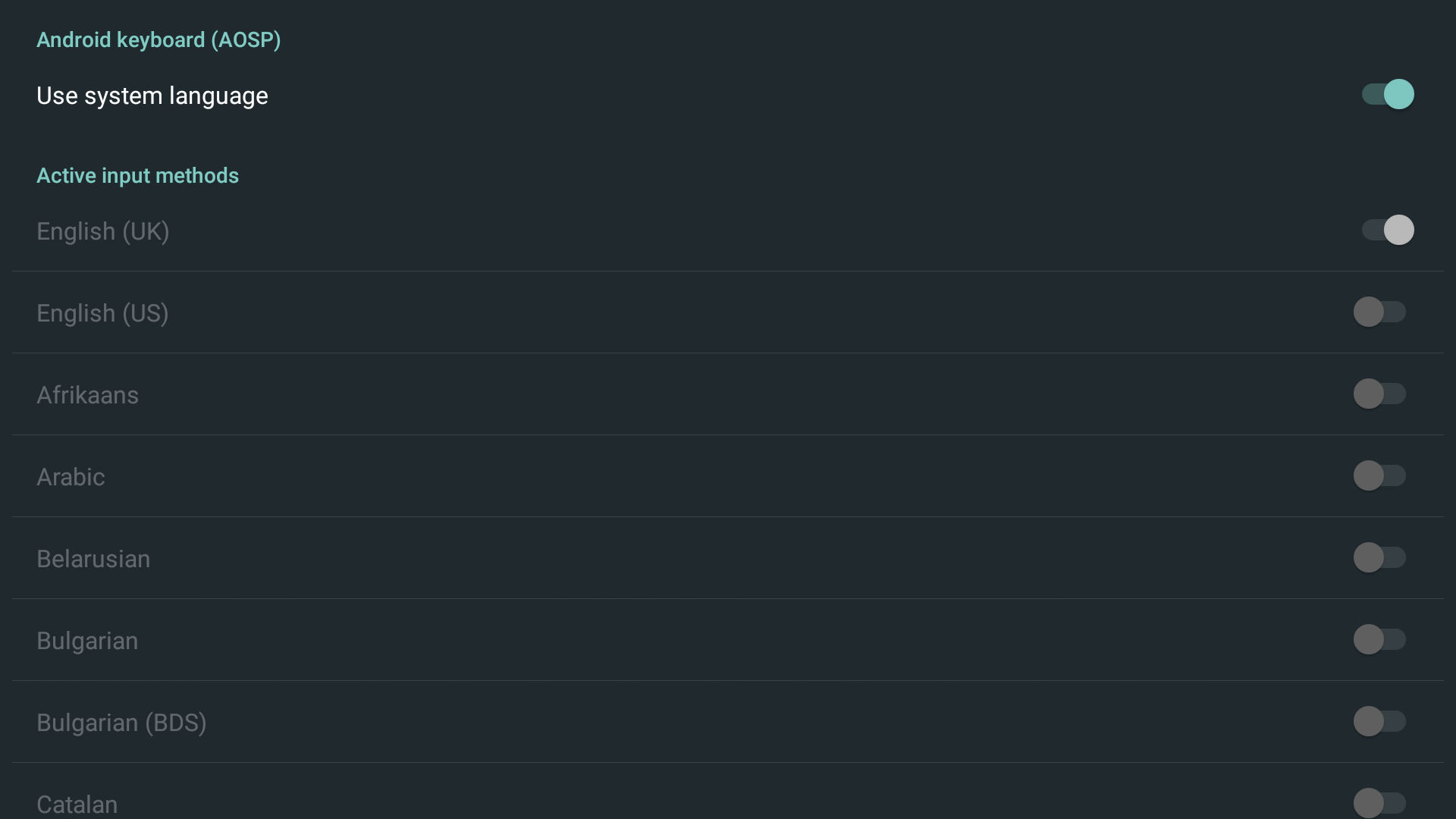
    image-20251218-093430.png


    image-20251218-093437.png


  9. ​Select an app where keyboard input is required (e.g. the browser).
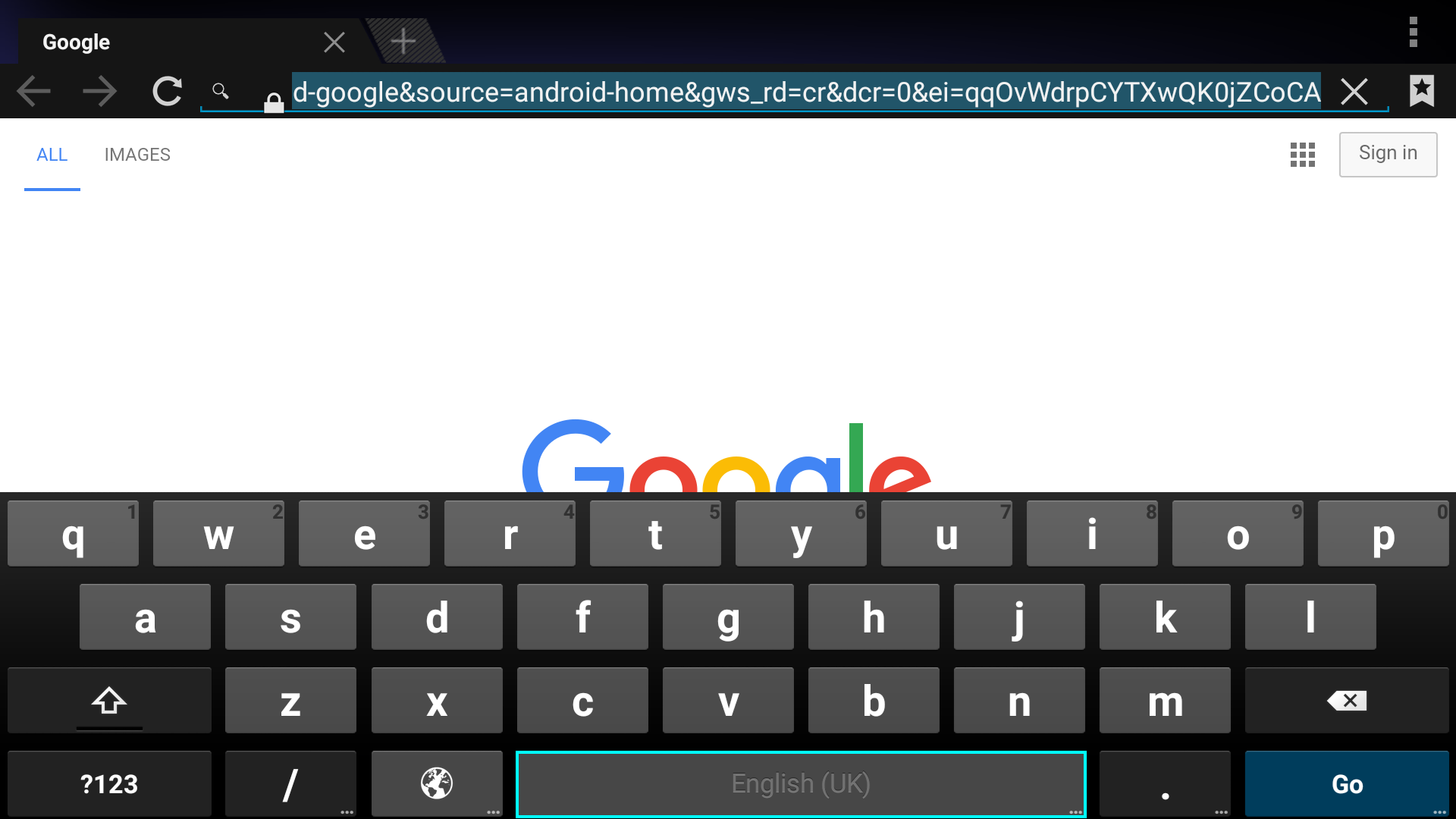
    image-20251218-093452.png
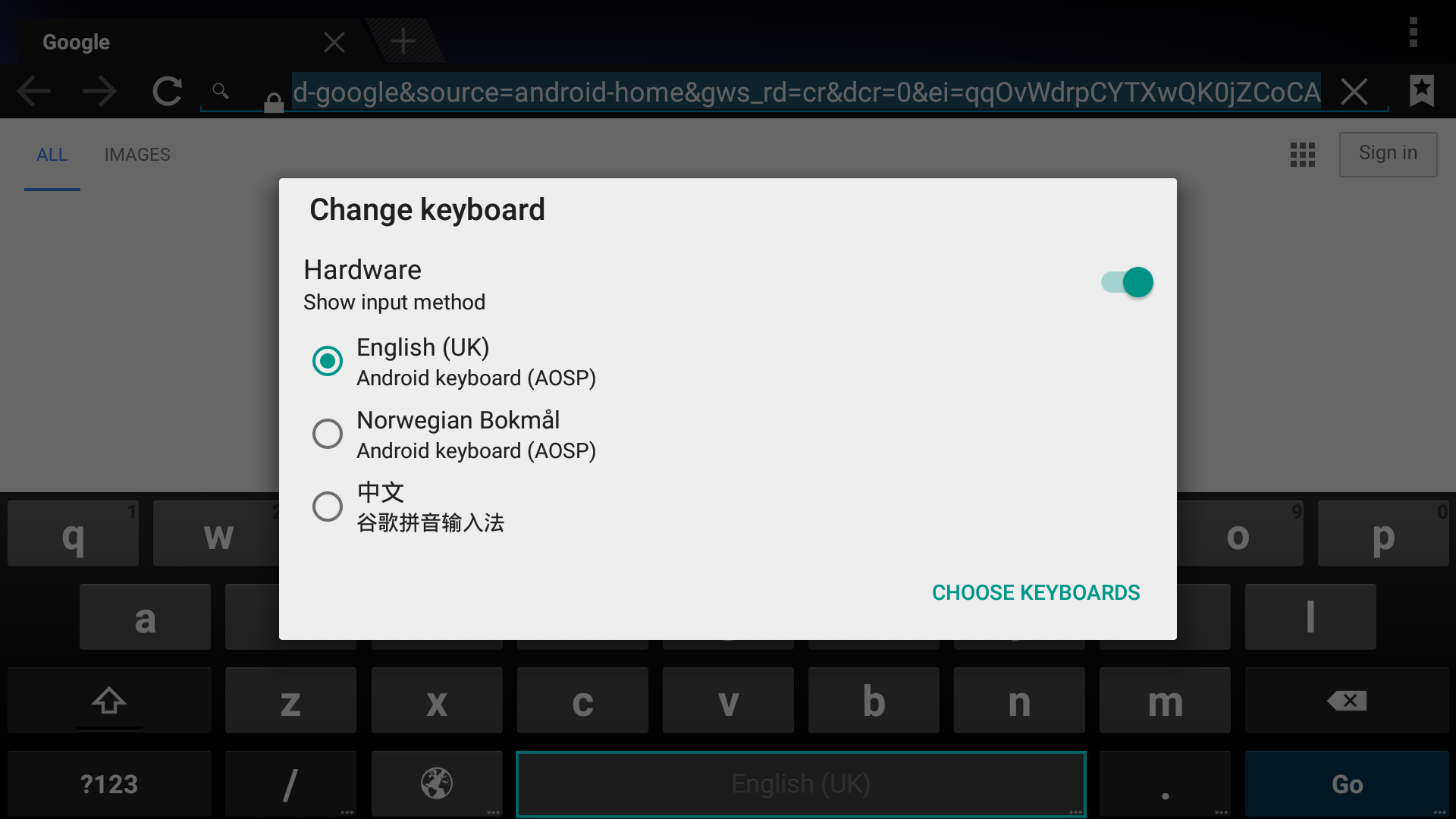
  10. Press and hold the space bar.

    image-20251218-093502.png
  11. Select the required keyboard.