
If you want to prevent that anybody can enter the main menu by pressing the center button. Please follow the steps below:
Instructions
-
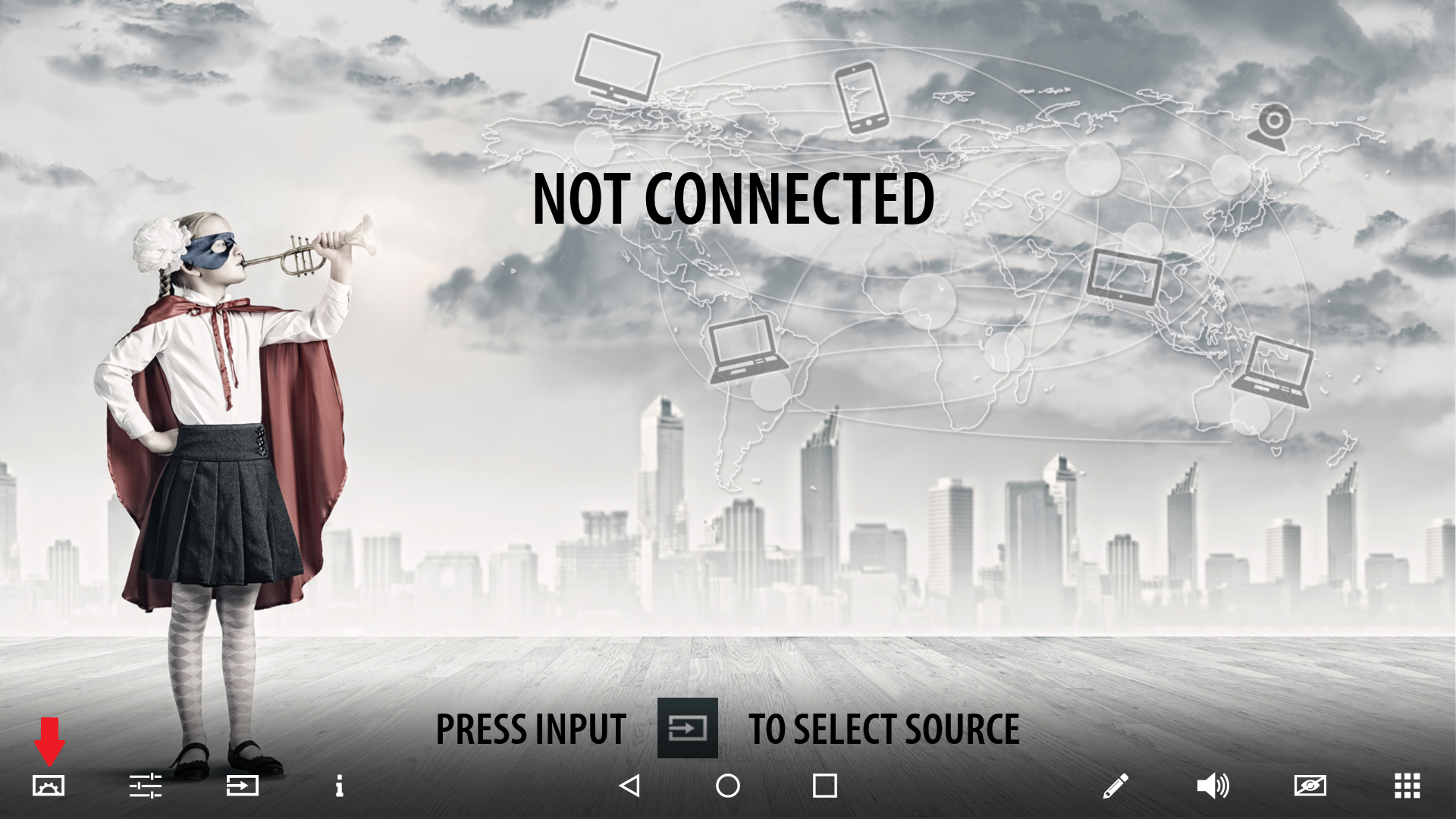
Press the center button shortly and touch the [gear] symbol
-
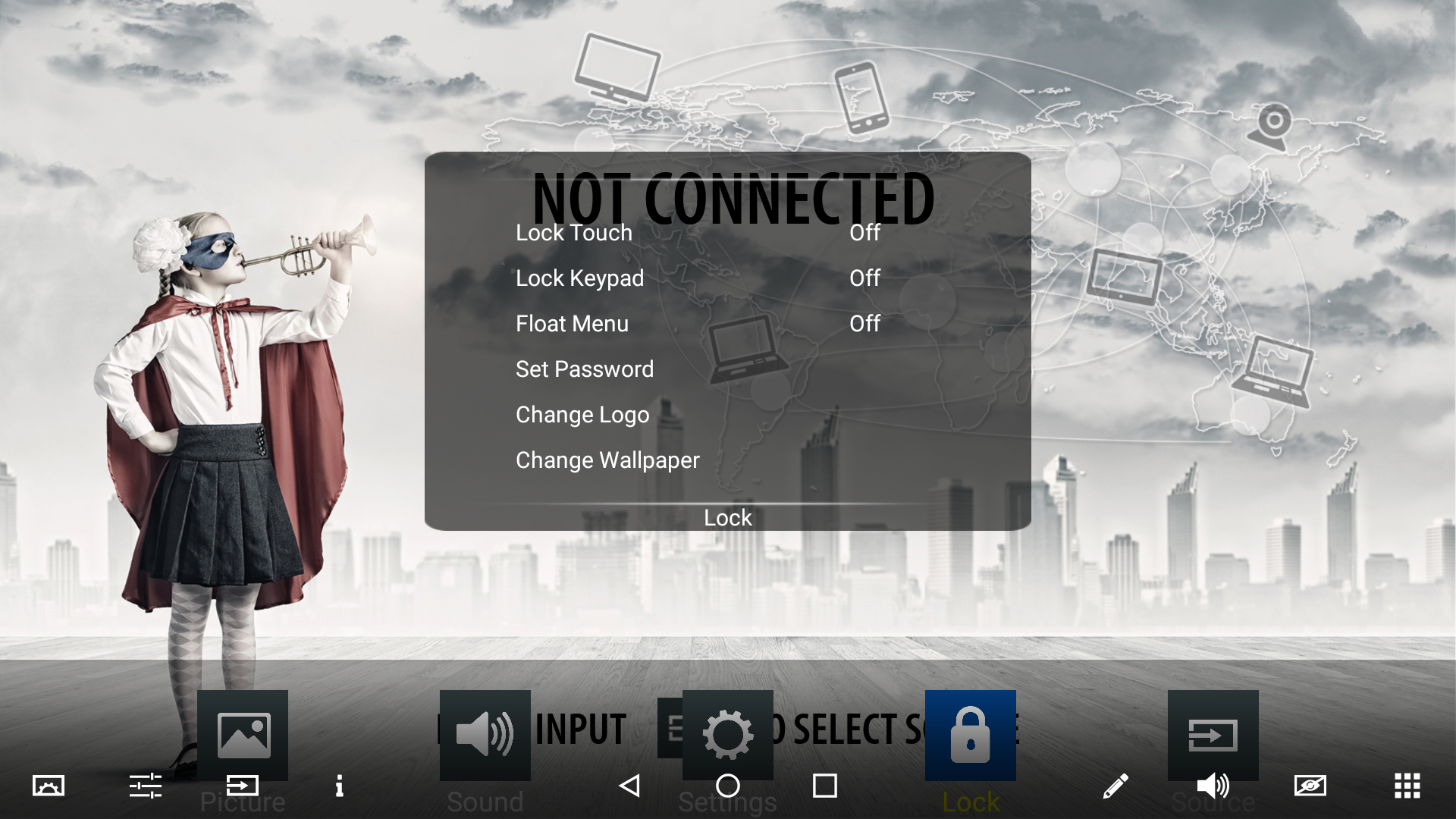
Navigate to the [Lock] menu and enter
-
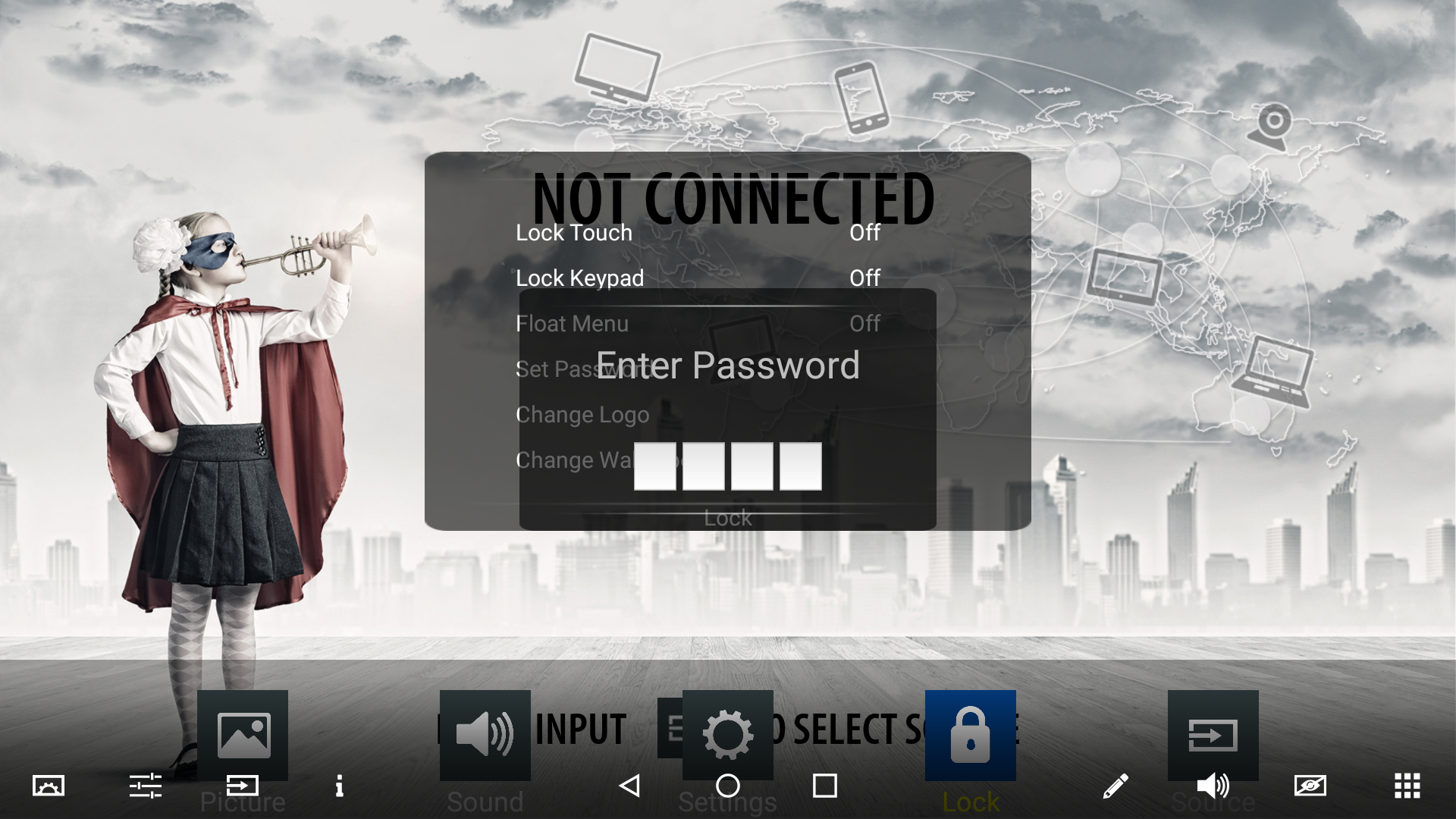
A password is required to enter the [Lock] menu. This is 0000 by default
-
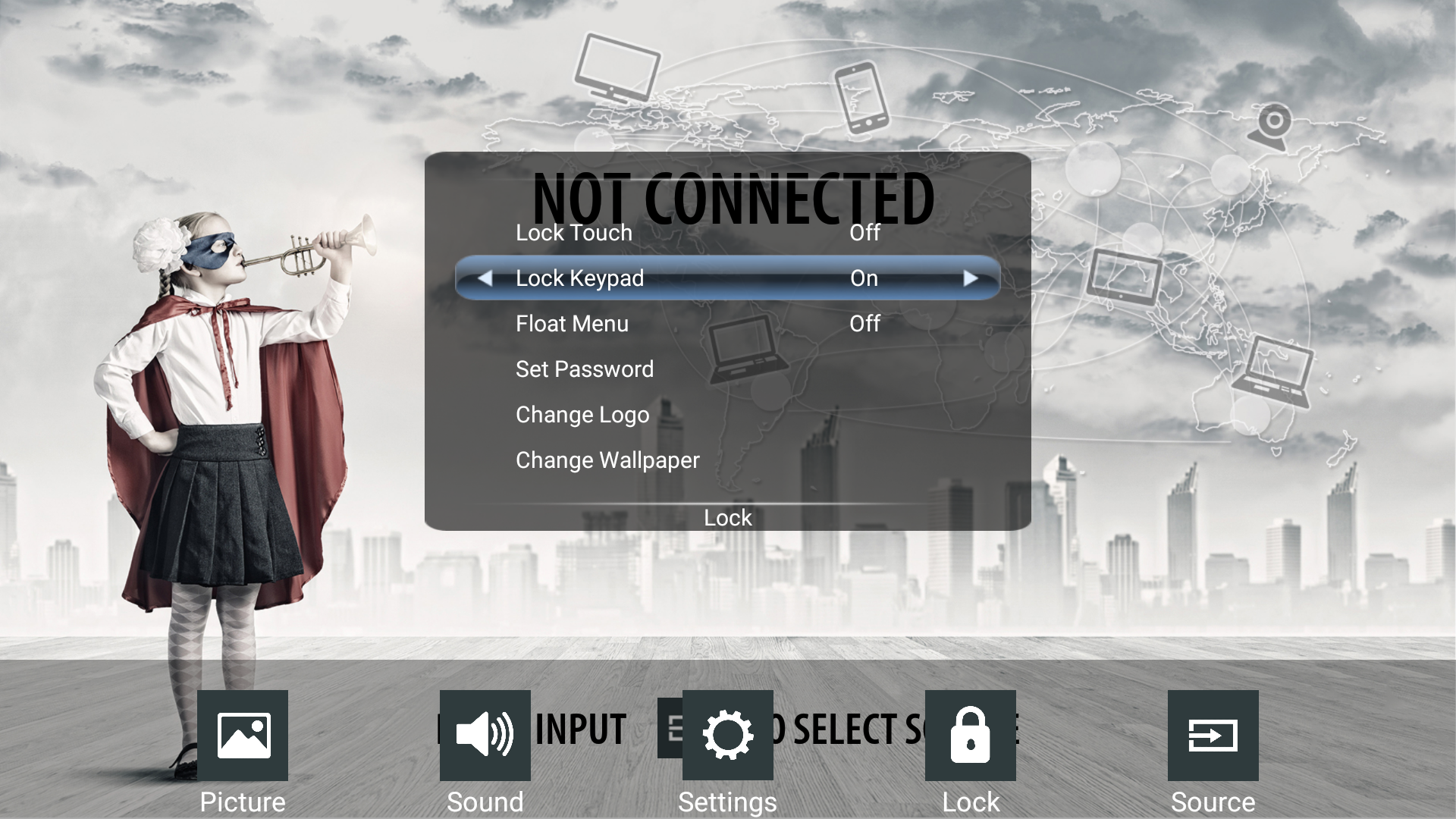
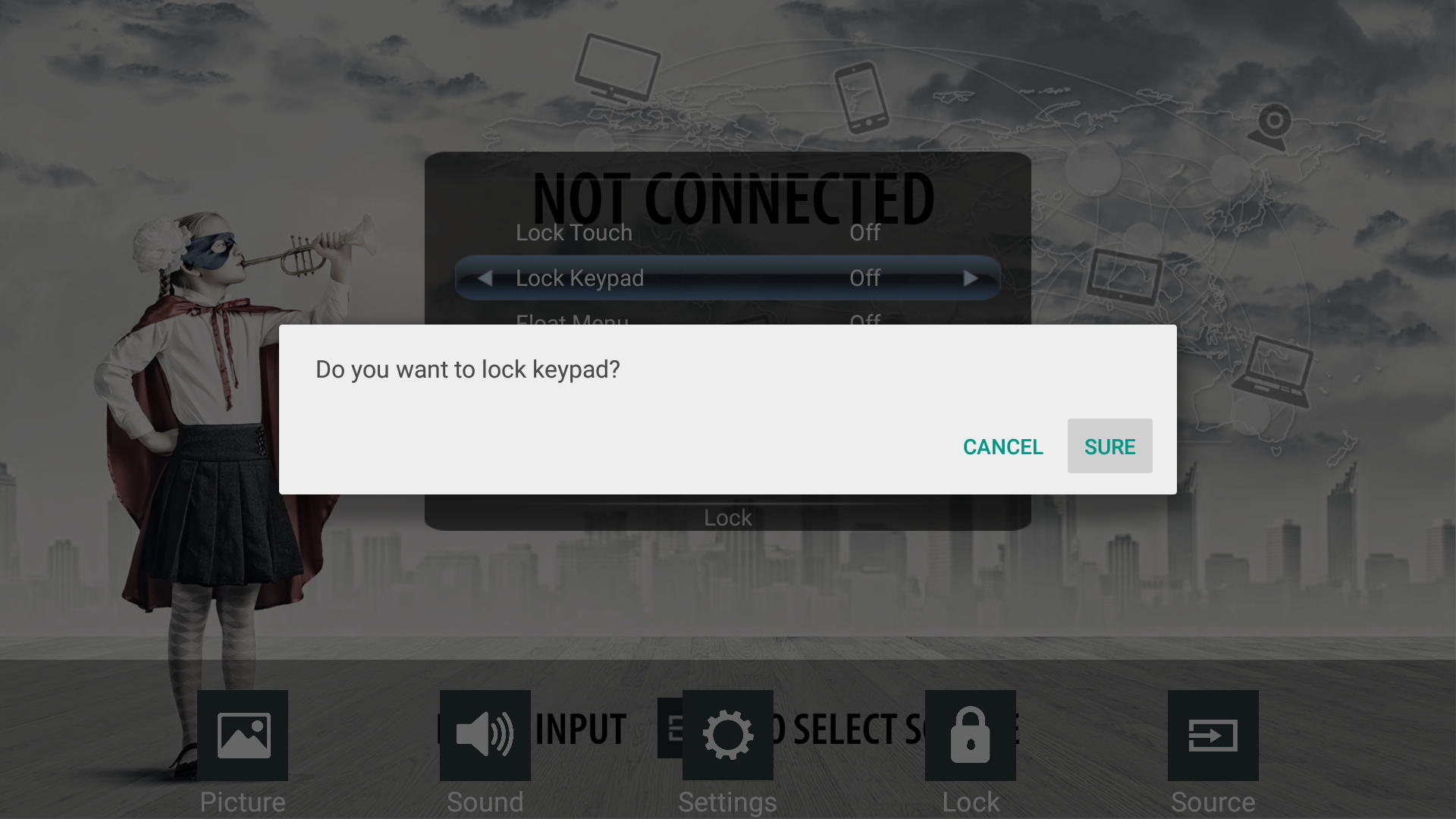
You can enable the [Lock Keypad] by using the arrow keys on the screen or remote control
-
You will be prompted to confirm your change, Press [Sure] to continue
-
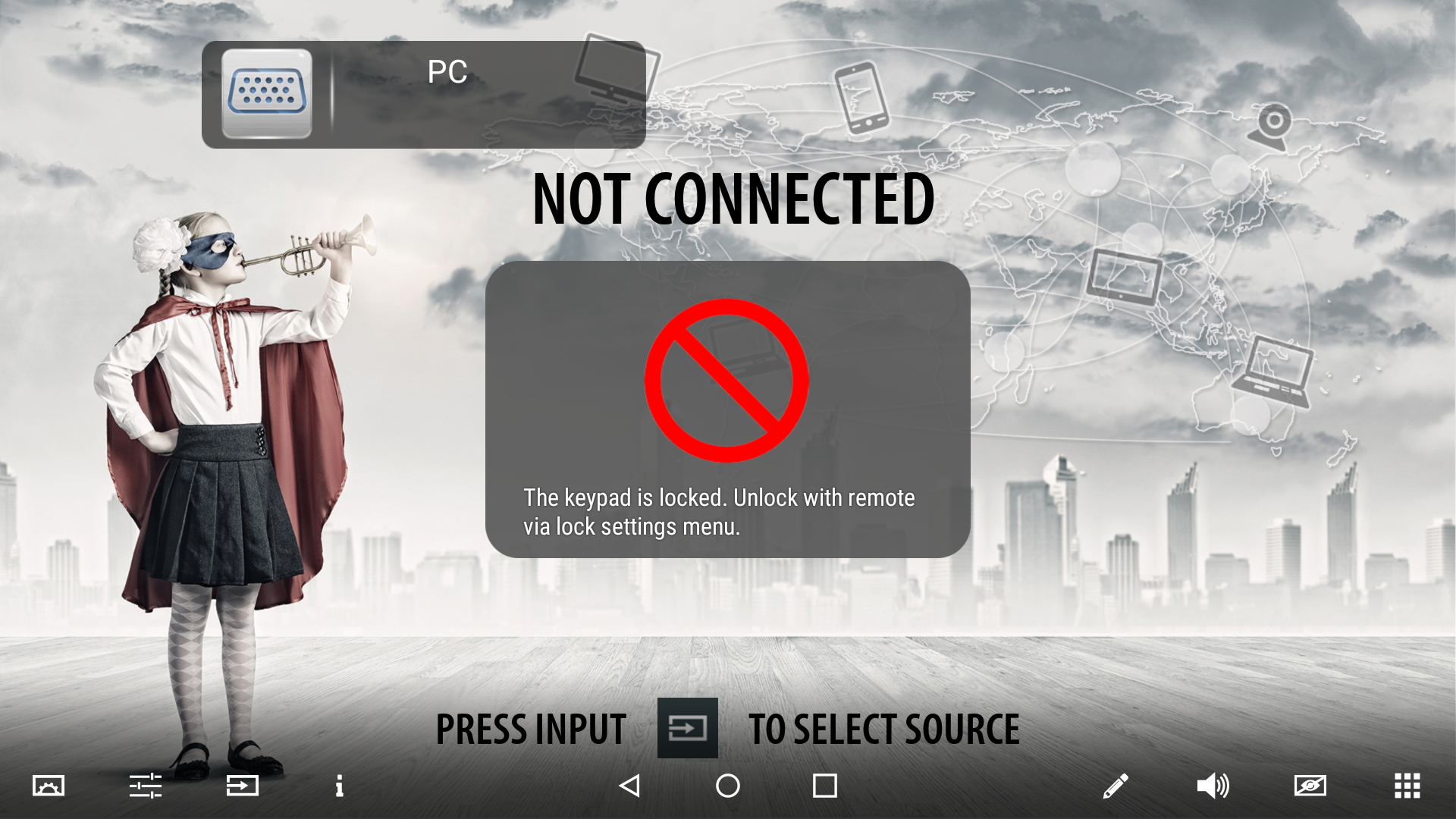
Now the center button only can be used to turn on the screen. Pressing it during operation will now show this screen:
-
To enable the center button again, please repeat the steps above using the remote control