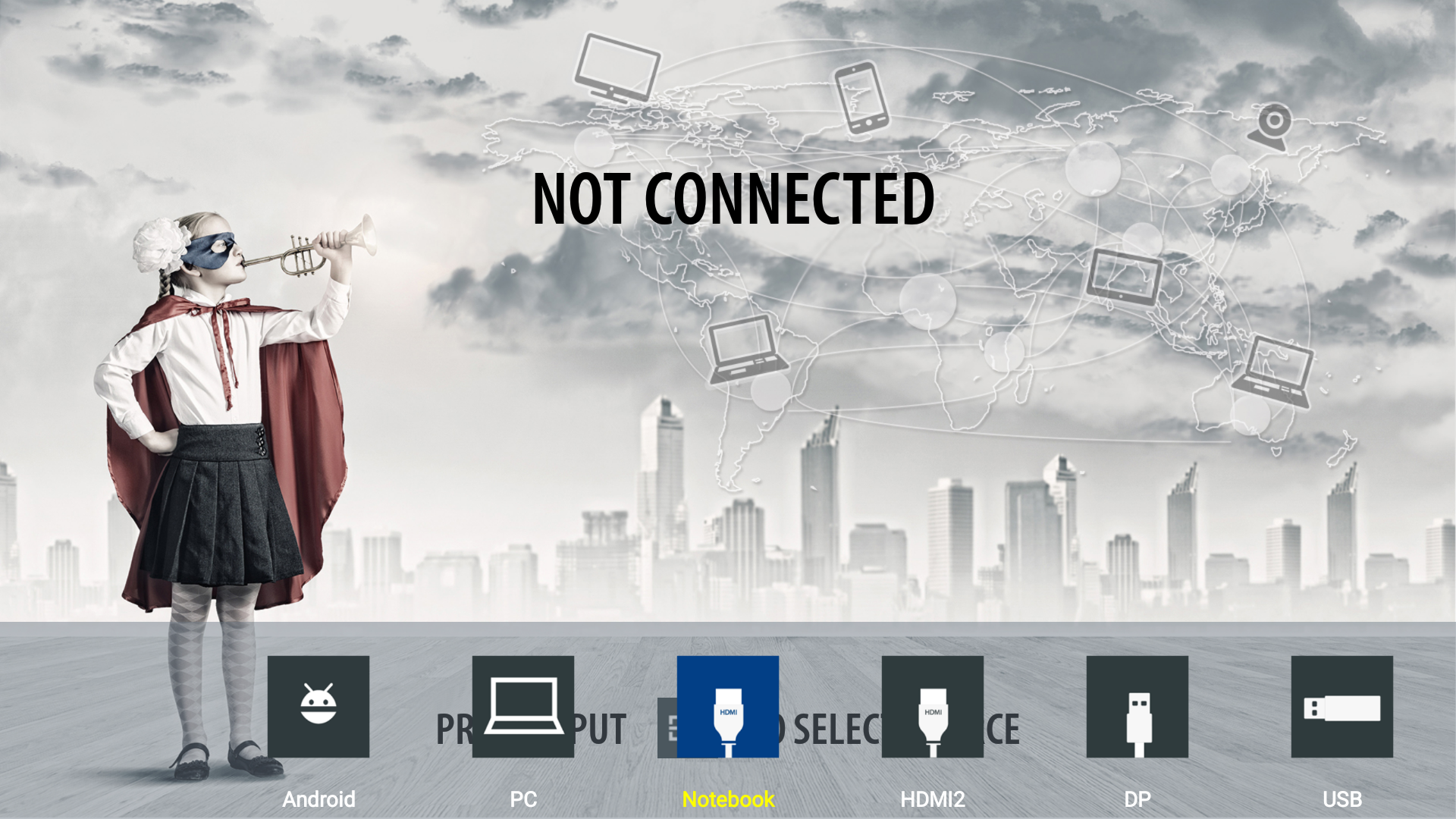
If you like to give your inputs a different name than the default HDMI1, HDMI2, VGA etc. Please watch this YouTube instruction video or follow the steps below.
Instructions:
-
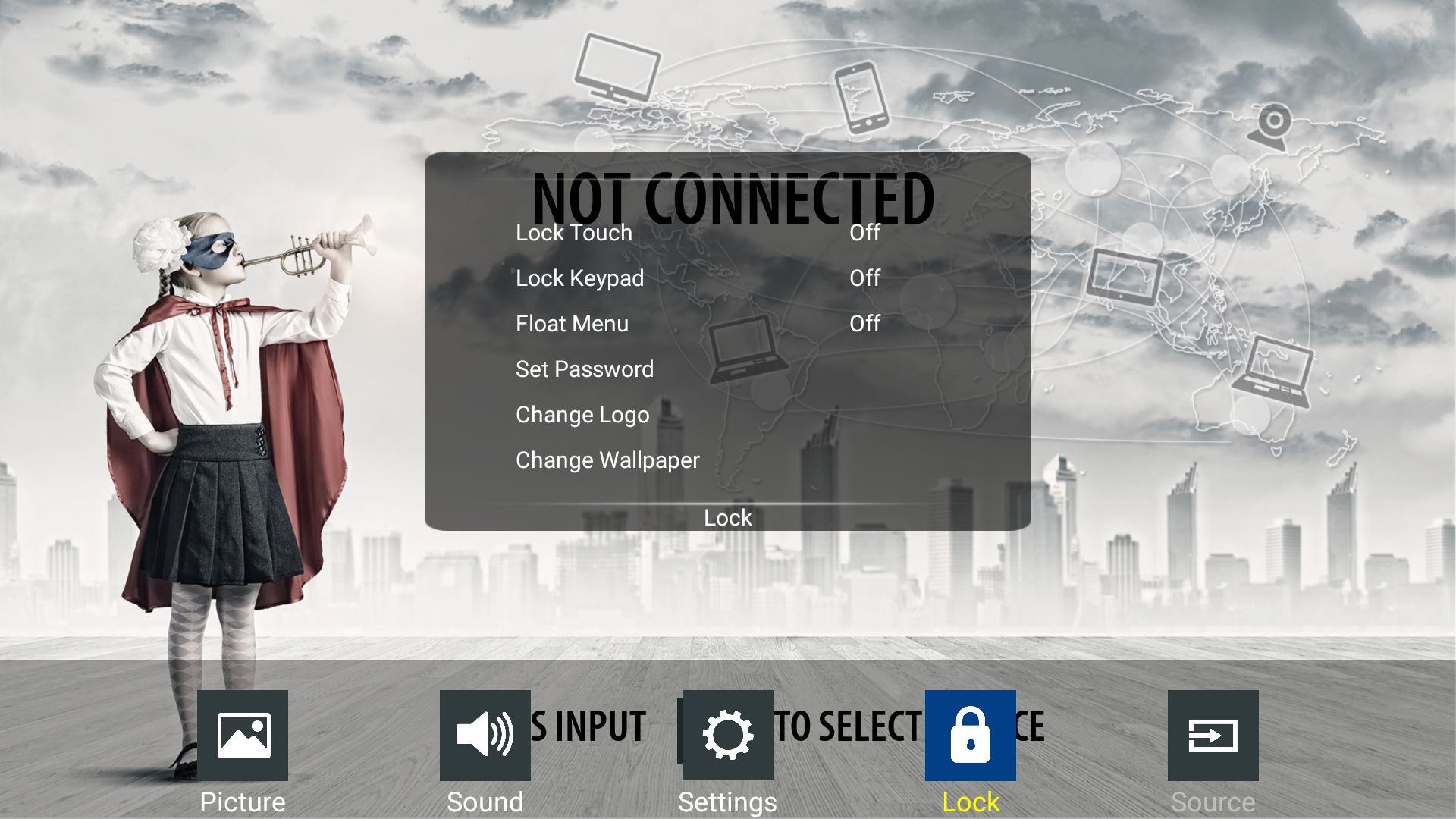
Press [Menu] and navigate to the lock menu then press [OK].
-
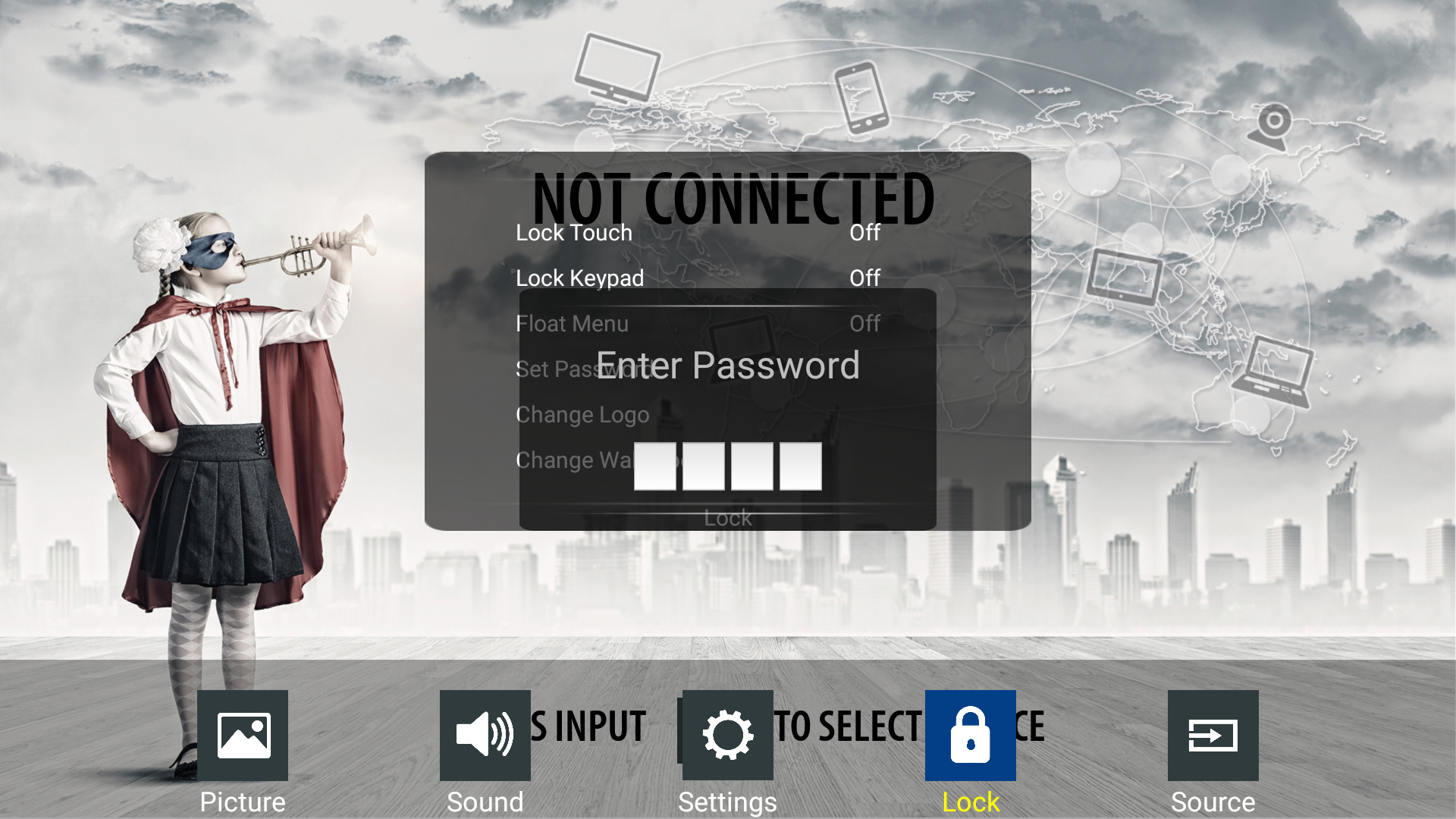
You will be prompted to enter a Password (0000 by default).
-
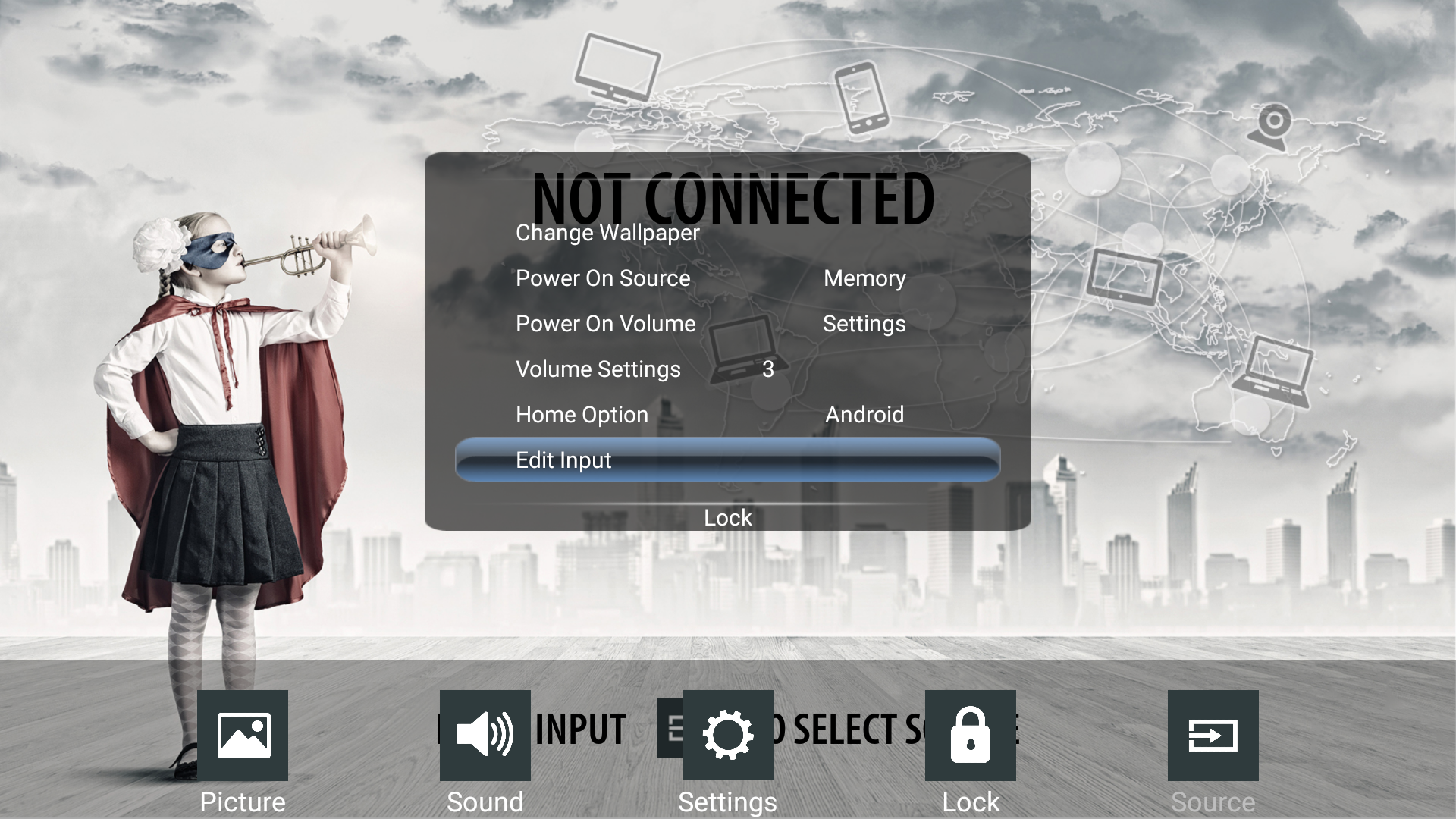
Scroll down to [Edit Input] and press [OK].
-
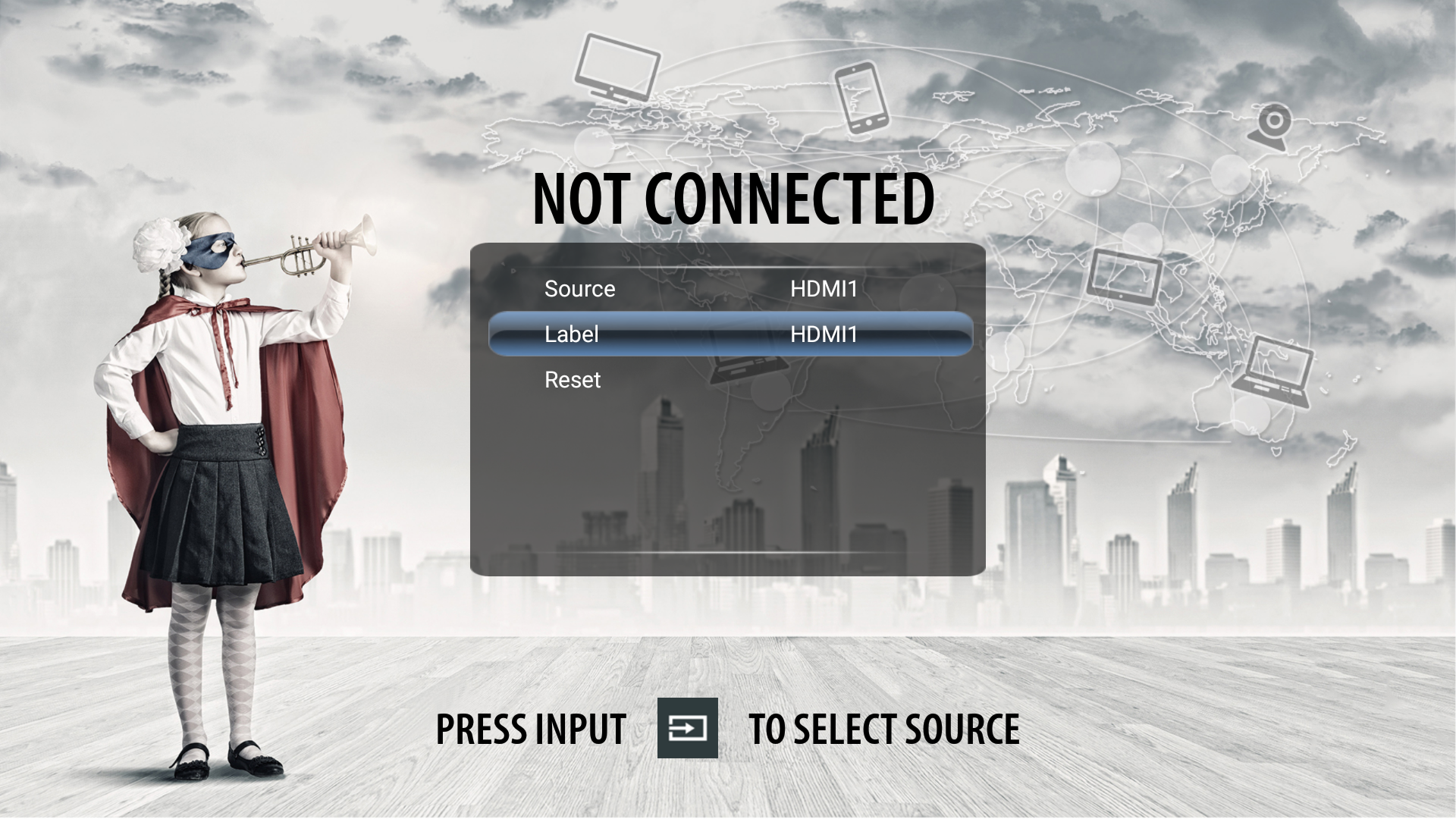
When [Source] is selected you can select the source you like to 'label' with the <> arrow keys.
-
In this example we will change the label of HDMI1 to 'Notebook' by selecting [Label] followed by [OK].
-
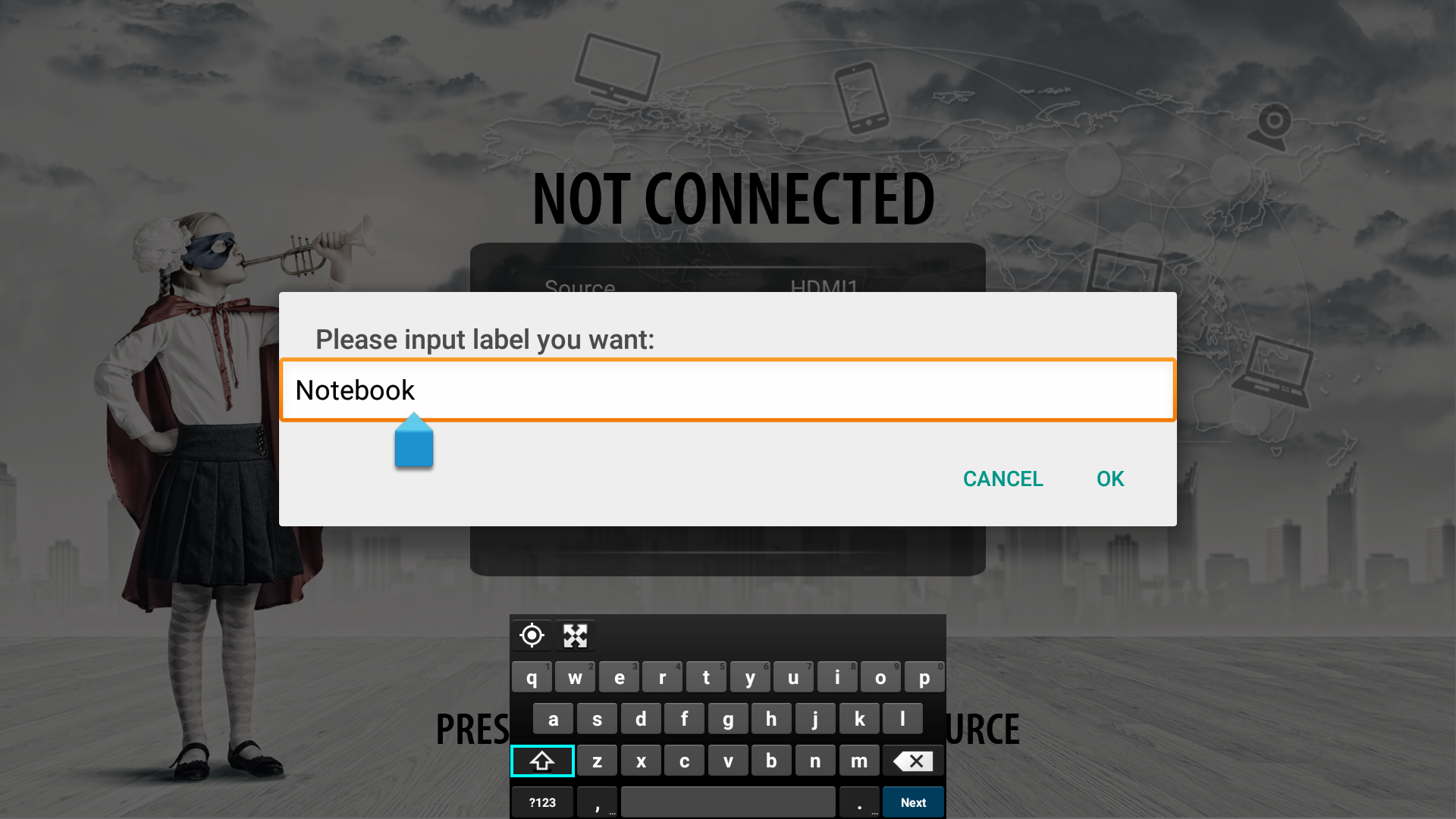
The keyboard will pop up so you can enter the desired name of this input e.g. 'Notebook'.
-
After pressing [OK] the HDMI input will be displayed in the input navigation bar as 'Notebook'.