Download as PDF
CTOUCHlaserairplus_HowtoaccessthedisplaymenuV170630.pdf
Instructions
-
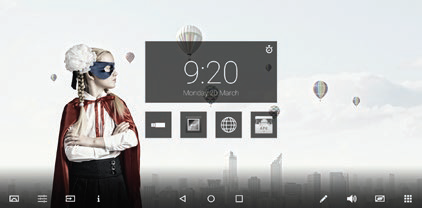
Touch the Display menu icon.
-
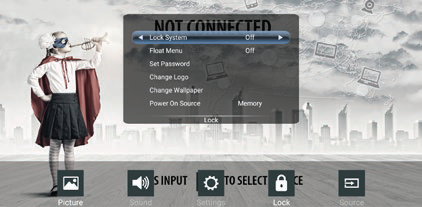
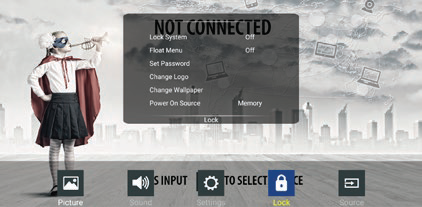
Touch the Lock icon.
-
Touch an item in the lock menu to open the pop-up window.
-
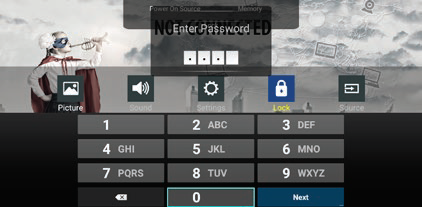
Touch one of the white boxes to open the keyboard and input ‘0’ four times.
-
After entering the password, the keyboard will disappear and you will be able to alter the Lock menu settings.