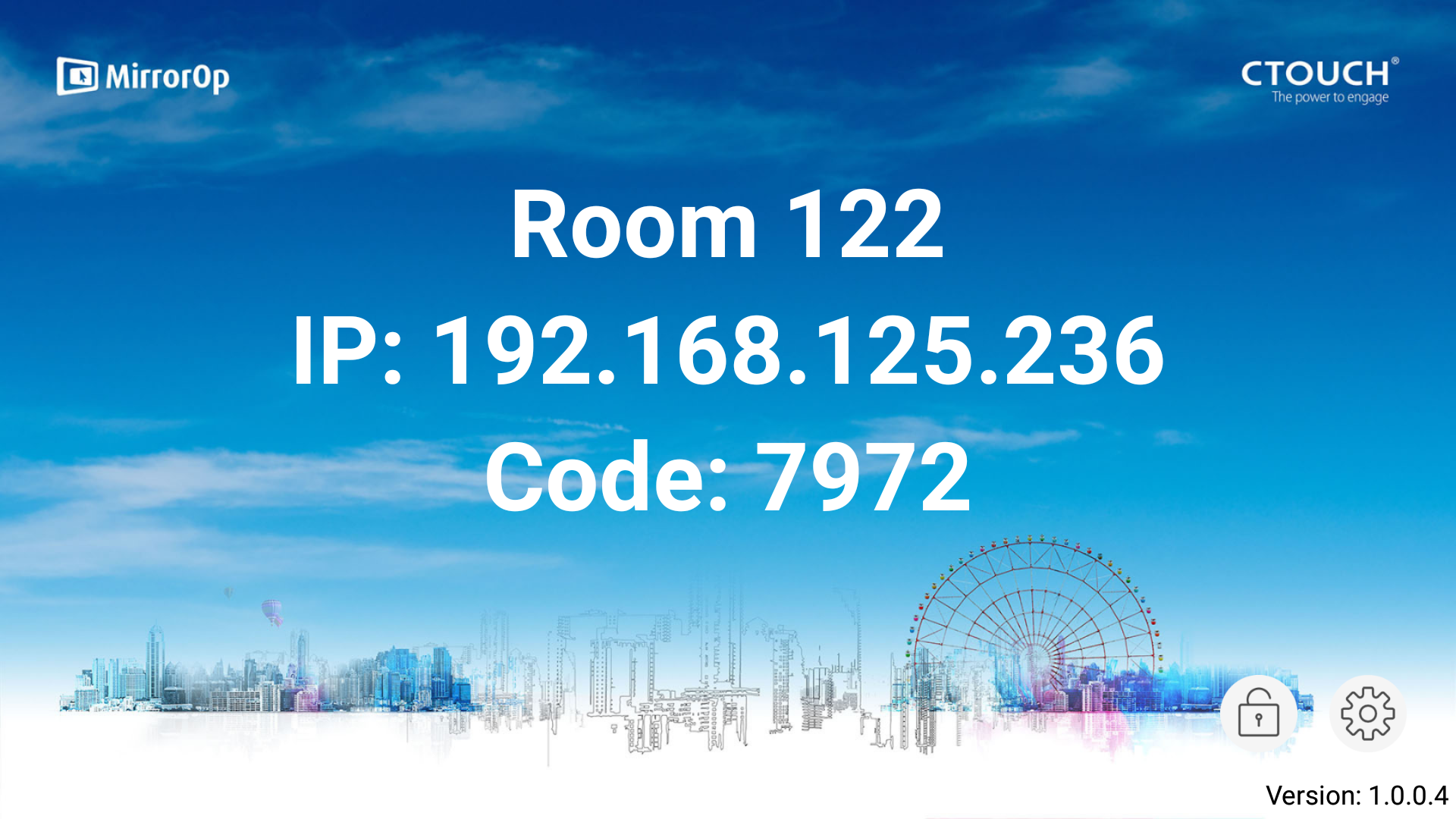
If you want to change the name of the MirrorOp receiver on your display you need to take the following steps.
Instructions
-
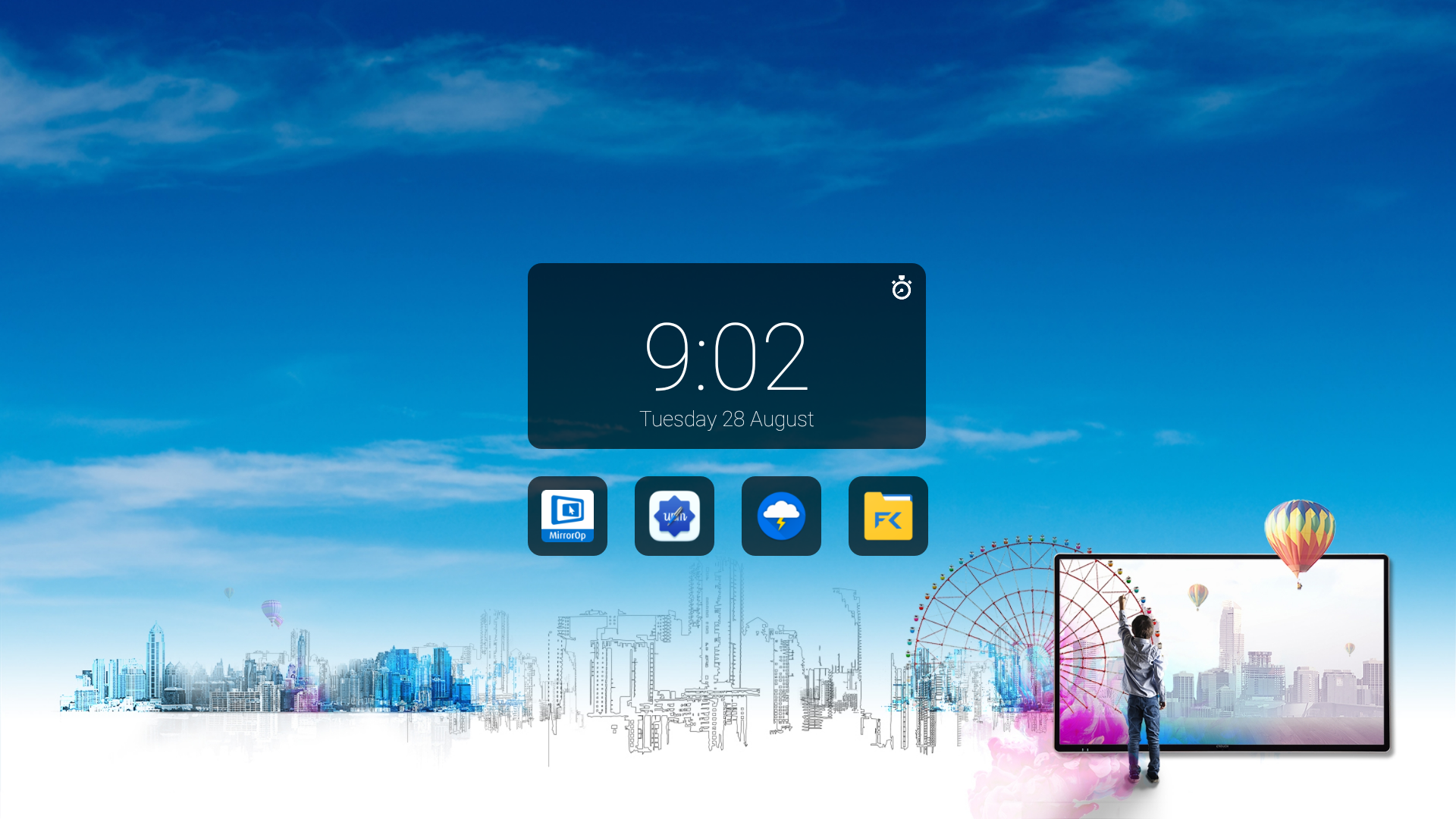
Open the MirrorOp app.
-
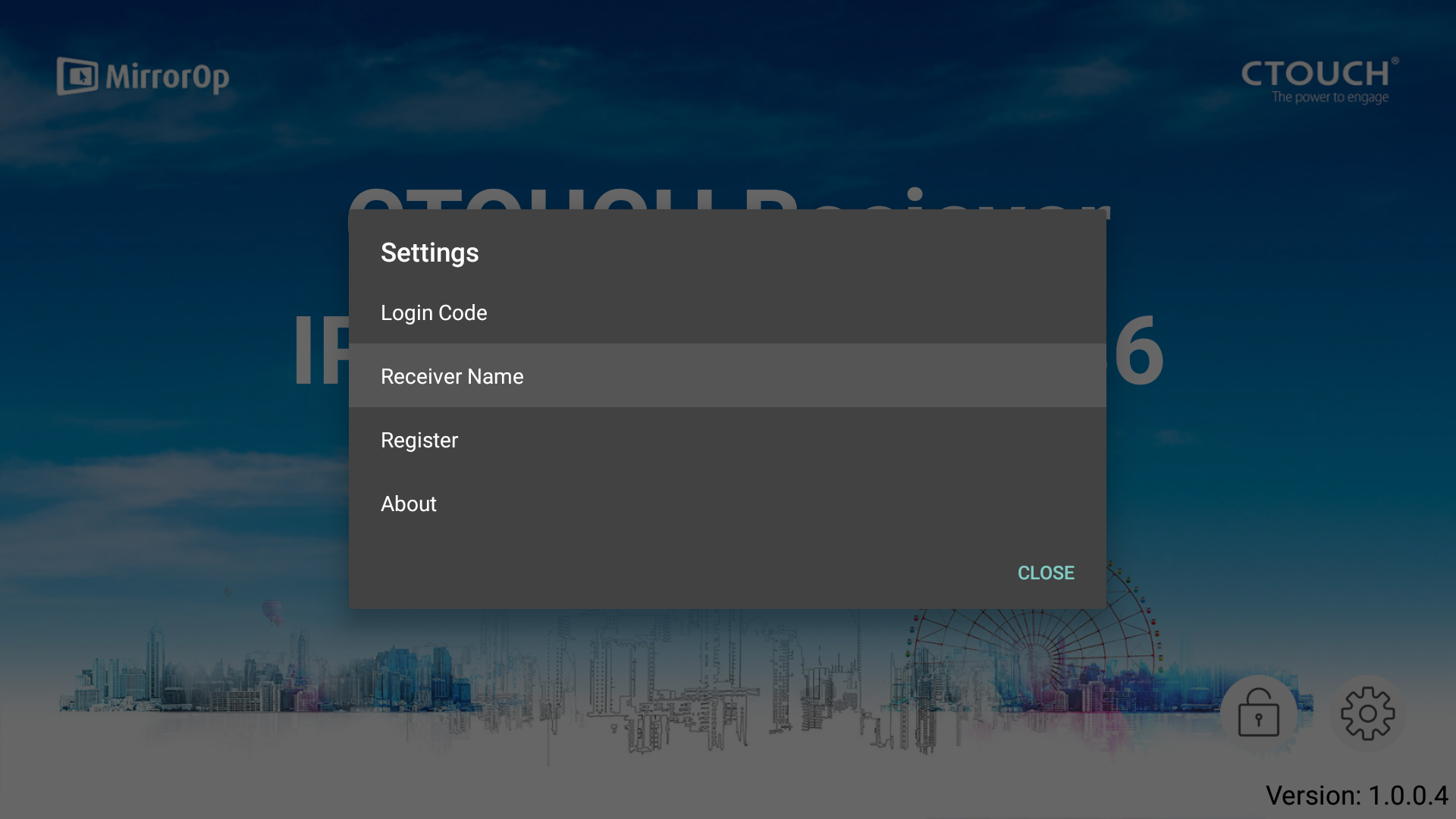
Click on the icon on the right bottom corner.

-
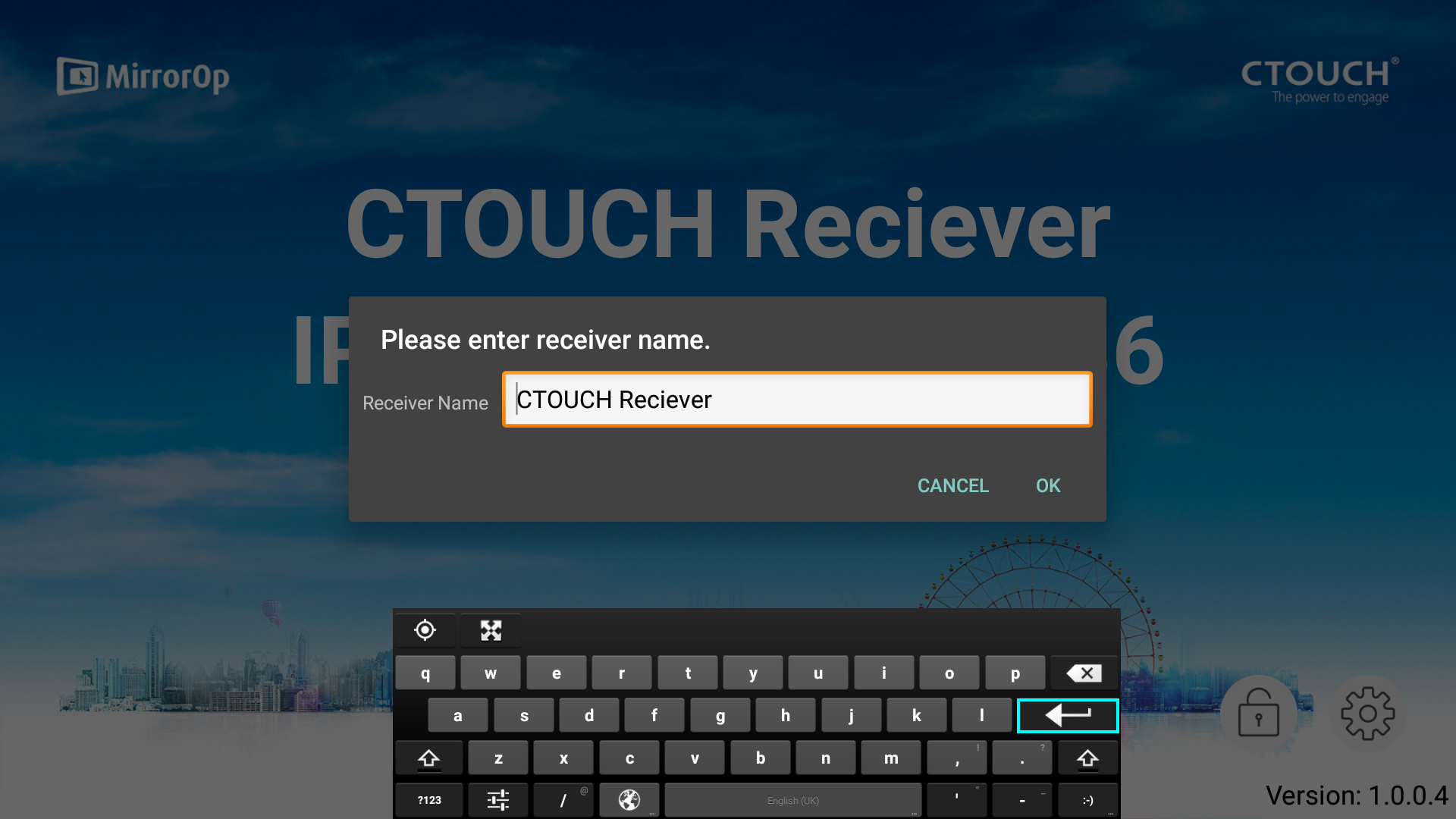
Click on ‘Receiver Name’.
-
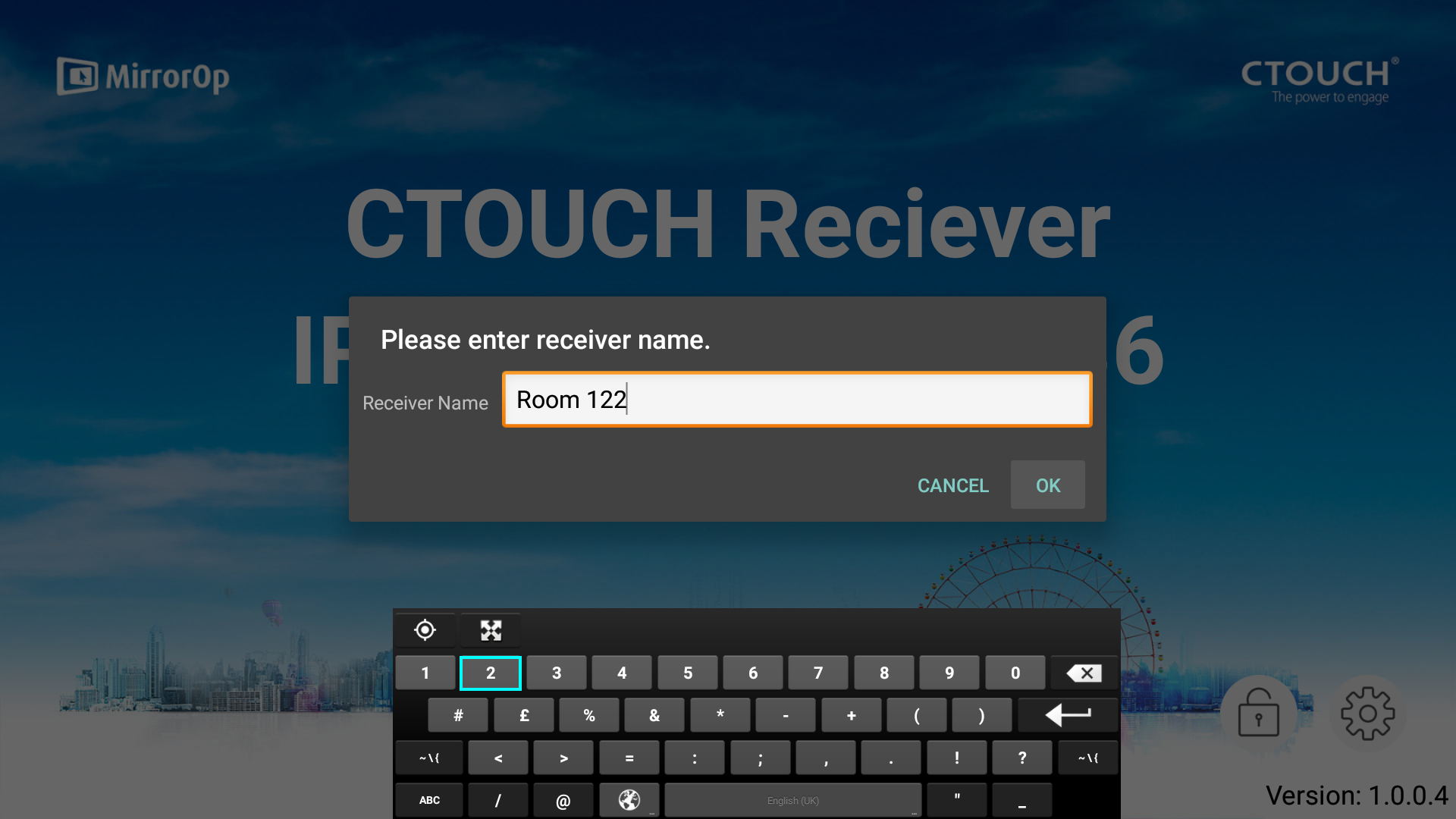
Fill in the requested name.
-
Click on ‘OK’ to go back to the MirrorOp Home Screen.