Instructions
-
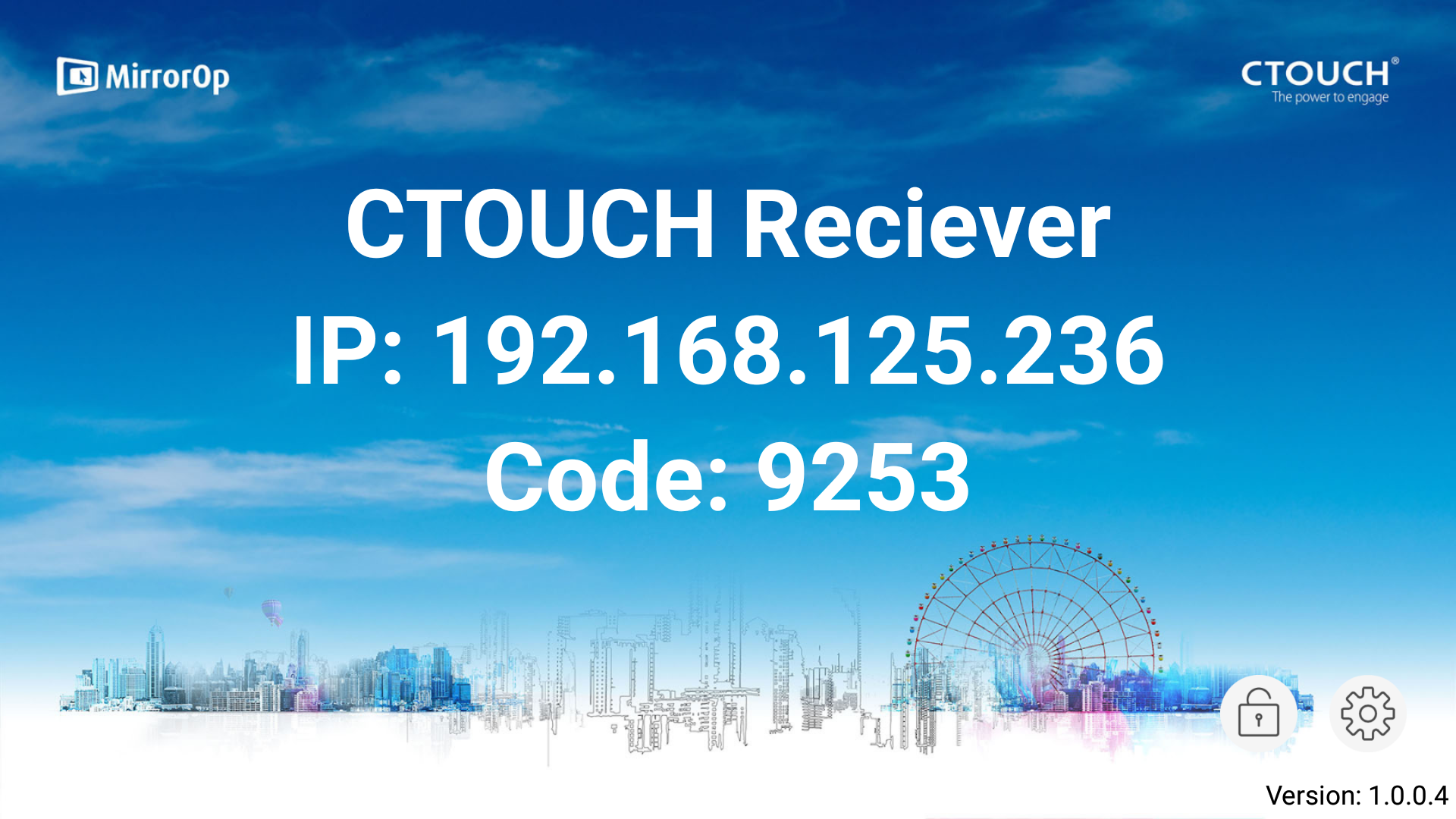
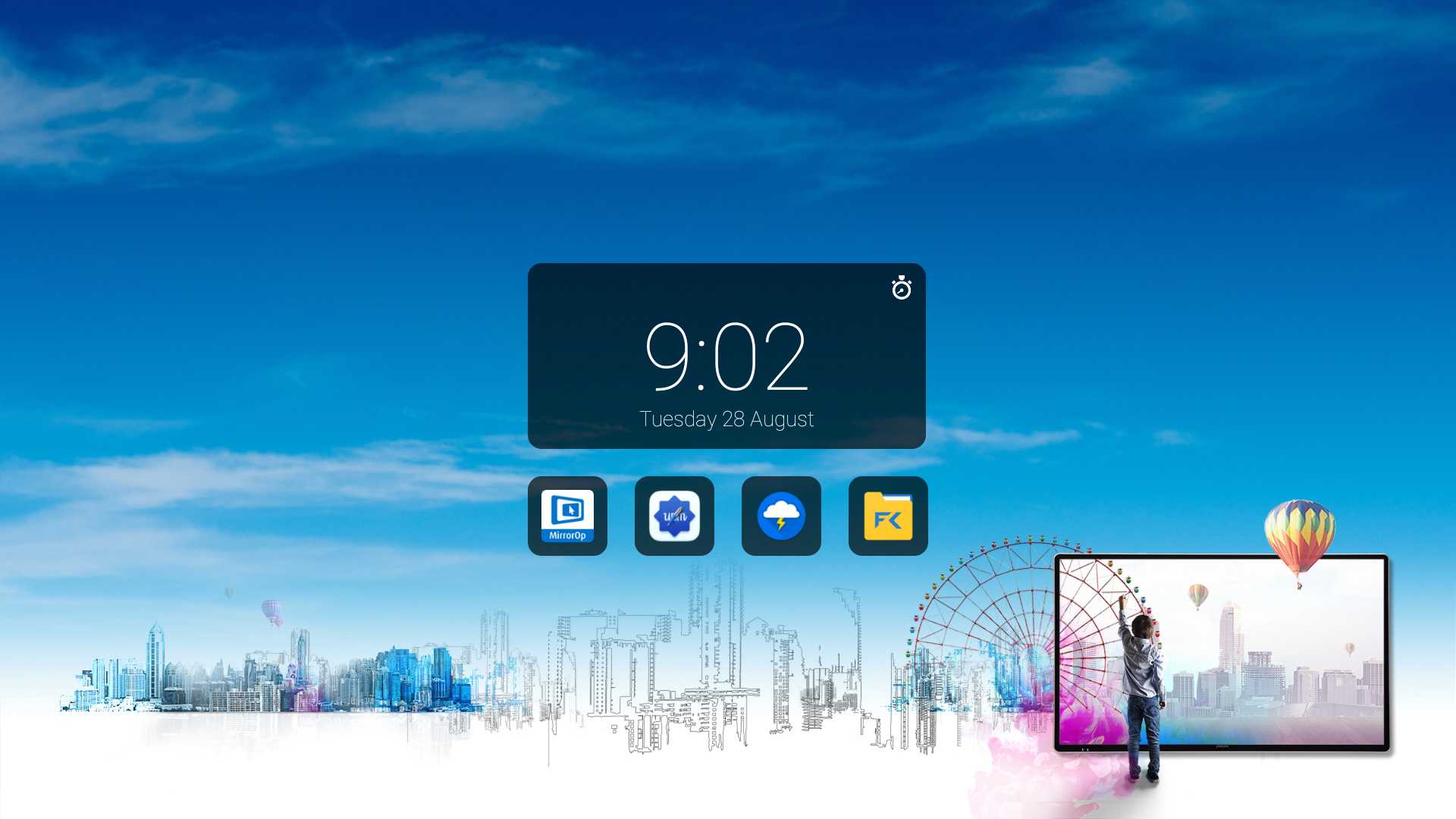
Open the MirrorOp app
-
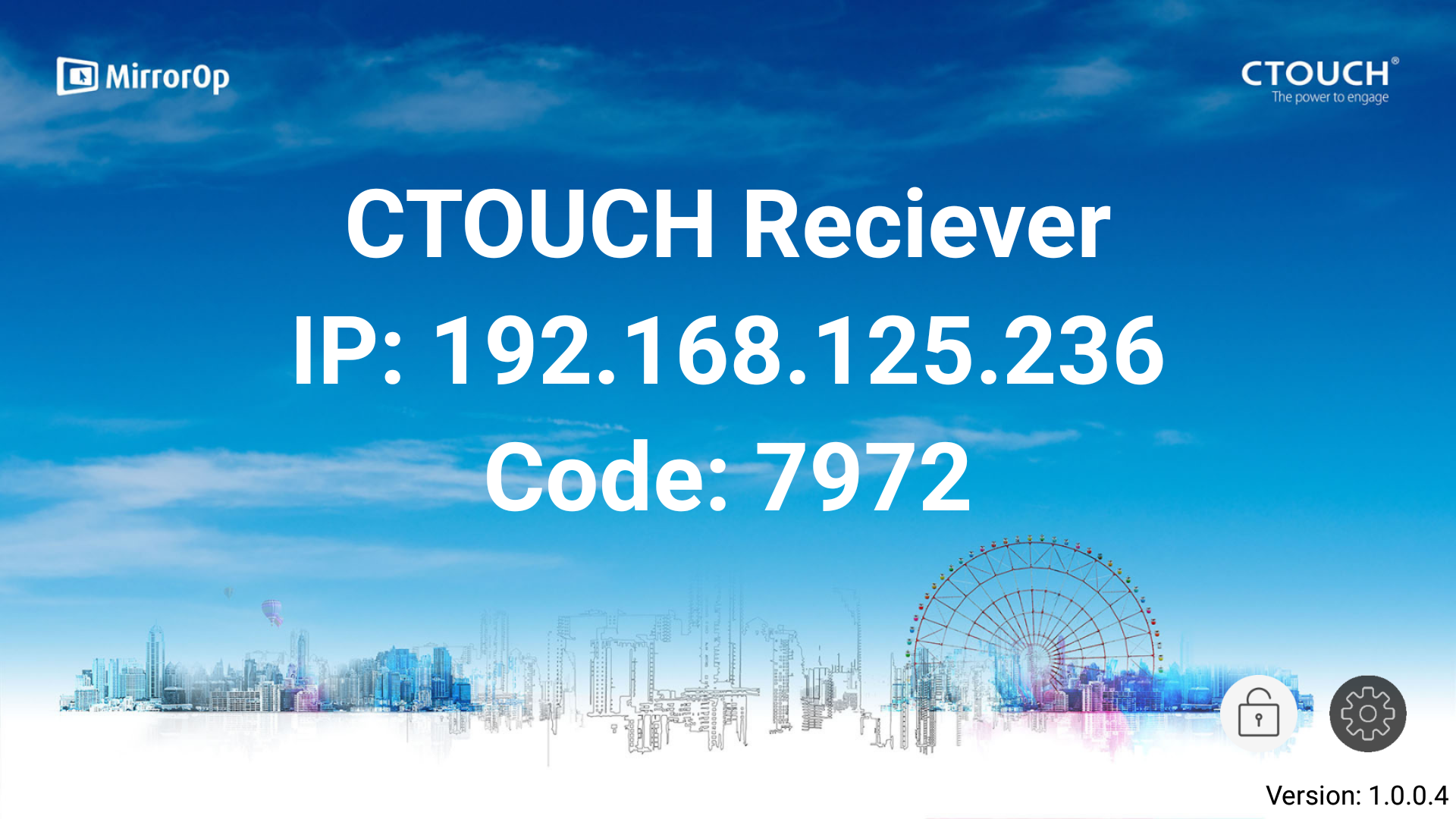
Click on the icon on the right bottom corner.
-
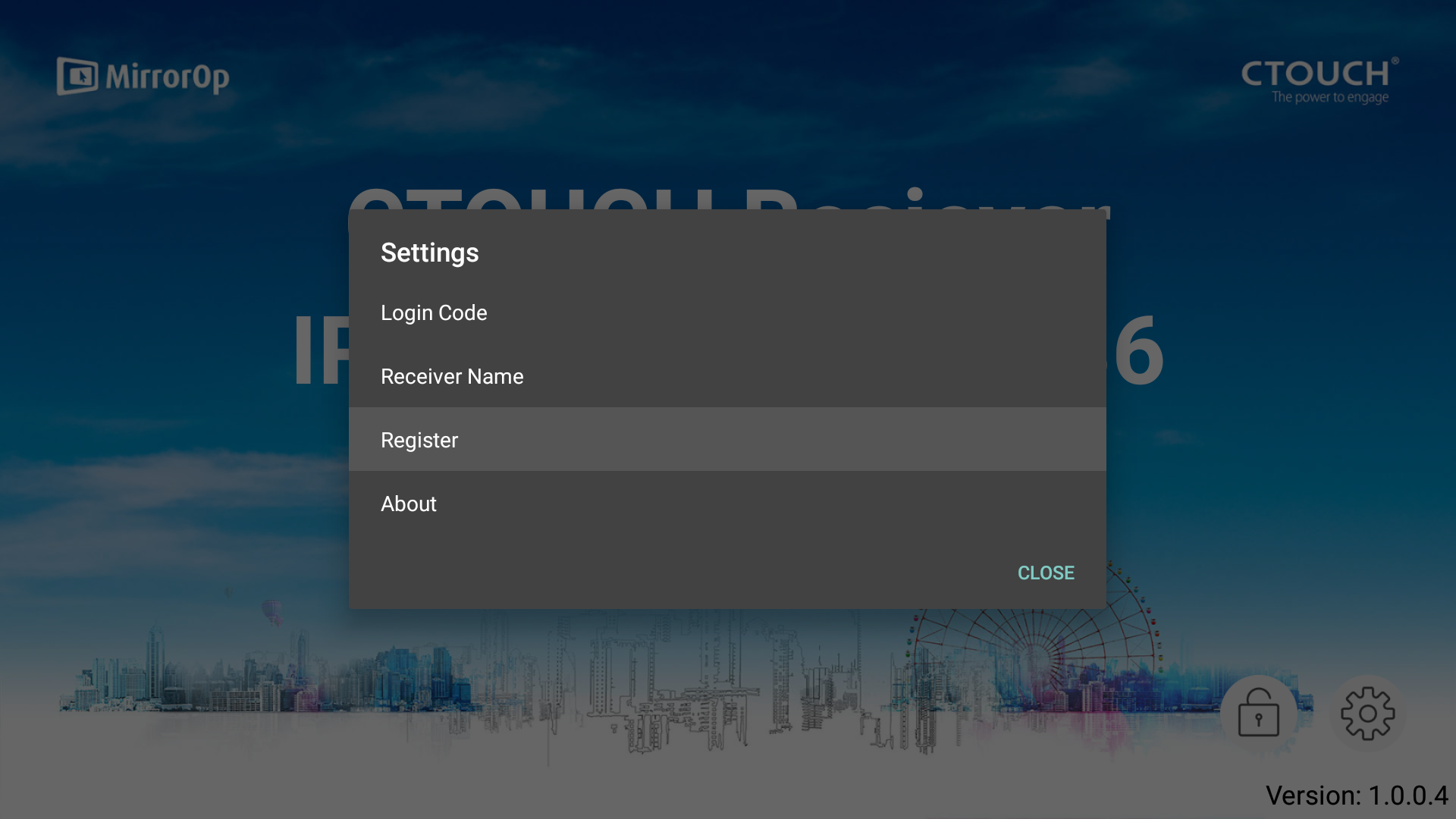
Click on ‘Register’.
-
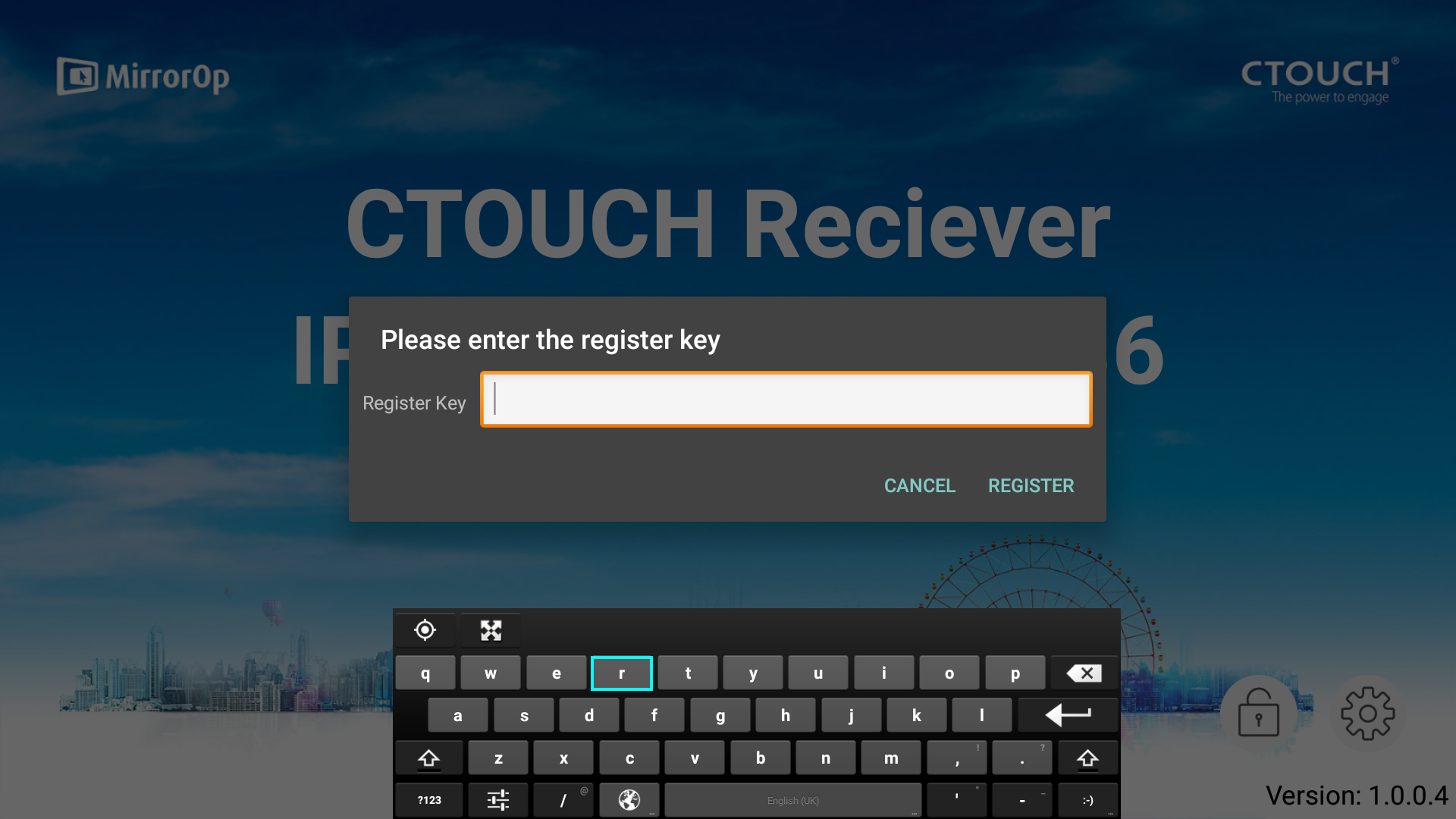
Fill in the license key (including the dashes) which is on your Unlimited Streaming License card.
-
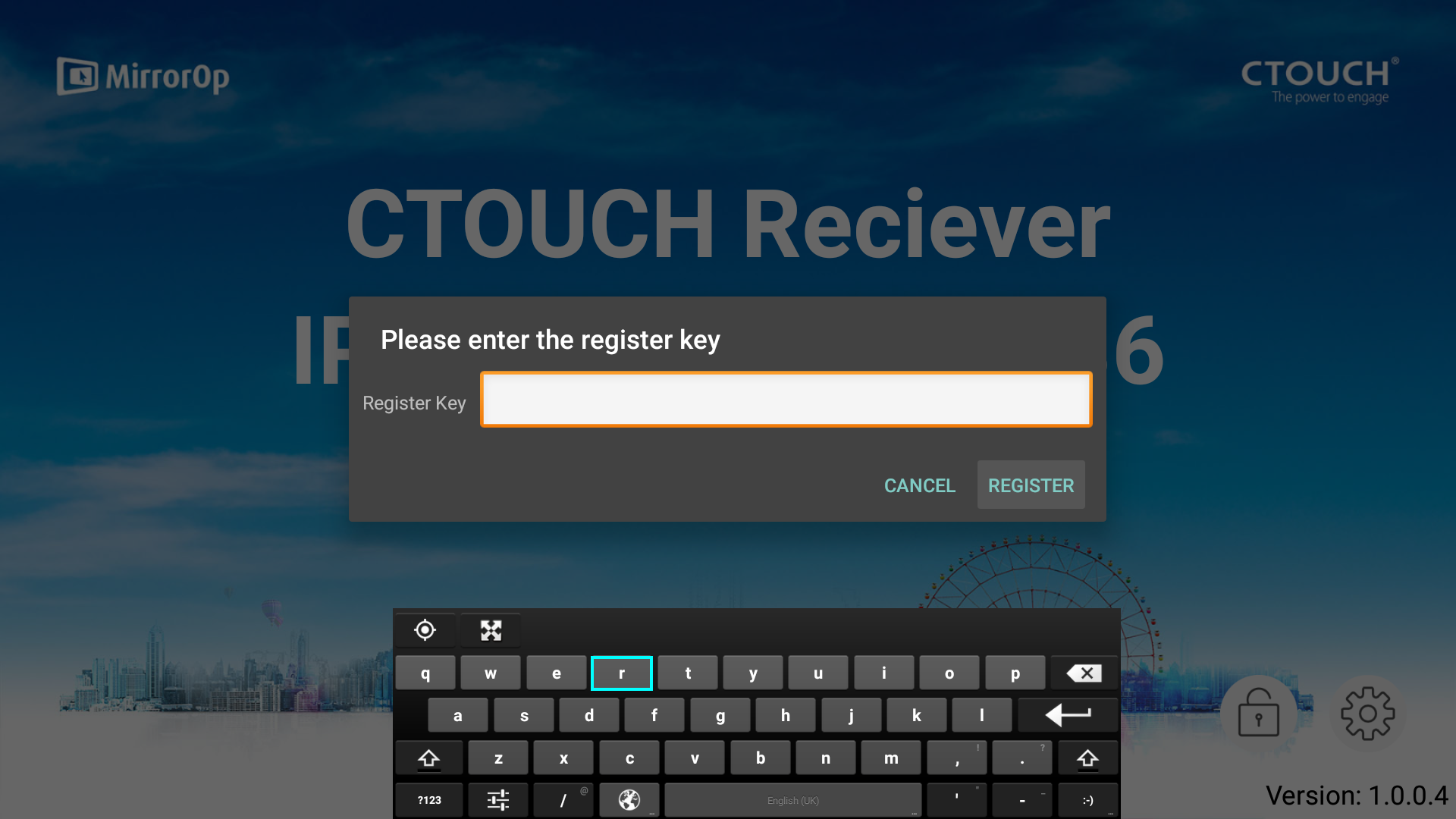
Click on ‘Register’.
-
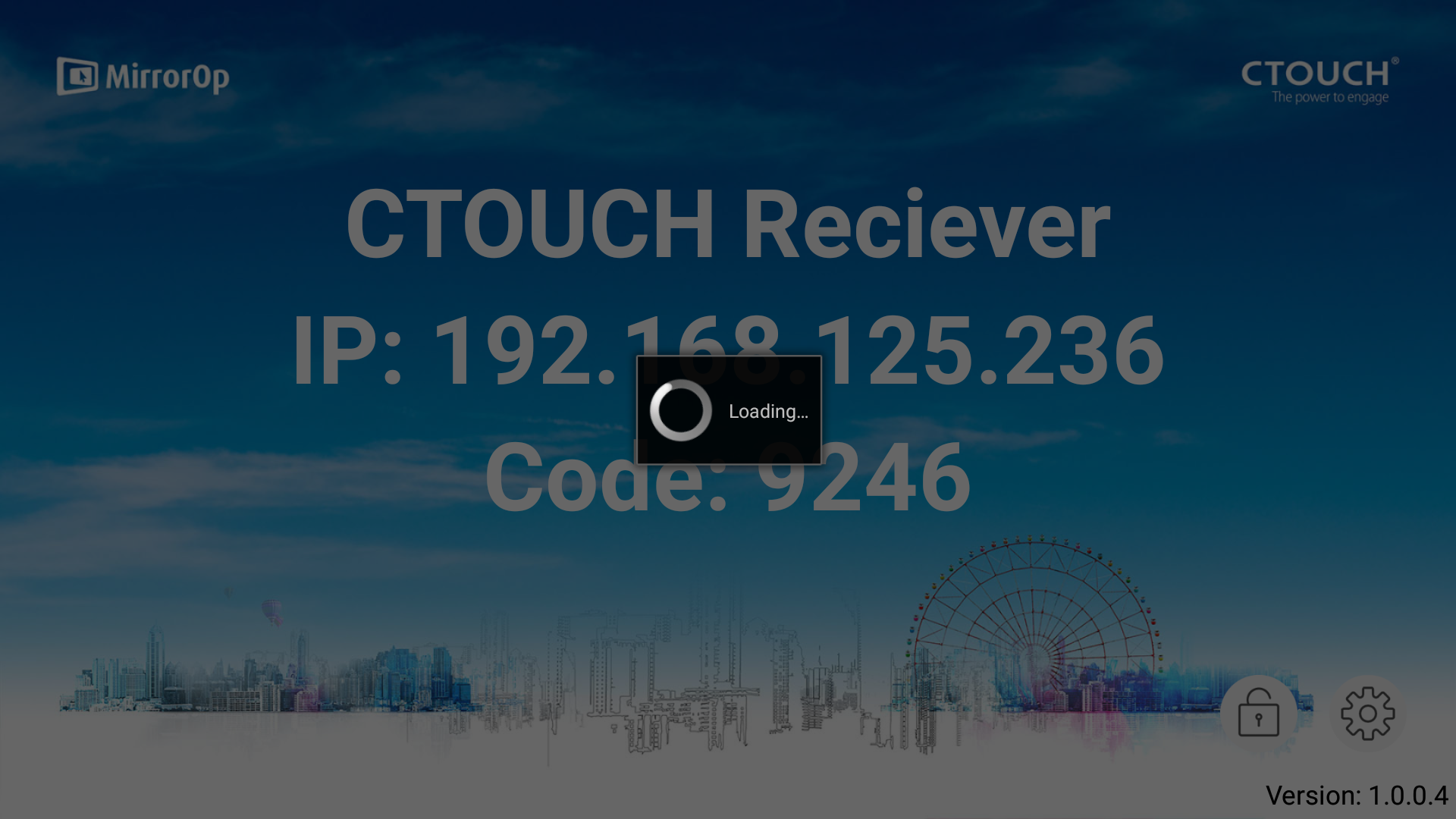
Wait until the license is checked.
-
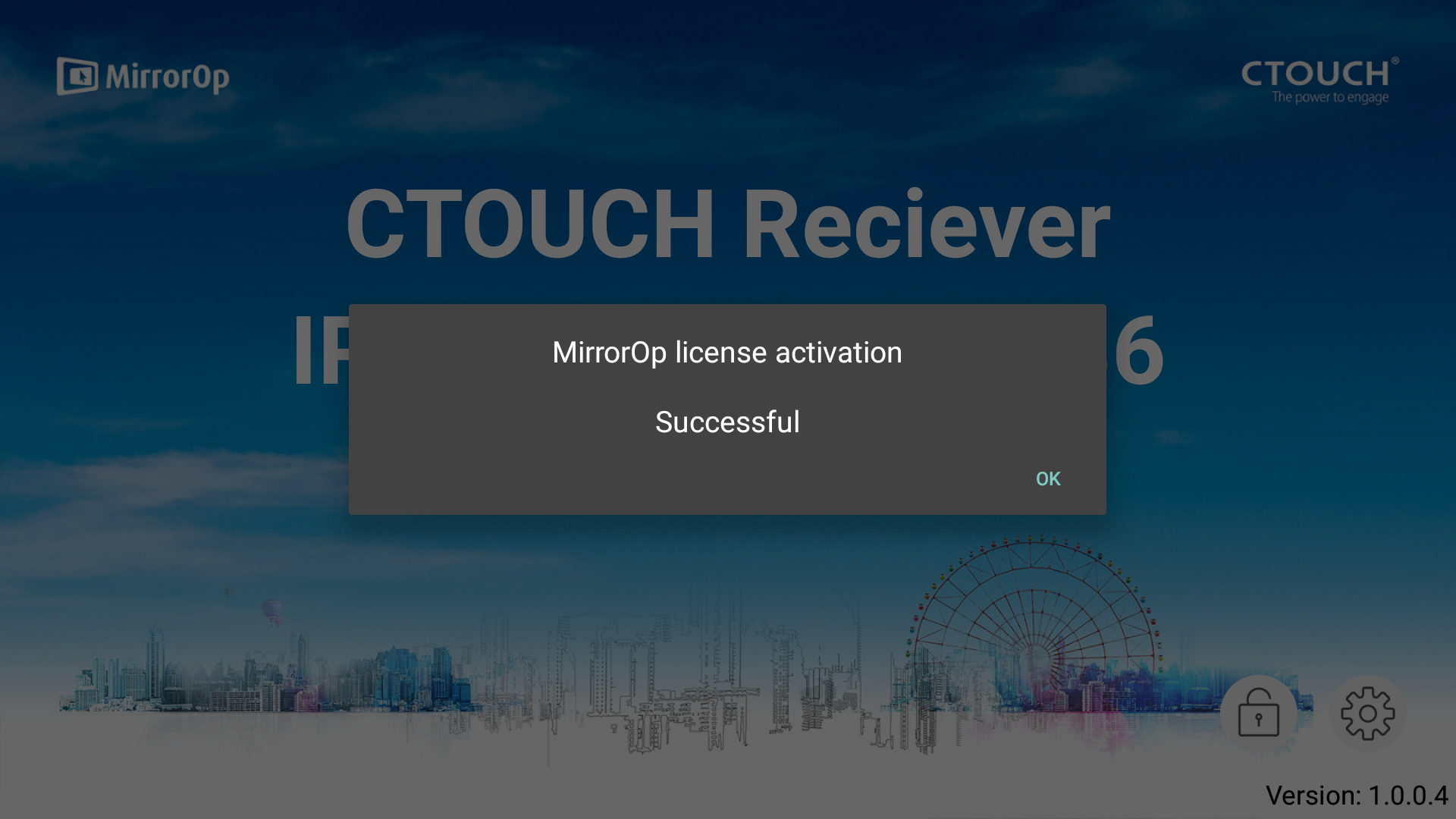
Click on ‘Ok’.
-
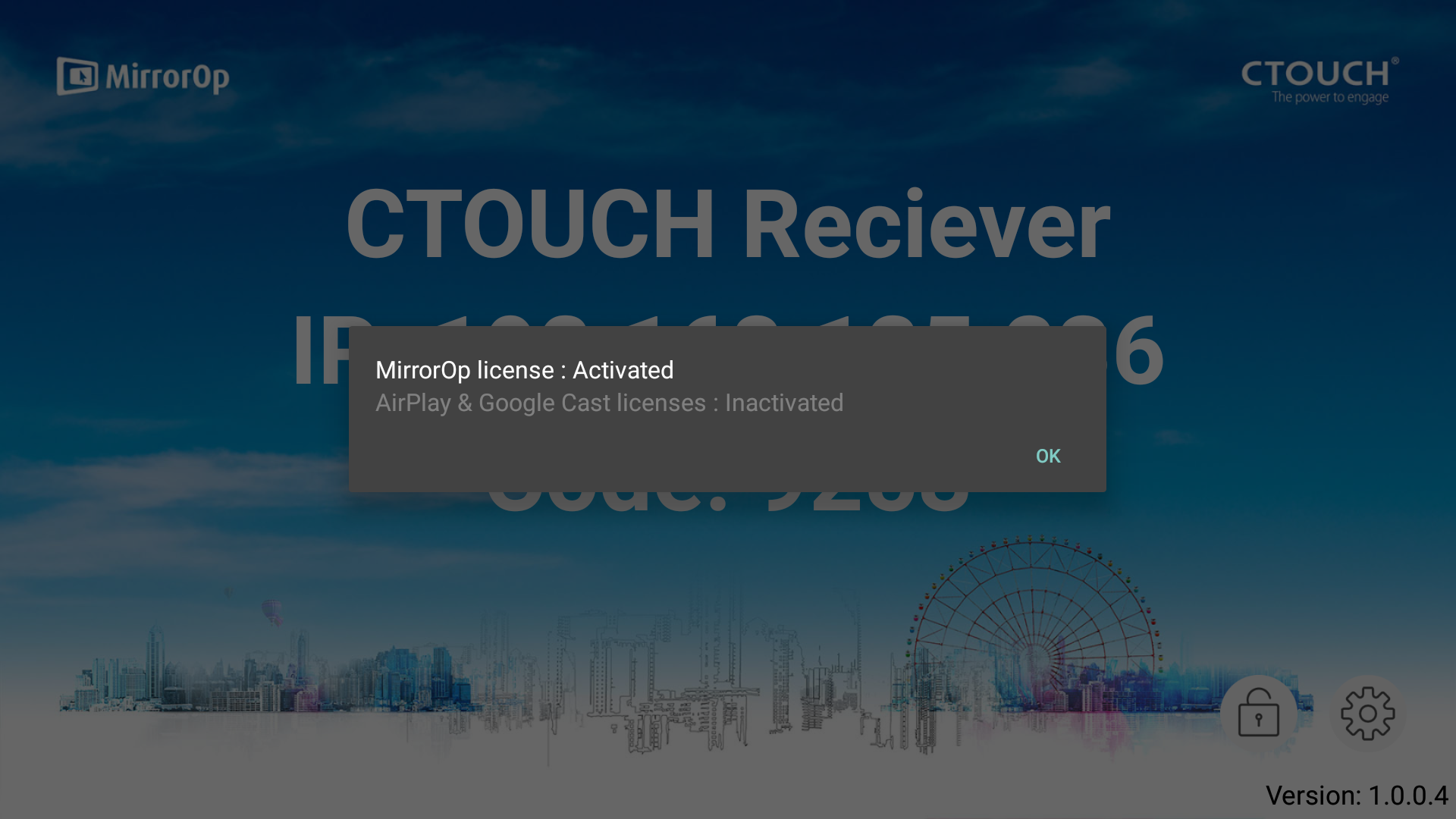
A window will pop-up to show which license is registered.
-
Click on OK to go back to the MirrorOp Home Screen.