-
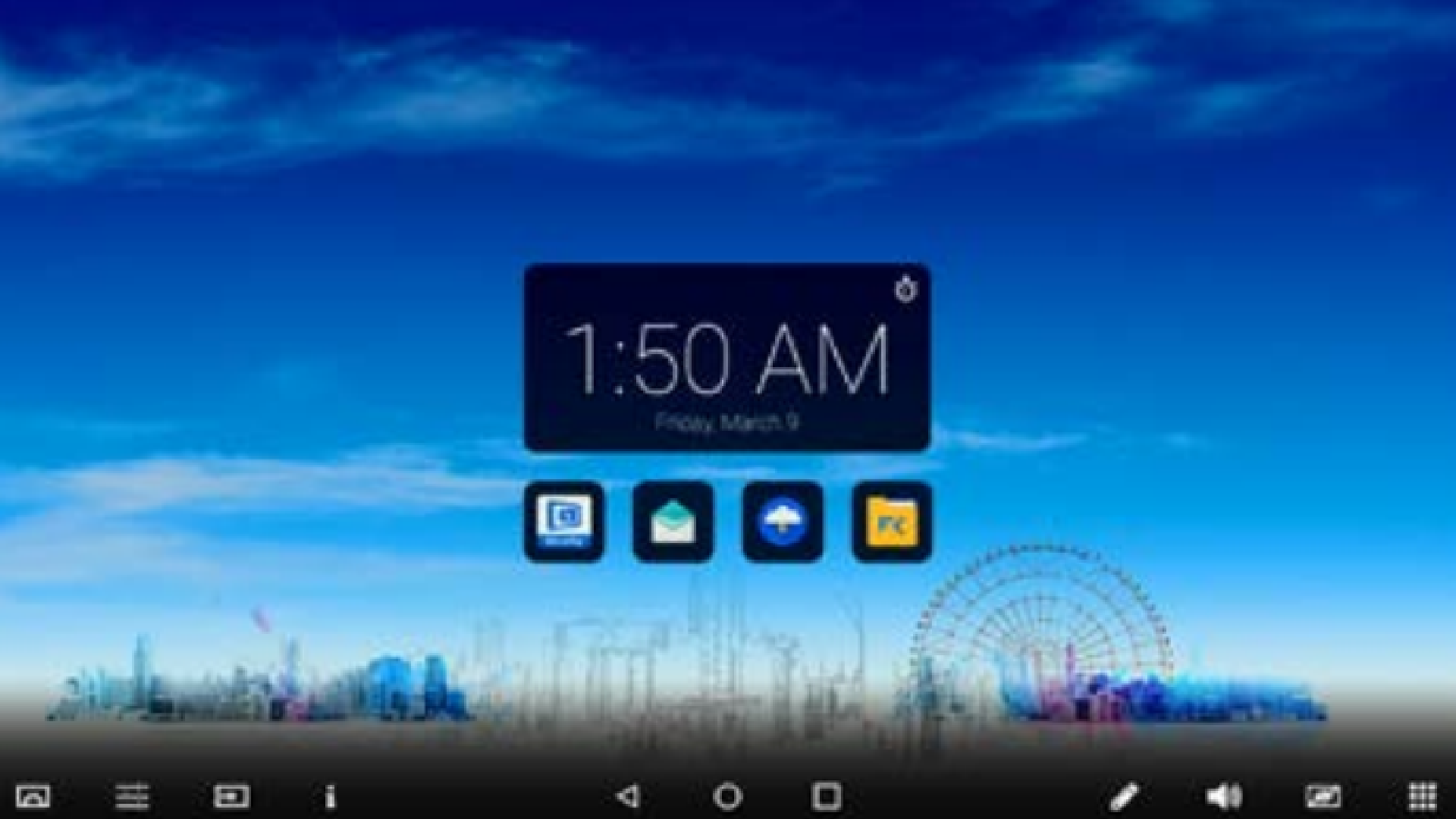
Short press the CTOUCH center button on your device to bring up the floating bar
-
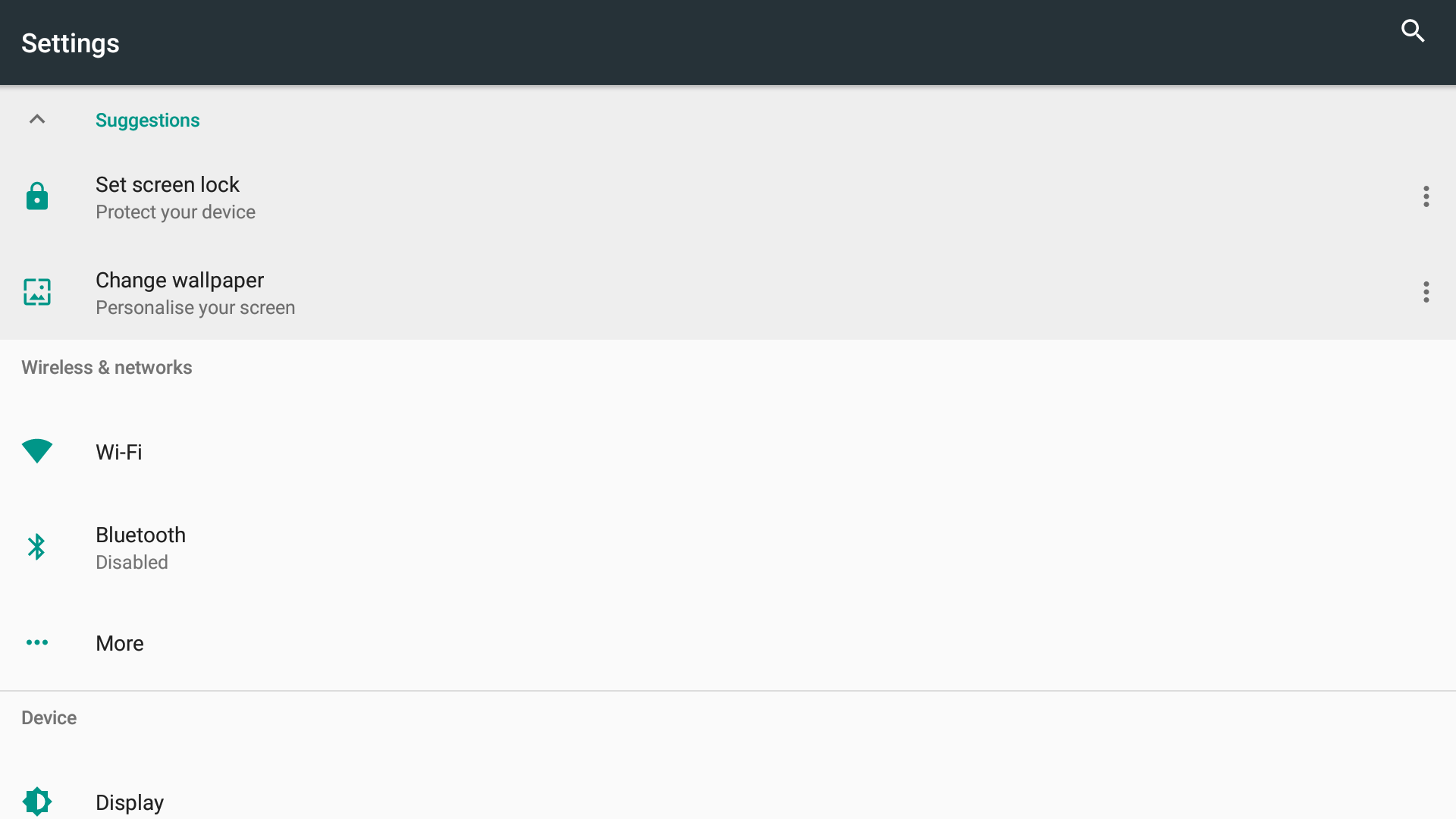
Tap the COS menu button which will bring up the Settings Menu
-
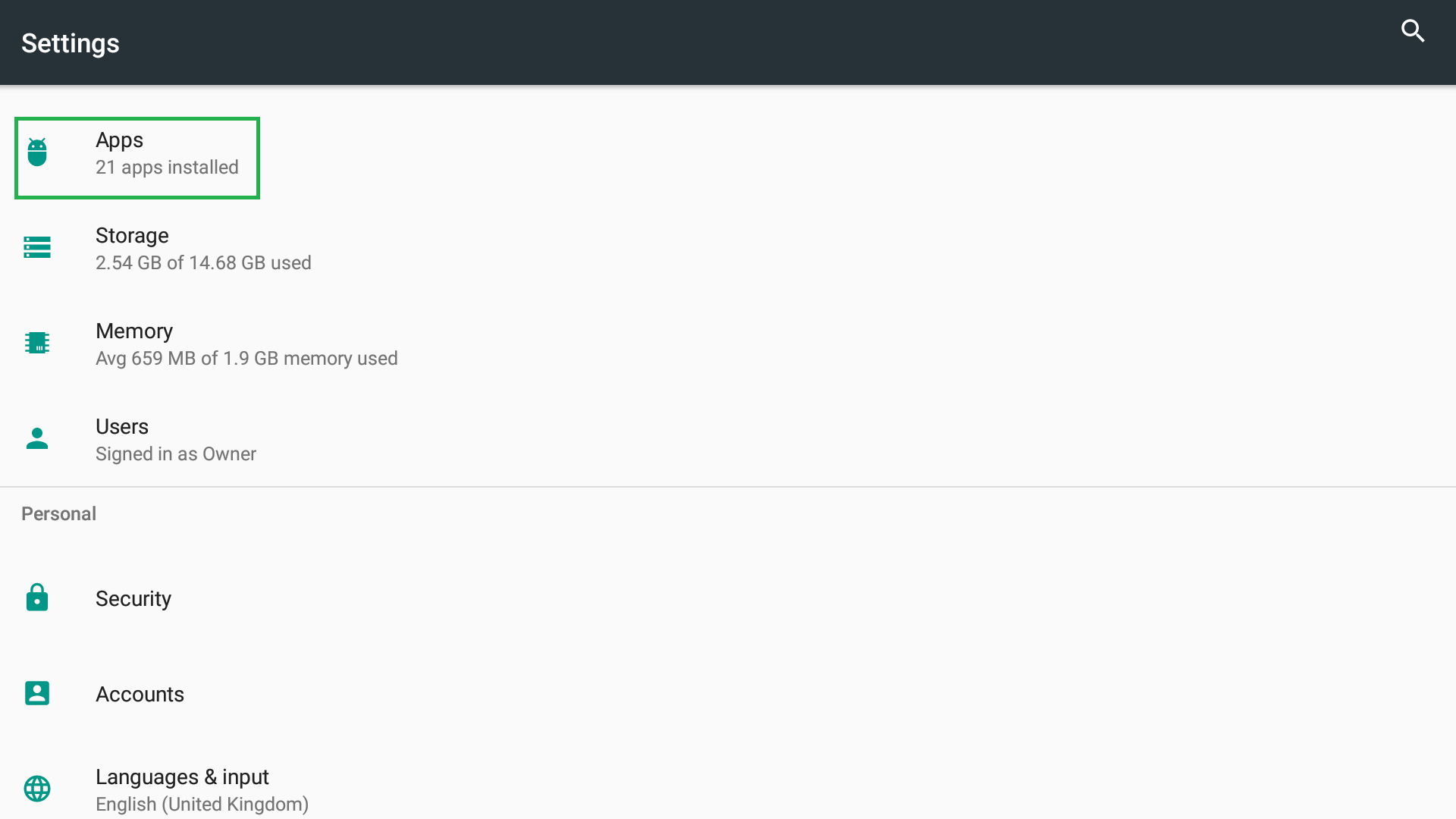
Scroll down to Apps and tap on it
-
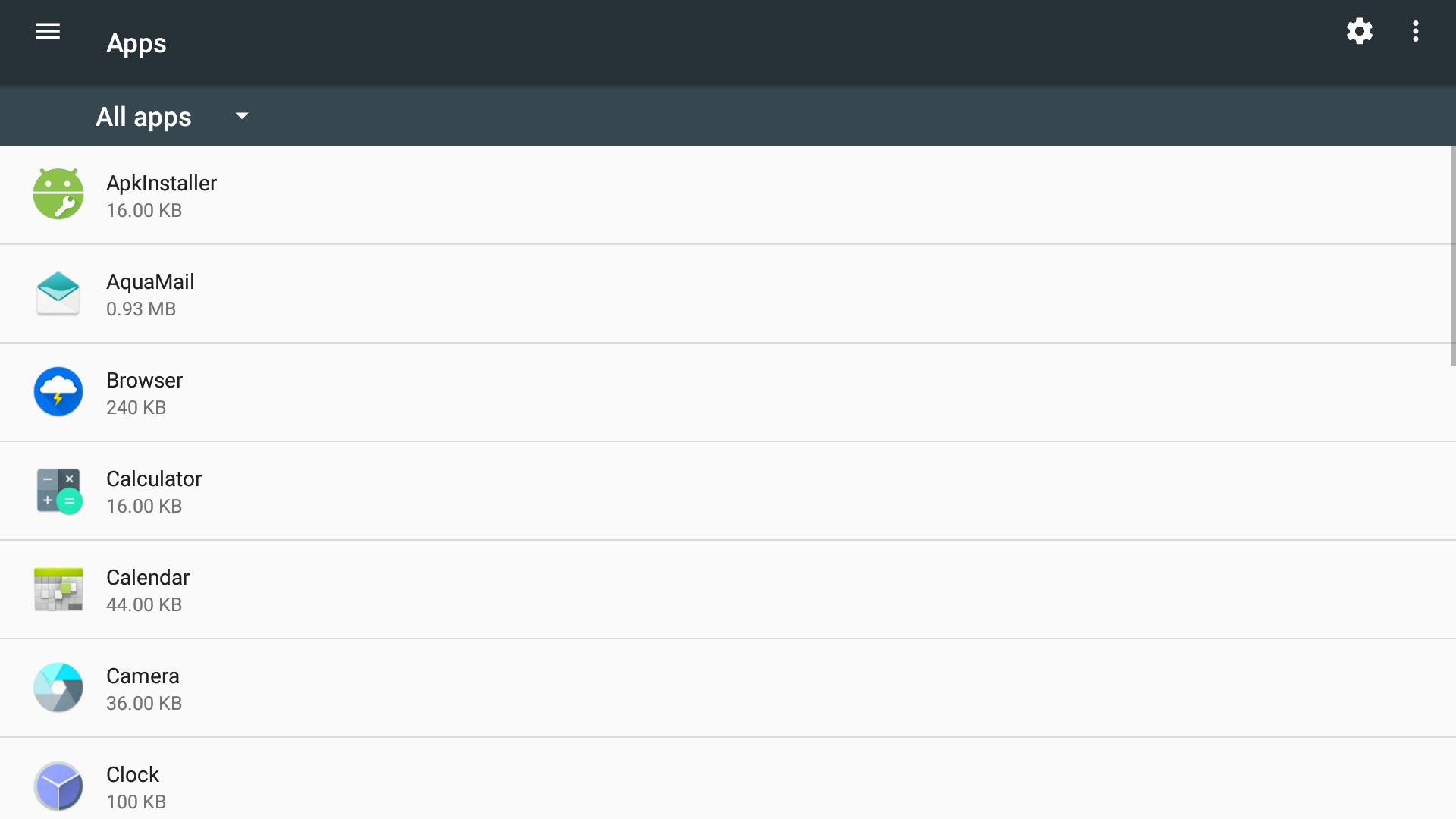
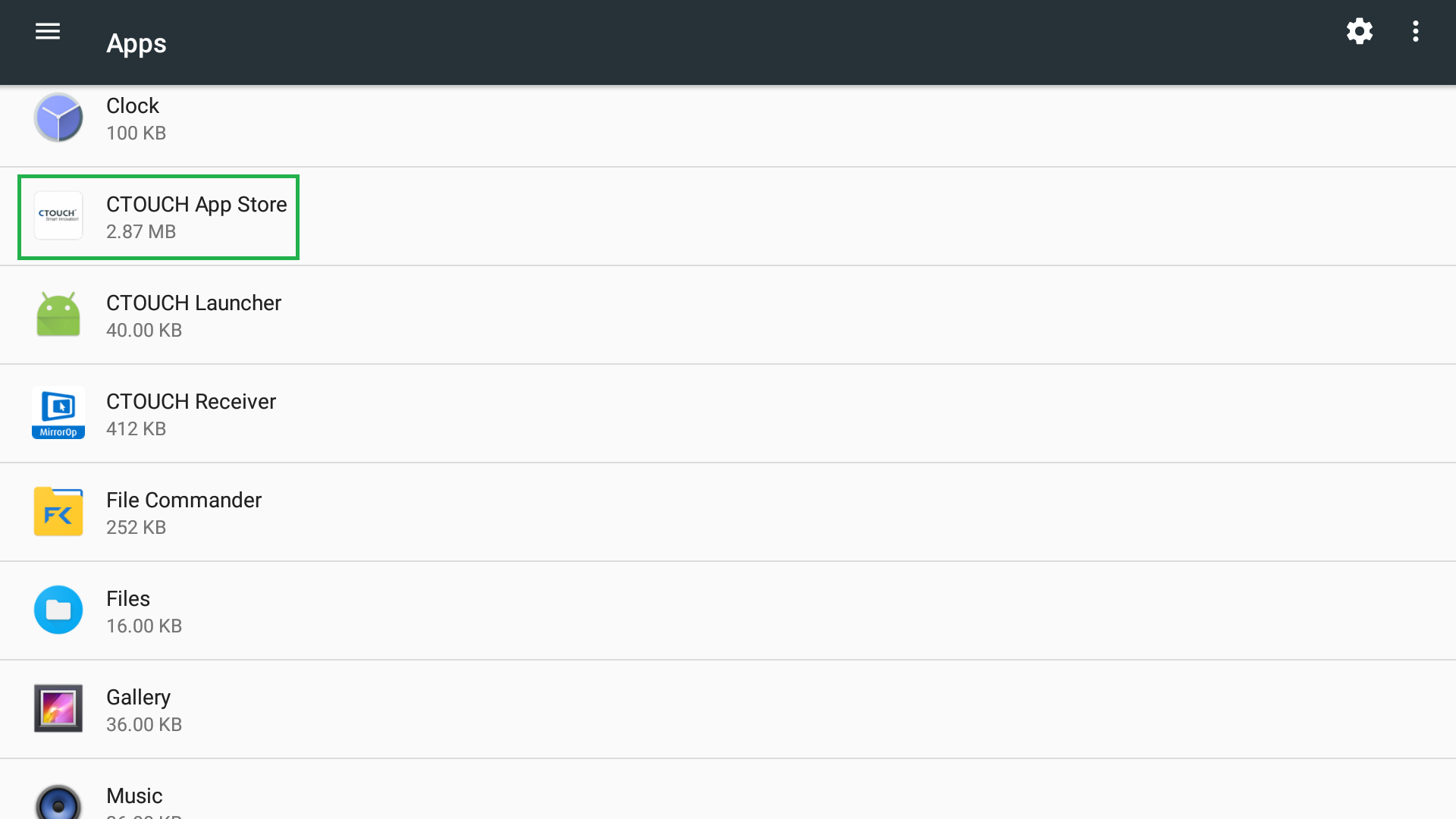
Now you will get an overview of All Apps
-
Scroll down until you see CTOUCH App Store and tap it
-
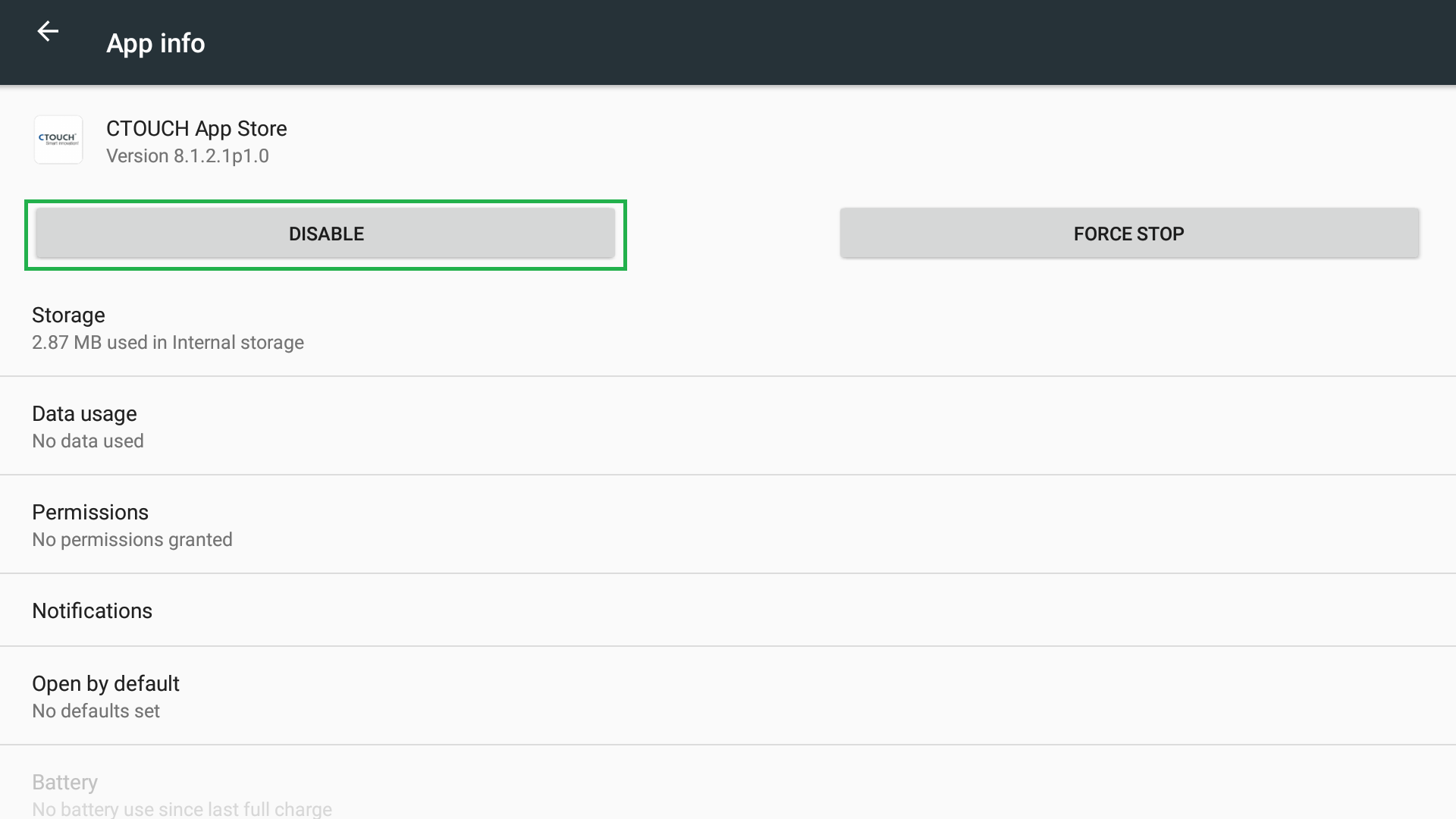
Now you can Disable the CTOUCH App Store
-
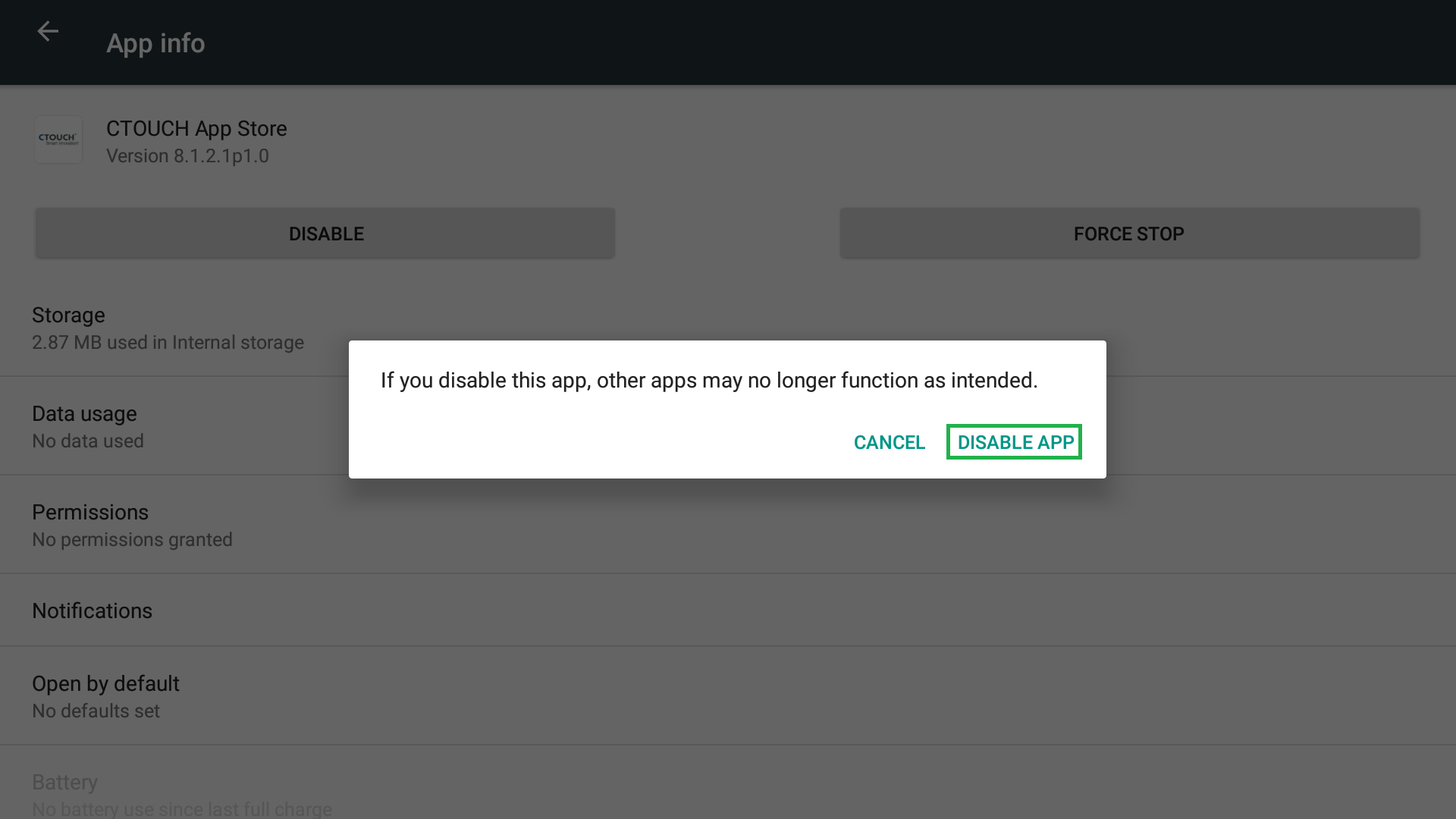
You will be prompted to confirm you action. Press Disable App to Disable it
-
You're done. In case you would like to Enable it again follow steps 1 to 5 and enable it again in step 6.
