
Backup your files first!
Formatting will erase all data from your drive.
Instructions
In order to use an USB storage drive on your i3CONNECT screen, it needs to be formatted as FAT32.
-
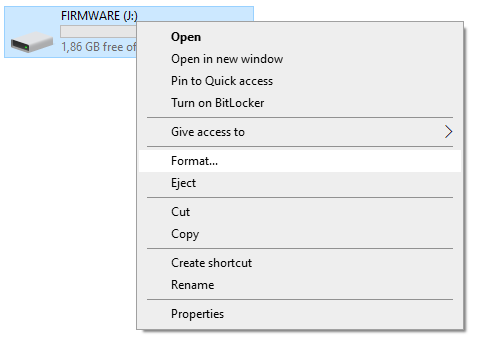
Navigate to your USB drive on your PC and right click on the correct USB drive and select Format.
-
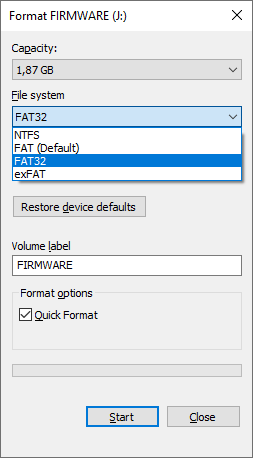
Double check if you have the correct drive letter and choose FAT32 as file system. Press [Start] button to proceed formatting.
-
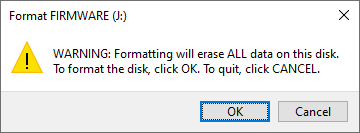
You will get this pop up to check you are sure about it. Click [OK] button to proceed.
-
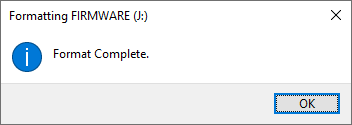
Wait until the progress bar is full and this message pops up!
Troubleshooting
Drive not recognised
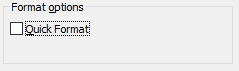
In case your USB drive is not recognised it may got corrupted for some reason. Please repeat from the start but ensure the Quick Format box is unchecked to perform a Full format (May take some time depending on the size of the USB drive).
Still not working?
Still no luck? Ensure the partition style is MBR instead of GPT.