
Repair center documentation is invitation only. If you should have an invite, contact your partner at i3CONNECT Support to ask for an invitation.
Links may not work in older tickets because the articles have moved locations. Highlighted are the parts that have changed. Replacing this in your original url will solve it.
Old: i3group.atlassian.net/servicedesk/customer/portal/5/article/xxxxxxxxx
New: i3group.atlassian.net/helpcenter/i3connect-support/portal/1023/article/xxxxxxxxx
Instructions
-
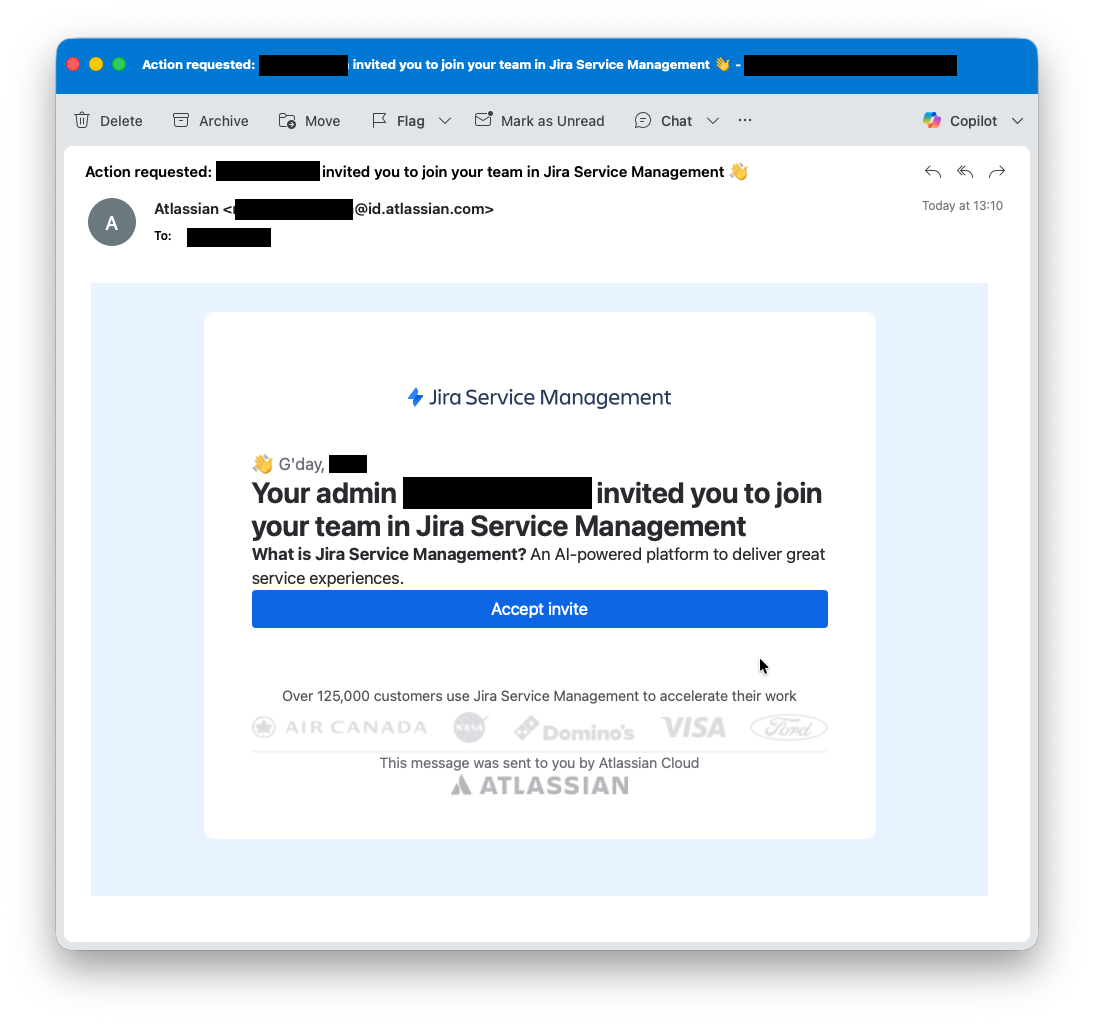
Invitation only. You should get an invitation to join the repair center by email to the email address you will use to access the repair center documentation. It will look like this.
-
Visit i3CONNECT Support. The website is found at: https://support.i3-connect.com/
-
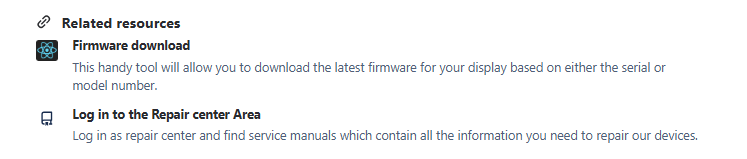
Scroll down until you find Related resources. Click on the Log in to the Repair center Area.
Troubleshooting
-
If you cannot see the repair center link then you should:
-
Contact your i3CONNECT Support team representative to ask for your invitation link.
-
and if you have it, you need to accept the invitation and create an account
-
-
Check that you are logged in
-
Check that you are logged in with the correct email account. If you are still having access issues then you should contact the Support team for further support.