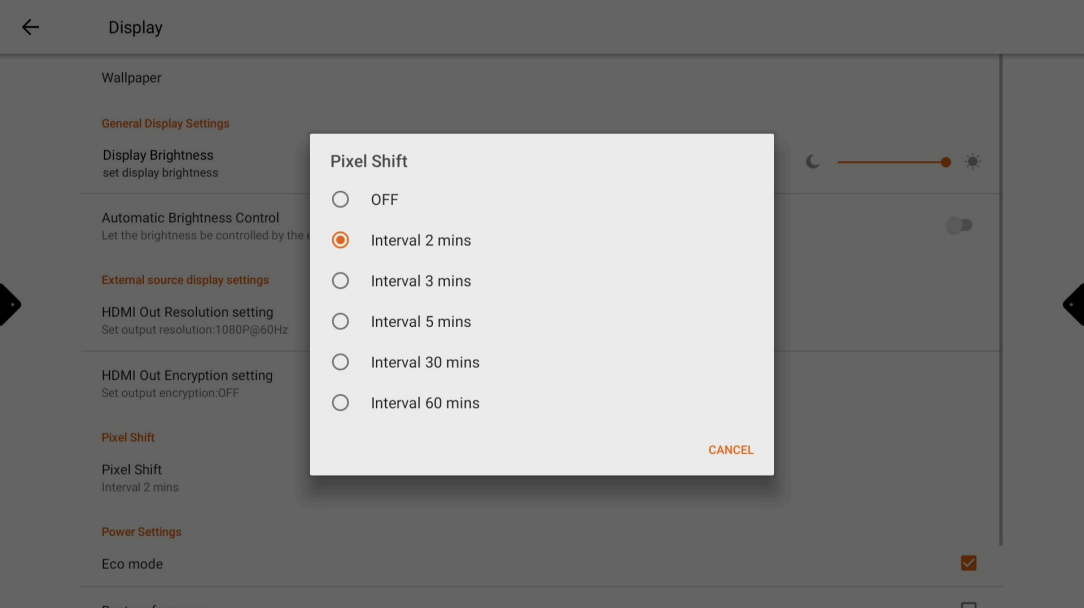
“Pixel shift” Is to reduce image burn-in and is typically used in displays that are used to display static images for long periods of time, such as digital signage displays. Image burn-in occurs when the pixels on a display are constantly exposed to the same image, which can cause the image to become permanently visible on the screen. Pixel shift helps to prevent image burn-in by constantly moving the pixels around.
📘 Instructions
-
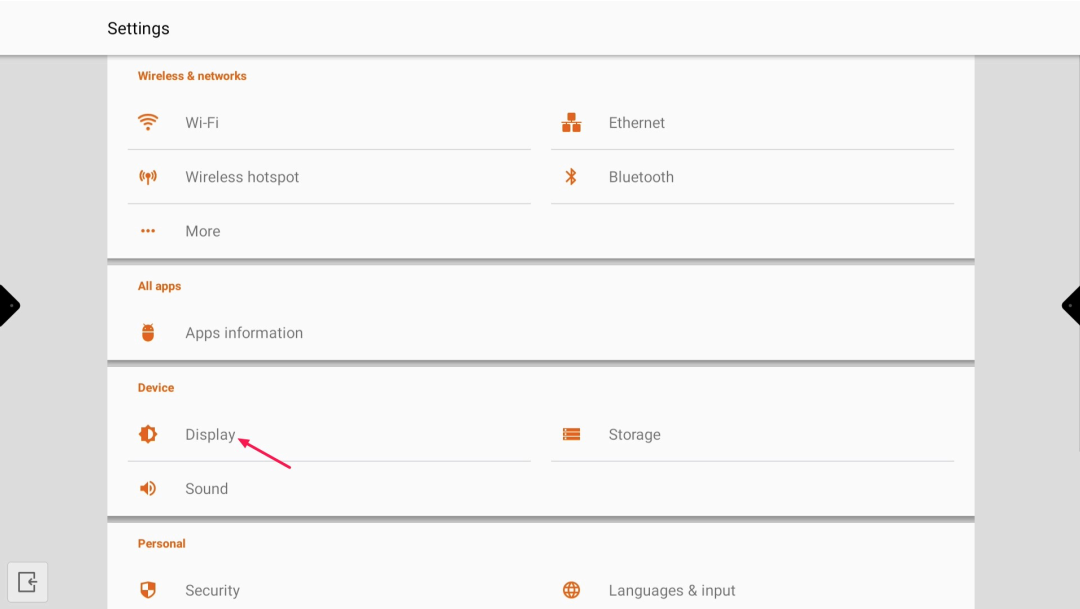
Go to “Android Settings” and select “Display”
-
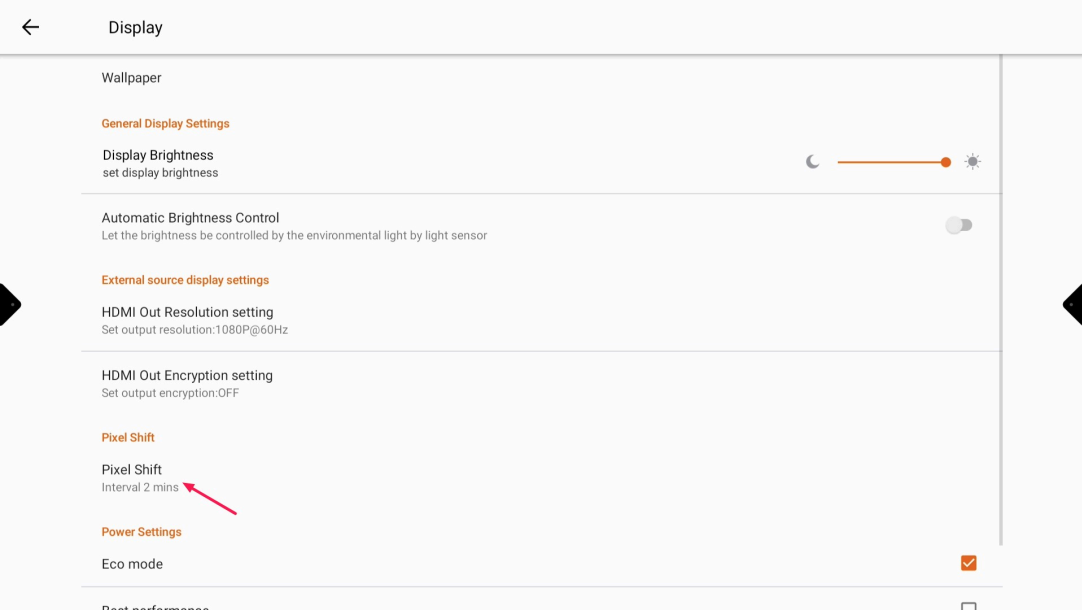
Select “Pixel Shift”
-
Select the desired setting