
This is a detail page of the full annotation toolbar: Annotation: Overview
Many features here are explained in more detail here: Whiteboard tools: Draw & erase
Drawing tool
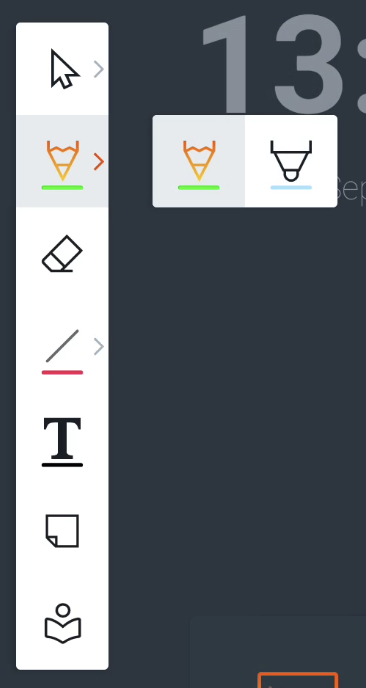
There are 2 presets available (see image to the right):
-
Pencil
-
Marker
The Features menu (below) will allow you to change the color and line thickness before drawing.
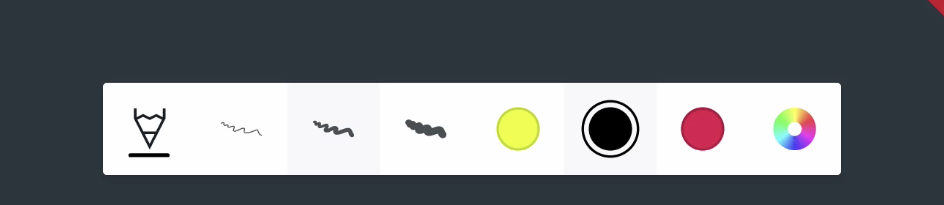
The Marker tool is slightly transparent. The Features menu will show a color palette that is specific to the Marker tool, like bright colours.
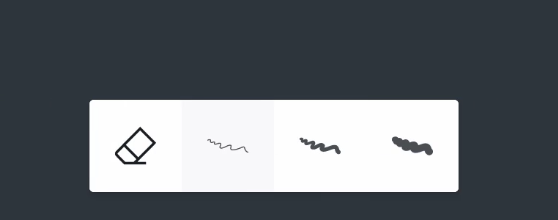
Eraser tool
You can customize the size of the eraser tool in the Features menu.
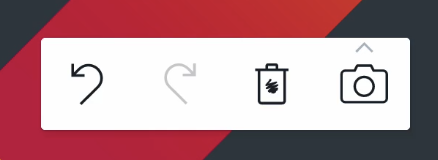
You can also delete the whole canvas at once by selecting the trashcan in the bottom right.
Gestures
Depending on your settings you can use these gestures:
-
Write → Writing automatically starts when writing with the physical pen
-
Large eraser → place 4 fingers from one hand on the board
-
Palm eraser → place the palm of your hand as a fist on the board
-
Select, move or resize an object → Finger tap or pinch on objectsan
-
Pan/zoom the canvas → Finger tap or pinch on whiteboard canvas
Palm erase is supported only on the following displays:
-
i3TOUCH PX (only on updated models with palm rejection settings disabled)