
1/ Connect a Windows PC to your IFP with HDMI and USB-AB.
2/ Download and run HXIntegrationTools-C.exe or TimeLinkTools.exe depending on your displays serial number (Files can be found at the bottom of the page)
-
I3TX365UC41H007 = HXIntegrationTools-C.exe
-
I3TX365TC41H007 = TimeLinkTools.exe
3/ Make sure you switch the IFP source to the correct HDMI input.
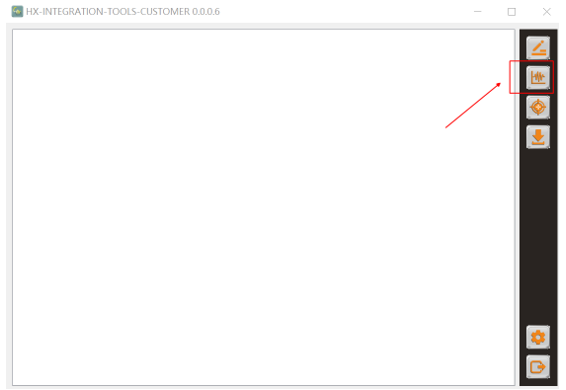
4/ Click on the button with the graph-icon. The test will start automatically.
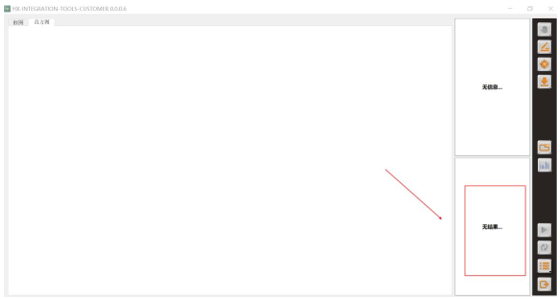
5/ Make a picture from the result and send it to i3-Technologies.
|
HXIntegrationTools-C.exe |
TimeLinkTools.exe |
|---|---|
|
|
TimeLinkToolsV1.15.4(A58-240831).zip
|