Breadcrumbs

i3TOUCH X3 how to clear the cache and data from an app

\uD83D\uDCD8 Instructions

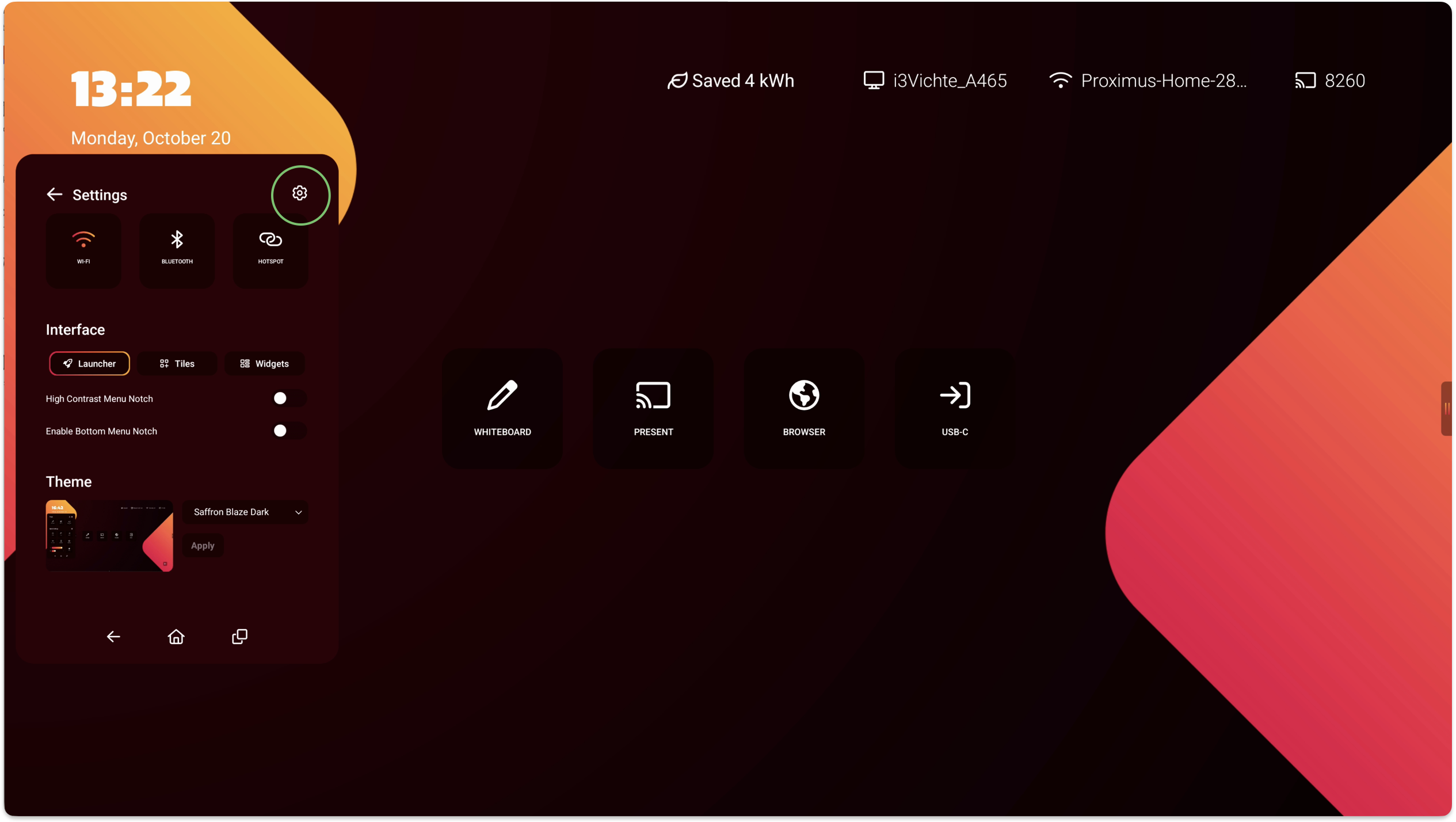
  1. Open “Android settings” and select “Apps

    Scherm­afbeelding 2024-07-26 om 12.42.24.png
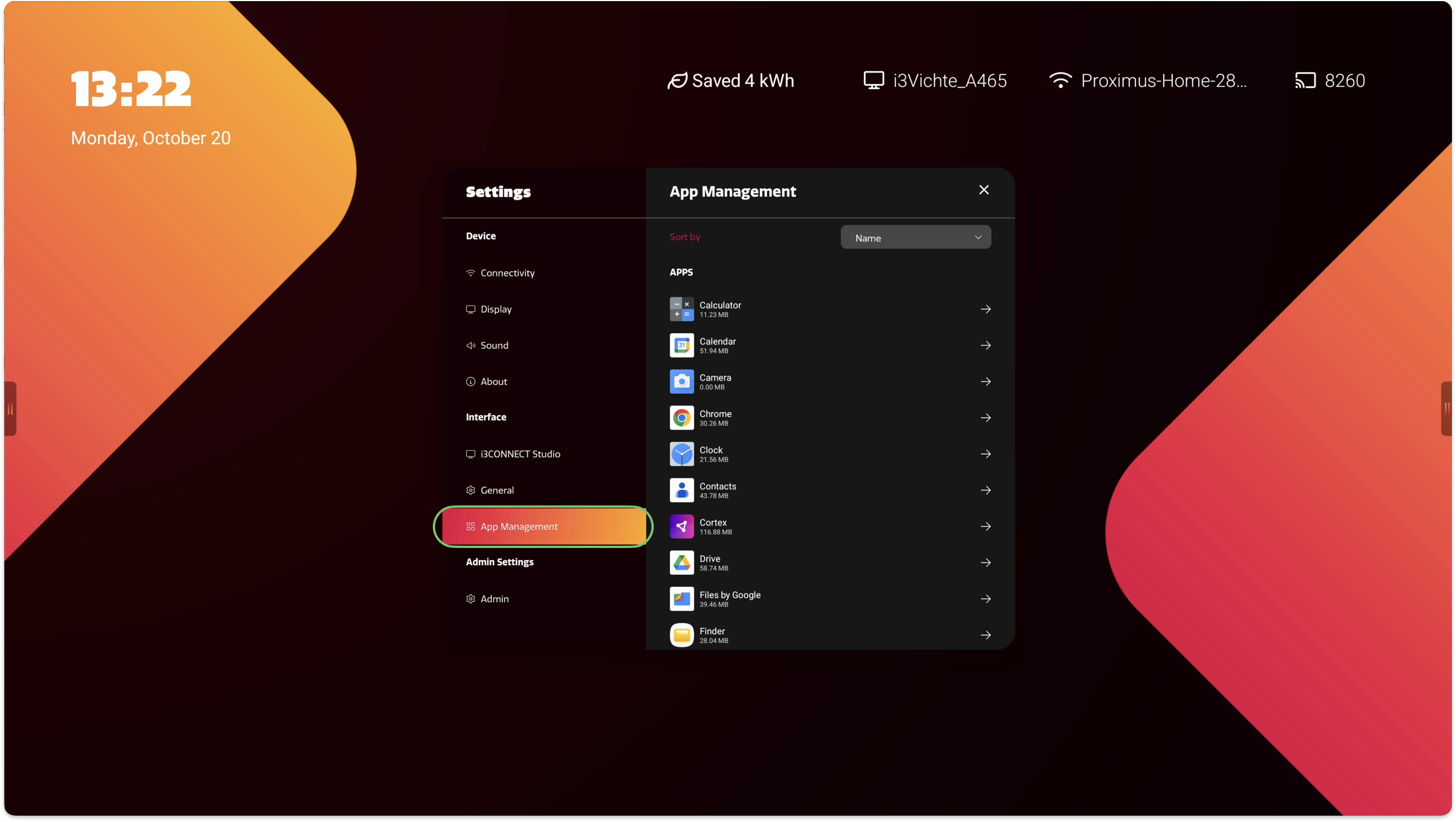
  2. Select “See all xx apps

    Scherm­afbeelding 2024-07-26 om 12.43.03.png
  3. Search for the required app. E.g. i3Allsync.

    Scherm­afbeelding 2024-07-26 om 12.44.46.png
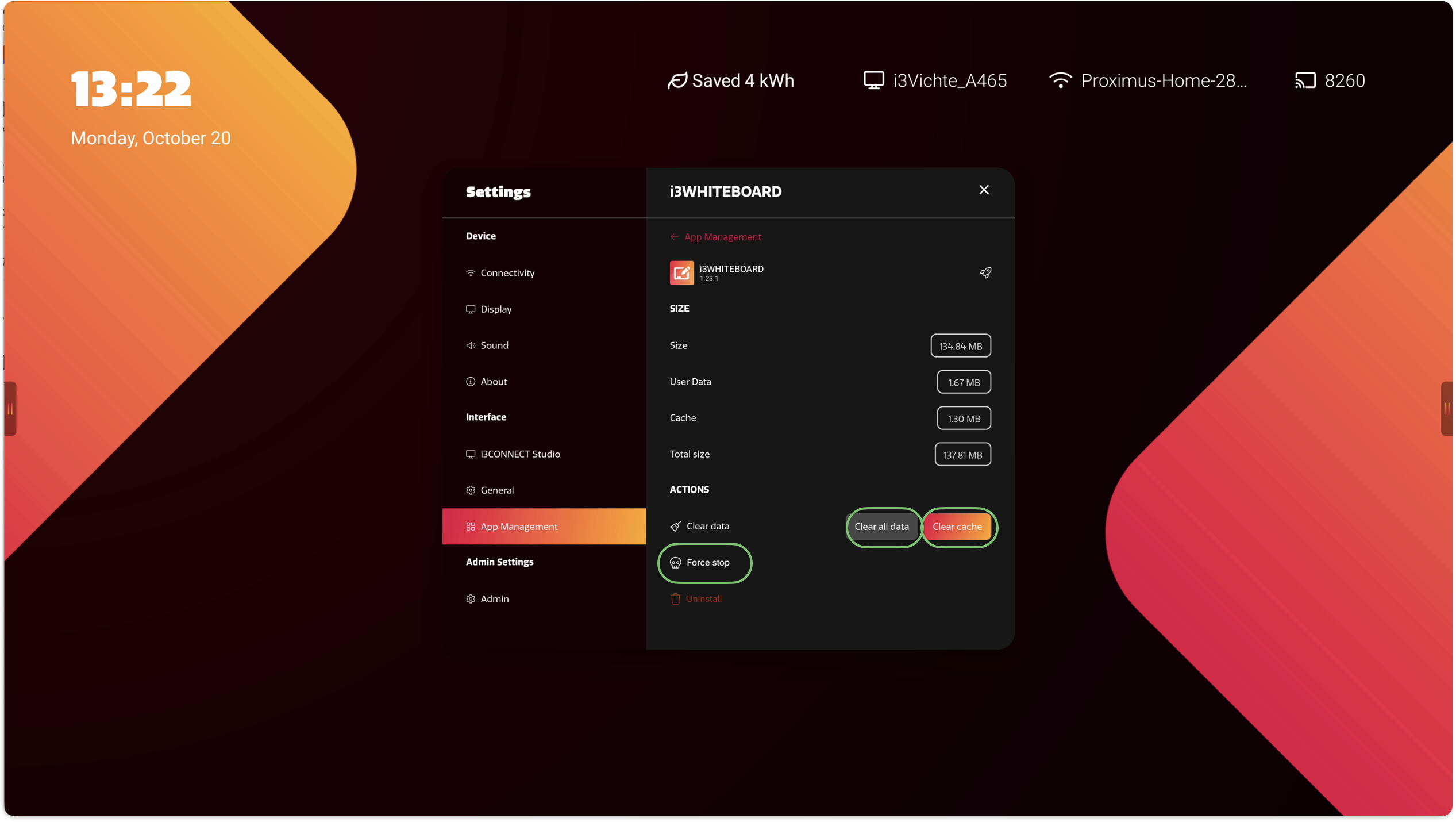
  4. Select “Storage & cache

    Scherm­afbeelding 2024-07-26 om 12.46.08.png
  5. Select “Clear Cache” and “Clear storage” to reset the app.

    Scherm­afbeelding 2024-07-26 om 12.47.02.png
  6. Exit the setting and open the app you were working with.