
When turning on the display for the first time, the following menu pages appear on the screen.
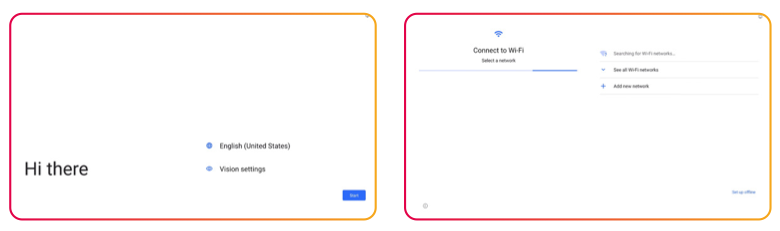
The installation process may differ slightly between displays. For the accurate process follow the user guide of your product.
Instructions
-
Choose the language of your display
-
If your device is not connected to a LAN internet connection, select your wireless network and enter in your password.
-
Select your date & time preferences
-
Set your preferences for any Google Services
-
Set a PIN code for the display to lock the settings with (increased security).
-
Apply the settings and wait for the display to setup.
-
At this stage choose to install i3CONNECT Studio or Google EDLA.