
When you cannot enter the debug menu, and you need to rewrite the systemFW.
Make sure all 3rd party devices are disconnected before you continue
STEP1: Prepare a USB drive and formatted it with FAT32, copy the .IMG file and .INI file to the root folder of USB drive
STEP2: Make sure the IFP is switched off (power cable out). Connect the USB drive to the usb3.0 port.
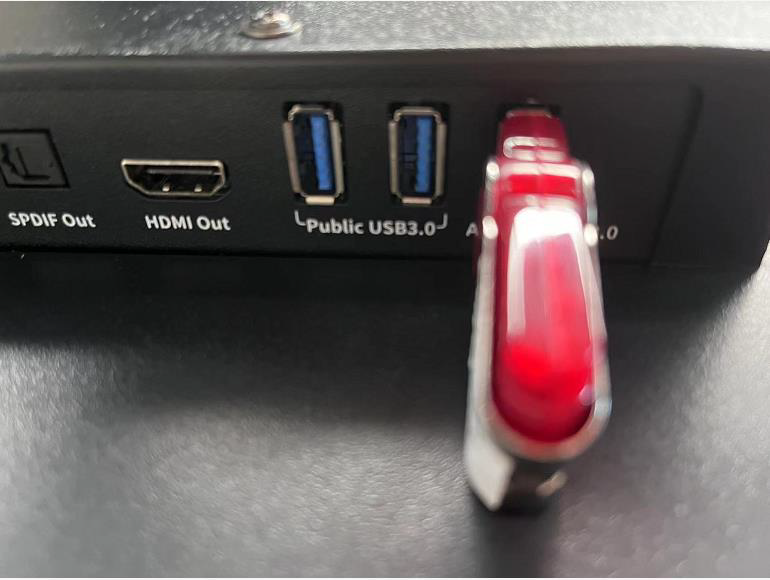
STEP3: Press and hold the power button of the IFP. Put the power cable in.
STEP4: Release the power button when you see the android (robot). The power button LED will flash and the upgrading process starts.
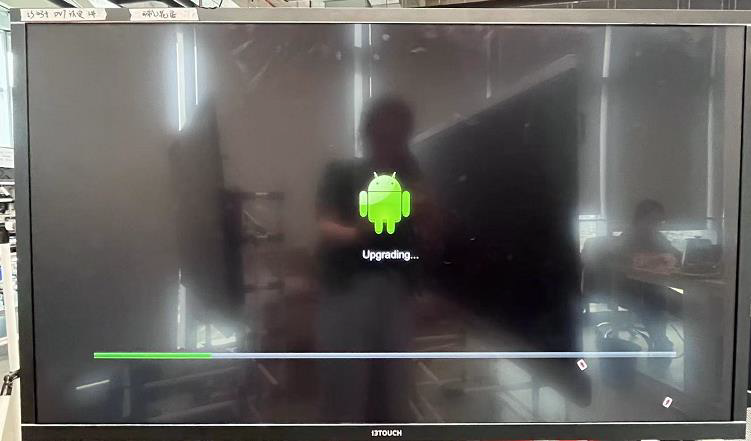
STEP5: Wait until the process finished. +- 5min.
When you dont see any image on the display or via HDMI out while rewriting the systemFW, please wait. You can see the statusLED blinking slowly until reboot. This takes about 5mins. After reboot you will have image. The device will reboot a second time with image. Dont interrupt the procedure until you are in the wizard. The entire process takes max 10mins.