Instructions
-
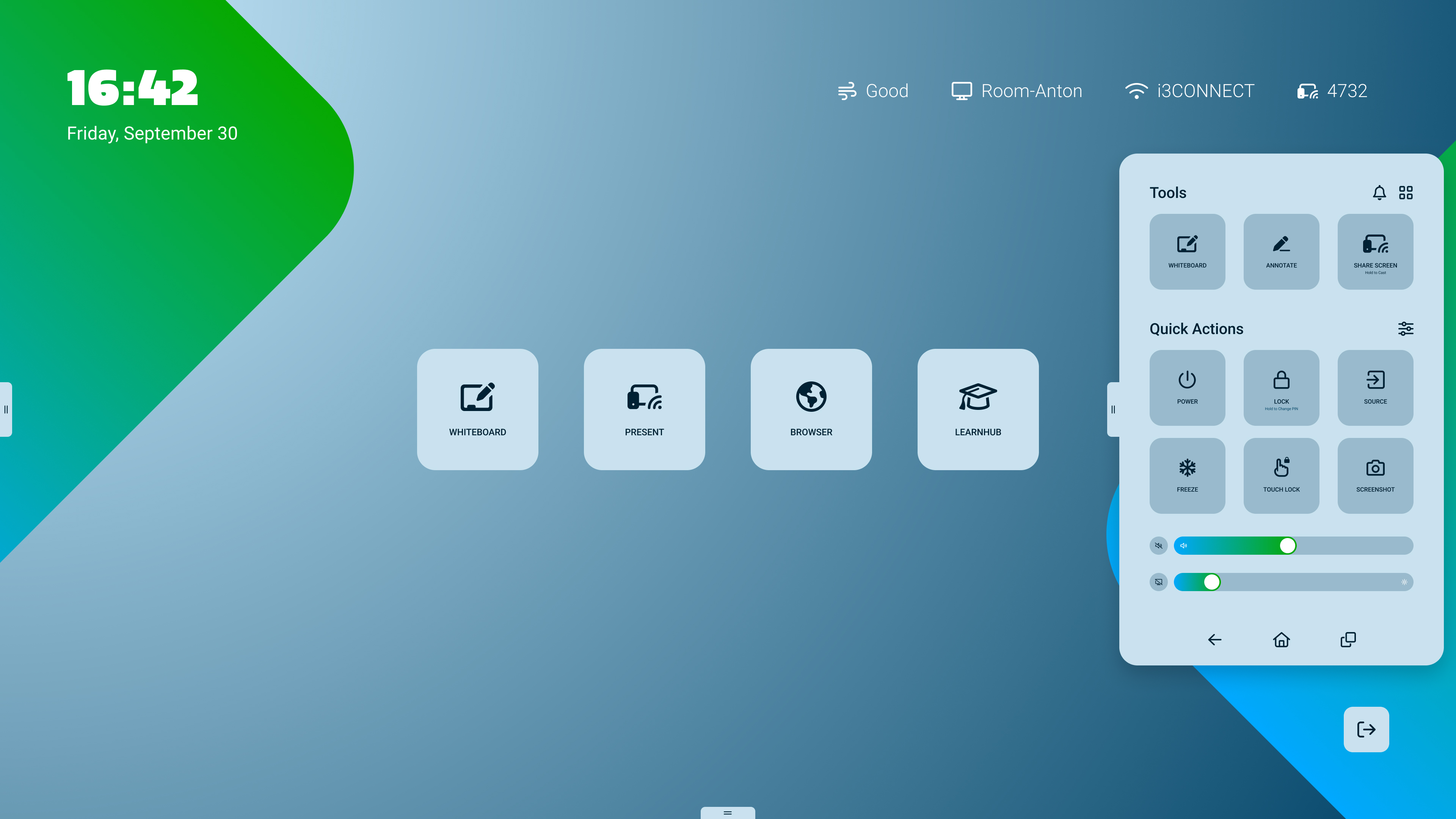
Open the side-menu by pressing on the gripper on the left or right of the display
-
Tap on the

-
Tap on the i3STORE app icon.

Open the side-menu by pressing on the gripper on the left or right of the display
Tap on the
Tap on the i3STORE app icon.