This article helps you check if your display and computer are ready to use the AllSync Transmitter Dongle for wireless sharing.
Before we start
-
Make sure your display has the AllSync app (included in i3CONNECT Studio).
-
Update the AllSync display-app to the latest version from the i3STORE.
-
For TX46 series: AllSync version 4.3.1.105 or newer.
-
For TX45 series: AllSync version 3.6.2.1 or newer.
-
Minimum computer requirements
Check your dongle model and make sure your computer meets these requirements
To plug in the dongle
Your device needs to meet certain requirements to be able to plug in the dongle successfully:
|
Model |
Dongle version |
Minimum computer requirements |
|---|---|---|
|
TX46-C |
AllSync USB-C Dongle - Gen 2 |
|
|
TX45-C |
AllSync USB-C Dongle - Gen 1 |
|
|
TX45-H |
AllSync HDMI Dongle - Gen 1
|
|
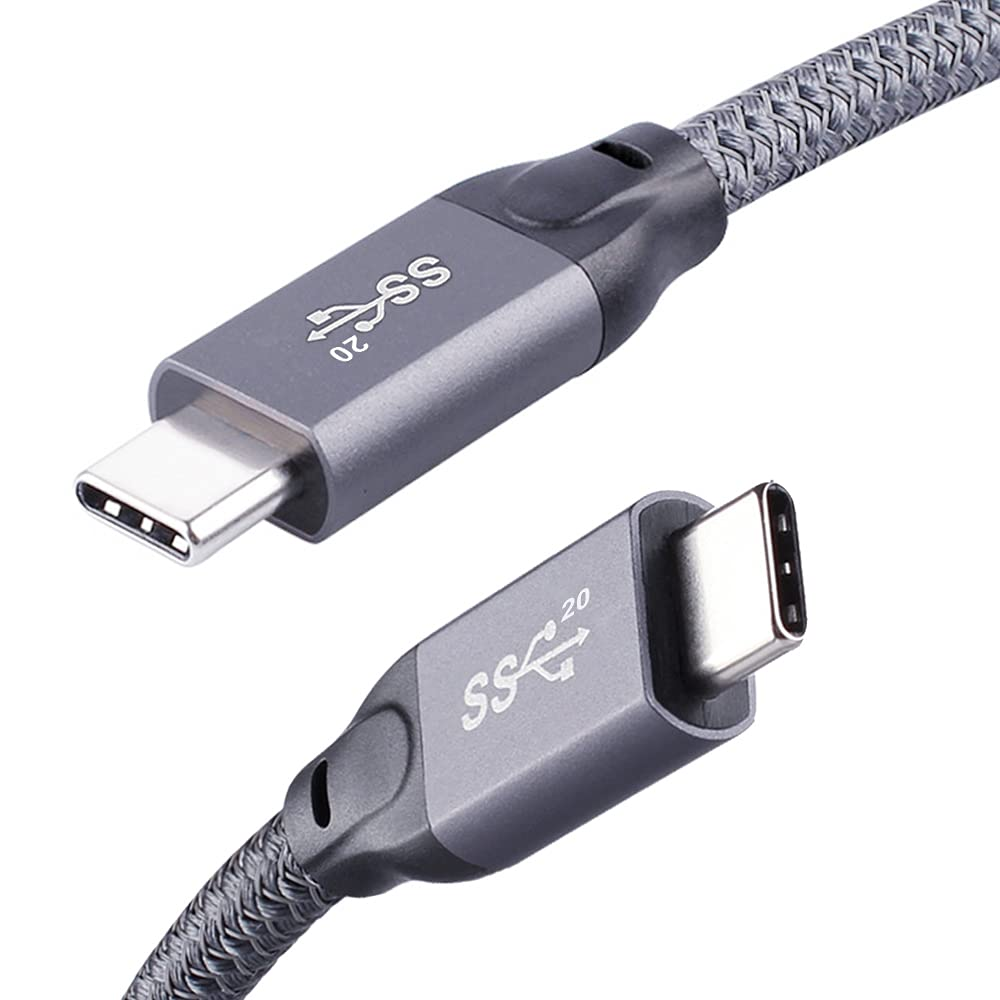
Not all USB-C ports or cables support video. Look for “DisplayPort (DP) Alt Mode” in your computer’s specs or check for the “SS” (SuperSpeed) logo near the port.
To share
Your device needs to be powerful enough to share it’s screen. Modern devices achieve this easily.
|
|
Computers |
iPad, iPhone & iPod |
Android tablet & phone |
|---|---|---|---|
|
Operating system |
|
|
|
|
Minimum required |
|
|
|
When using a Windows Transmitter client, you can achieve up to 10 points multi-touch.
Network requirements
Internet is required to activate, install, and use AllSync Transmitter Dongles. The minimum required bandwidth is 20Mbps, but we recommend 50Mbps or higher to achieve 1080p HD sharing.
|
Model |
Dongle version |
2.4 GHz Wi-Fi network |
5GHz Wi-Fi network |
|---|---|---|---|
|
TX46-C |
AllSync USB-C Dongle - Gen 2 |
|
|
|
TX45-C |
AllSync USB-C Dongle - Gen 1 |
|
|
|
TX45-H |
AllSync HDMI Dongle - Gen 1 |
|
|


Our solutions are tested to work in most networking setups, but i3CONNECT cannot guarantee compatibility with custom / non-standard network infrastructures.
Troubleshooting
-
If nothing is sharing with the USB-C dongle, double-check that your USB-C port supports DisplayPort (DP) Alt Mode.
-
If your dongle still doesn’t work, try another port or cable, or consult your device’s manual for video output support