
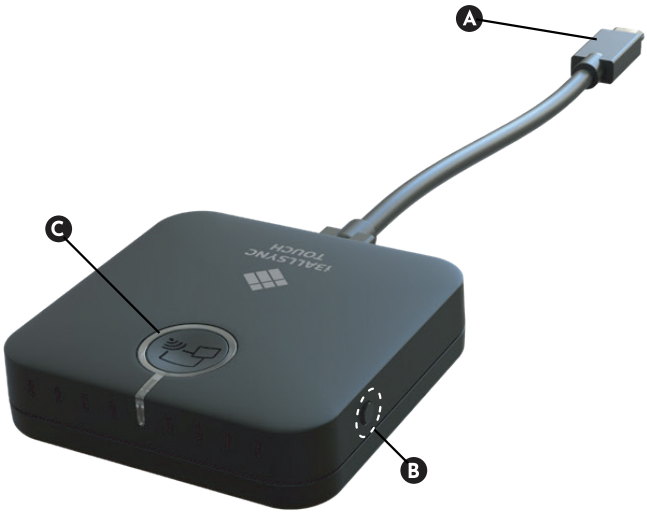
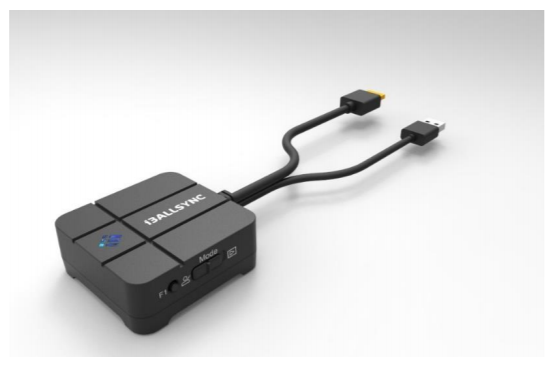
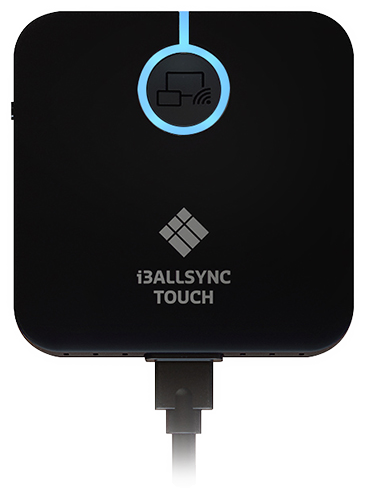
Each AllSync dongle consists of a cabled box, which has some buttons. One of these buttons is surrounded by a coloured ring of LED light. Use the tables below to see what each button does and what each Light colour means.
The most recent dongle model is the TX46-C. Before that was the the TX45-C and before that was the TX45-H. The C and H refer to the USB-C or HDMI cable used on the dongle. The TX is a technical marking for a transmitter and the number 45 or 46 is the version of the product.
What each button does
|
Model |
A. Cable |
B. F1 Button |
C. Main Button |
D. Switch |
|---|---|---|---|---|
|
TX46-C |
USB-C |
|
|
Not available |
|
TX45-C |
USB-C |
|
Not available |
|
|
TX45-H |
HDMI |
|
Switch modes: Presentation or Video. |
Meanings of LED colours
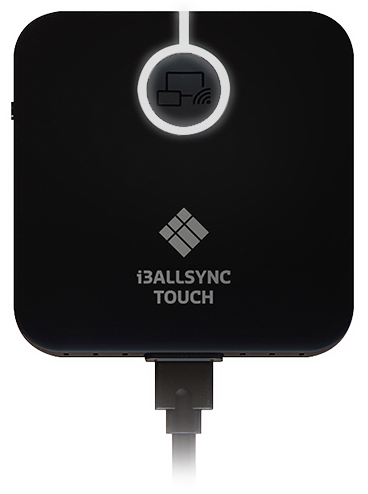
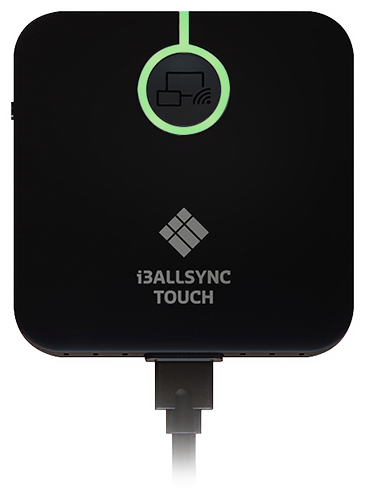
The main button of the dongle lights up in different colours to communicate what it is currently doing. In the table below you can find what each colour means.
|
LED Colour |
Behavior |
Definitions |
|---|---|---|
|
Green |
Solid light |
Receiver found. |
|
Blinking |
Connected to network, but can't find the Receiver. |
|
|
Blue
|
Solid light |
Presenting at the moment. |
|
TX46-C Only:
|
Receiver has Moderator Mode enable. Screen sharing is only possible from the display, and not the dongle. |
|
|
Yellow |
TX46-C Only:
|
Starting up. |
|
Blinking |
Connecting to Receiver; no USB IN detected for dongle. |
|
|
Purple |
Blinking |
Installing a firmware update. Do not remove power during the update. |
|
Blinks 5 times |
Deleting a pairing record. |
|
|
White |
Blinking |
Pairing in process. |
|
Red |
Blinks once (1x) every 3 seconds (loop) |
No paired Receivers found (e.g. during first use, or after the pairing record has been deleted). |
|
Blinks 3 times every 3 seconds (loop) |
Cannot find the paired WiFI network name (SSID). |
|
|
Blinks 5 times every 3 seconds (loop) |
WiFI name (SSID) is known, but the password is wrong. |