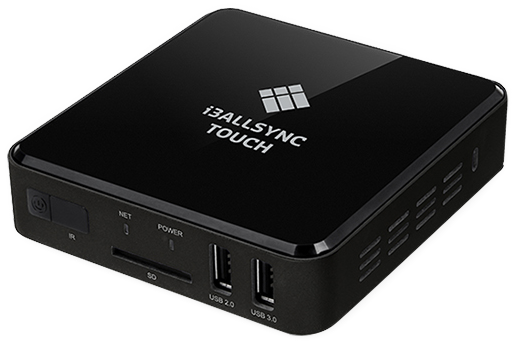
AllSync makes wireless screen sharing easy for any meeting or classroom. Use this guide if you’re unsure which AllSync device you have, or want to know what each one does. If you’re looking for setup instructions, see the dedicated installation articles.
AllSync Transmitter
These are complete solutions for sharing your screen to an i3CONNECT display. They includes all AllSync features, including those not present in native sharing tools like Airplay or Google Cast.
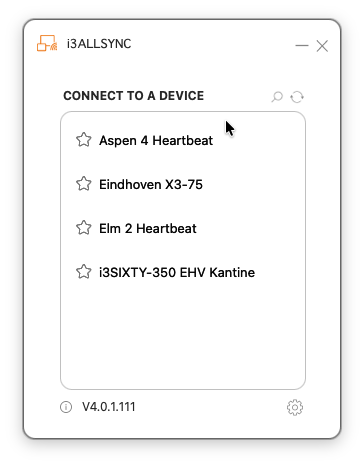
App
Requires an installation of the AllSync app on your device.
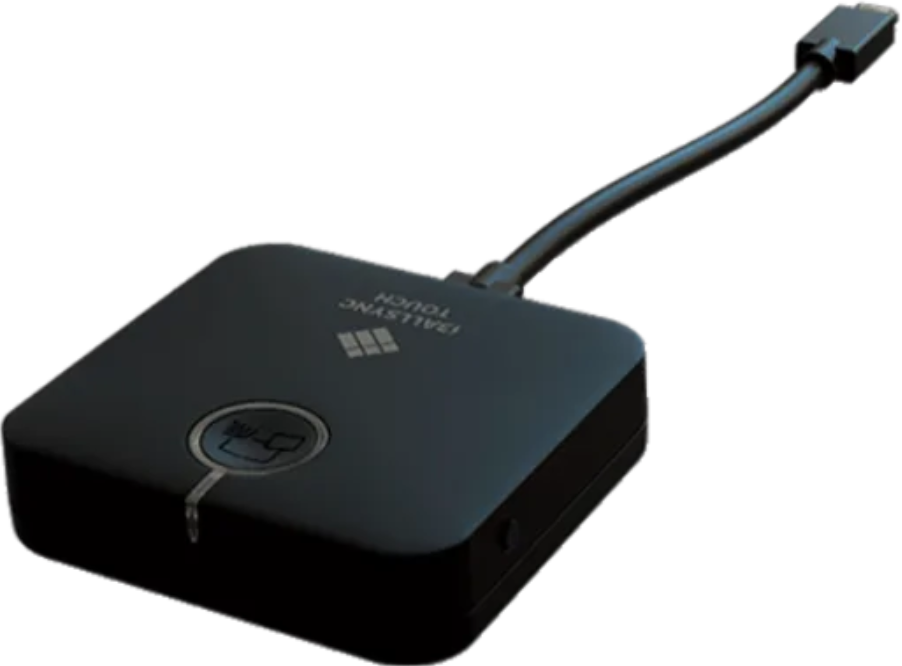
Dongle
For the fastest, driver-free sharing. Plug it into your laptop, wait for the button to turn green, then press the button to share.
AllSync Receiver
Use the AllSync Receiver Module to turn any display into an AllSync receiver.
The attached display can now show screens shared from devices using the Transmitter Dongle or App.