
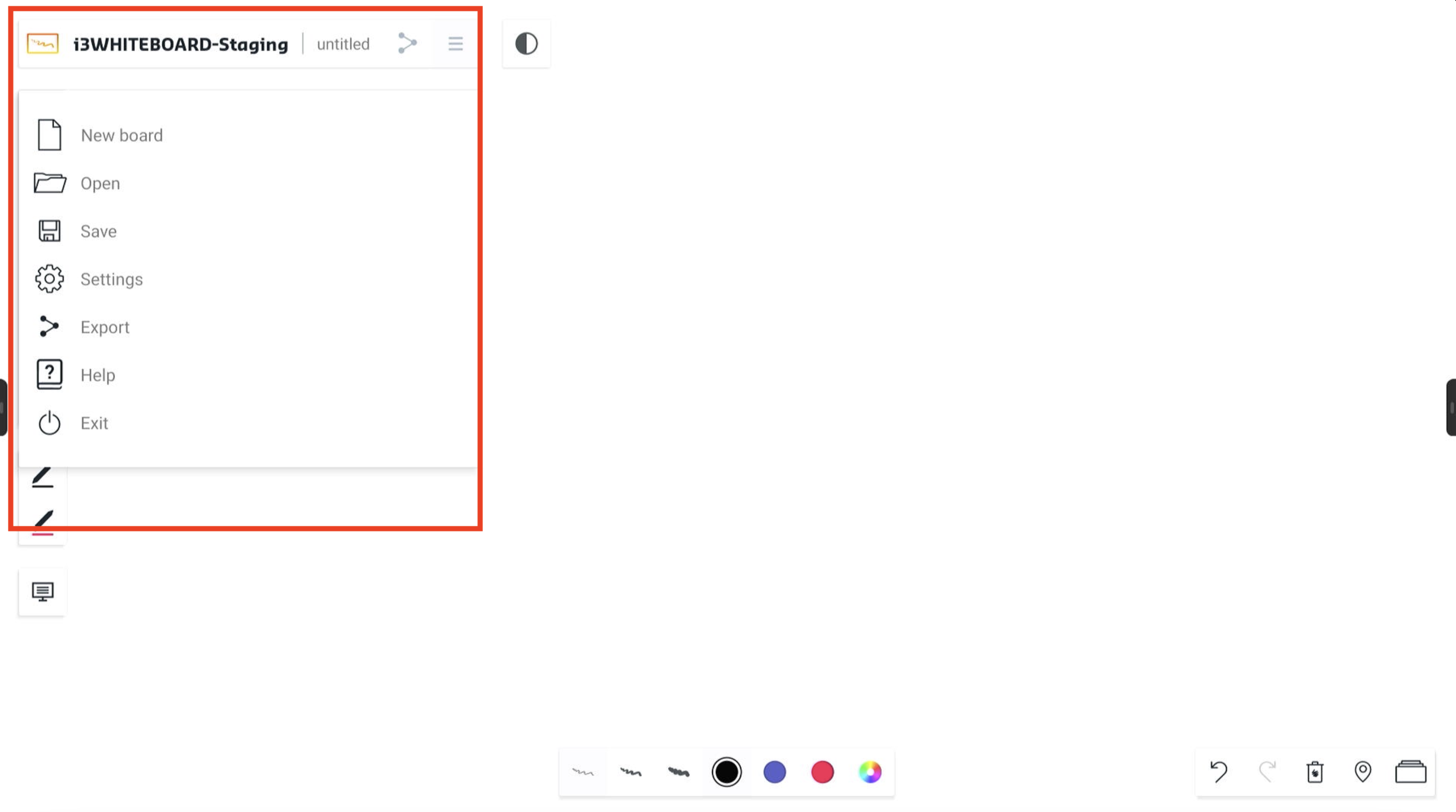
The top-left main menu contains the name of the workspace you are currently working in and access to the hamburger menu, which contains various options related to the workspace as a whole. Next to the file name you’ll find a share icon. This is a quick link to export your file to pdf or e-mail it to someone.
Menu Options
Select the hamburger icon to open the main menu.
-
New board → start a new and empty workspace.
-
Open → open a previously saved, existing whiteboard file
-
Save → save your whiteboard file for later use
-
Settings → customize application and workspace settings.
-
Export → export your work to a PDF file to share or for external use
-
Help → selecting this will lead you to the documentation.
-
Exit → exit the whiteboard application and close the current session