This guide will explain how to upload an APK via app repository as well installing via RDM
📘 Instructions
-
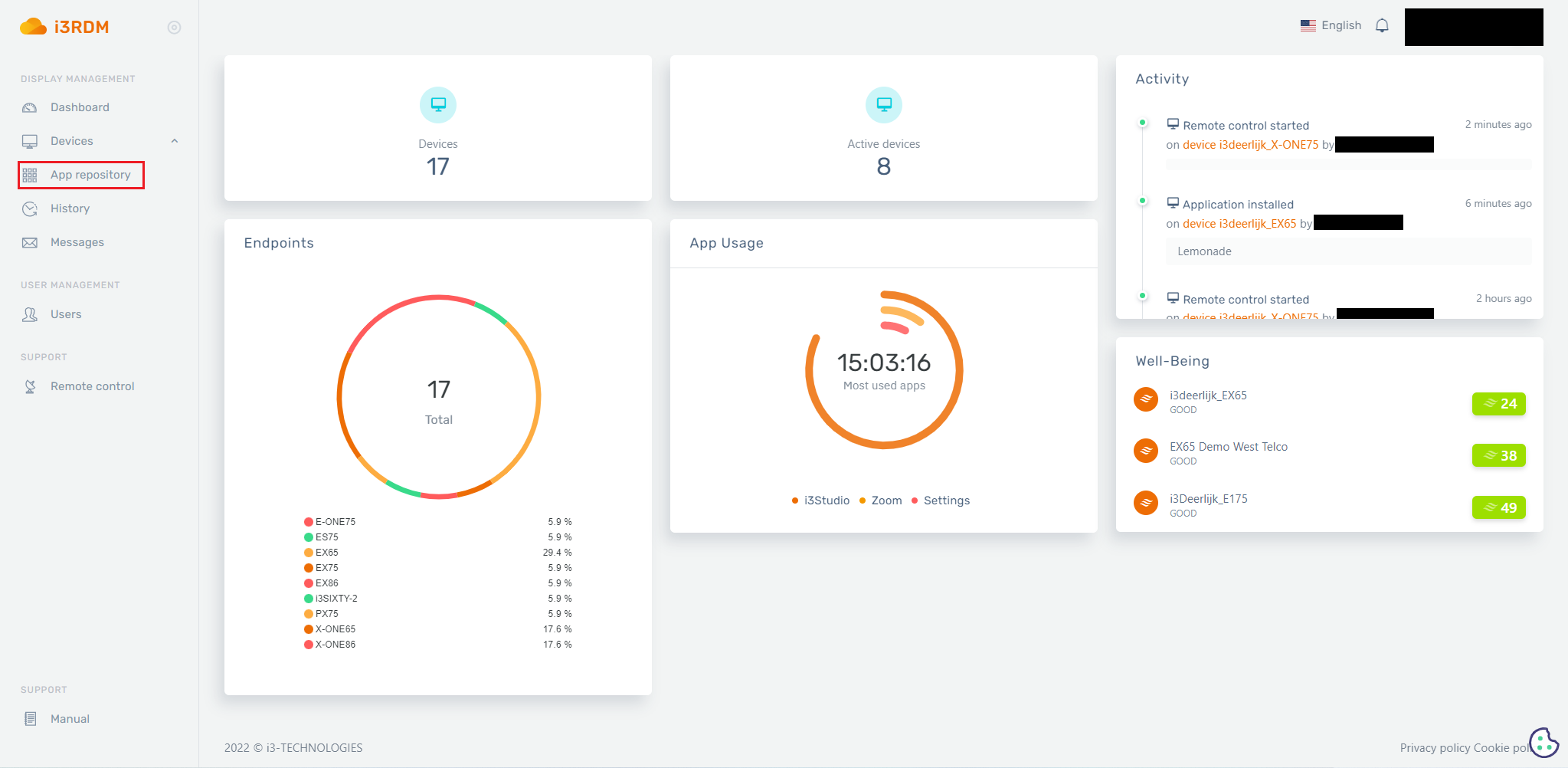
After logging into RDM you will find “App repository” on the left side
-
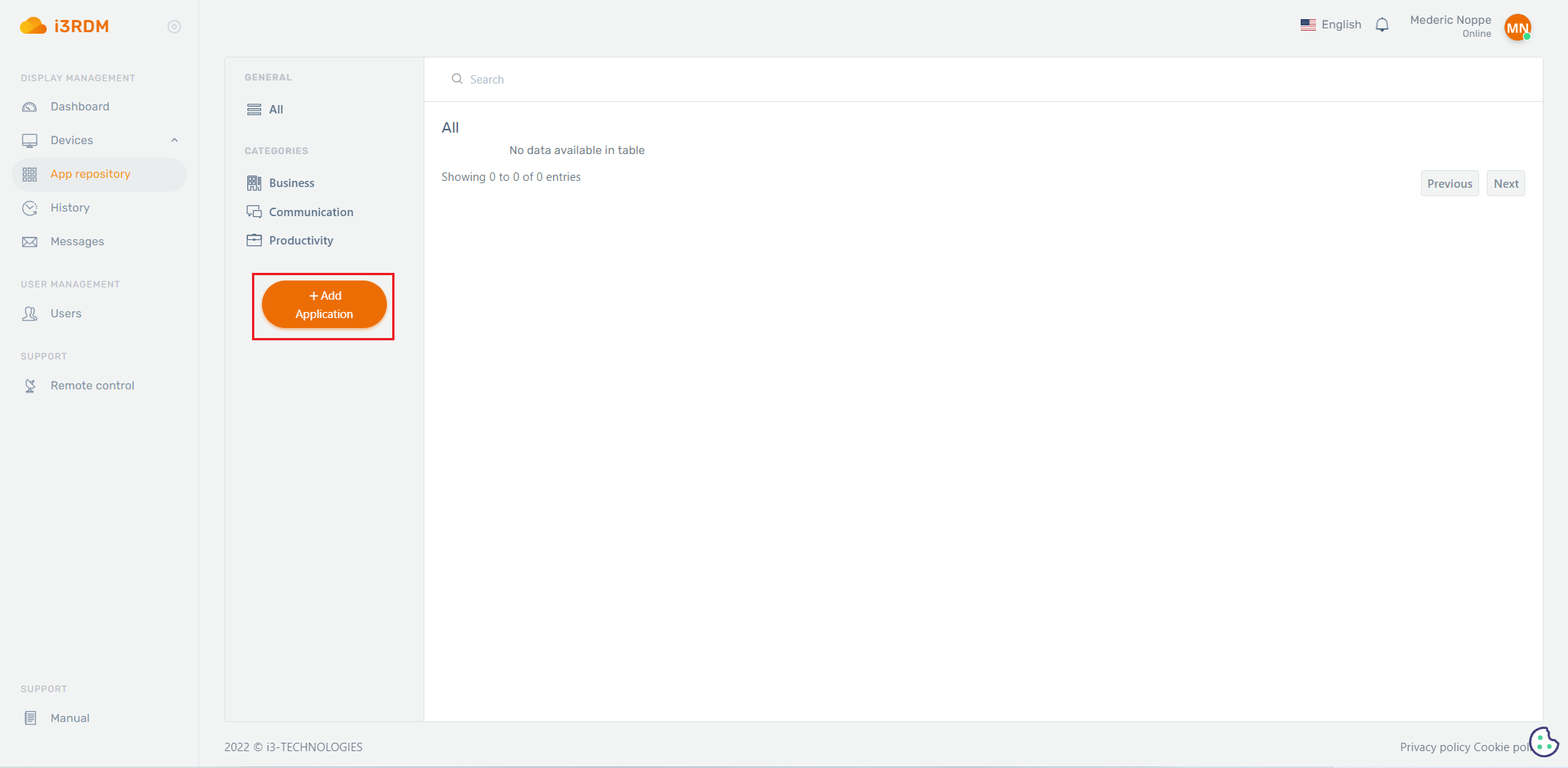
Click +Add Application
-
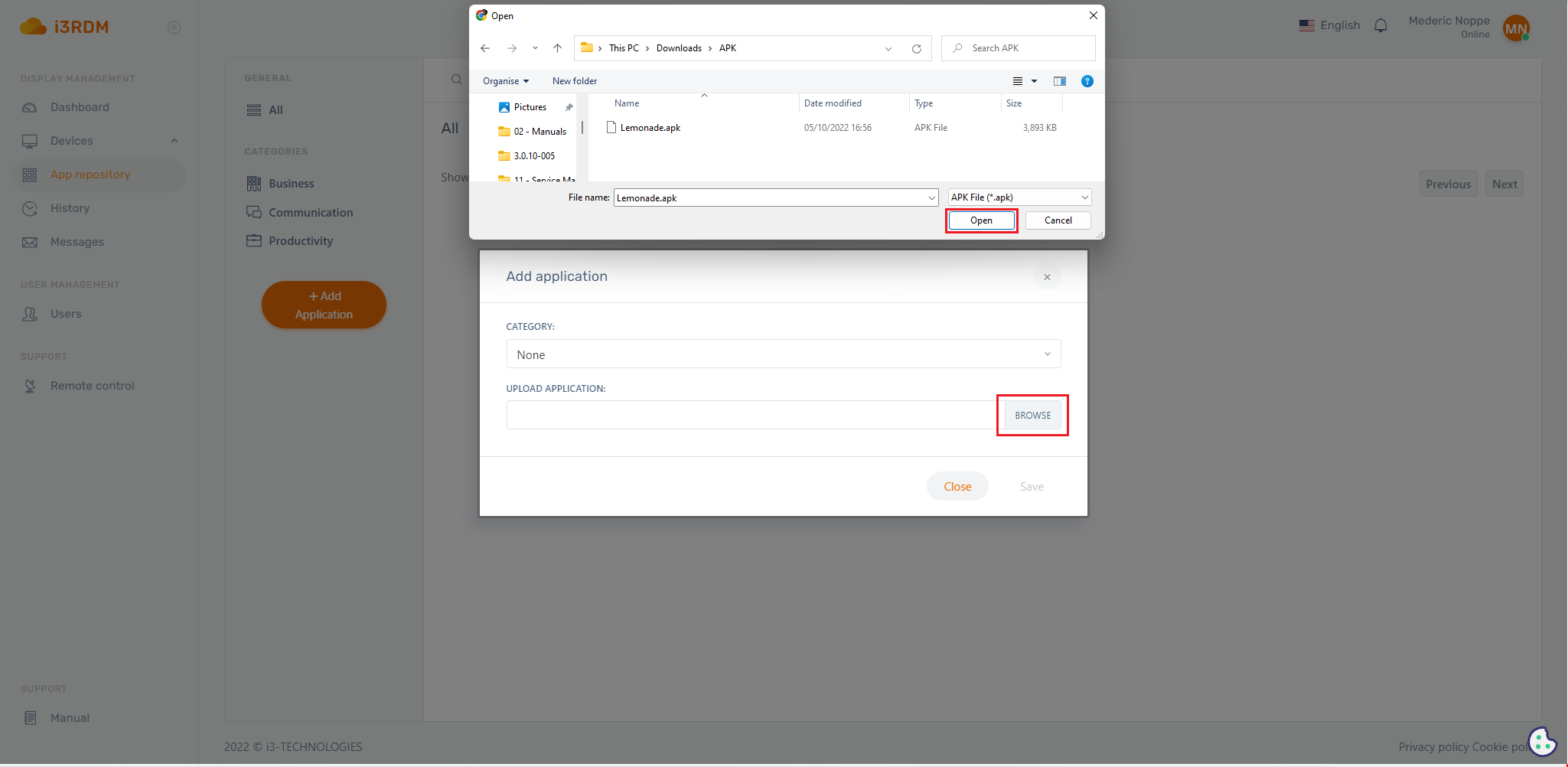
Click on “browse” and navigate the APK you want to upload and then save it
-
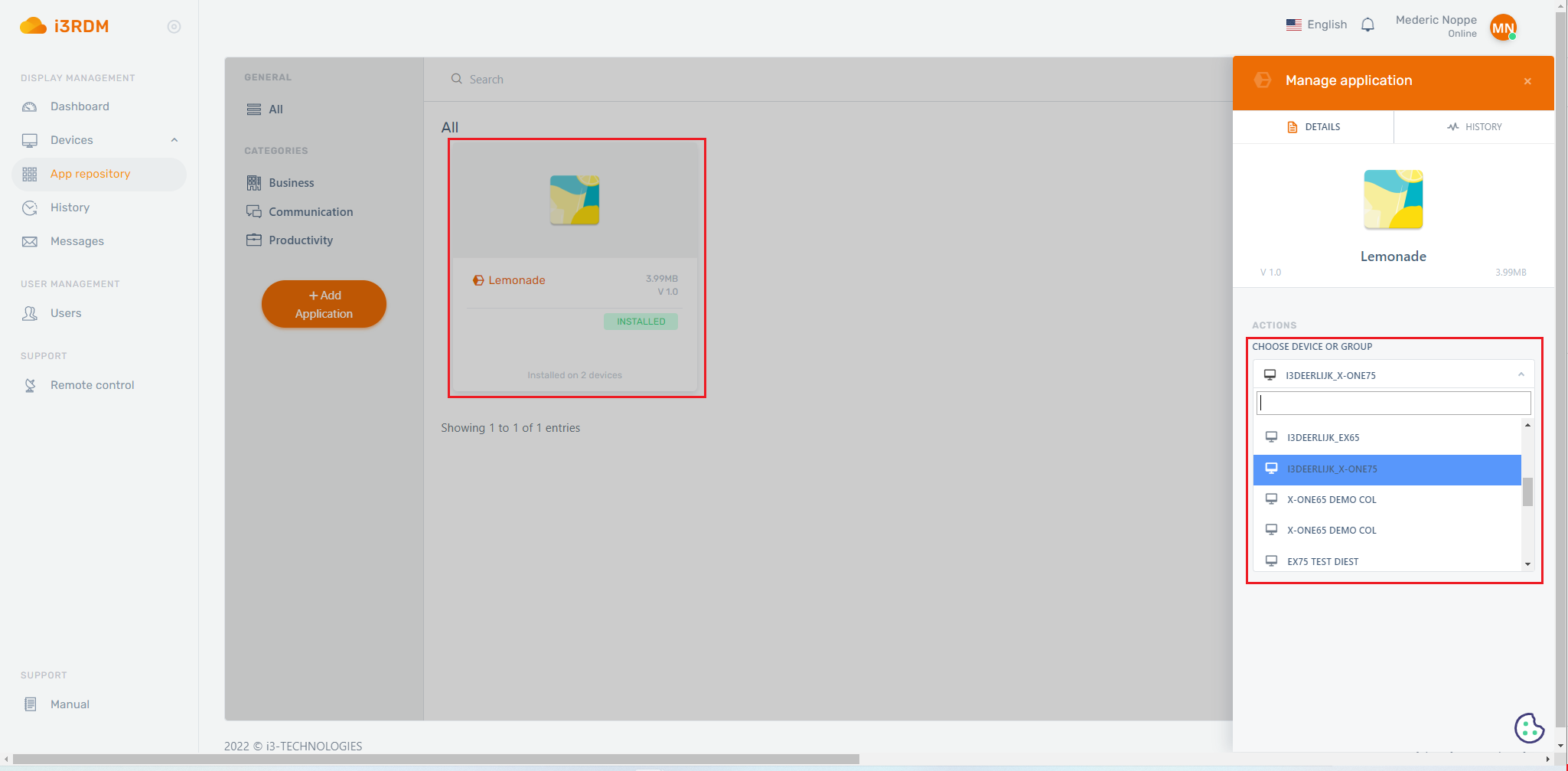
If you click on the uploaded APK a menu will open and by using this menu you can install the APK on the desired display/group