
A new version of this article exists here:
-
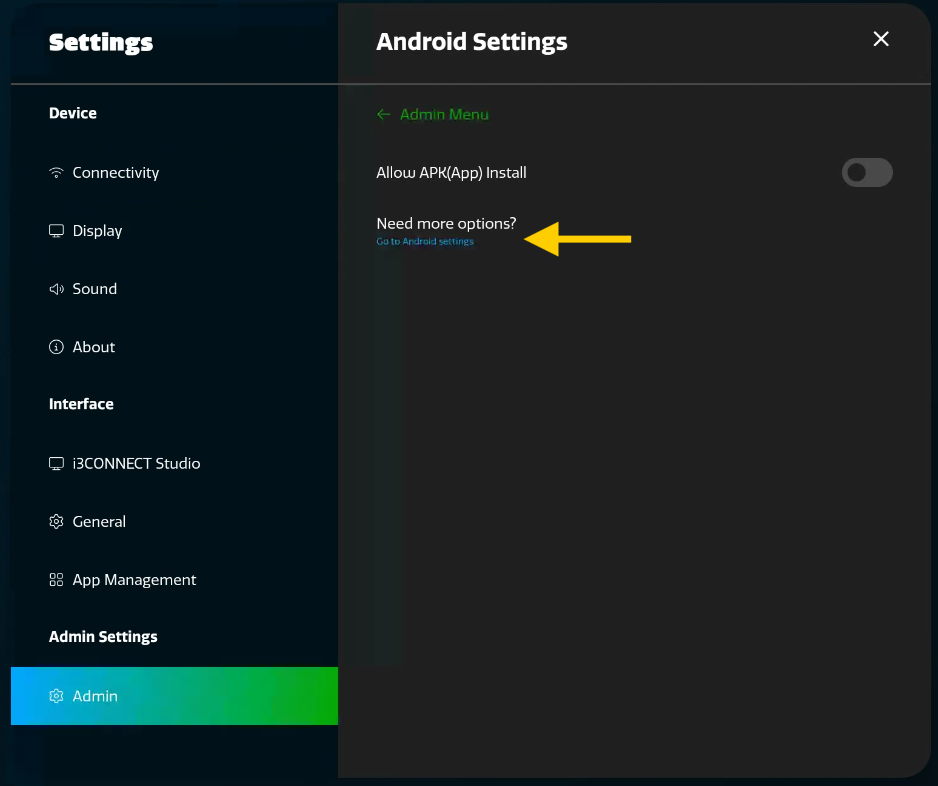
Enable the developer options.
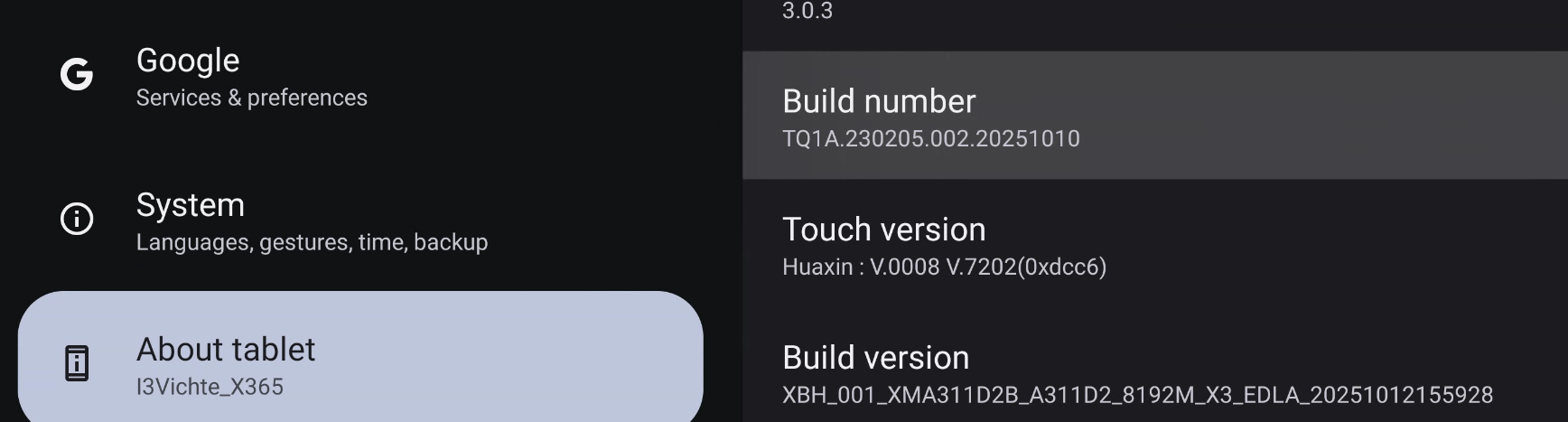
Tap the Build number 8 times to become a developer.
-
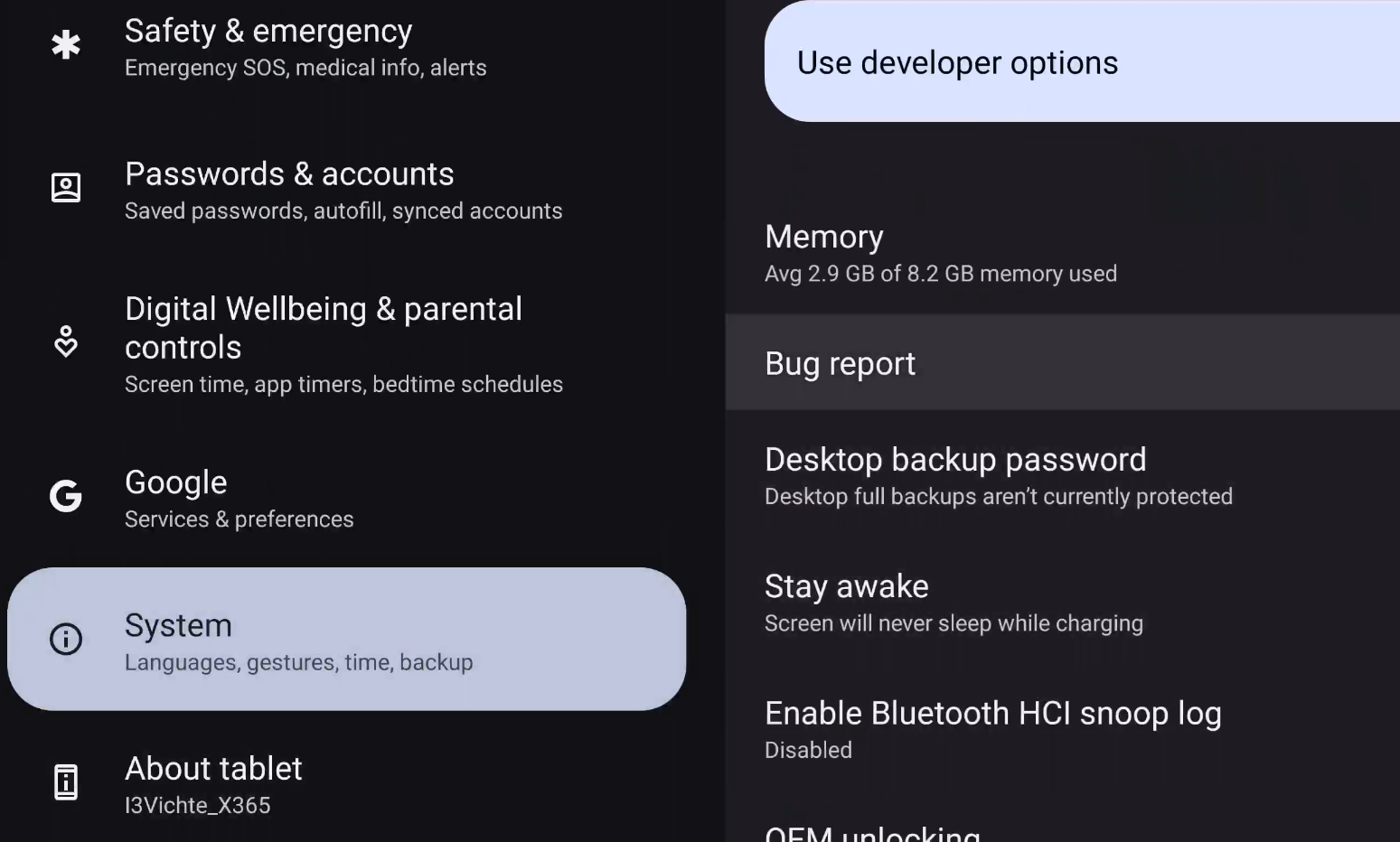
Generate the bug report. Go to System > Developer options and open Bug report.
Select Full report and click on Report.
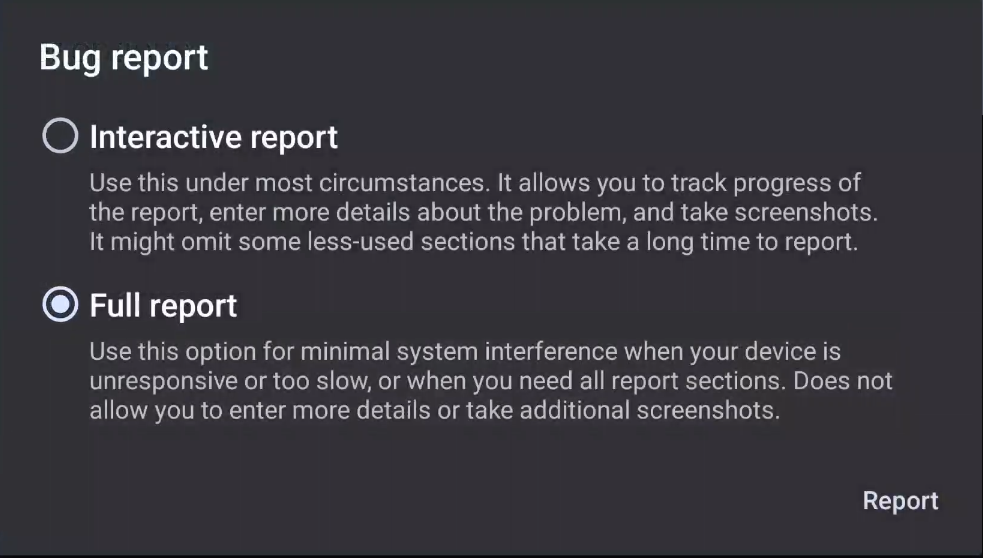
It takes 3-5mins to generate the Full report.
In the app tray, open Files by Google.
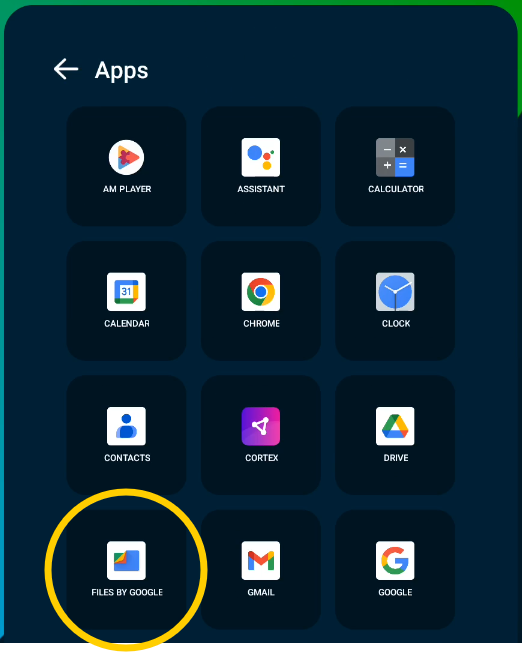
On the left hand side, scroll all the way down to Other storage.

On the right hand side, you will find Bug reports.
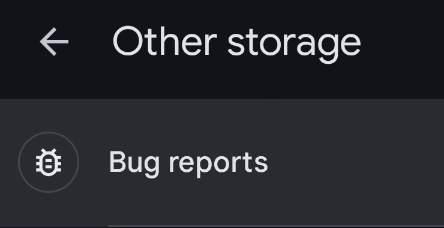
If you are super fast, the report will still be in progress. If you see a very long file-list, the Bug report is still being made. Wait until you only see 4 files, which will include a .ZIP file.
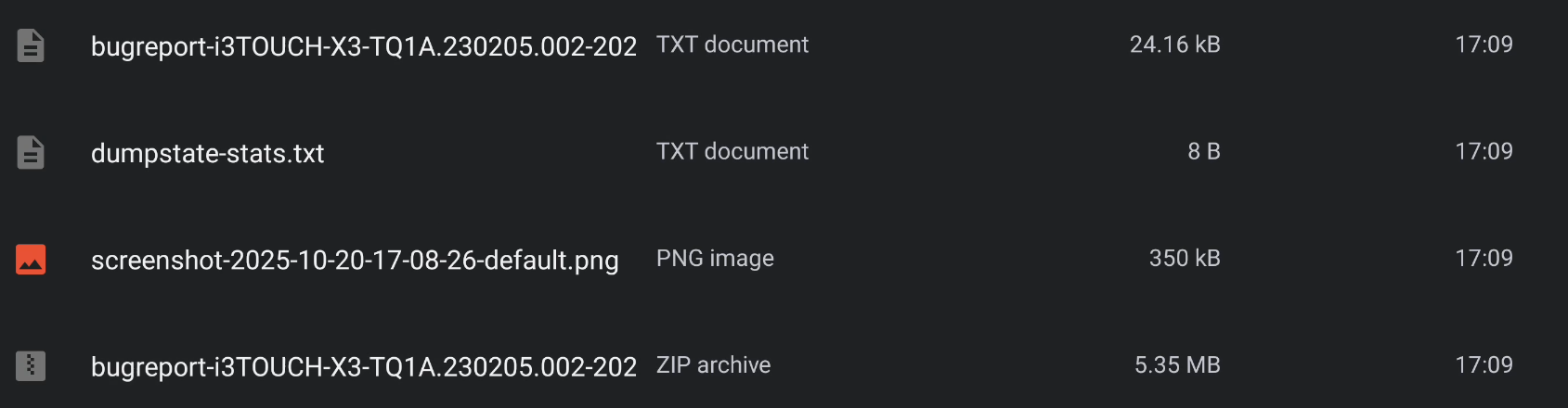
Click and hold an item to select it. Then select the other 3 files as well.
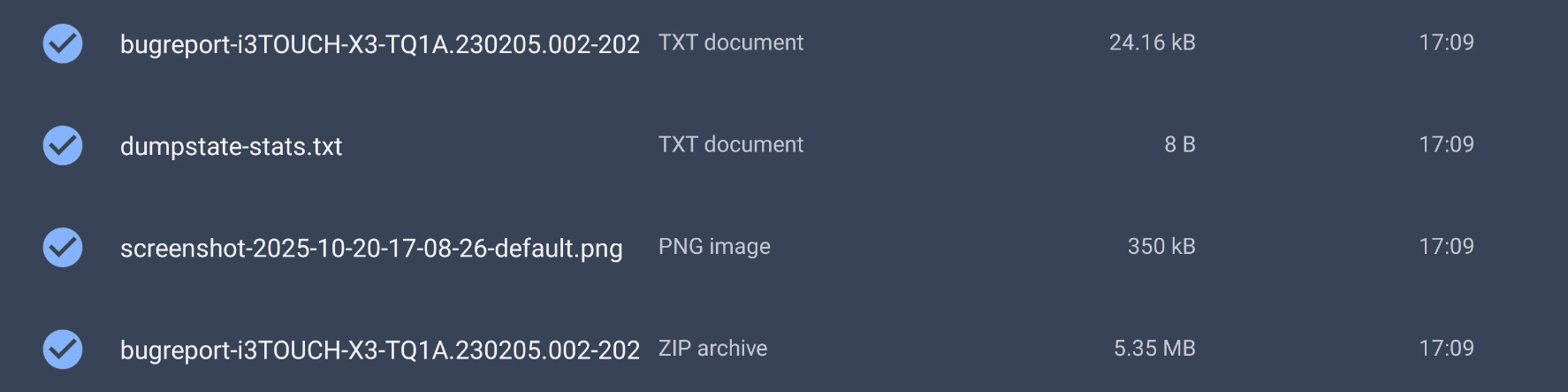
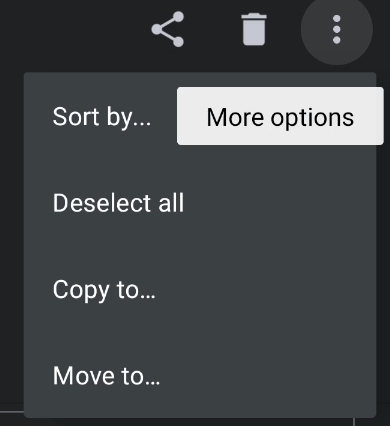
On the top right hand side, choose More options > Copy to…
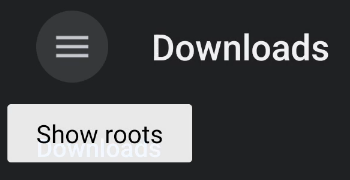
On the top left hand side, choose Show roots and select your USB stick.

Finally hit Copy on the bottom to copy the Bug report on your USB stick.

Please share the files to i3 via the Customer support portal.
http://support.i3-connect.com/