
This is the preferred storage since it’ll allow you to use your i3WHITEBOARD files on multiple i3TOUCH displays. i3WHITEBOARD allows you to connect to the following cloud providers:
-
Google Drive
-
OneDrive
Instructions: adding cloud storage
-
To start, choose “Add cloud storage” from the Save or Open dialog and follow the instructions on the screen.
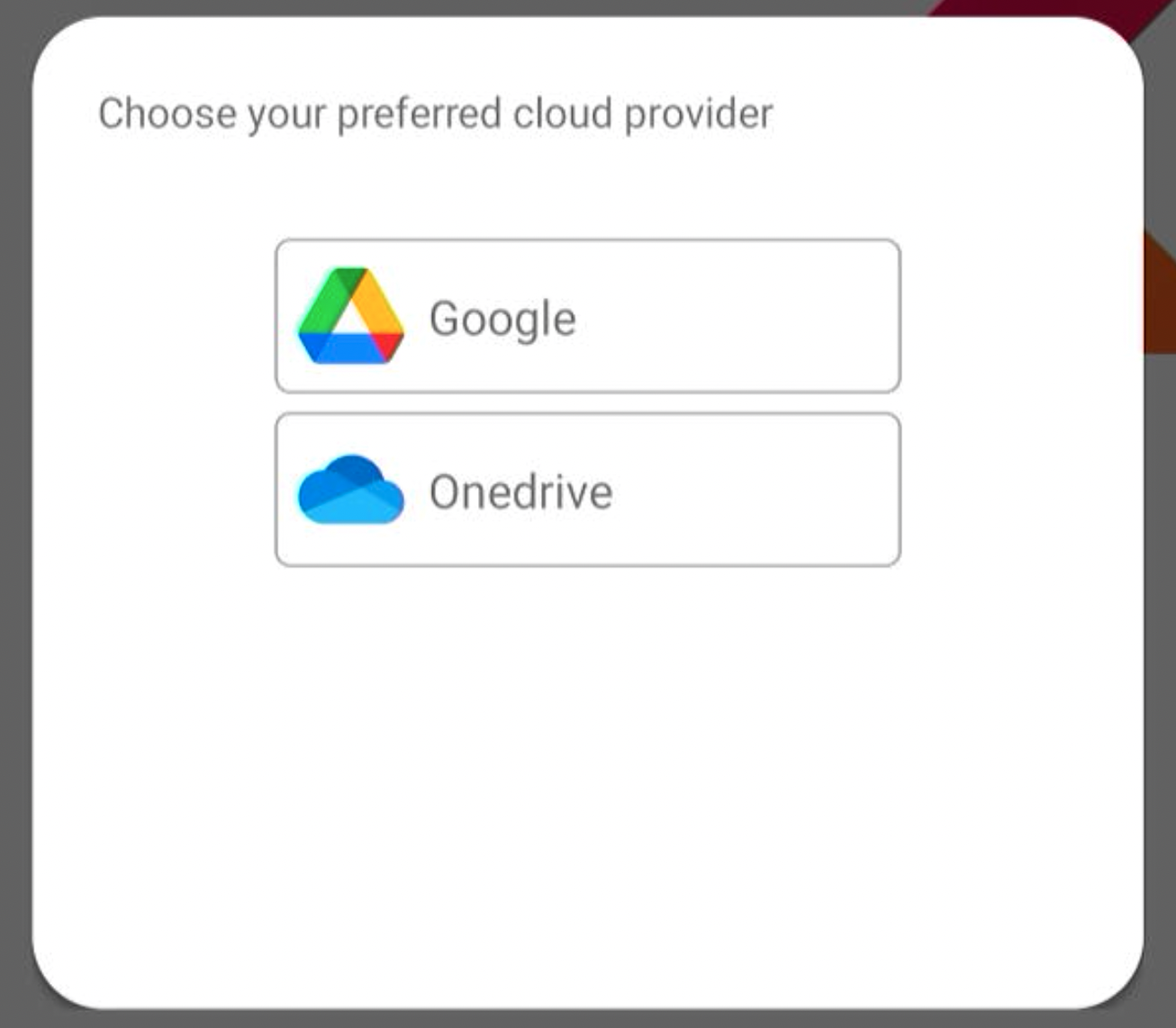
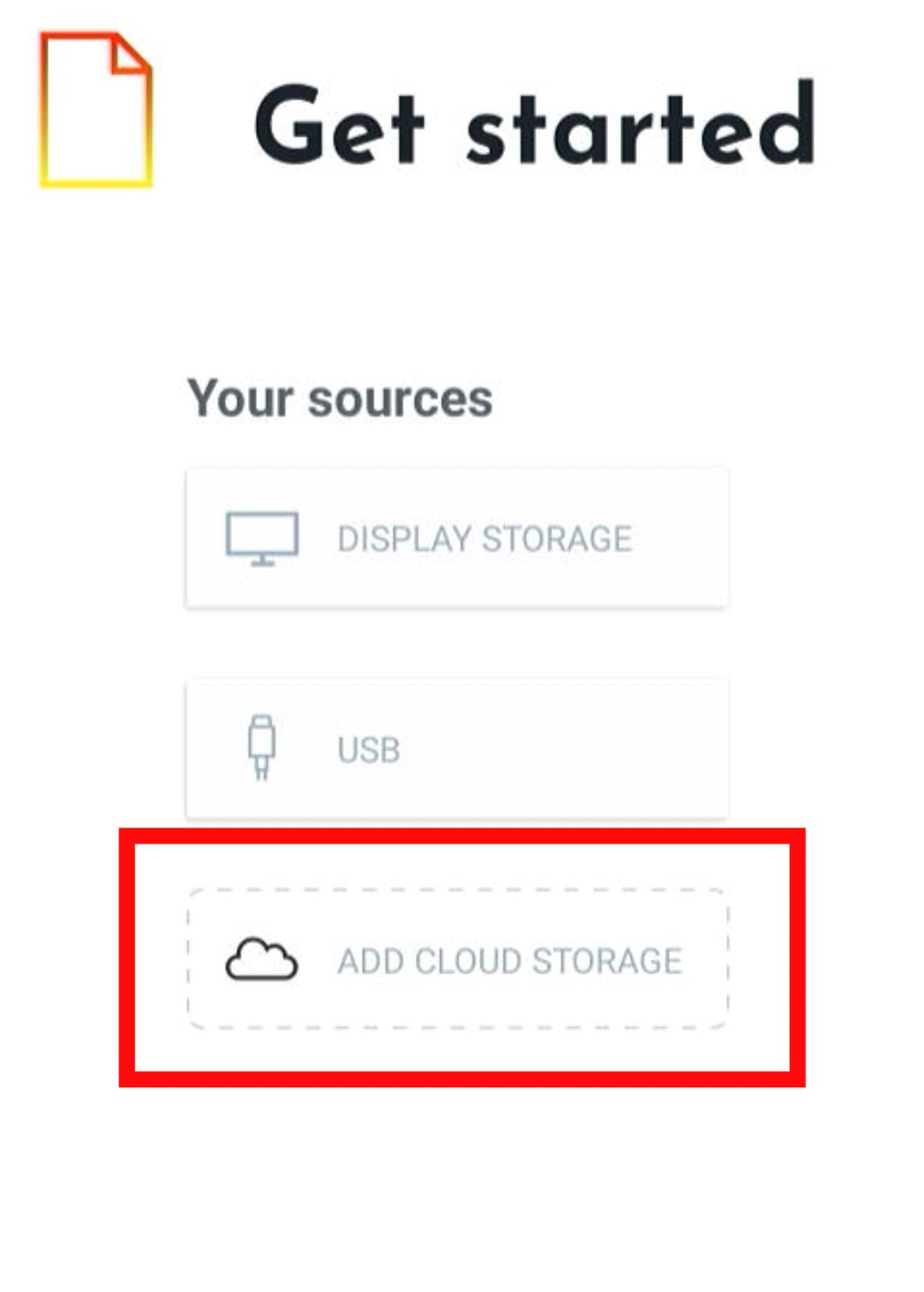
-
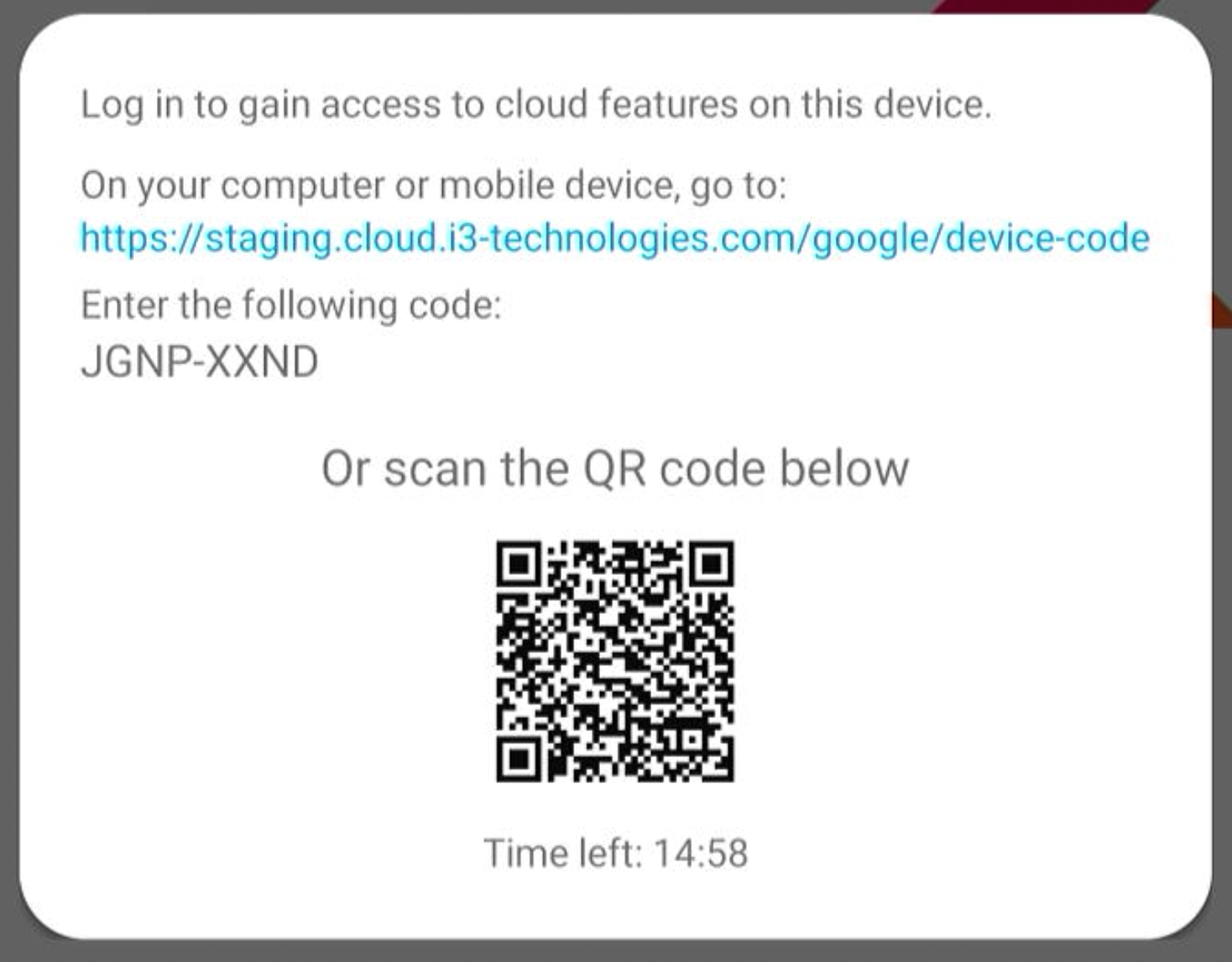
Use your phone to connect using the QR code, or with your browser go to the included URL.
-
Once logged in, you can use your cloud storage to browse, save, and open files to and from the connected cloud provider.
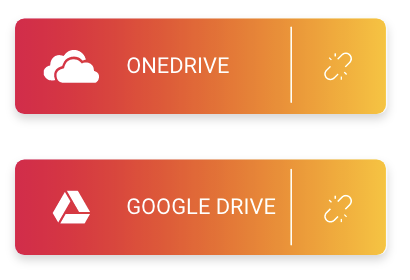
If you no longer want to use a cloud storage, press the disconnect icon next to each cloud connection. From this point on, the device can no longer access your online files.