
This guide is for anyone using AllSync to mirror content from several transmitters (laptops, dongles, or mobile devices) to an i3CONNECT display. AllSync allows for up to 6 devices to share their screen at any one time. Any newly added devices will bump the oldest connected device from the sharing displays, unless that setting is disabled in the settings of AllSync.
If you only need to share from a single device, check the basic screen sharing guide instead.
Before you start
-
All devices should be connected to the same network.
-
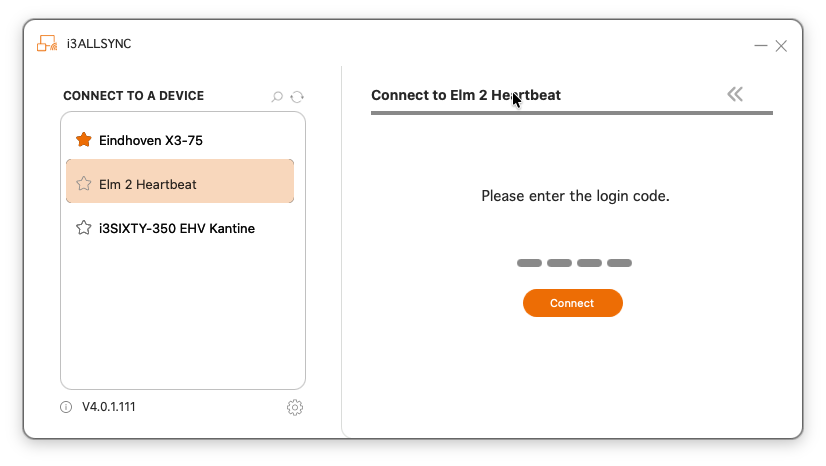
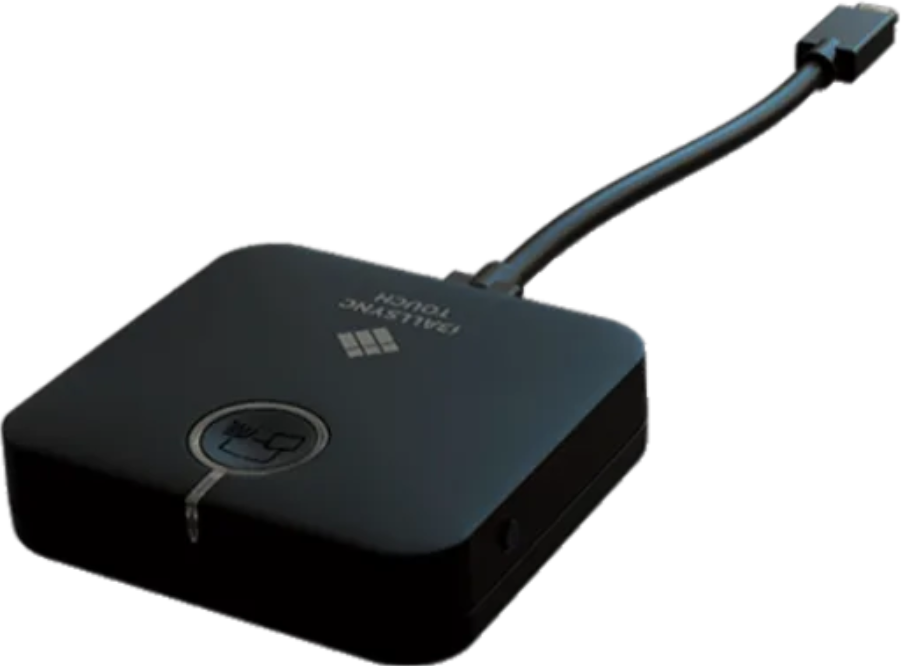
All devices must use an AllSync transmitter, whether it is the PC-app or the Transmitter Dongle.
-
The display must be using the most recent firmware update and running i3CONNECT Studio. This way your interface should look like the black one shown here.
Share multiple devices to AllSync
-
Each person starts sharing their device to the i3CONNECT display using the AllSync app or the AllSync Transmitter Dongle, but does not press on the

-
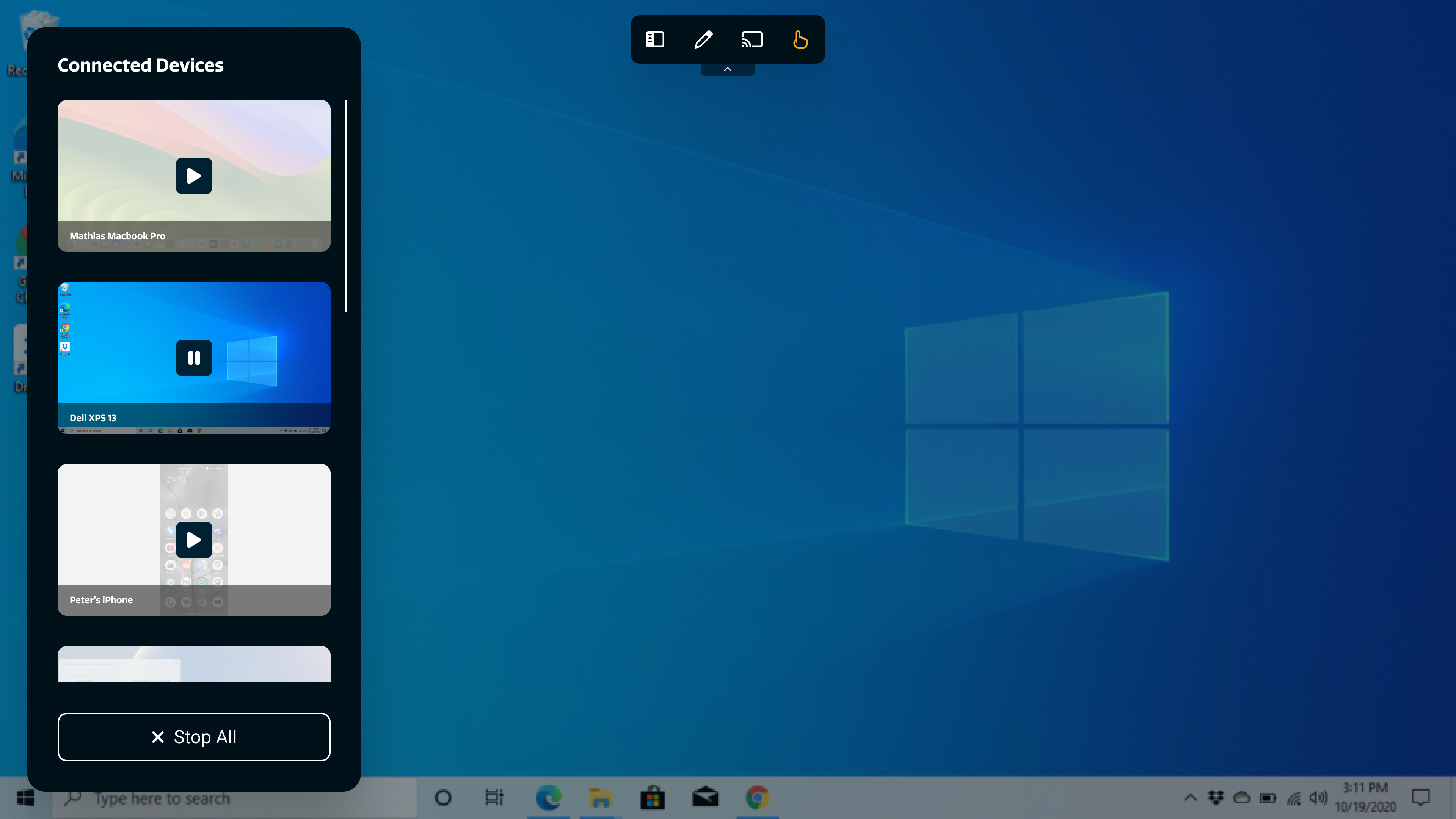
From the extra casting features menu, choose the ‘


-
Start screen sharing:
-
From the receiver (display): Choose one device from the user list and tap on it to share.
-
From the transmitter (device): press the
-
The
-
Enable split screen for multiple transmitters. Select transmitters from the
Focus on one transmitter in split screen
Tap on the screen you want to focus on from the display, and then press the 
Return to split screen from single screen
If you’re focused on one screen, open the extra casting features menu by tapping on the 

Troubleshooting
-
If split screen doesn’t appear, check that multiple transmitters are actively sharing.
-
If you can’t switch focus or return to split screen, make sure you’re using the latest version of AllSync on all devices.