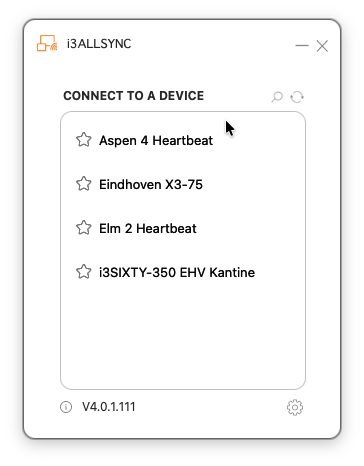
You can wirelessly share your device screen to any display running i3CONNECT Studio / AllSync without installing any apps or drivers. This article explains when you might want to use the AllSync app, and when you can skip it.
Sharing without apps or drivers
Most users can cast using built-in options on Android, Chrome OS, Windows, macOS, and iOS, or by plugging in the AllSync Transmitter Dongle; no downloads required .
Instructions on how to cast for your device are shown on the display.
Tap on your operating system at the bottom of the display to get the instructions.
Why install the AllSync app?
For a smoother experience the AllSync app is used to provide these extra features:
-
Stable connection: Fewer dropouts than native casting.
-
Consistent experience: Same steps for every device.
-
Multi-device sharing: Share from several devices at once.
-
Automatic touch control: Touch works without extra setup.
Download the AllSync app
Get the app here:Download the AllSync screen sharing app