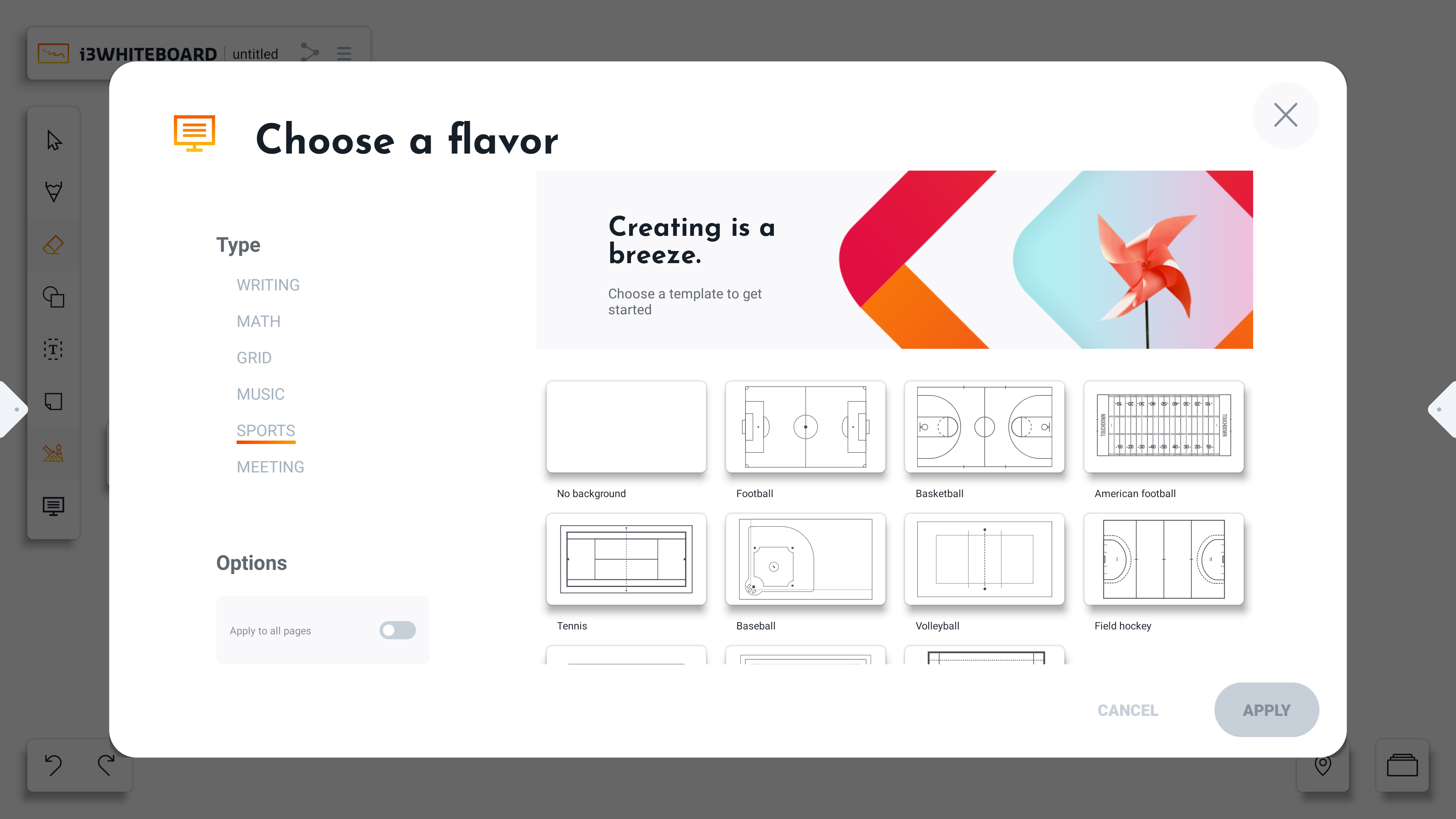
The Background and templates tool can be selected from the whiteboard toolbar:
Whiteboard tools: Overview
-
Select the background and templates tool (at the bottom of the toolbar)
-
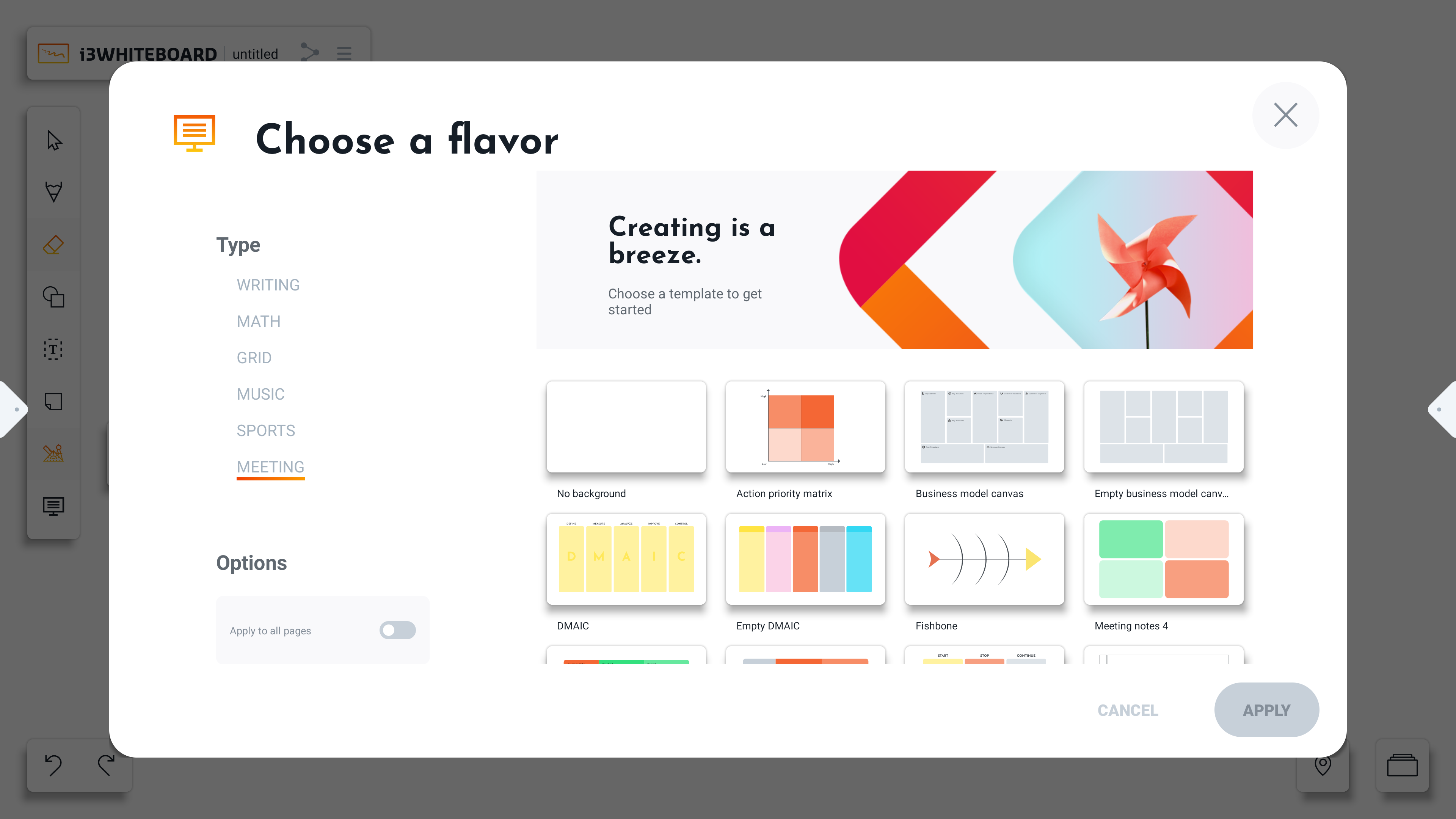
The backgrounds option will open the “Choose a flavor” dialog.
-
Choose a background or template. You can filter options on the left side (under Type)
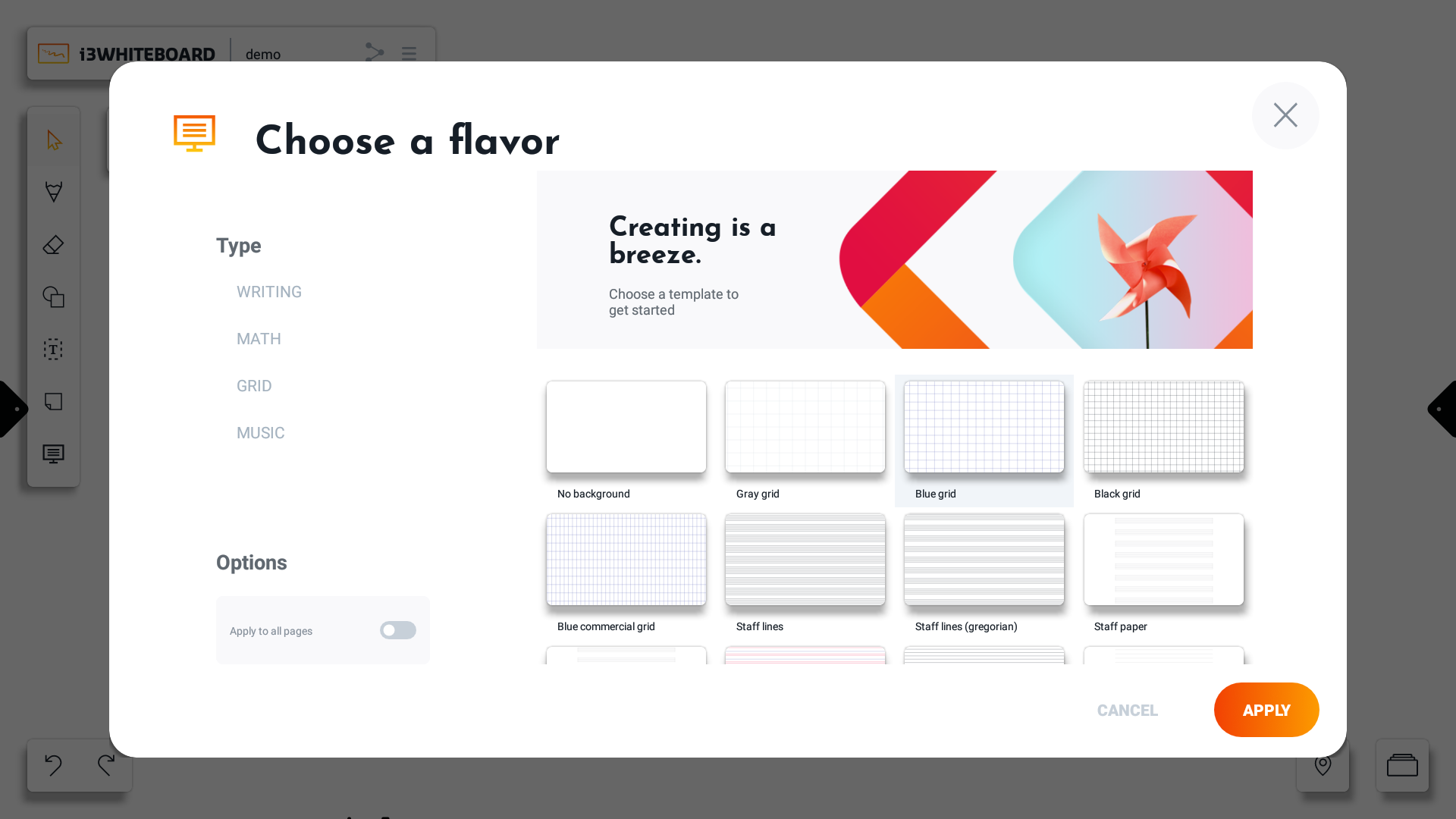
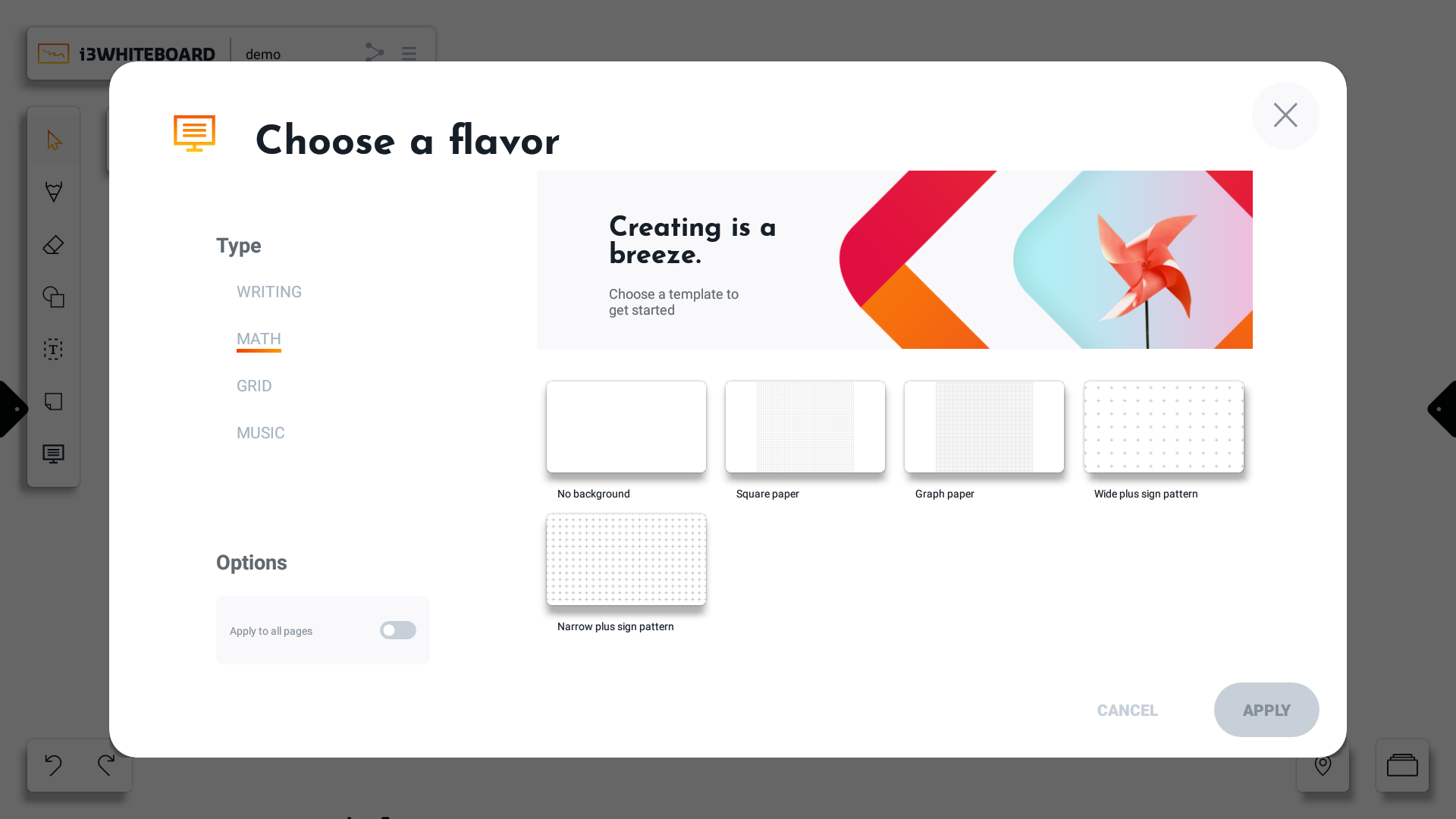
-
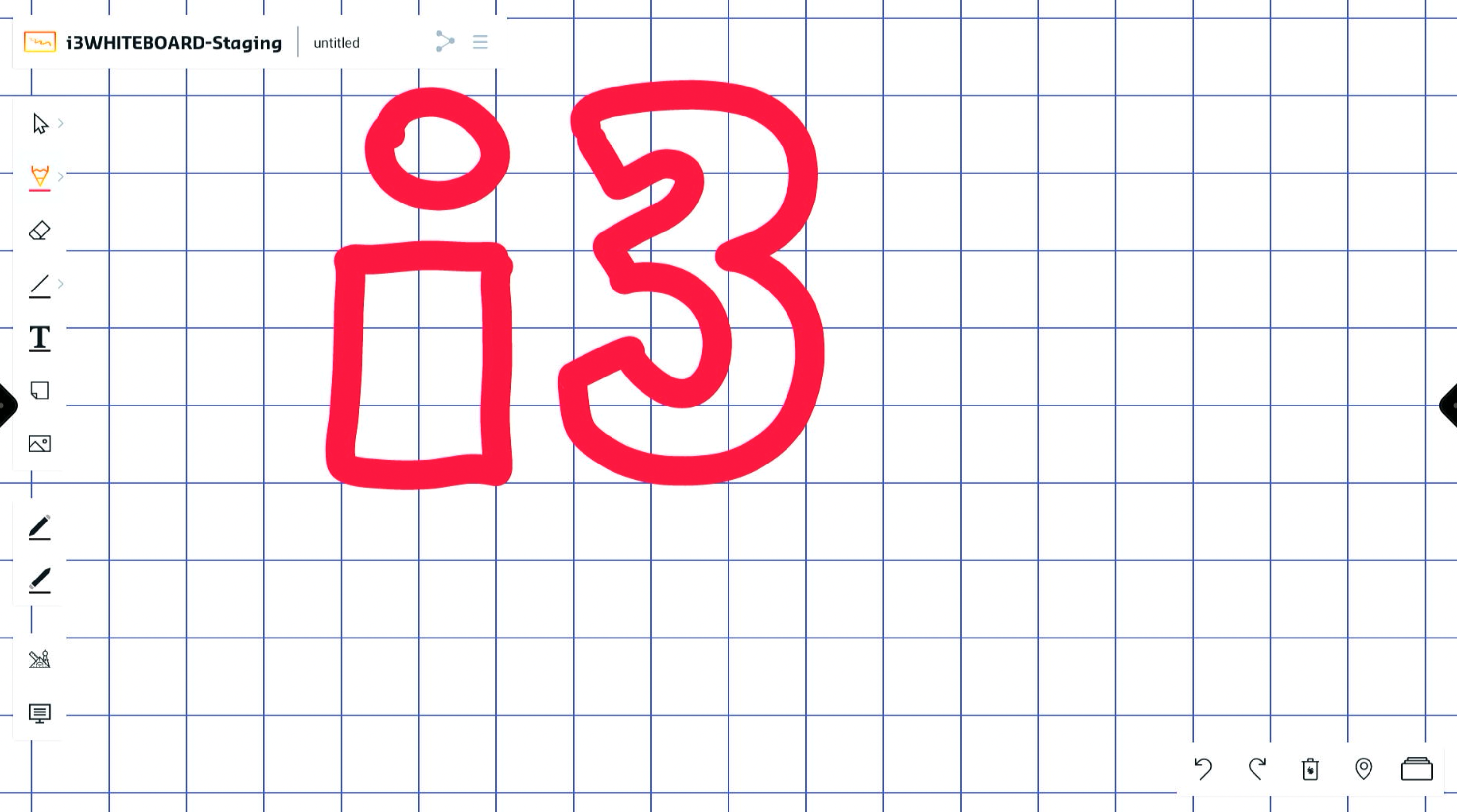
Press “APPLY” to apply the background to the canvas. The “Apply to all pages” option will apply the background to all existing boards.
Backgrounds for Meetings
Backgrounds for Sports