
The app can be found at the bottom of the page
-
Put the .APK file on an USB flash drive and insert the USB flash drive into the ES display.
-
Open the file app on the ES and navigate to your USB drive and double tap on the .APK file you want to install.
-
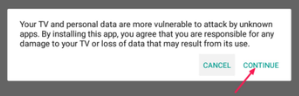
Read the warning and press “Continue”
-
Press “Install”
-
When the app is installed push “Open”