
📘 Instructions
-
Connect your PC to the ES display with a HDMI and USB Touch cable
-
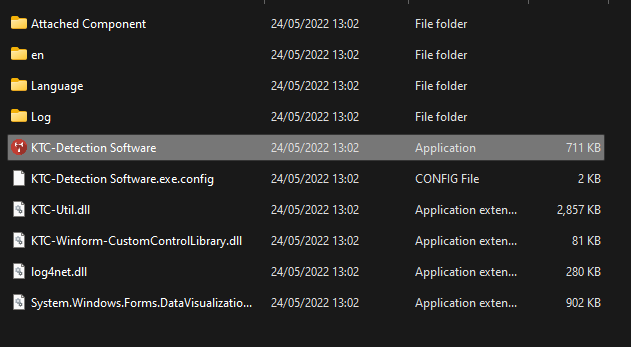
Once connected open the program “KTC Detection Tool”
-
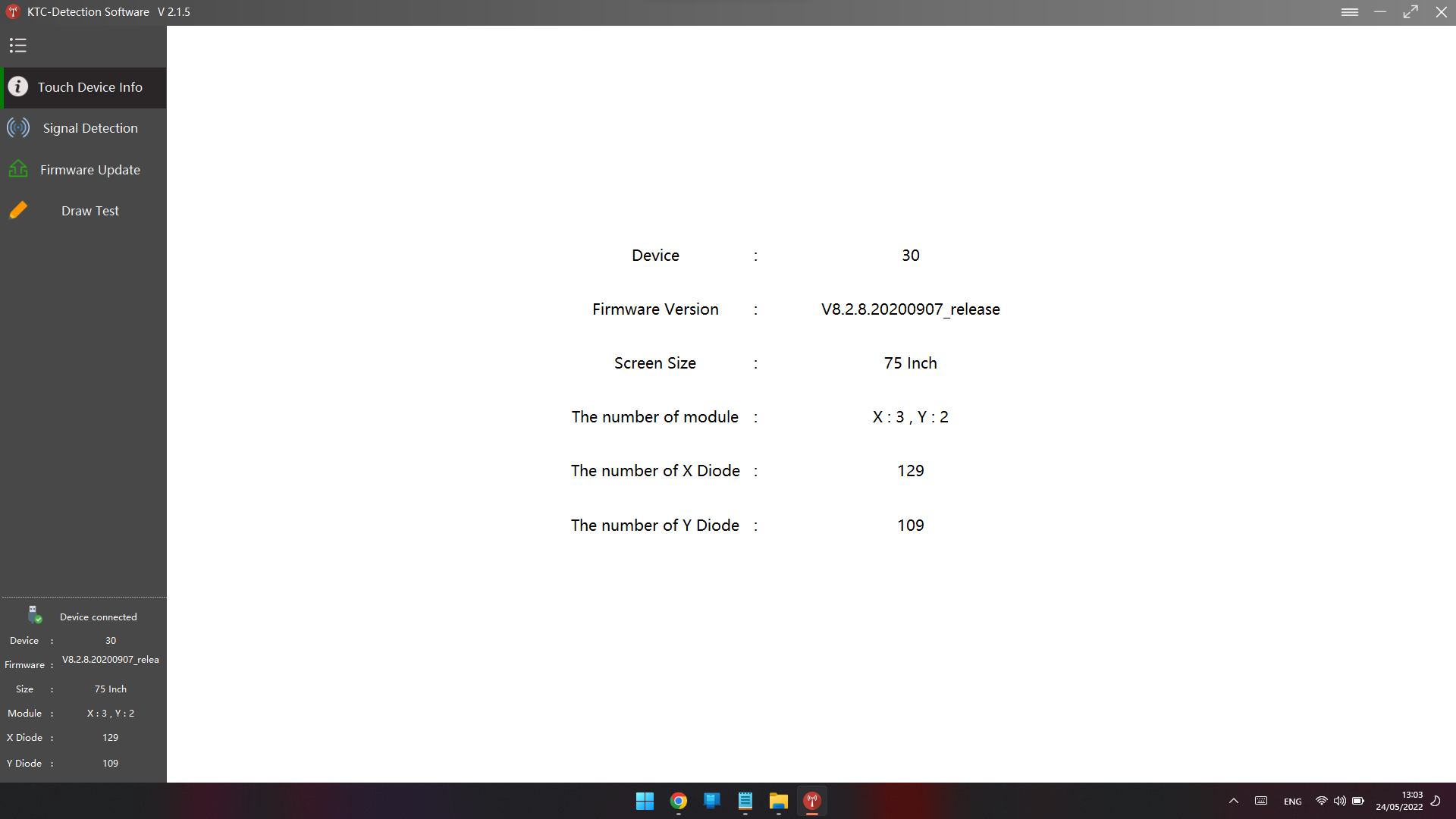
Run “Touch device info”
-
Run “Signal Detection”
Here you can have 2 different results
PASS of NG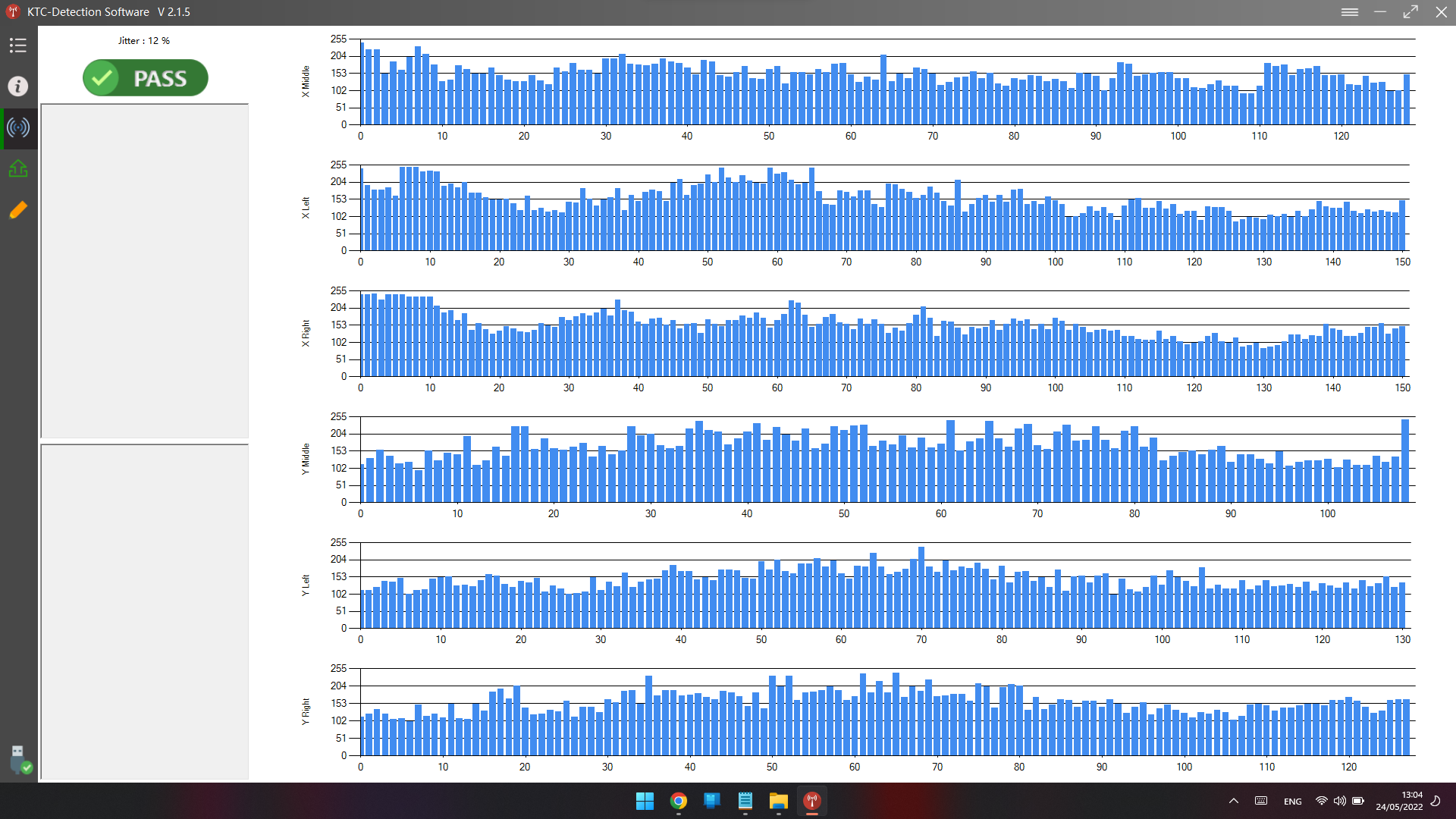
-
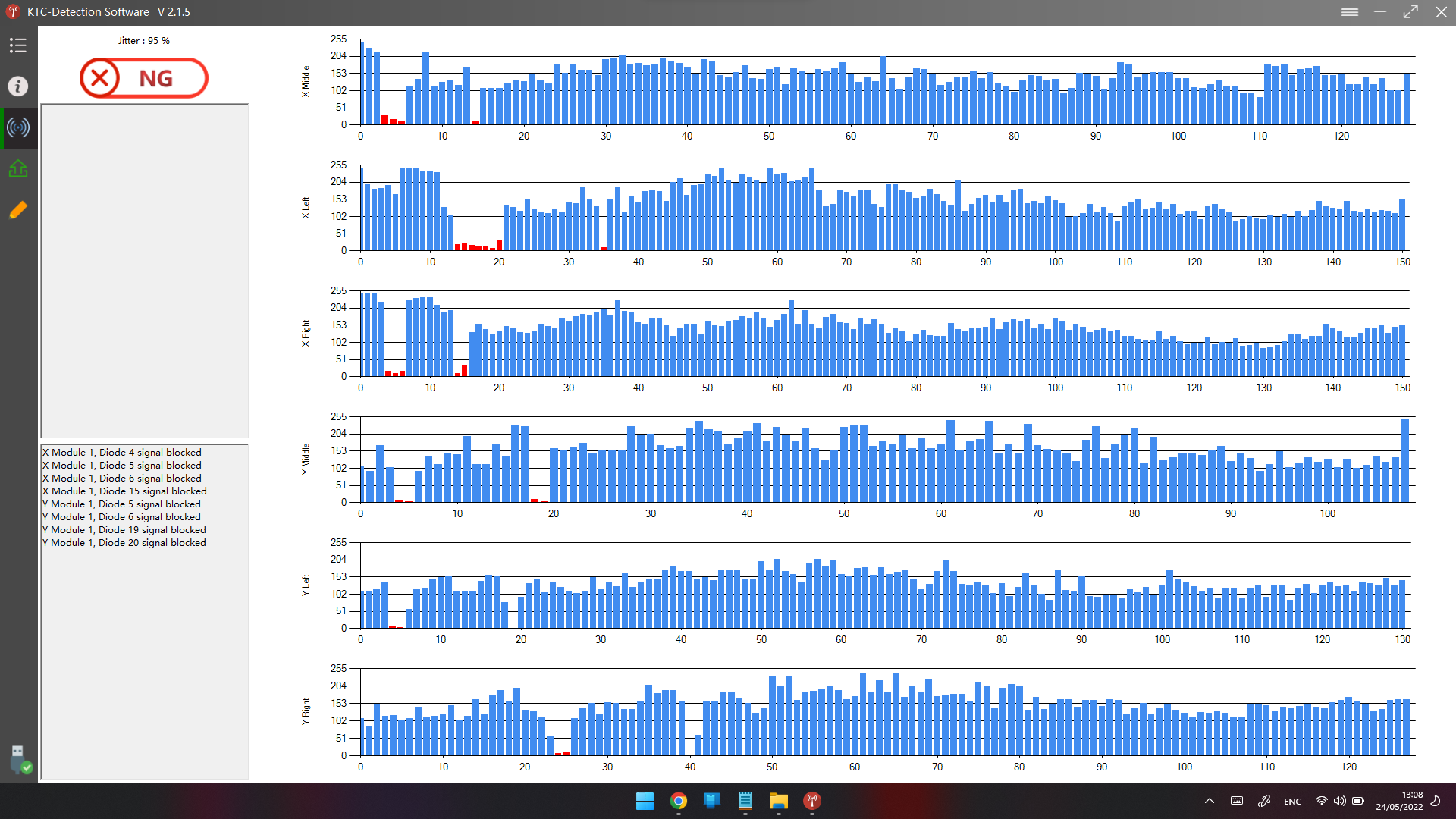
Please take a picture or a video of "Touch device info" and "Signal Detection" and send it to us.
!!! Please do not touch the display during this test !!!
You can download the KTC Detection Tool from this website KTC