
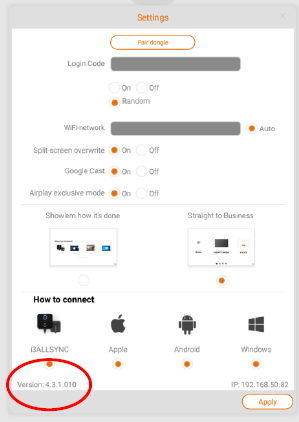
For the below procedure you need to have at least i3ALLSYNC RX v4.3.1.010. Find the version iside the app. Click on the cogwheel and find the version in the left bottom corner.
🤔 Problem
I am having performing issues when using the i3allsync app.
🌱 Solution
Find out the results in the factory menu.
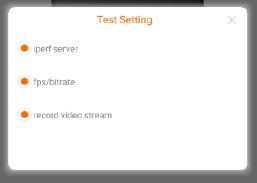
Open the factory menu by tapping the version number 3 times.
-
Iperf server: test network speed/bandwith.
-
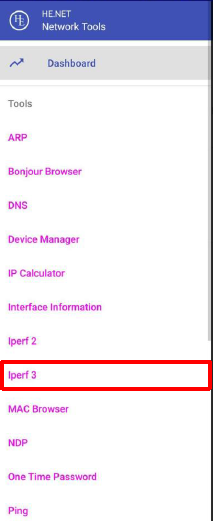
Install Network Tools on your Android device and connect to the same network as the Receiver.
https://play.google.com/store/apps/details?id=net.he.networktools -
Select iperf3 in the list.
-
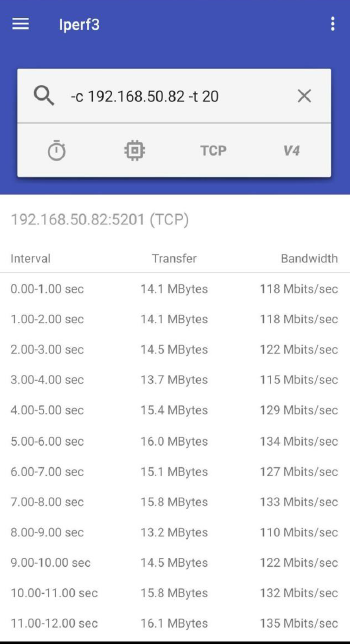
Input “-c (RX IP) -t (return times)”
example: -c 192.168.50.82 -t 100
RX will return result 100 times -
click on the magnifier to start the test.
-
-
fps/bitrate: show FPS and BPS on top left corner of RX screen when mirroring.
-
Record video stream: recording video stream from TX.
-
User must allow the permission of Storage for i3ALLSYNC RX to be able to record video file.
[Settings]>[Apps & notifications]>[Appinfo]>[i3ALLSYNC]>[Permission]>[Storage] -
When TX starts mirroring, RX will start recording. Video recording will stop once TX stops mirroring.
-
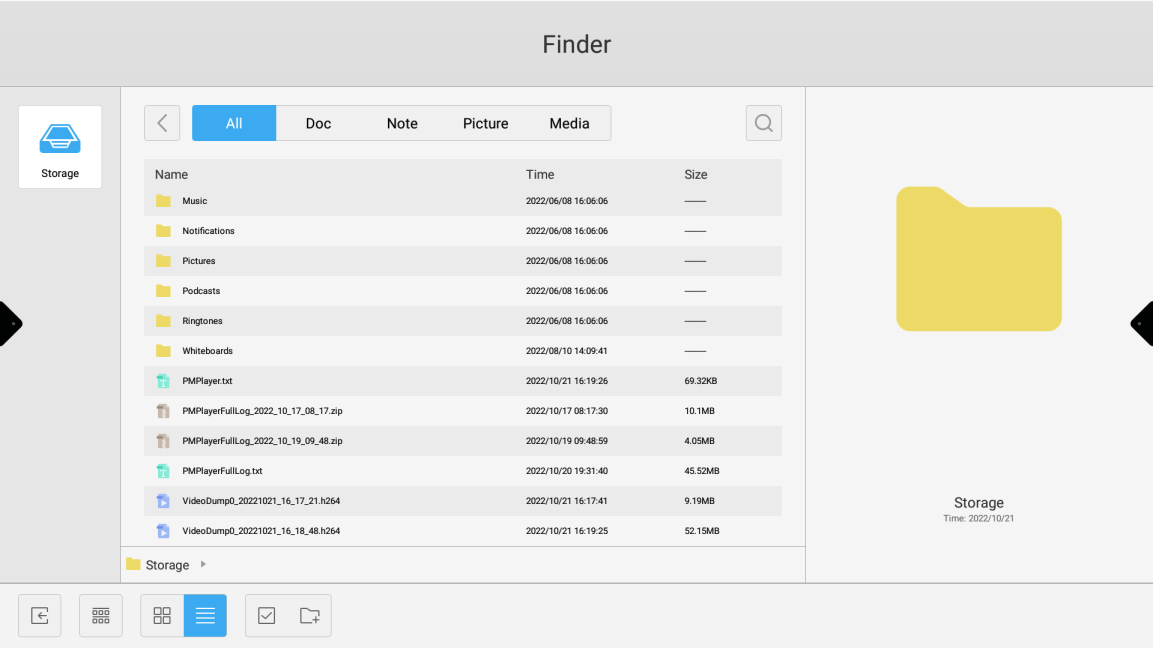
User can retrieve the video file from ‘File Manager’, the file is called VideoDumpX_yyyymmdd_hh_mm_ss.h264, insert a USB storage and copy the video file to the USB storage and send it to the customer service.
-