Only use for PN 10010581 - i3ALLSYNC TOUCH USB-C TX46 Transmitter 4.1
Make sure to connect the ALLSYNC transmitter to your computer before you continue the process below.
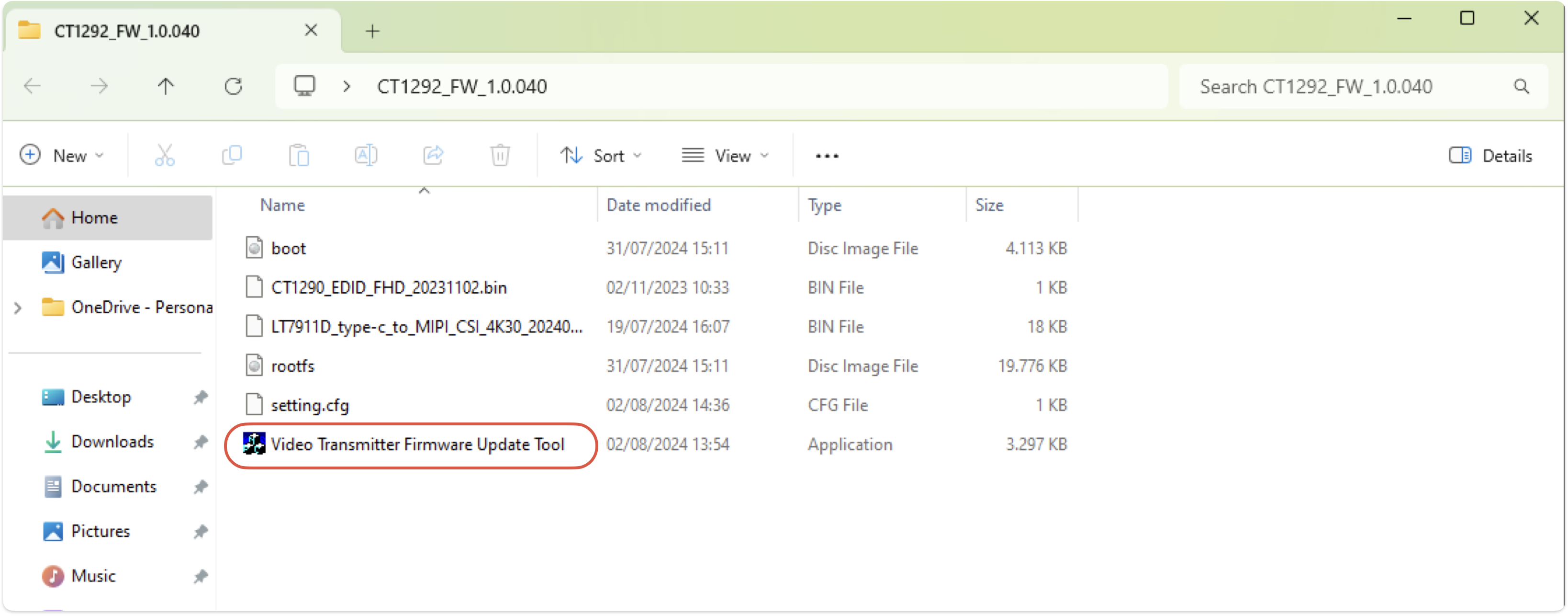
1. Unzip the file and open “Video Transmitter Firmware Update Tool“ (choose the most recent version)
Make sure to select the correct firmware file depending on the serial number from your device. The firmware files are not interchangeable!
|
v1.0.040 (August 2024) |
v1.0.041 (August 2025) |
v2.0.006 (September 2025) |
|---|---|---|
|
serial number range until I3SYTX46C58### |
serial number range from I3SYTX46C59### |
|
|
|
not available |
|
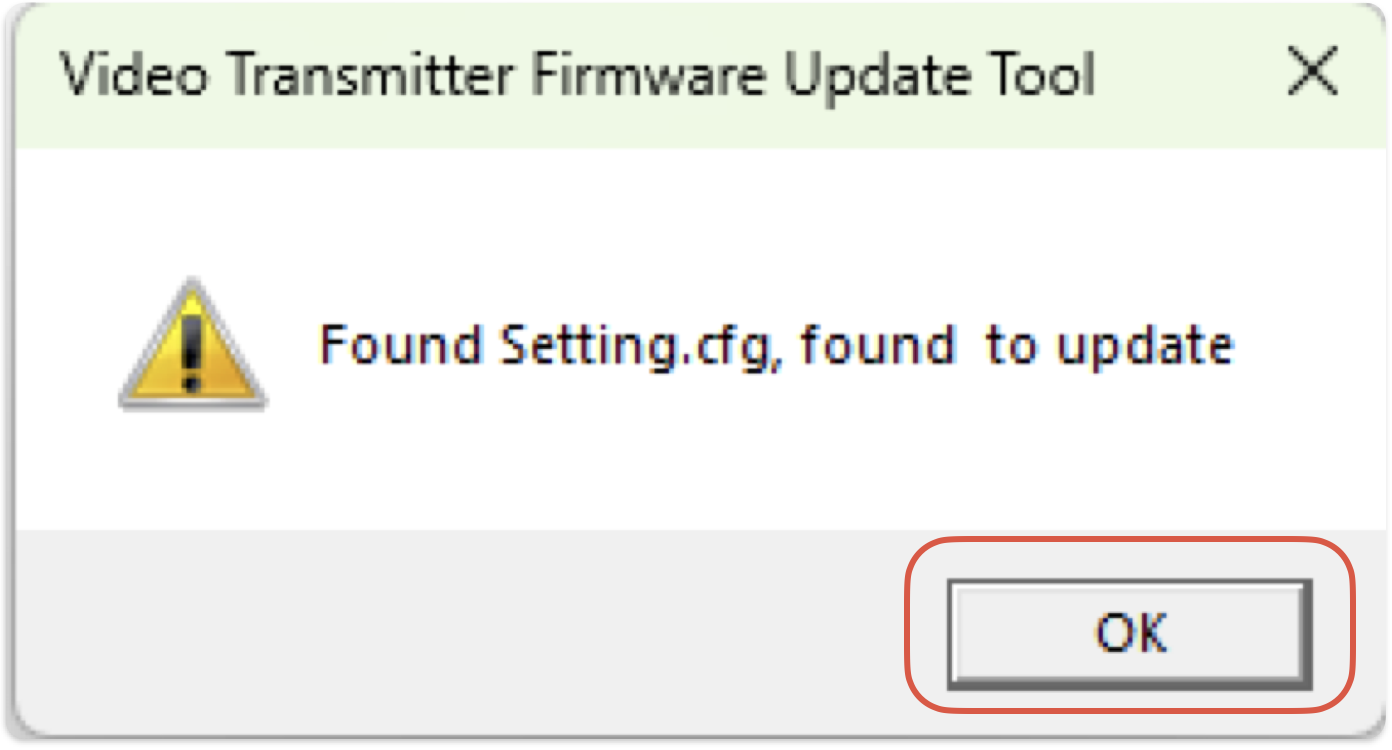
2. Select “Ok” in the dialog pop-up menu
3. Select “Connect” to make a connection with the transmitter
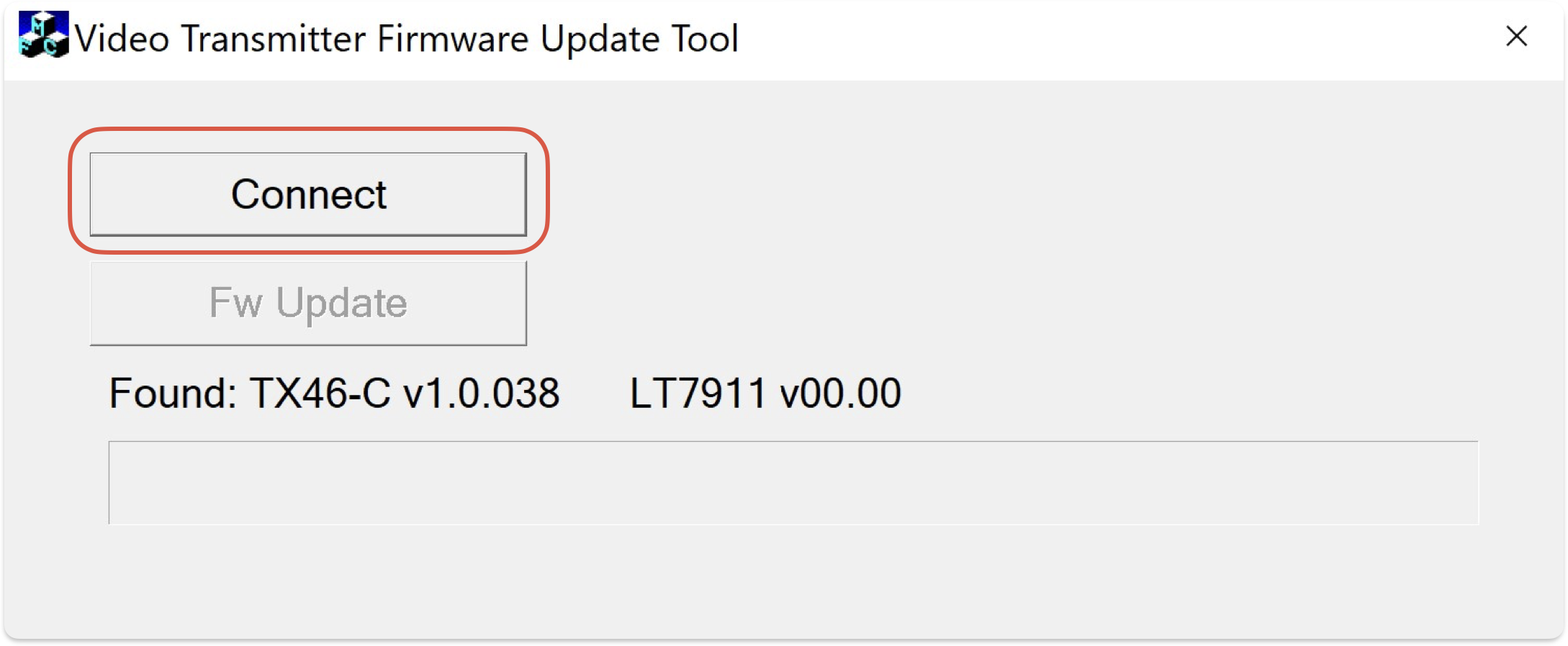
4. Select “Fw Update” to start the firmware update process
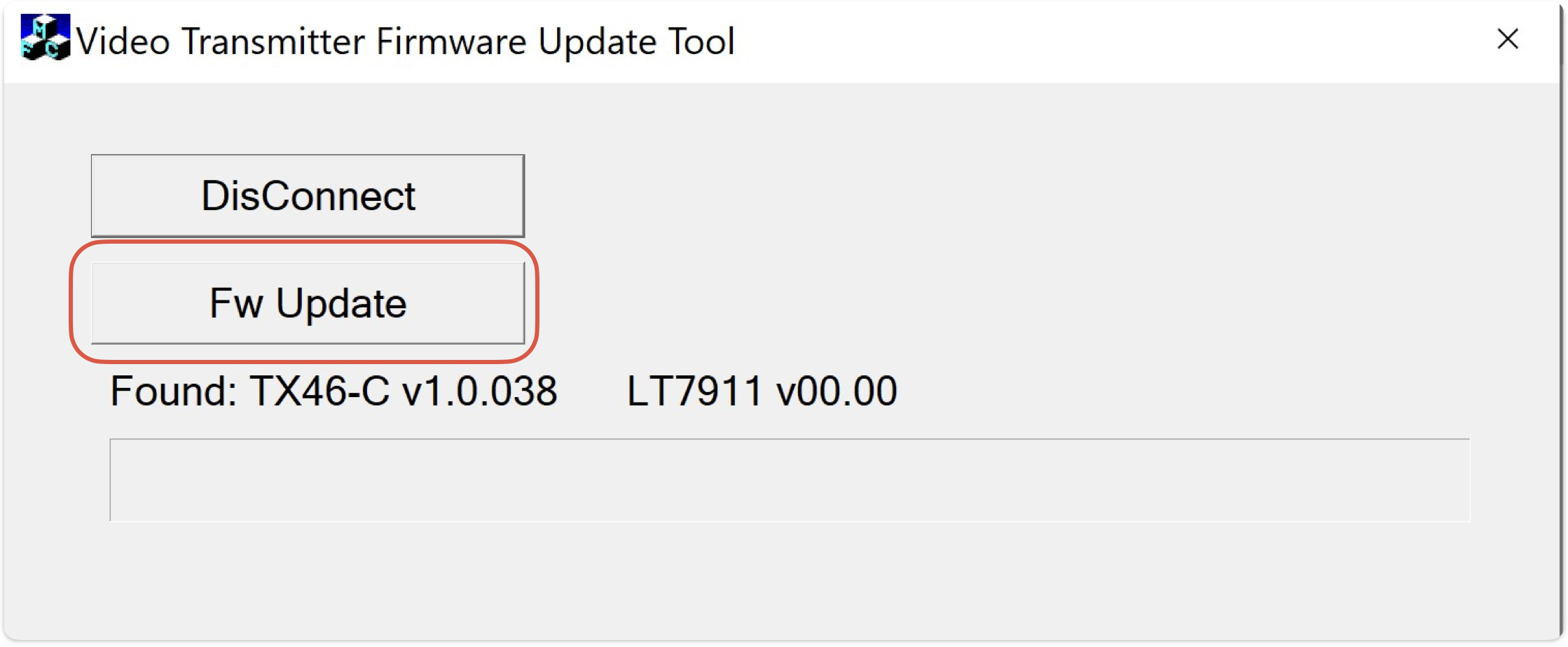
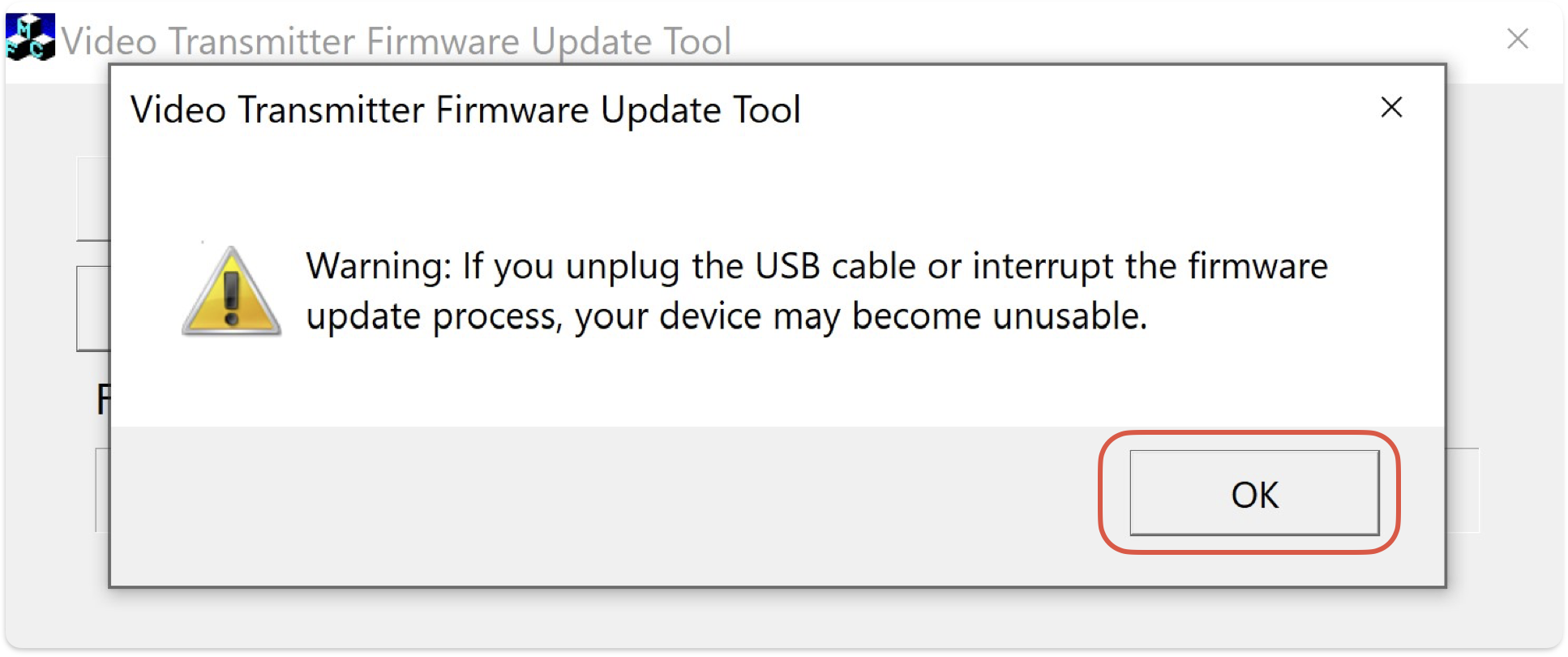
5. Press “OK” after carefully reading the dialog pop-up menu
!! DO NOT disconnect the power source or remove the transmitter until the firmware update is finished !!
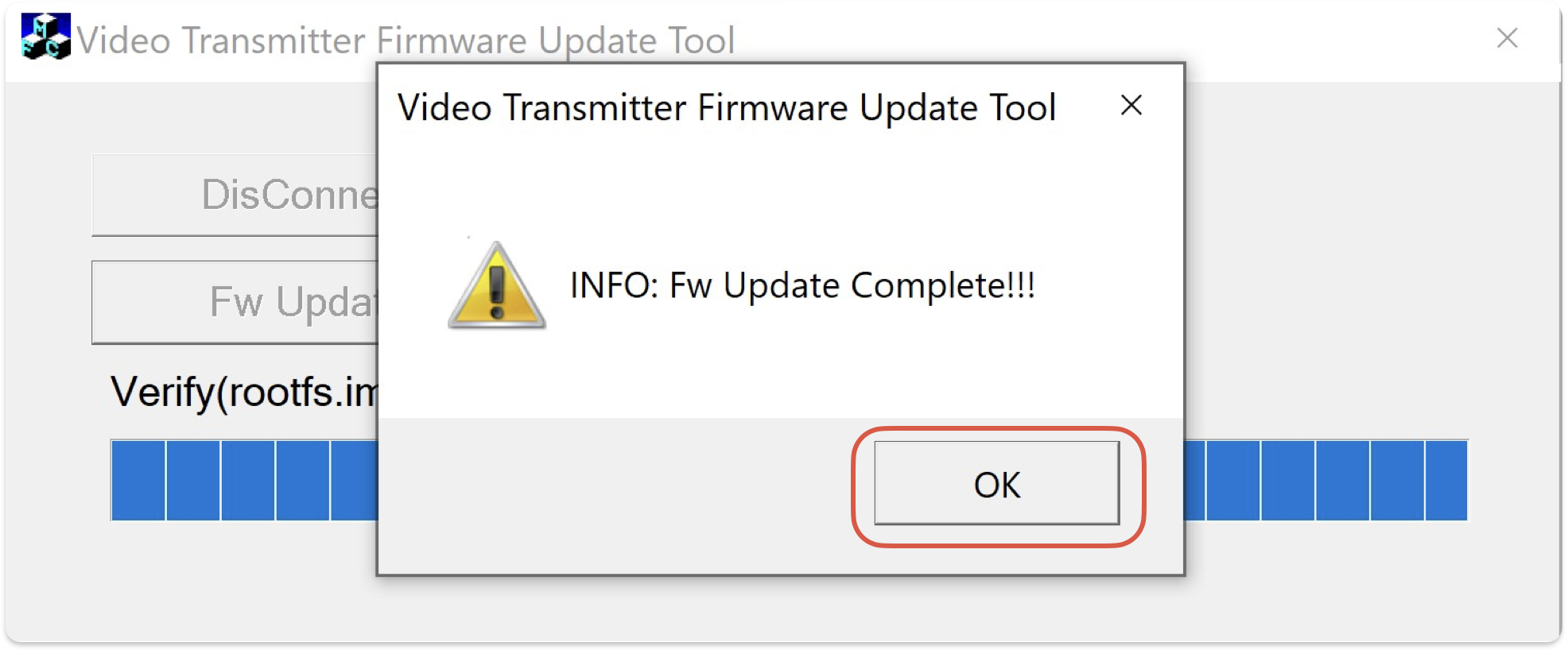
6. Press “OK” after the firmware is installed on the transmitter dongle