
Instructions: Quick Menu
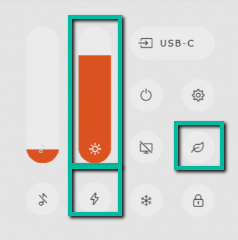
The brightness and the energy mode can be adjusted in the quick menu. You can enter this by pressing the "Ok" button on the remote or by pressing the on button on the bezel shortly.
If you would like to change the picture mode to the "ECO mode" you can also press on the leaf icon in this menu or on the remote control.
Instructions: Settings Menu
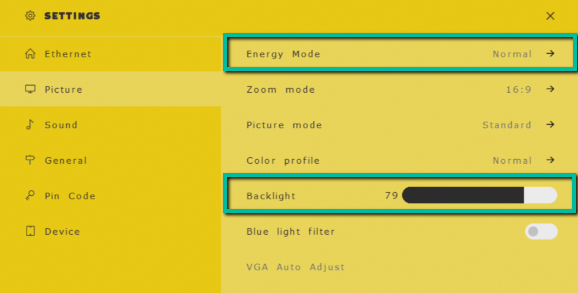
It is also possible to change the brightness and the energy mode in the settings menu. In the settings menu you will find the same modes as in the quick start menu, so it doesn't really matter where you adjust the brightness.
In the settings menu you do have several other screen options like the picture mode and the color profile, which you do not have in the quick start menu.
|
Updated by |
Mandy Kwarten |
|---|---|
|
Last updated |