
Instructions: Unboxing
Two people are needed to do the unboxing and the consecutive installation of the display. Make sure to get your wall-mount or stand ready first before you unbox the display.
-
Remove the plastic clips on the 75” or the 86” boxes. The 65” does not have these clips.
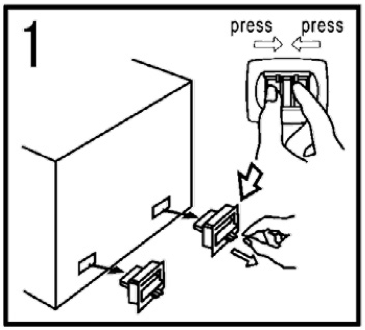
-
Remove the straps. Lift up the cover and clear protective materials.
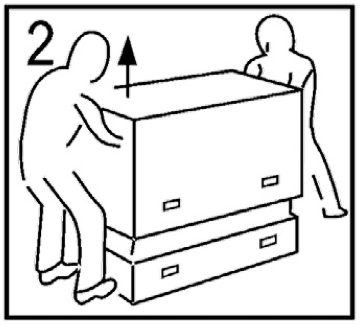
-
Install any hardware needed to hang the display (refer to the manual of the accessory)
-
Keep the packaging for future use.
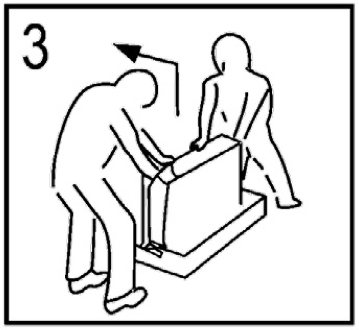
Handling
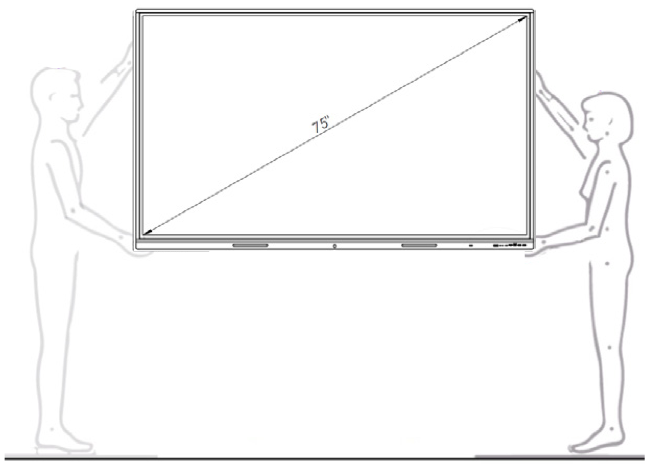
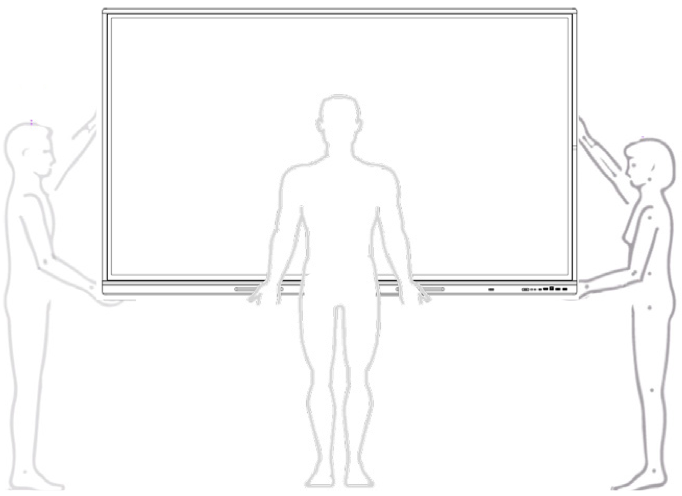
The display is big and heavy. The 65” and 75” should be handled by two people. To handle the 86” version of the display, 3 people are recommended.
55”/ 65”/ 75” Displays
Handle the 55”, 65” and 75” displays with 2 or more people.
86” Displays and larger
Handle with 3 or more people.
What else is in the box?
Accessory box
-
Power cable, length 3m.
-
One end is a standardised IEC C13 (female plug) that inserts into the display.
-
The other end is a localised socket plug. If you need a longer cable or a
-
different socket plug, these can be sourced locally.
-
Remote control unit
-
Set of batteries for remote control unit.
-
Quick Start Guide
-
1x USB type C cable, 3m
-
1x HDMI cable, 3m
-
1x Touch cable, 3m
Set of display markers
Two markers that are optimised for ease of use on the touch surface of the display. Settings of colour and width can be made through the i3CONNECT Studio operating system.