
AllSync lets you wirelessly share content from Windows, Mac, iOS, and Android devices to your i3CONNECT display. This article outlines the main features of AllSync, helping you understand what’s possible with wireless sharing on i3CONNECT. By the end of this article, you’ll know the key features available in AllSync and which devices and sharing methods are supported.
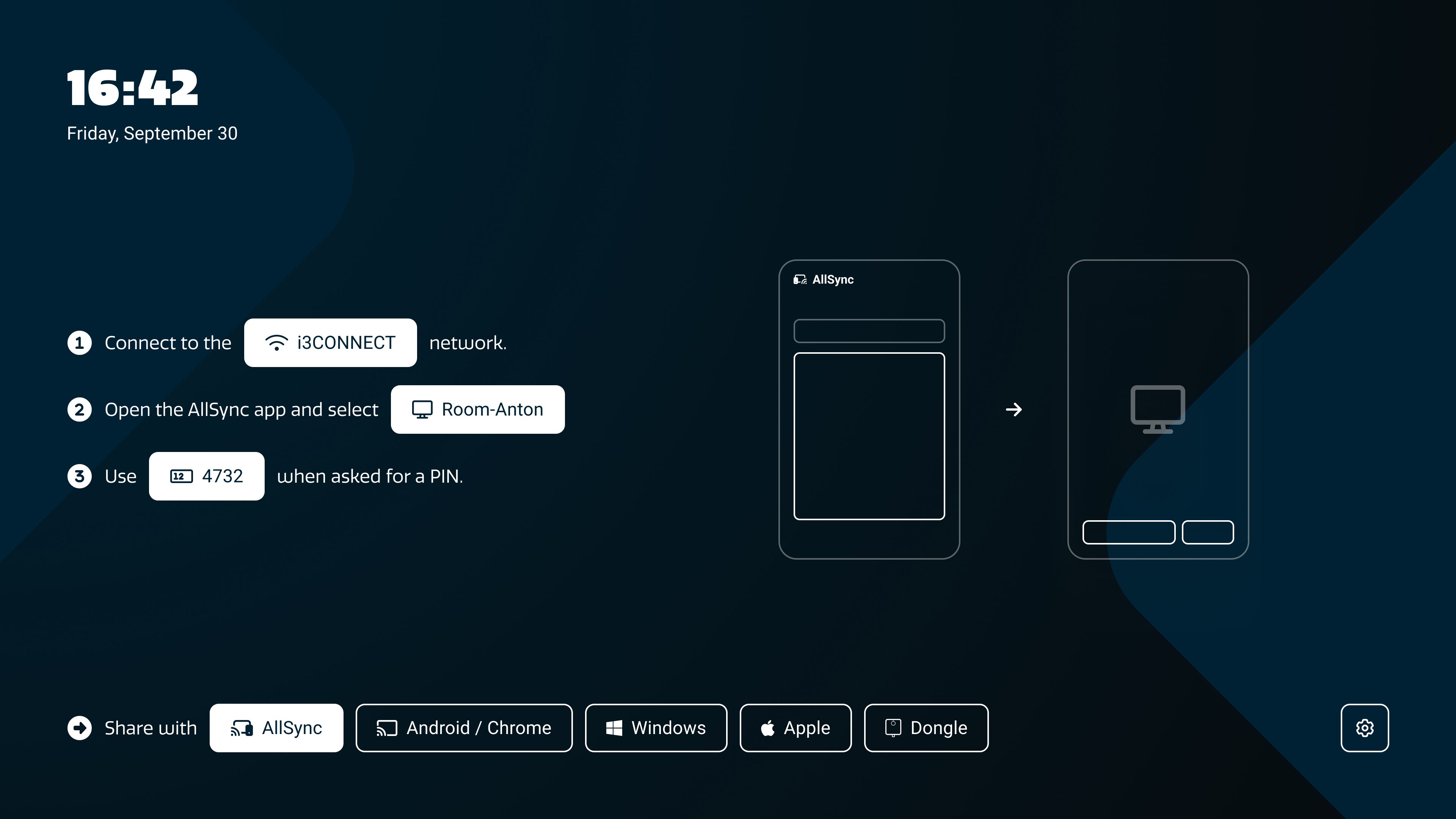
To download and install the app, follow the instructions in this article:
Key features
-
Connect from any device: Share your screen from Windows, Mac, iOS, or Android devices.
-
Flexible content sharing: Mirror your desktop, apps, documents, images, and videos.
-
Smooth streaming: Stream up to 1080p at 30fps with synchronized audio.
-
Real-time updates: See changes instantly on your display.
-
Touchback control: Control your device directly from the display with multi-touch support.
-
Multi-device sharing: Share from multiple iPads and iPhones at the same time.
-
Split-screen mode: Mirror up to 6 devices simultaneously for side-by-side collaboration.
-
Google Cast support: Share easily from Android devices, Chrome browser, or Microsoft Edge.
-
Picture-in-picture: Keep your AllSync session visible while working in other apps.
-
Multi-language interface: Available in French, Dutch, Spanish, German, and English.
-
Quick start ribbon: On-screen login info makes it easy to start sharing anytime.
Troubleshooting
If you experience issues connecting or sharing, or if a feature isn’t working as expected, visit our troubleshooting articles or contact support for help.