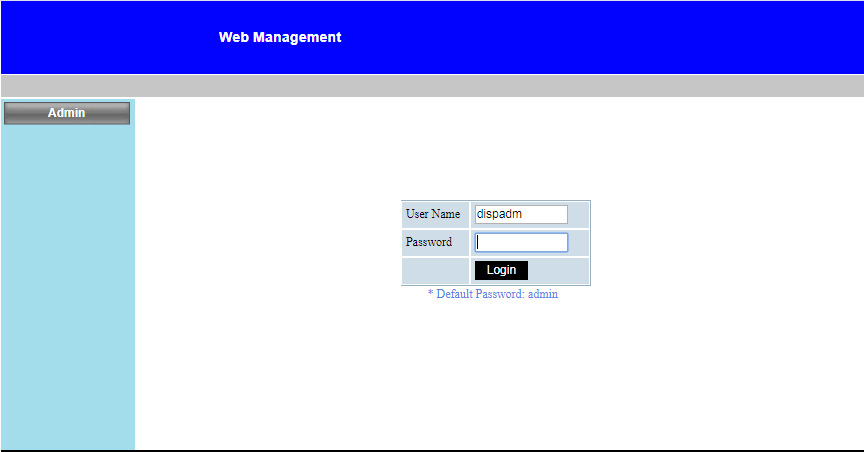
Open IE browser and type in the IP address 192.168.0.100 in the URL then press “Enter” key and key in password to enter Web Management page. Before using network functions, you must set password by web browser.
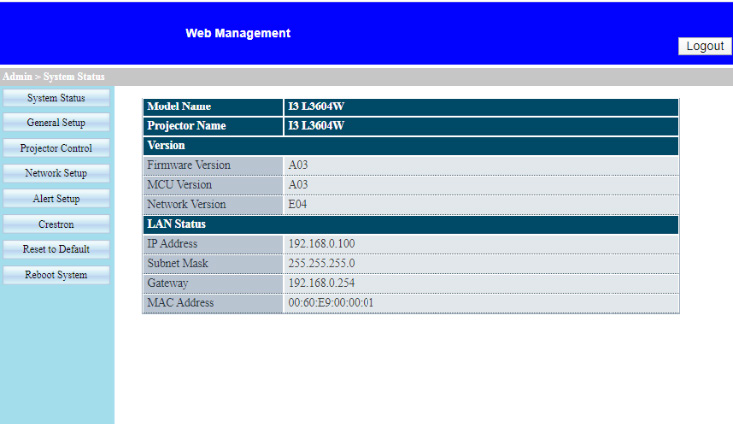
System Status
User can retrieve the System Status in this page
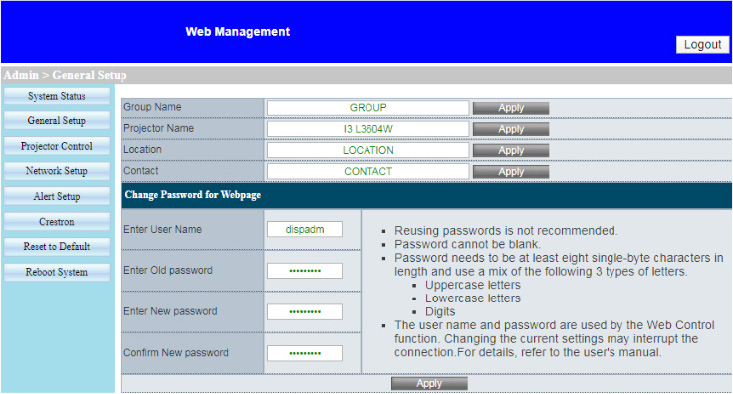
General Setup
User can configure general parameters in this page.
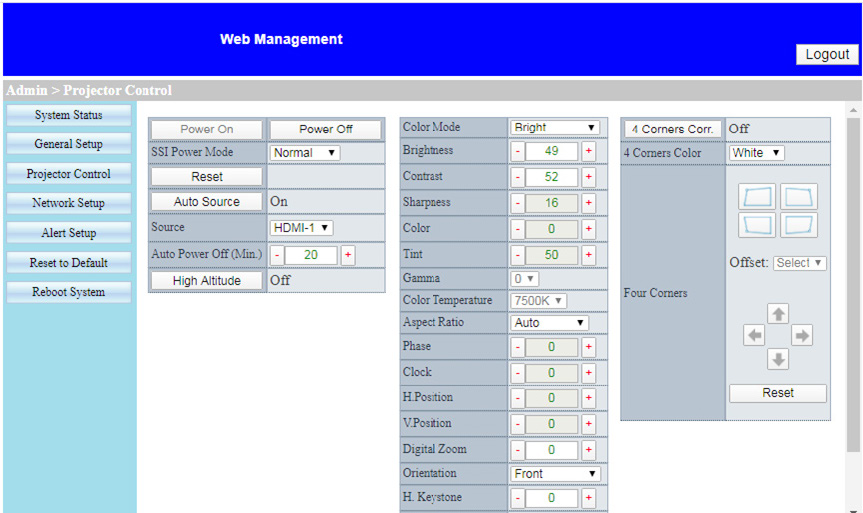
Projector Control
User can configure the projector parameters and control the projector in this page.
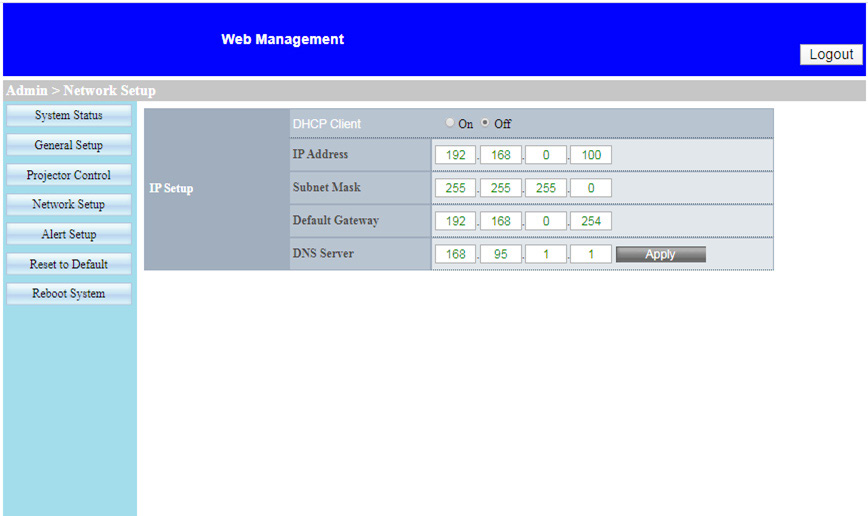
Network Setup
User can configure LAN parameters in this page.
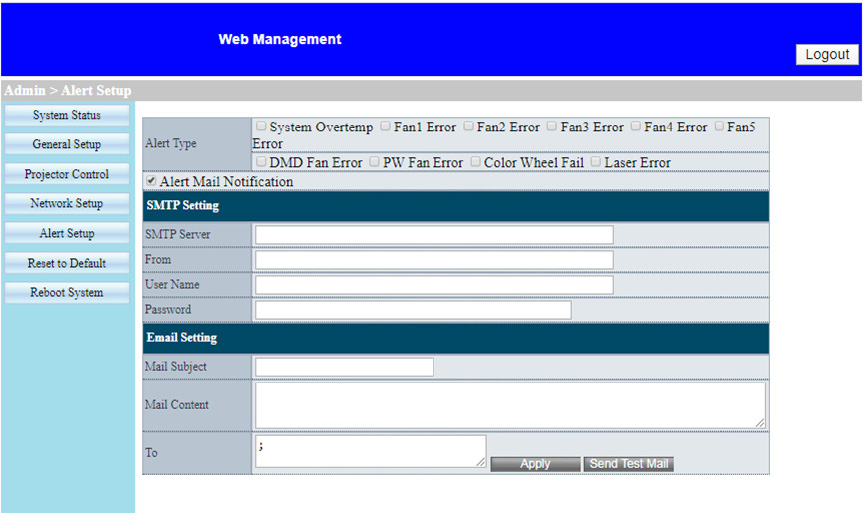
Alert Setup
User can assign the email address and categorize alert notice.
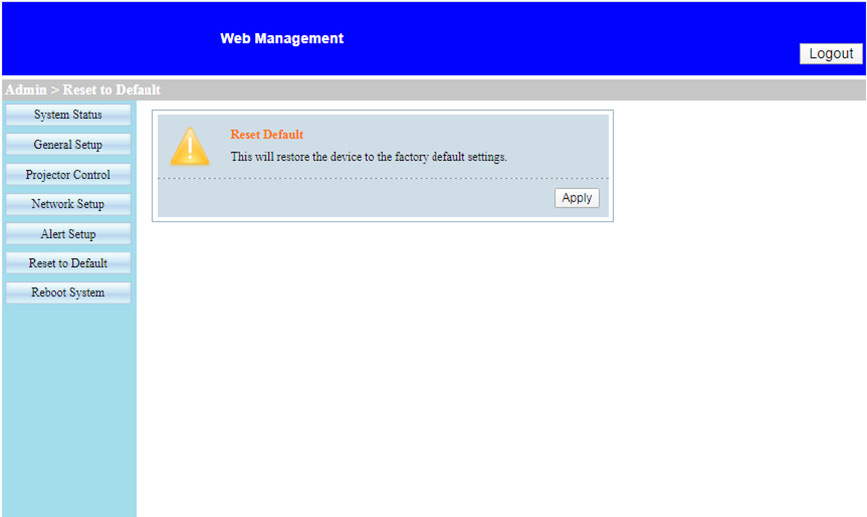
Reset to Default
User can use this function to set the LAN module parameters to default values.
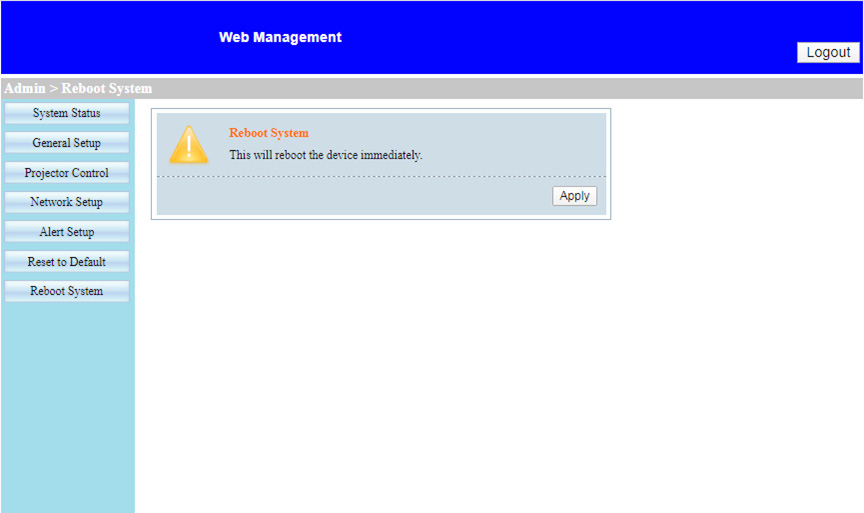
Reboot System
User can use this function to re-boot the LAN module.