Instructions: when the whiteboard starts up
-
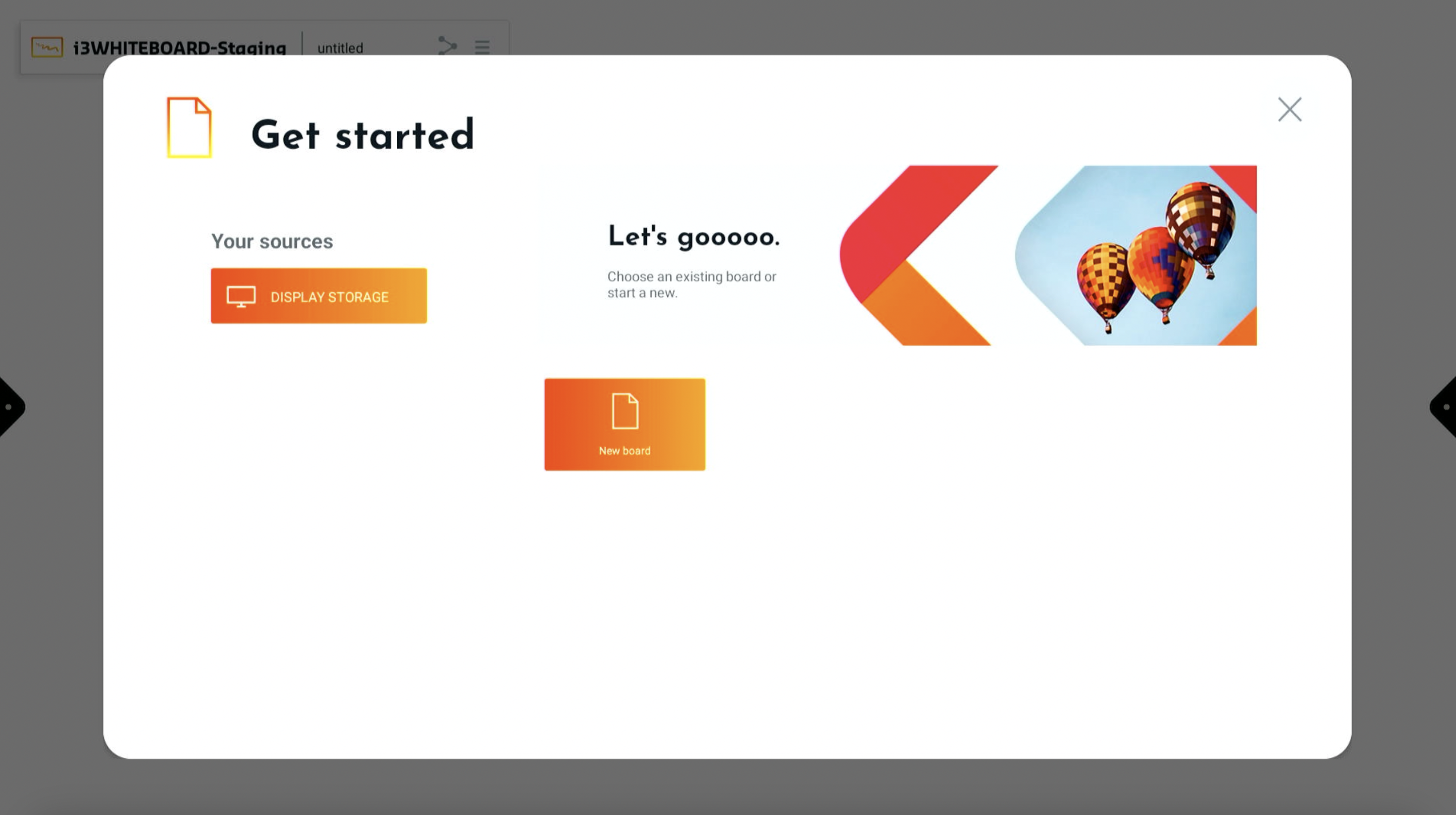
When the whiteboard starts up you will be presented with the “Get started” window.
-
In this window press on New board - this will create a new i3WHITEBOARD file.
Instructions: if you are already in a whiteboard file
-
Select the hamburger icon to open the main menu: Main menu of the whiteboard
-
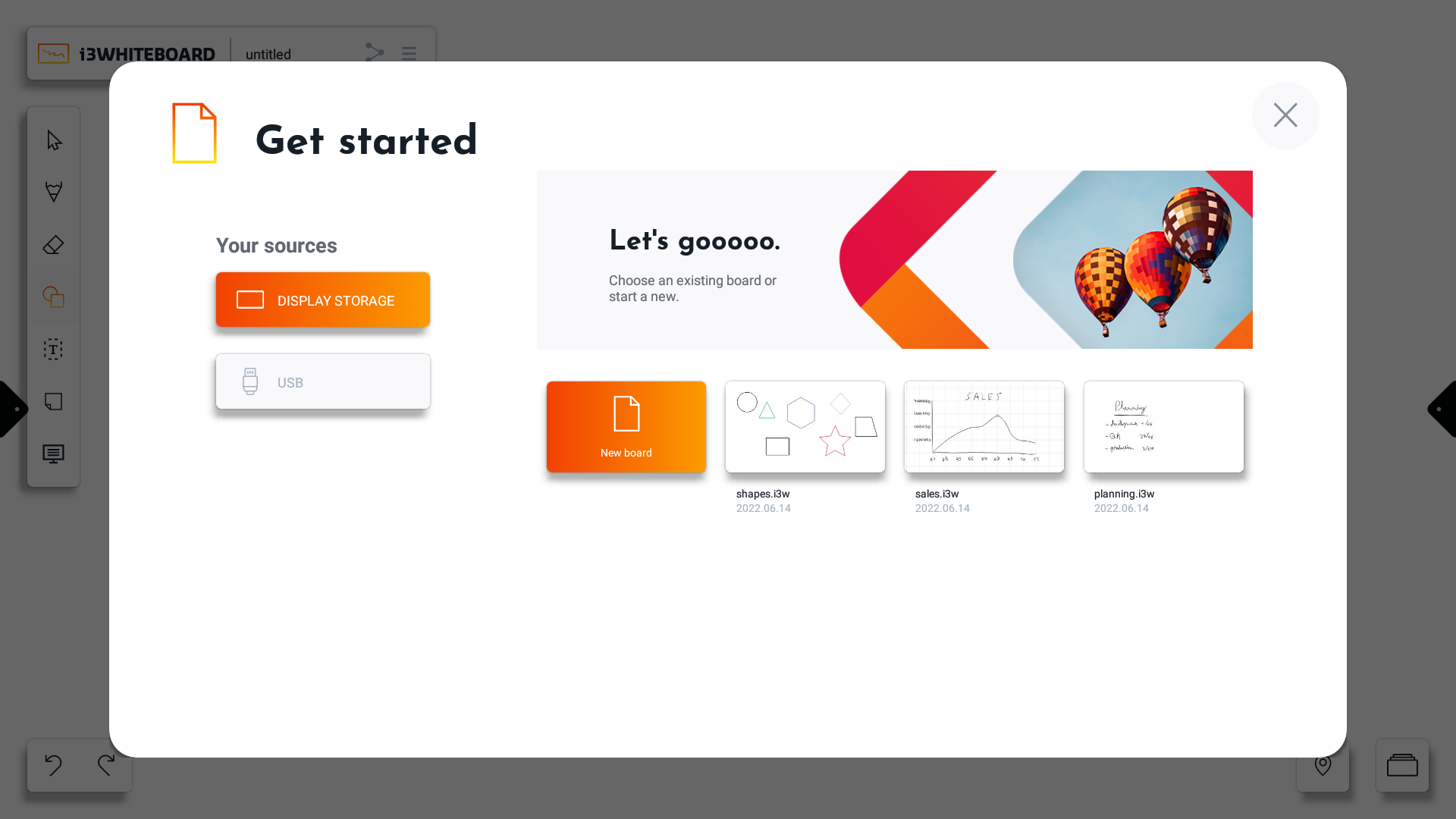
In this window press on New board - this will create a new i3WHITEBOARD file.